

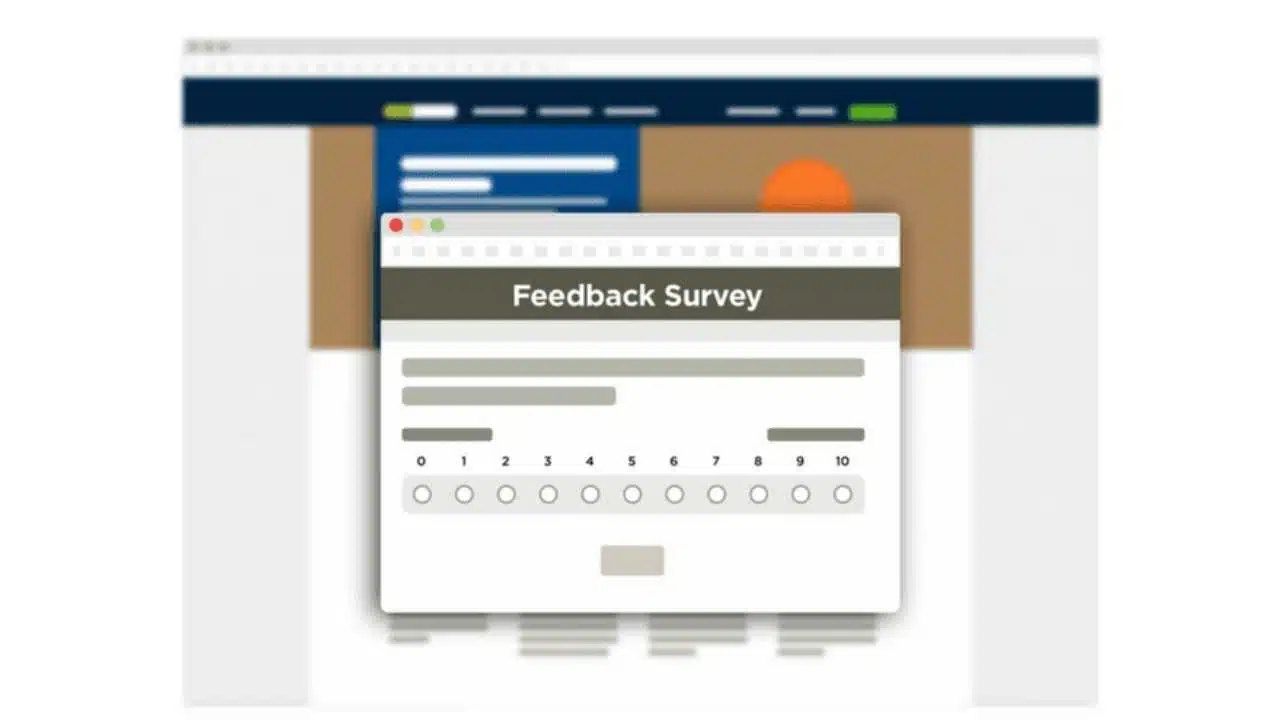
Surveys are a useful tool for gathering large amounts of data, whether for customers, employees, teachers, and students, or communities.
There are many benefits of using surveys, including cost-effectiveness, streamline fast data collection, being customizable, easy to use, and gathering more accurate data.
Choosing the Best Survey Software
There are numerous survey sites available, but you want to ensure you choose a platform that allows for easy survey design and good management of survey data.
Most survey tools are equipped with templates and sample questions and make it easy for you to incorporate surveys into your emails or website. Some platforms also allow for customization with your survey design so you can add your branding.
Surveys provide you with data you can analyze to see areas of improvement within your organization. They help you gain a better understanding of your audience and gather feedback on your services/product/business, so you can make changes to meet the needs of your target audience.
While surveys allow you to gather data, you need to be able to easily analyze the data so it can be used to make improvements within your business or organization. With the right survey software, the process of collecting and managing data is seamless.
Most survey tools offer free and paid versions, which can offer more advanced survey design and reporting options.
Something else important to consider when choosing survey software, is whether that platform stores its data offshore or in Australia, as data security is crucial when distributing and collecting surveys. While many survey platforms, including SurveyMonkey and SurveyGizmo, store their data offshore, SurveyManager stores its data in Australia, so you can be sure that when using this platform you will be complying with Australian Data Privacy Principles.
Here are the top 10 survey sites for better survey management and creation:
1. SurveyManager-
For one application for survey creation, distribution and management, SurveyManager has everything you need to easily design, deploy and process data collection.
You can create fully interactive e-forms, with custom design options and ready-made survey templates to choose from.
SurveyManager is an integrated end-to-end application for managing your total data collection requirements. It is also hosted in Australia and complies with all Australian Data Privacy Principles, making it the best survey software for government departments.
2. SurveyMonkey
A popular online survey tool, SurveyMonkey is known for being easy to use. It allows users to create well-designed surveys with numerous types of survey questions.
Though keep in mind with this survey platform that customization options are limited and users need to choose the paid version to be able to export data.
A good platform for one-off surveys, though it may not be the best survey software if you’re looking to conduct numerous surveys. Data is hosted overseas so it may not be appropriate for surveys and e-forms for the public sector where data security is a priority.
3.Typeform
Offering creative survey creation, Typeform allows you to choose from a simple survey template or something customized with your branding.
The intuitive interface is user-friendly both for survey creation and survey participants. An easy-to-use survey can help increase response rates and minimize drop-off from respondents.
The free version of this survey software allows 10 questions and 100 responses a month, custom design themes, templates, data export, and basic reporting. This platform stores its data offshore.
4. SurveyGizmo
SurveyGizmo is a survey platform that allows you to easily create custom surveys, though it does store its data overseas.
With unlimited surveys and questions, users can choose from almost 100 different question types and customize them to suit their needs. This allows you to have greater flexibility with your surveys and ensure you can ask the right questions to get the data you need.
Basic reporting is available with the free version, while the paid version provides additional advanced features.
5. Zoho Survey
Zoho Survey allows users to create an unlimited number of surveys with 10 questions and 100 responses.
This survey software is not customizable or able to export data on the free plan, and its data is stored offshore, but the paid versions allow you to utilize more features such as advanced reporting options.
6. Survey Planet
With unlimited surveys, questions and respondents, Survey Planet may be a good option for businesses or organizations that perform numerous surveys throughout the year, though keep in mind it does not store its data in Australia.
With a free and paid plan option available, you can choose from a selection of survey themes. However, users need to choose the paid version to export data.
7.SoGoSurvey
An easy-to-use survey software, SoGoSurvey allows you to create multilingual surveys and choose from a wide variety of design templates.
With customization and comprehensive reporting, this is an end-to-end survey design, distribution, and analysis platform. It offers unlimited surveys and questions, the ability to embed surveys into emails and web pages, and data export functionality, with the paid version including additional features. As with numerous other survey platforms, SoGoSurvey stores its data offshore.
8. SurveyLegend
Create visually appealing, easy-to-use surveys with SurveyLegend. This survey software allows for optimization for mobile devices, which is important for enabling you to reach your audience on any device.
SurveyLegend hosts its data overseas, and the free version has limitations, only allowing three surveys per account, though with unlimited questions and responses. To export data, users must upgrade to the paid version.
9. Google Forms
Google Forms allows you to create unlimited surveys, with unlimited questions and responses, and custom design surveys to suit your needs.
One of the key benefits of Google Forms is that it offers complete functionality without the need to upgrade to a paid version. Survey data is hosted offshore but can be exported to Google Sheets.
10. CrowdSignal
With an easy-to-use interface, CrowdSignal allows users to conduct surveys in two ways, either embedding surveys on your website or sending them out via email. Unlike SurveyManager, it hosts its data overseas.
Once data is collected you can create filters to analyze the data and share it in reports, with results able to be reviewed in real-time.
There is no limit on the number of surveys, polls, and ratings you can use, and there is a range of question types available. The paid options of this survey software allow you to customize your surveys and export data.
When trying to choose the best survey software, think about what features you need to securely collect your data to help you choose the right platform for your survey needs.
Apart from this, you can also read Entertainment, Tech, and Health related articles here: Kissassian, 333 Angel Number, Holiday Season, Samsung Galaxy Z Flip 3 review, PUBG Launch Date in India, Covaxin vs Covishield, Sears Credit Card, GoDaddy Email, Free Fire Redeem Code, Mangago, Project Free TV, Jio Rockers, Best Record Players, August 27 Zodiac, August 26 Zodiac, Best Hindi Movies on Amazon Prime, New iPhone 13, Vivo Y53s Review, Eye Shapes, M4uHD, Fever Dream, Moon water, Oppo Reno 6 Pro Review, iPhone Headphones, Best gaming desks, Spanish Movies, Hip dips, M4ufree, NBAstreams XYZ, CCleaner Browser review, Avocado Calories, Bear Grylls net worth, Rihanna net worth 2021, Highest Paid CEO, The 100 season 8, Sundar Pichai net worth, Grimes net worth, F95Zone, Microsoft Office Suite, How to Share Netflix Account, how to change Twitch name, Sherlock Season 5, Homeland Season 9, Salvation season 3.
























