Most gaming servers don’t die from a lack of members. They die from mess: spam bots flooding #general, raid night chaos across three time zones, and five overlapping bots nobody remembers adding. The right discord bots for gaming communities fix most of that, and a solid setup can cost you $0 a month.
Here’s the honest list.
It’s built from what server admins keep recommending after months of daily use, with features and prices checked in October 2026. Some big names make it. One of them gets a warning label.
Turn On Discord’s Free Tools Before Adding Any Bot
Most beginners make the mistake of adding a bot for jobs Discord already does for free. Before you invite any Discord bots for gaming communities, open Server Settings and switch on these three:
- AutoMod: blocks banned words, spam, and mention floods with no bot at all.
- Events: the built-in scheduler handles a simple Friday game night just fine.
- Onboarding: asks new members which games they play and hands out matching roles.
That covers a 50 person friend group. Bots earn their spot once you hit real scale, real raids, or real trouble.
The 10 Best Discord Bots for Gaming Communities
This ranking of Discord bots for gaming communities weighs three things: what the free tier really gives you, how the bot holds up after six months, and whether the paid plan earns its price. Prices shift often, so treat every number as “at the time of writing” and check the bot’s premium page before you pay.
1. Carl-bot: Add This One First
If you only add one of the Discord bots for gaming communities on this list, make it Carl-bot. Reaction roles (click a game icon, get the Valorant role), automod, detailed logs, custom commands, and welcome messages all live on the free tier.
The truth is, most admins never pay for it. Premium runs about $7.99 a month and mostly raises limits. The common gripe after six months? The tag list gets messy once you’ve stacked 40 custom commands, so name them clearly from day one.
2. Wick: Security You Hope You Never Need
Wick sits in about 1 million servers for one reason. It stops nukes.
A nuke happens when a hacked or rogue admin account deletes channels and bans everyone in minutes. Wick watches mod actions and strips permissions from anyone who goes on a rampage, and that core protection costs nothing. Its join gate can also mute or kick brand new accounts with no avatar (the classic raid bot fingerprint).
Here’s the catch: setup takes longer than most bots, and a strict config annoys real new members. Start loose. Tighten later. Premium adds server backups and panic modes, which makes sense for a 10,000 member community and is overkill for 200.
3. Dyno: Moderation With a Friendlier Dashboard
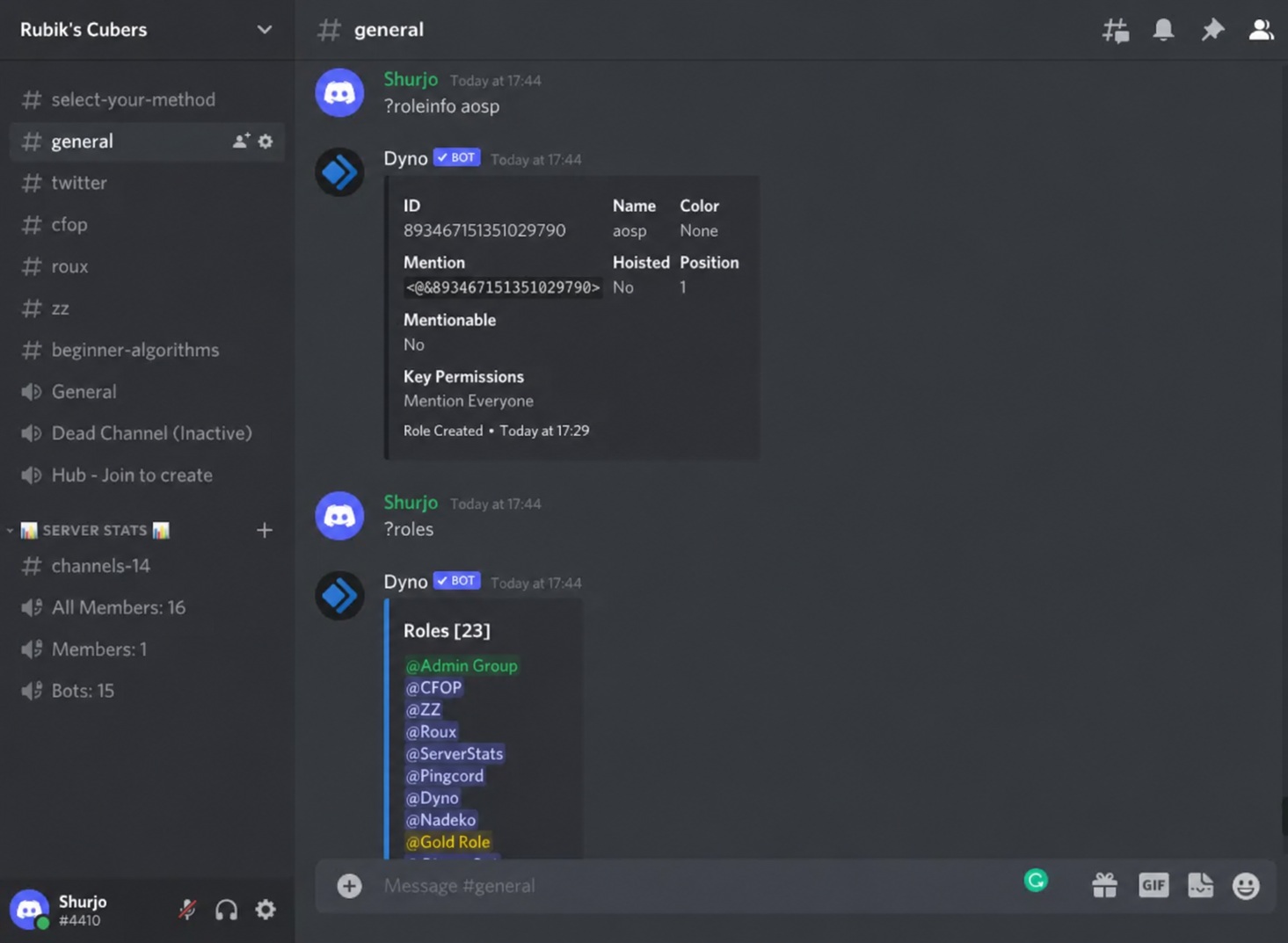
Dyno overlaps heavily with Carl-bot: automod, logs, timed mutes, custom commands. Pick one as your main moderation bot for your gaming community, not both. Dyno’s web dashboard suits mod teams where five different people change settings, and paid plans start around $5 to $6 a month.
4. Raid-Helper: The MMO Guild Standard
Ask any WoW or FFXIV raid leader what runs their signups. Odds are it’s Raid-Helper, which sits in roughly 277,000 servers. Members click a reaction to sign up as tank, healer, or DPS, and the bot caps each role and builds the roster for you.
No more chasing people in DMs. Free covers one time events, while recurring weekly raids, custom templates, and logging need premium. Guild officers rarely regret that upgrade.
5. sesh: Game Nights Across Time Zones
Your squad has players in New York, London, and Manila. Sesh shows event times in each member’s local time, collects RSVPs, sends reminders, and syncs with Google Calendar. In February 2026 it added an event location field and a new Pro tier with API access and custom branding, though most gaming groups need neither.
Use Sesh for casual nights and tournaments. Use Raid-Helper when roles and roster caps matter.
6. Arcane: Leveling Without the Paywall
Leveling keeps chat alive in gaming communities. Members earn XP for talking, climb a leaderboard, and earn roles at set levels, all on Arcane’s free tier. Voice XP (credit for time spent in voice channels) costs extra at roughly $5 to $7 a month. For servers that live in voice, that’s the one add-on worth a look.
7. PatchBot: Patch Notes Without the Copy and Paste
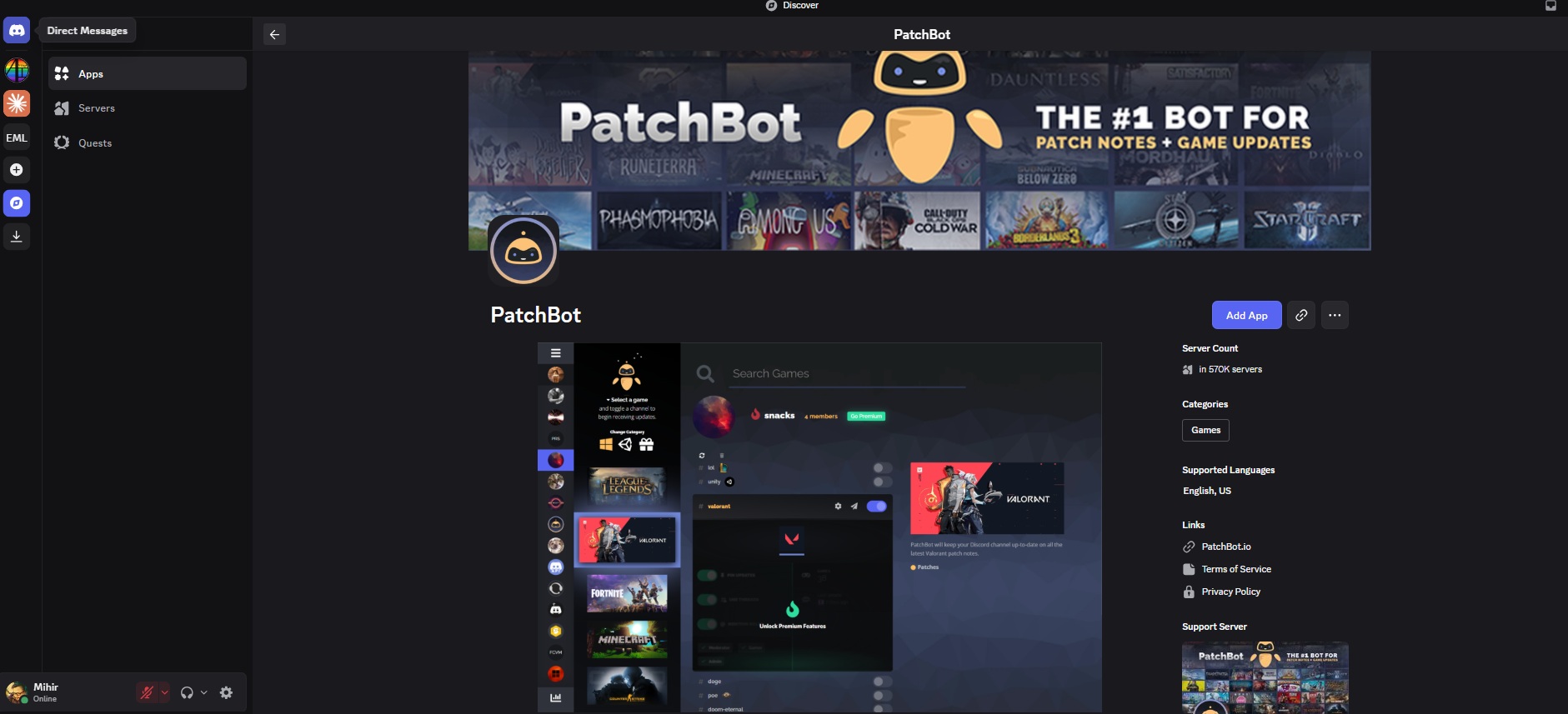
PatchBot posts official patch notes straight into a channel you pick. Its listing covers Valorant, League of Legends, Counter-Strike 2, Fortnite, Minecraft, and dozens more, and it can flag free games on Epic, Steam, and GOG. Around 447,000 servers run it.
8. Streamcord: For Servers Built Around a Streamer
If your server orbits a Twitch or YouTube creator, Streamcord posts live alerts and can hand a Live role to members while they stream. Free covers alerts. Pro adds schedule sync. Skip it if nobody streams regularly.
9. Statbot: See What’s Actually Working
Statbot tracks messages, voice time, and game activity on a web dashboard. It answers questions like “Is anyone even using #apex_lfg?” so you can cut dead channels. Not a day one bot, though. Add it once your gaming community has a few hundred active members and real decisions to make.
10. MEE6: Famous, But Read the Price Tag
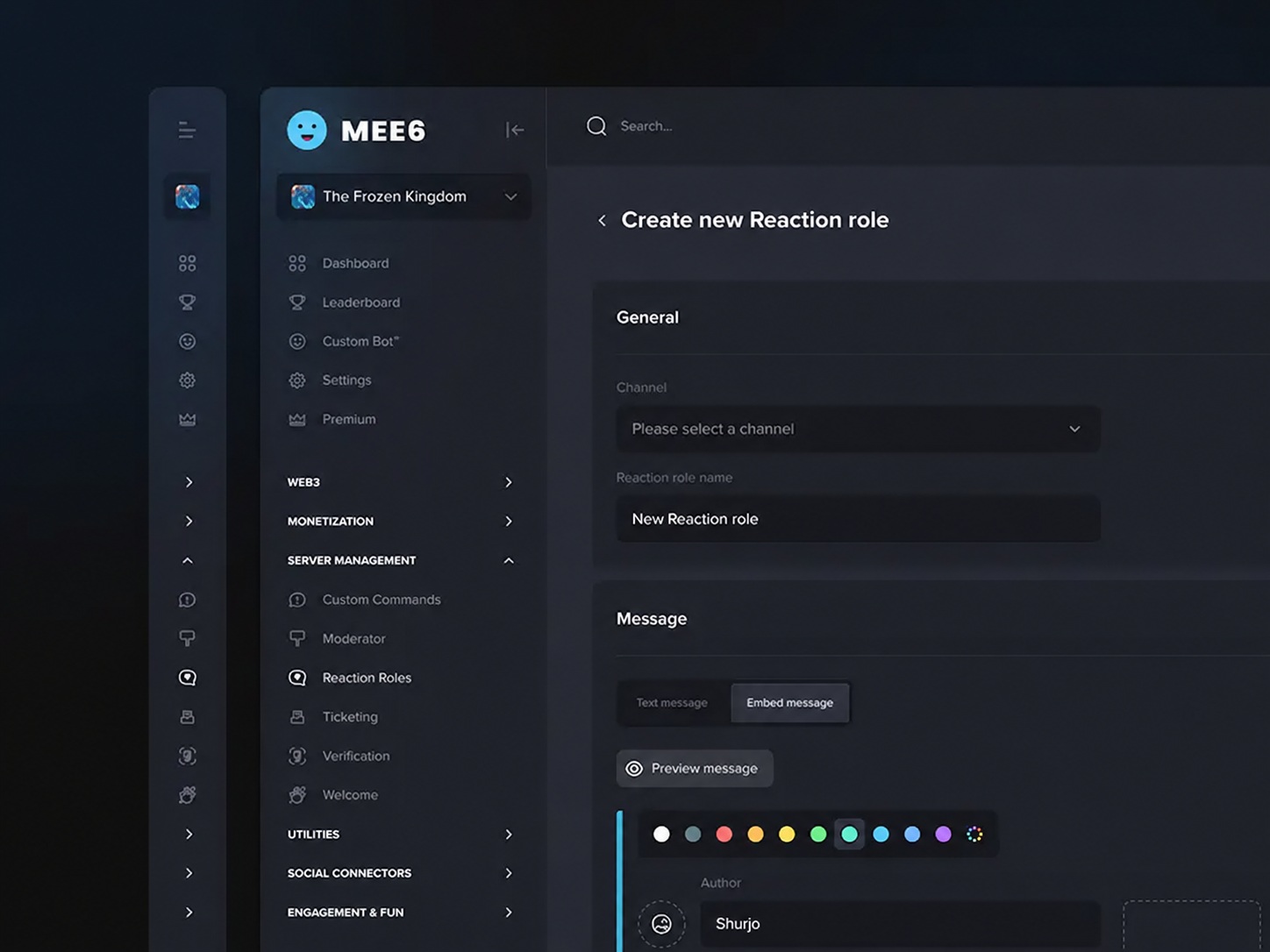
MEE6 is the bot everyone has heard of. It’s also the one long-term admins complain about most.
Its own help center’s free vs premium chart puts XP and levels, moderation, and Twitch and YouTube alerts on the premium side. Premium costs about $11.95 a month per server. That’s the marketing trap to watch for: a big brand charging for jobs Carl-bot, Arcane, and Streamcord do free. Already paying and happy? Fine. Starting fresh? Put that money toward Raid-Helper premium or Wick instead.
Which Discord Bots for Gaming Communities Fit Your Server?
You don’t need all ten. Most healthy servers run three or four Discord bots for gaming communities, picked for how the group actually plays:
| Server type | Core bots | Worth paying for |
|---|---|---|
| Friend group under 100 | AutoMod, Carl-bot | Nothing |
| Competitive or FPS team | Carl-bot, sesh, PatchBot | Nothing |
| MMO guild | Carl-bot, Raid-Helper, Wick | Raid-Helper premium |
| Streamer community | Dyno, Streamcord, Arcane | Arcane voice XP |
| Public server over 5,000 | Wick, Carl-bot, or Dyno, Arcane, Statbot | Wick premium |
Notice what’s missing from every row. A $12 a month bot doing jobs the free ones already handle.
Safety Rules for Running Discord Bots in Gaming Communities
Every bot you add is a door into your server. With Discord bots for gaming communities, three habits keep that door shut.
Never give a bot administrator: Grant only the permissions its setup page lists. A compromised bot with admin rights is a nuke waiting to happen.
Watch your role order: Bots can only manage roles that sit below their own. When reaction roles “just don’t work,” this is the fix nine times out of ten (drag the bot’s role higher under Server Settings, then Roles).
One bot per job: Two moderation bots fighting over the same spam message means double warnings and confused members. Big mistake.
What Discord’s 2026 Teen Safety Changes Mean for Your Server
Since early March 2026, Discord has placed every account in a teen by default experience unless the user confirms they’re 18 or older. For gaming communities that rely on bots, two pieces matter most. Channels, servers, and app commands marked age restricted now need age confirmation, and only age-verified adults can speak on Stage.
So if a bot runs a mature-themed minigame, or your weekly town hall happens on Stage, expect some members to hit a wall until they verify. Discord’s developer notes say most bots need no code changes.
Final Thoughts
Start with Discord’s free tools, add Carl-bot, and then add exactly one bot for your biggest headache. Raids? Raid-Helper. Spam waves? Wick. Dead chat? Arcane. The best Discord bots for gaming communities aren’t the most famous ones. They’re the ones your members never have to think about.
Building from scratch? Our guide to Discord gaming communities covers channel layout, and the best Discord servers for gamers show what a well-run setup looks like. Once you pass a few hundred members, a community led growth strategy will do more for you than any bot.
Frequently Asked Questions (FAQs)
What is the best Discord bot for a gaming server?
Carl-bot, for most servers. Its free tier covers reaction roles, automod, and logging, which is what a new gaming server needs first.
Are Discord bots free?
Most have a free tier that’s plenty for small servers. Paid plans usually run about $5 to $12 a month per server.
How many bots should a Discord server have?
Three to five. More than that and bots start overlapping, which leads to double warnings and permission headaches.
What is the best Discord bot for LFG and raid scheduling?
Raid-Helper for MMO raids with role caps. sesh for casual game nights across time zones. Plenty of smaller servers simply use a forum channel with game tags.
Is MEE6 still worth it in 2026?
Only if you already pay and like it. For a new server, free alternatives cover leveling, moderation, and stream alerts.
Can a Discord bot get my server hacked?
Yes, if it has more permissions than it needs. Never grant Administrator, and remove any bot you no longer use.