The shop down the street has 212 Google reviews, you have 31, and your phone rings less every month. For most single-location shops, NiceJob is the best review management software for local business owners in 2026, and Birdeye wins once you run several locations.
Below, you’ll find a price chart, the real flaws, and the 2026 rules that get reviews deleted.
Quick Comparison: Review Management Software for Local Business at a Glance
List prices from late 2026, per month, before add-ons. Prices change fast.
| Tool | Starting Price | Best For | Contract |
|---|---|---|---|
| NiceJob | $75 | Solo service businesses | Month to month |
| Birdeye | $299 per location | Multi-location brands | Annual |
| GatherUp | $99 (one location) | Feedback plus fake-review defense | Monthly or annual |
| BrightLocal Grow | About $65 per location | Local SEO plus reviews | Monthly or annual |
| Podium | $399 | Text-first shops | Annual |
| Semrush Local Pro | $60 per location | Google-focused AI replies | Annual |
| Grade.us | $110 | Agencies (white label) | Monthly |
| Trustpilot | Free, paid from $99 | Shops that also sell online | Annual |
| Yext | Quote only | Big listing networks | Annual |
| Google Business Profile | Free | Every business, day one | None |
Key takeaway: The cheapest tool covering your top three review sites usually beats the fanciest one.
What Changed in 2026 (Most Lists Skip This)
Here’s the catch: the old playbook can now cost you reviews. On April 17, 2026, Google added explicit bans on staff review quotas and on asking customers to name an employee in their review. Review gating, which means sending only happy customers to Google, was already banned and is now enforced by machine.
Google says it removed or blocked over 292 million policy-breaking reviews in 2025. Not a typo.
Since October 2024, the FTC can also fine businesses over $51,000 per violation for buying reviews, faking them, or threatening critics.
On the flip side, buyers are reading more reviews than ever. BrightLocal’s 2026 consumer survey found:
- 97% of consumers read reviews for local businesses.
- 74% only care about reviews from the last three months.
- 47% won’t use a business with fewer than 20 reviews.
- 45% now ask ChatGPT or other AI tools for local picks, up from 6% a year earlier.
- Google’s share of review readers fell from 83% to 71%, while Apple Maps nearly doubled to 27%.
Bottom line: Good review management software for local business teams must ask every customer the same way, reply fast in a human voice, and spread reviews past Google.
The 10 Best Review Management Software Tools, Ranked
1. NiceJob: Best for Solo Service Businesses
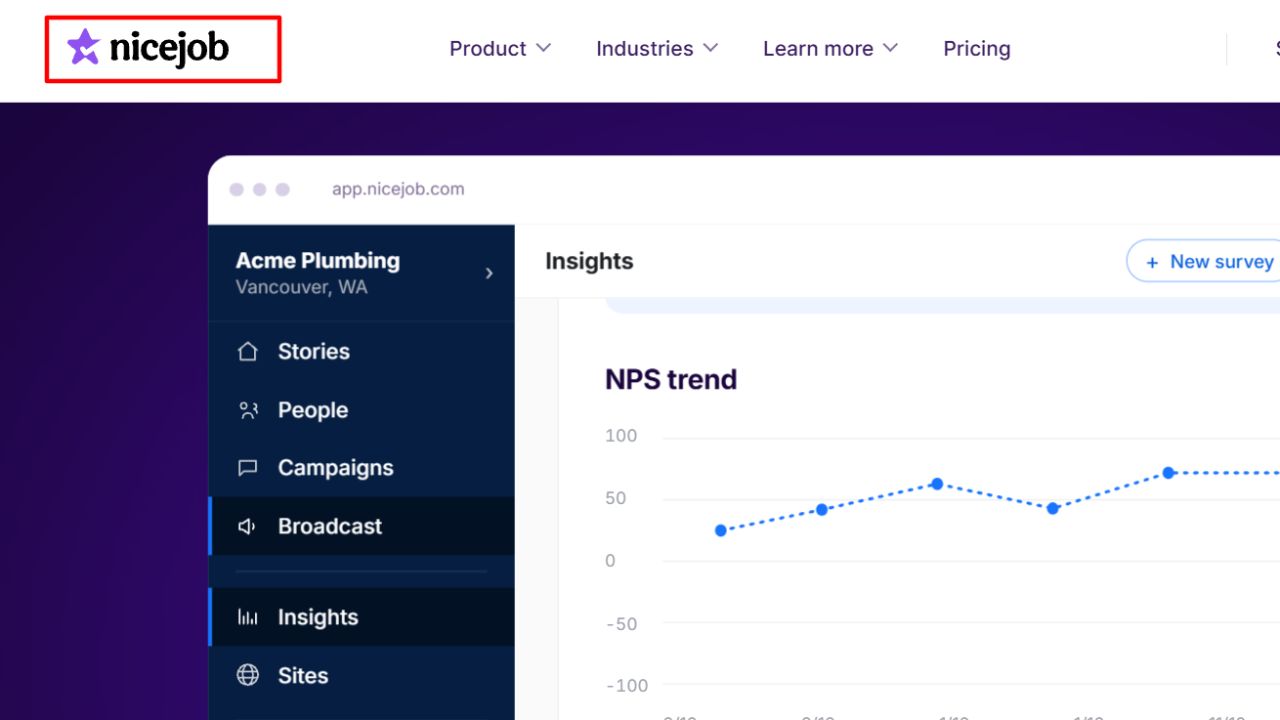
Picture this: a two-truck plumbing company finishes a water heater swap at 4 p.m. By 4:05, the customer has a review link by text, with an automatic follow-up if they ignore it. Nobody in the office lifts a finger.
That’s why NiceJob tops this list of review management software for local business owners with one location. Reviews costs $75 a month for up to 2,500 customers a year, no contract, 14-day trial. Pro, at $125, adds AI review replies, referral campaigns, and booking reminders.
Real flaws owners mention:
- Price climbs with your customer count. Serve 2,501 to 5,000 people a year and the same plan jumps to $95.
- AI replies sit behind Pro, so the $75 plan means writing every response yourself.
- Thin multi-location reporting. Franchises outgrow it.
Who Should Skip This: Businesses with three or more locations, or anyone who needs one inbox for texts, calls, and payments.
2. Birdeye: Best for Multi-Location Brands
Birdeye is the heavyweight: reviews from a long list of sites, plus messaging, surveys, listings, and AI-drafted replies across every location. For a chain of dental offices or auto shops, it’s the most complete review management software for local business groups we found.
The bill is the issue. Starter is $299 per location per month, Growth is $349, and Dominate is $449, all annual. Four-plus locations get a custom quote.
The truth is, the math gets ugly fast. Three locations on Starter cost $897 a month.
Real flaws owners mention:
- Some buyers report onboarding fees on top, and pricing hides behind a demo form.
- Annual auto-renewal traps people who wanted out after six months.
- Solo shops pay for features they never open.
Who Should Skip This: Any single-location business spending under $1,000 a month on marketing.
3. GatherUp: Best Balance of Feedback and Protection
GatherUp asks customers for private feedback and public reviews in the same flow, which helps you spot problems before they hit Google. The single-location plan is $99 a month. Locations two through ten drop to about $60 each.
Its Fake Review Defense add-on flags suspicious reviews and helps you dispute them. Handy when a rival floods you with one-star ratings.
Real flaws owners mention:
- Add-ons pile up. Listings Hub is $40 per location, and the paid fake-review tiers run $125 to $300 per location monthly.
- Buyers call the pricing page confusing once multi-location options enter the picture.
Who Should Skip This: Tiny budgets. NiceJob does the core job for $24 less.
4. BrightLocal Grow: Best for Local SEO Plus Reviews
BrightLocal puts rank tracking, citations, and review management software for local business profiles in one dashboard. Its Reputation Manager monitors many sites and sends requests by email, SMS, or QR code.
Now, you might be wondering why it’s not higher. Simple. Review features only come with the top Grow plan, which sat around $59 per location before a 10% price rise on July 1, 2026. Track and Manage have no review tools at all.
Real flaws owners mention: Reviews are locked to the priciest tier, and the SEO-pro dashboard has a learning curve.
Who Should Skip This: Owners who just want more reviews and don’t care about rank tracking.
5. Podium: Best for Text-First Shops
Podium started as a texting tool, and it shows. Reviews, webchat, payments, and texts share one inbox. Core is $399 a month, and Pro is $599, both on 12-month contracts.
The best part? Your front desk can text a review link, take a payment, and answer “open Sunday?” from one screen.
Real flaws owners mention:
- Prices jumped hard. In early 2024, the entry plan rose from $249 to $399, and Podium pulled public prices off its site in late 2025.
- Reviews are a small slice of what you’re paying for.
Who Should Skip This: Businesses that only want reviews. You’d overpay by about $300 a month.
6. Semrush Local: Best for Google-Focused AI Replies
Semrush Local leans on AI. An agent posts to your Google Business Profile and auto-replies to reviews. The base is $30 per location per month, but review requests and multi-site monitoring need Pro at $60.
That brings us to the biggest mistake people make with tools like this: turning on auto-replies and walking away. BrightLocal found 50% of consumers are unlikely to choose a business whose replies sound templated.
Real flaws owners mention: Base looks cheap but can’t ask for reviews, and AI replies can sound canned if you skip editing.
Who Should Skip This: Anyone who needs strong coverage on Yelp or industry sites beyond Google.
7. Grade.us: Best for Agencies
Grade.us is white-label review management software for local business clients, built for agencies. Every plan supports your branding, starting around $110 a month.
Real flaws owners mention: Per-seat pricing balloons as your client list grows, and the fully branded dashboard costs an extra $440 a year. Some reviewers have also left over slow support.
Who Should Skip This: Single business owners. It’s an agency tool, not a shop tool.
8. Trustpilot: Best for Shops That Also Sell Online
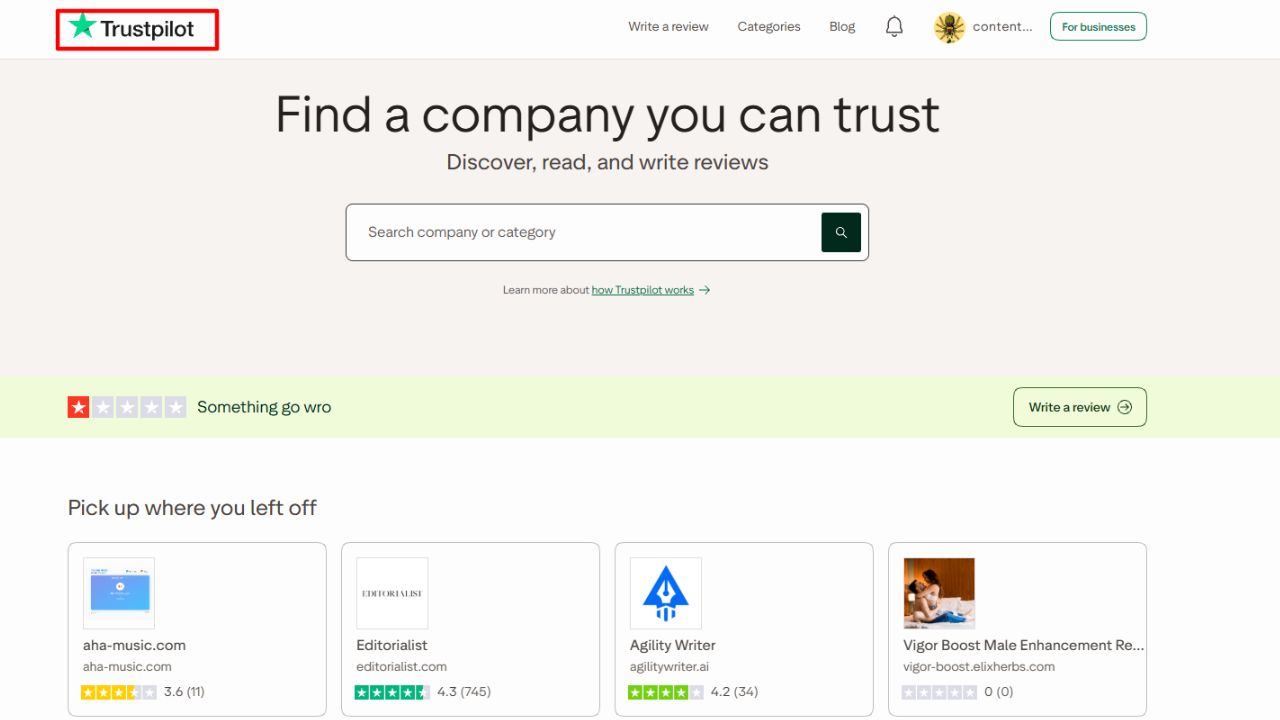
Trustpilot shines for a bakery that ships cookies nationwide or a bike shop with a web store. It has a free plan, and paid tiers run from $99 (Starter, for newer small businesses) to $319 and $799 a month, billed annually.
For pure local shops, though, neighbors check Google and Apple Maps, so Trustpilot reviews won’t move your map ranking. If you’re comparing broader platforms, our guide to the best software review sites covers where B2B buyers look.
Real flaws owners mention: Big price jumps in 2026, with Plus rising from $259 to $319, and a free plan with tight limits.
Who Should Skip This: Walk-in-only businesses like salons, gyms, and repair shops.
9. Yext: Best for Big Listing Networks
Yext is listings first, reviews second. It keeps hours and addresses correct across many publishers, then adds review monitoring and replies. Pricing is quote-based and scales with location count.
Real flaws owners mention: Capterra users rate its value for money just 3.8 out of 5, and some small buyers complain about annual contracts and refund refusals.
Who Should Skip This: Anyone with fewer than ten locations.
10. Google Business Profile: The Free Baseline
Don’t skip the free option. Google Business Profile lets you reply to Google reviews from your phone and share a short review link. For a brand-new shop, that’s enough review management software for local business needs in month one.
Real flaws owners mention: It covers only Google, and there’s no automatic follow-up, so asks get forgotten on busy days.
Who Should Skip This: Nobody. Just know you’ll outgrow it.
How to Pick the Right Review Management Software for Your Local Business
Skip the feature lists. Start with where your customers actually read.
- Count your locations. One location? Stay under $125 a month. Three or more? Look at Birdeye or GatherUp.
- List your top three review sites. Usually Google, Facebook, and one industry site like Houzz.
- Check the request flow. Every customer must get the same review link. No “Were you happy?” screen first.
- Test reply quality. Draft five AI replies during the trial and read them out loud.
- Read the contract. Annual deals with auto-renewal are the top complaint across this category.
If you also need to handle social mentions, press, and search results, our roundup of the best reputation management software goes deeper.
Mistakes That Get Reviews Deleted
Big mistake: a staff contest for “most reviews this month.” That’s now a named Google violation. Also drop:
- Offering a discount, freebie, or giveaway entry for a review.
- Using an in-store tablet so customers review on your device.
- Asking customers to mention a staff member’s name.
- Filtering unhappy customers away from your public review link.
Frequently Asked Questions (FAQs)
What is review management software?
A tool that requests reviews, pulls them from many sites into one dashboard, and helps you reply fast.
How much does review management software cost for a small business?
Single-location plans mostly run $60 to $125 a month. Birdeye-style platforms start near $300 per location.
Is it legal to ask customers for Google reviews?
Yes. Asking is fine. Asking only happy customers, or paying for reviews, breaks Google policy and can break FTC rules.
Should I respond to every review?
Yes. BrightLocal found 89% of consumers expect owners to respond, and 80% are likely to use a business that answers all its reviews.
Do reviews affect AI search results?
They can. Fresh reviews across several sites give AI tools more to cite when 45% of consumers ask them for local picks.
Final Thoughts
Start small and stay honest. One location? Try NiceJob or GatherUp for a month. Several? Book a Birdeye demo with your contract questions ready.
Whatever you pick, the best review management software for local business owners is the one your team uses daily. Ask everyone, reply like a person, and watch your newest review date, not just your stars.