There are a variety of IPTV apps available that allow you to stream IPTV channels on a variety of devices. Some are paid, while others are free, but not all apps are created equal in terms of functionality. Some apps are only available on a single platform, making it difficult for people to stream IPTV across multiple devices because they must use different apps on each.
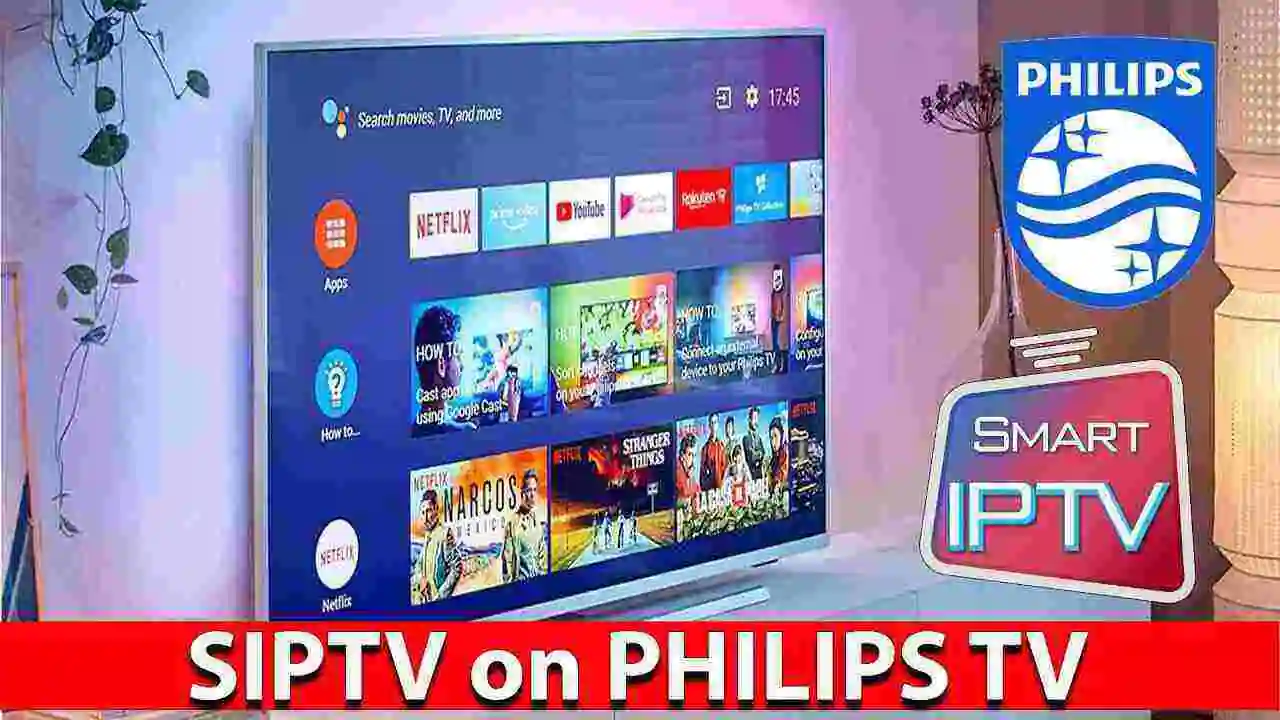
Those of you looking for a reliable IPTV player that works on a variety of Smart TV platforms will be pleased to learn that Smart IPTV, also known as SIPTV, is a viable option. This is one of the most widely used IPTV player apps, with versions for a variety of platforms.
What is SIPTV (Smart IPTV)?
Smart IPTV, also known as SIPTV, is an IPTV player with an EPG (Electronic Program Guide) that allows you to quickly access your favorite IPTV channels. However, as stated on their official website, Smart IPTV does not include channels, so you will need to subscribe to an IPTV service to add your own. Some people are under the impression that the app will come pre-loaded with channels, but this is not the case.
Those who want to take advantage of the app’s features will have to create their own channels. However, before you begin adding channels to the app, you must first learn how to install SIPTV on your preferred devices, as this requires some effort.
Installing this app on some devices is as simple as installing an app on your phone, but on other platforms, you’ll need to do a little more work to get it up and running. Furthermore, not all platforms are supported, so keep in mind what devices Smart IPTV supports before diving in.
What are the SIPTV devices that are supported?
Not only is SIPTV an Android app, but it’s also available on a variety of Smart TV devices. However, you might not be able to locate it on the official app stores for some systems, so you’ll have to go to their official website to get it.
Android TV, Amazon Fire TV, LG Smart TVs, Samsung Smart TVs, and MAG devices are all supported by SIPTV at the time of writing. So if you have any of these devices, you’re in luck since SIPTV will work fine with them.
What is the best way to set up IPTV on a Smart TV?
If you want to set up SIPTV on your Smart TV, it’s simple to accomplish. Keep in mind that the configuration is entirely dependent on the model of Smart TV you own. If you have a Samsung Smart TV with Tizen OS, you’ll need to follow a separate set of instructions to set up SIPTV, whereas an LG Smart TV with WebOS would require a different set of instructions. I’ll take care of both for you.
How can I install SIPTV on my Samsung Smart TV?
Unfortunately, the SIPTV software has been deleted from the official Samsung Apps Store for unclear reasons, but that doesn’t mean you can’t install it on your smartphone. Tizen OS TVs and non-Tizen OS TVs follow separate procedures.
Tizen OS
If you have a Samsung TV with Tizen OS, you must install it using an external USB drive. Simply download the Tizen Widget zipped directory from their official website and unpack it to the USB flash drive’s root directory. When you insert the flash drive into your Samsung TV, the app will appear in the “My Apps” area of the TV. Ensure that the contents of the zip file are extracted to the flash drive’s root directory. After that, you can remove the flash drive and the app will remain on your television.
Non-Tizen OS
You’ll need to download a separate file if your Samsung TV doesn’t support Tizen OS. To begin, save the Orsay Widget file to the root of an external USB drive and connect the drive to your television. On your TV, the SIPTV app will display in the Samsung Apps section. You can securely remove the USB drive from the TV once the app is accessible.
How to Setup SIPTV on LG Smart TV?
Fortunately, the SIPTV app is still available for download from the official LG app store. All you have to do now is go to the LG Apps Store and search for the SIPTV app under the Entertainment category. From there, you can download and install the app on your LG TV with just one click. You can use SIPTV on your LG Smart TV without any problems once it’s been installed.
Buffering or Slow Streams?
Are your streams taking too long to load? Getting stuck in a loop of buffering? Can’t get a full-resolution stream? Check out these pointers to help you get the most out of your streaming experience:
To prioritize video content, use a contemporary router with complex capabilities like QoS. Check out our preferred Streaming Routers.
Check out our 9 easy tips to optimize your Wifi for Streaming if you’re utilizing a wireless connection.
Some Internet Service Providers (ISPs) impose traffic restrictions on video streaming without informing their consumers. A VPN encrypts all of your traffic and allows you to bypass throttling, blocking, and geoblocking.
If the app isn’t available in your country, check in to the LG App Store in one of the approved countries and download the app from there. The app will still be installed and accessible for use on your TV if you switch back to your original country’s account.
What is the best way to add IPTV channels to SIPTV?
SIPTV is extremely user-friendly, so adding channels and playlists is a breeze. You’ll need a playlist from your IPTV service provider if you wish to add IPTV channels to SIPTV. The playlist can be in either M3U or TXT format, as they are both supported. The following steps will show you how to add IPTV channels to SIPTV.
- In the MAC field, enter the MAC address of your device.
- Select the M3U/TXT playlist that your network gave OR add a URL to the M3U/TXT playlist by clicking the Browse option. If you have one, you can also include the EPG URL.
- Submit the form and restart your device’s SIPTV app.
Within minutes after restarting the app, it should have loaded all of your IPTV provider’s channels.
Is Smart IPTV (SIPTV) the best app for IPTV?
This is largely determined by the type of devices you have and how familiar you are with setting up IPTV on them. Smart IPTV (SIPTV) is an excellent app to try if you have a Samsung Smart TV or an LG Smart TV. It’s available for a few days as a trial so you can get a feel for the app before purchasing the full version.
If your primary device is an Android TV or an Amazon Fire TV, however, there are a variety of IPTV apps to choose from, some of which are completely free. In the end, everything comes down to what you’re searching for. However, in terms of IPTV player apps for Smart TVs, SIPTV is unquestionably one of the best options available.
Apart from this, you can also read Entertainment, Tech, and Health related articles here: Kissassian, 333 Angel Number, Holiday Season, Samsung Galaxy Z Flip 3 review, PUBG Launch Date in India, Covaxin vs Covishield, Sears Credit Card, GoDaddy Email, Free Fire Redeem Code, Mangago, Project Free TV, Jio Rockers, Best Record Players, August 27 Zodiac, August 26 Zodiac, Best Hindi Movies on Amazon Prime, New iPhone 13, Vivo Y53s Review, Eye Shapes, M4uHD, Fever Dream, Moon water, Oppo Reno 6 Pro Review, iPhone Headphones, Best gaming desks, Spanish Movies, Hip dips, M4ufree, NBAstreams XYZ, CCleaner Browser review, Avocado Calories, Bear Grylls net worth, Rihanna net worth 2021, Highest Paid CEO, The 100 season 8, Sundar Pichai net worth, Grimes net worth, F95Zone, Microsoft Office Suite, How to Share Netflix Account, how to change Twitch name, Sherlock Season 5, Homeland Season 9, Salvation season 3.