

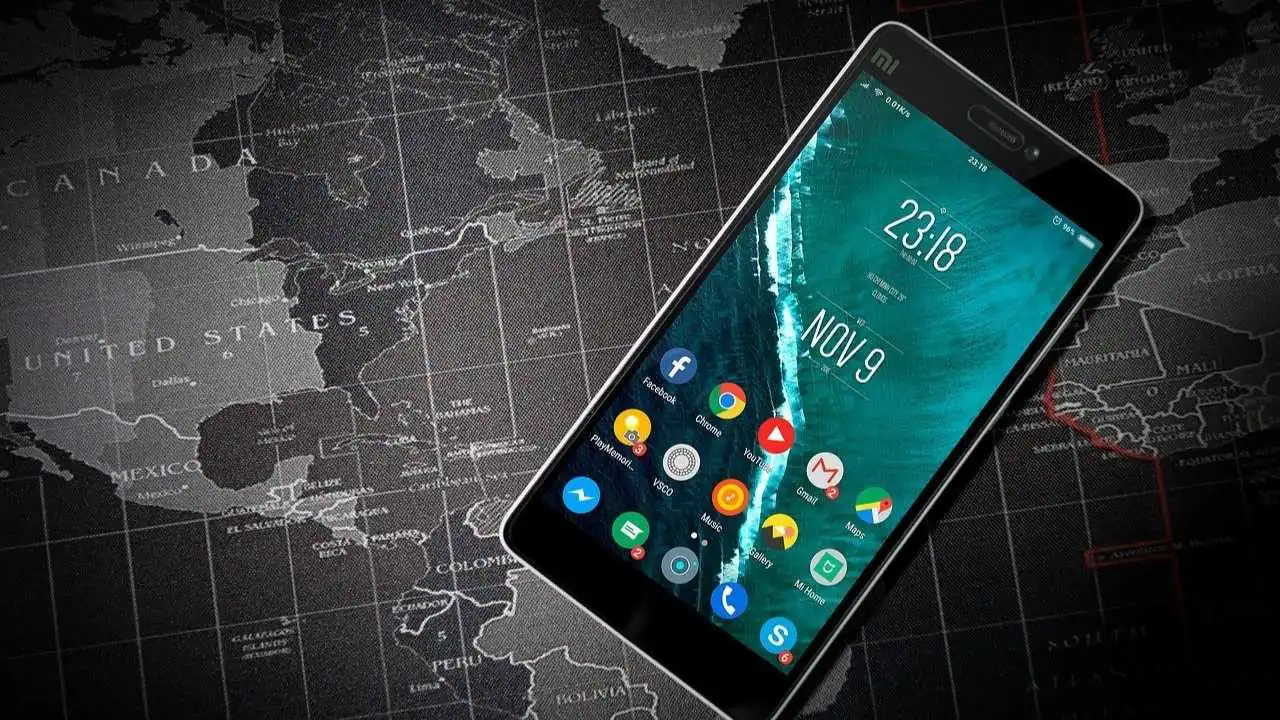
If you own an Android device then you are in luck as there are tons of fun and interesting apps available on the Google Play Store. And people can’t be any happier about it. After all, applications make life easier for everyone. Also, not to forget how they can save you from complete boredom. All you have to do is to get either an entertaining app like TikTok where you can enjoy videos of various creators or a video game application that you can play to pass time.
Considering how much people depend on apps to get them through the day, it is safe to say that they cannot imagine their lives without them. Therefore, it is not a surprise that people are always on the lookout for the internet deals in town such as the Optimum internet plans which they can use to enjoy their favorite apps hassle-free
A Common Problem
Though people use apps regularly, they sometimes delete them accidentally. Apart from unintentionally deleting them, there are some other reasons why users decide to get rid of the applications. They are as follows:
- You might have enabled the default settings of your smartphone. And if this is the case then it would have wiped away all the applications that you downloaded on your smartphone.
- Another reason why you may consider deleting the app is because of the viruses. There might be a chance that the file you downloaded is corrupt. And so, when you used antivirus on your device, it would have removed that app from the smartphone.
Whatever the reason may be, the thing is that there exists a way that can restore your app on an Android device! And this article is going to discuss that. So, read on to find out how you can retrieve the deleted application on your device.
Recover Deleted App on Your Android Device
So, you have deleted the app from your android mobile and want to get it back? Well, you can do that! All you have to do is to follow the steps below.
#1. Launch Google Play Store
The first that you would want to do is to open the Play Store. And then make sure that you are on the homepage.
#2. Hit the 3-Line Icon
The next step will be to find the 3-line icon that will be located just before the search field. You will have to tap on it to open the menu.
#3. Head to My Apps & Games
Once the menu opens, look for “My Apps & Games.” Once you find that, tap on it to open the option.
#4. Go to Library
After you have gone to “My Apps & Games,” you will find three different tabs and “Library” will be one of them. The other two will be “Installed” and “Updates’. You will have to go to the “Library”. Once there, you’ll notice a list of apps that got deleted. This will make it easier for you to figure out which apps got deleted. And you will no longer have to stress your mind to think which ones got eliminated. It is a highly useful feature and should be used whenever you unintentionally delete an app.
#5. Get Those Deleted Apps Back
Once you have the complete list of the deleted apps, make a note of them and include those that you want to retrieve. But why should you make a note in the first place? Well, if the deleted items are quite a lot in number, then chances are that you will forget to restore them. Hence, it’s better to write them on a piece of paper so you may remember which ones to get back. Please note, in “Library” section, the apps that you deleted most recently will appear first on the list while those that you got rid of a while back will be at the bottom. For having those applications back, you will need to install them again from the Play Store.
Conclusion
And there you have it. You can follow these steps to know of the applications that got deleted by accident. And then you can get them back by simply re-installing them. You will no longer have to think long and hard about the apps which got removed. Just visit “Library” on your Google Play Store and you will have your answer right there!
Apart from this, you can also read Entertainment, Tech, and Health related articles here: Best Hindi Movies on Amazon Prime, New iPhone 13, Vivo Y53s Review, Eye Shapes, M4uHD, Fever Dream, Moon water, Oppo Reno 6 Pro Review, iPhone Headphones, Best gaming desks, TheWiSpy Review, Spanish Movies, hip dips, M4ufree, Xiaomi Mi 11 Ultra Review, Pulse Oximeter, Google Pixel 5a Review, NBA Stream XYZ, CCleaner Browser review, Avocado Calories, Bear Grylls net worth, Rihanna net worth 2021, Dry white wine, Highest Paid CEO, The 100 season 8, Sundar Pichai net worth, Legacies Season 2, Grimes net worth, Oscar Isaac height, Konosub season 3, Good Omens season 2, F95Zone, how to change MSI keyboard color, Microsoft Office Suite, how to block subreddits, How to Share Netflix Account, how to change Twitch name, The Last Airbender 2, Sherlock Season 5, Homeland cast, Now you see me, Love Alarm season 2, Young Justice season 4, Shield Hero season 2, Salvation season 3, Vivo Y53s Review Jack Ryan season 3.





















