
Small business owners do too many jobs at once. You answer the same customer questions every day, chase late invoices, sort email, and update your store at night. The best AI agents small businesses can use take some of these jobs off your plate. They do not just answer a question. They finish a task, like closing a support ticket or sending a payment reminder.
That is the key difference between an agent and a chatbot. A chatbot talks. An agent acts, using your tools and data, and checks with you before big steps. Below are 10 agents sorted by the job they do, with real prices checked in October 2026, plus a simple plan to start safely.
How to Choose an AI Agent for Your Business
Before you compare tools, find your biggest time drain. The best AI agents small businesses can use are the ones that fix one clear problem first. Then check four things:
- How it charges. There are three common models. “Per seat” means a flat fee for each user. “Credits” means you prepay for units of work. Pay per resolution means you pay only when the agent finishes a job, such as solving a customer’s issue.
- Where it lives. An agent inside a tool you already pay for, like your store or accounting app, is often the fastest and cheapest start.
- Human review. Good agents pause before risky steps, like sending money or emailing every customer. Our guide to human in the loop design for AI agents explains how to set this up.
- Data safety. Check what data the agent can see, and give it only the access it needs.
The 10 Best AI Agents Small Businesses Can Use
Each pick below handles a different job. We grouped them so you can find the best AI agents small businesses can use for support, sales, money, and daily admin.
1. Fin: Best for Customer Support
Price: $0.99 per resolution
Works with: Intercom, Zendesk, Salesforce, HubSpot
Fin answers customer chats and emails and only charges when it solves the problem. If you use it with another help desk, there is a 50% resolution monthly minimum, or $49.50. Intercom renamed itself Fin in May 2026, and Salesforce agreed to buy the company in June 2026, so watch for changes. For support-heavy shops, it is one of the best AI agents small businesses can use. See how support agents work in our guide to AI agents in customer service.
2. HubSpot Customer Agent: Best for Teams on HubSpot
Price: $0.50 per resolved conversation
Needs: Service Hub Professional or Enterprise
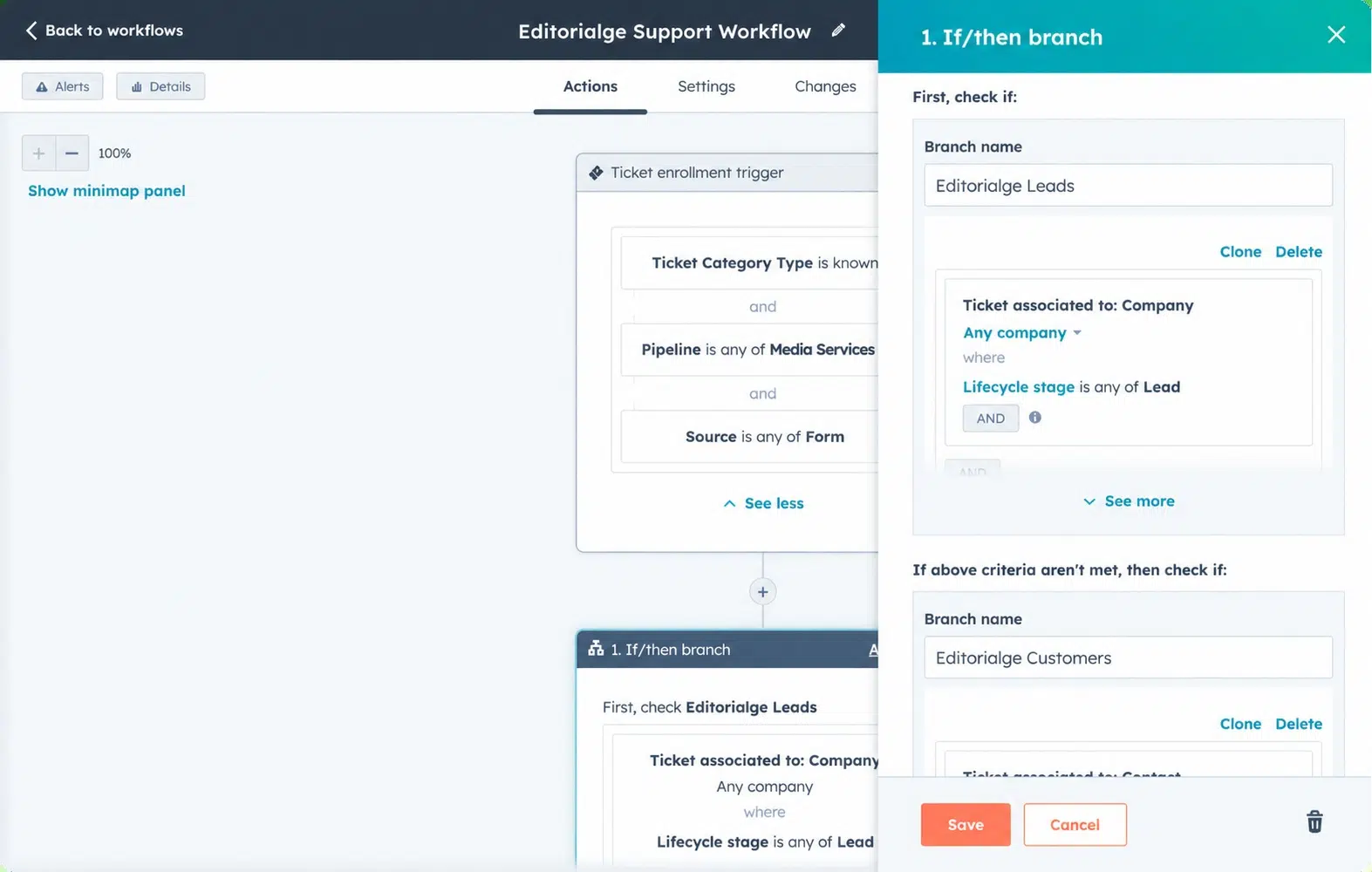
On April 14, 2026, HubSpot switched this agent to pay for results only. HubSpot says it resolves 65% of conversations on average across about 8,000 customers. Because it reads your CRM, answers use real customer history.
Watch out: the paid Hub plan underneath is the bigger cost.
3. Shopify Sidekick: Best for Online Stores
Price: Included with your Shopify plan
Sidekick lives in your Shopify admin. Ask it to show last week’s sales, write product descriptions, or set up a discount, and it does the work. Features and limits vary by plan. For store owners, it is the easiest of the best AI agents small businesses can use, since there is nothing to install.
4. QuickBooks AI Agents: Best for Bookkeeping and Invoices
Price: Included in QuickBooks Online (US)
Intuit’s Accounting Agent sorts transactions and helps you reconcile your books. The Payments Agent sends invoices and reminders, and Intuit says it gets businesses paid five days faster on average. You still review drafts before they go out.
5. Microsoft 365 Copilot Business: Best for Microsoft Offices
Price: $21 per user per month, added to a Microsoft 365 Business plan
This plan is for companies with 300 or fewer users. It brings Copilot into Word, Excel, Outlook, and Teams, plus built-in Researcher and Analyst agents. You can also build your own agents in Copilot Studio without code. If your team already lives in Outlook, it is one of the best AI agents small businesses can use.
6. Google Workspace Studio: Best for Gmail and Drive Teams
Price: No extra cost on Business Standard, Business Plus, and Enterprise plans
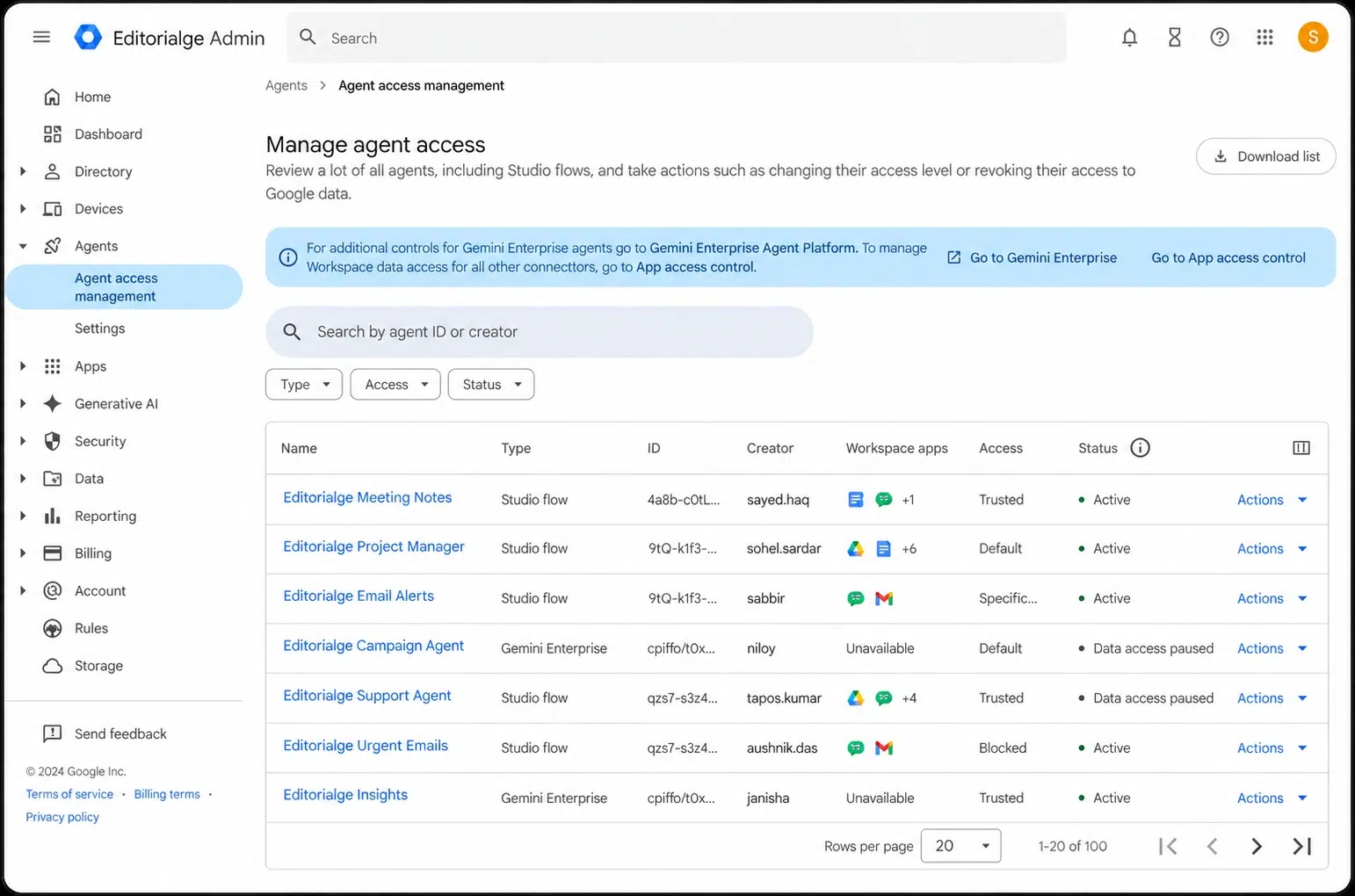
You describe a task in plain words, and Workspace Studio builds an agent that works across Gmail, Sheets, Calendar, and Drive. Agents only see the folders and services you allow.
7. ChatGPT Agent Mode: Best for Web Research and Online Tasks
Price: Included with ChatGPT Plus at $20 a month
Agent mode uses its own browser to visit sites, fill in forms, and build files like spreadsheets. It pauses for your approval before important steps.
Watch out: Plus allows about 40 agent tasks a month, so it suits a few big jobs, not daily volume.
8. Zapier Agents: Best for Connecting Many Apps
Price: Free for 400 activities a month; Pro is $33.33 a month billed yearly.
Zapier Agents can act across more than 8,000 apps. You can have one agent research new leads and another tidy your spreadsheets. Agents are billed separately from regular Zapier plans. It is a strong pick among the best AI agents small businesses can use if your work spans many tools.
9. Lindy: Best for Inbox and Calendar Work
Price: From $29.99 per user a month; 7-day free trial
Lindy acts like an assistant. It sorts email, drafts replies, books meetings, and writes meeting notes.
Watch out: there is no free plan, and Lindy has changed its prices more than once in 2026, so check the current page.
10. Make: Best for Building Your Own Agent on a Budget
Price: Free plan with 1,000 credits a month
Make it yours: build your own agent on a visual board, with over 3,000 app connections. It takes more setup than the others, but the free plan is enough to test one real task, like sorting new orders. Owners with tech skills can also look at n8n, which is free if you host it yourself.
Quick Comparison Chart
Use this chart to match the best AI agents small businesses can use with the tools you already have.
| Agent | Main job | How you pay | Starting cost |
|---|---|---|---|
| Fin | Customer support | Per resolution | $0.99 each |
| HubSpot Customer Agent | Support inside HubSpot | Per resolution (credits) | $0.50 each, plus the Hub plan |
| Shopify Sidekick | Running an online store | Included | $0 extra |
| QuickBooks AI Agents | Books and invoices | Included | $0 extra (US) |
| Microsoft 365 Copilot Business | Office work in Microsoft apps | Per seat | $21 a user a month |
| Google Workspace Studio | Gmail and Drive tasks | Included | $0 extra on Business Standard and up |
| ChatGPT Agent Mode | Web research and online tasks | Subscription | $20 a month |
| Zapier Agents | Tasks across many apps | Activities | Free; Pro $33.33 a month |
| Lindy | Inbox and calendar | Per seat with credits | $29.99 a user a month |
| Make | Build your own. | Credits | Free plan |
How to Deploy an AI Agent Safely in 30 Days
Even the best AI agents small businesses can use will make mistakes if you hand them everything on day one. Start small and grow trust step by step.
- Week 1: Pick one task. Choose a job that repeats often and has low risk, like answering shipping questions.
- Week 2: Feed it good information. Upload your FAQ, return policy, and price list. An agent is only as good as what it reads.
- Week 3: Run it with a human checking. Let the agent draft, and have a person approve each reply or action. Fix wrong answers in the source content, not just in the chat.
- Week 4: Let it act alone on safe tasks. Keep human approval for refunds, payments, and anything sent to many customers. Review a sample of its work each week.
For support teams, our guide to AI agents for customer support covers handoff rules in more detail.
Frequently Asked Questions (FAQs)
These are common questions about the best AI agents small businesses can use.
What is the best AI agent for a small business?
There is no single best one. Start with the agent inside a tool you already use, like Shopify Sidekick or QuickBooks. For customer support, Fin and HubSpot’s Customer Agent are proven choices.
How much does an AI agent cost a small business?
Many are included in plans you already pay for. Others cost about $20 to $30 per user a month, or $0.50 to $0.99 for each solved customer issue.
What is the difference between an AI agent and a chatbot?
A chatbot answers questions. An AI agent also takes action, like updating a record, sending an invoice, or closing a ticket.
Can AI agents replace employees?
They can take over repeated tasks, but they still need a person to set them up, check their work, and handle hard cases.
Are AI agents safe to use with customer data?
They can be if you limit what data each agent can see and keep a human in charge of risky steps like refunds and payments.
Do I need coding skills to use an AI agent?
No. Most tools on this list work by typing plain instructions. Only tools for building your own agent, like Make or n8n, need some tech comfort.
Final Words
The best AI agents small businesses can use are the ones that fix your biggest time drain first. If you sell online, open Shopify Sidekick. If invoices pile up, turn on the QuickBooks agents. If support eats your day, test Fin or HubSpot’s Customer Agent. Start with one task, keep a human checking risky steps, and add more agents only after the first one proves it saves you time.