

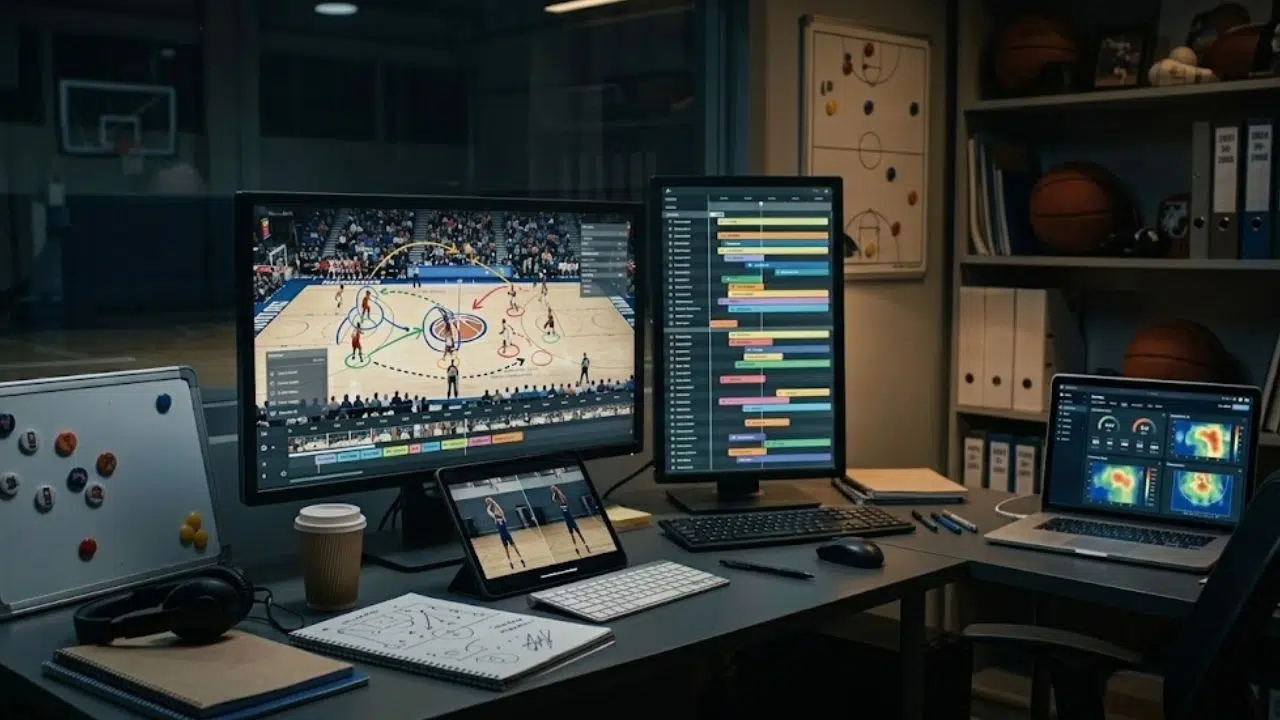
It’s 10:40 on a Tuesday night, and you’re rewatching a game your team lost by three. The final score tells you nothing. What actually cost you was your point guard picking up his dribble every time a trap came, and he’ll keep doing it until he sees it himself. A 30-second clip at Thursday’s practice will land where a lecture didn’t.
A decade ago, film breakdown at that level of detail was mostly for well-funded programs, because the tools were expensive and the workflow ate an entire evening. Cheaper cameras and simpler software have closed that gap, and now a high school program in the Midwest runs the same review cycle as a small college in Oregon.
1. Hudl: The Hub Most Programs Already Pay For
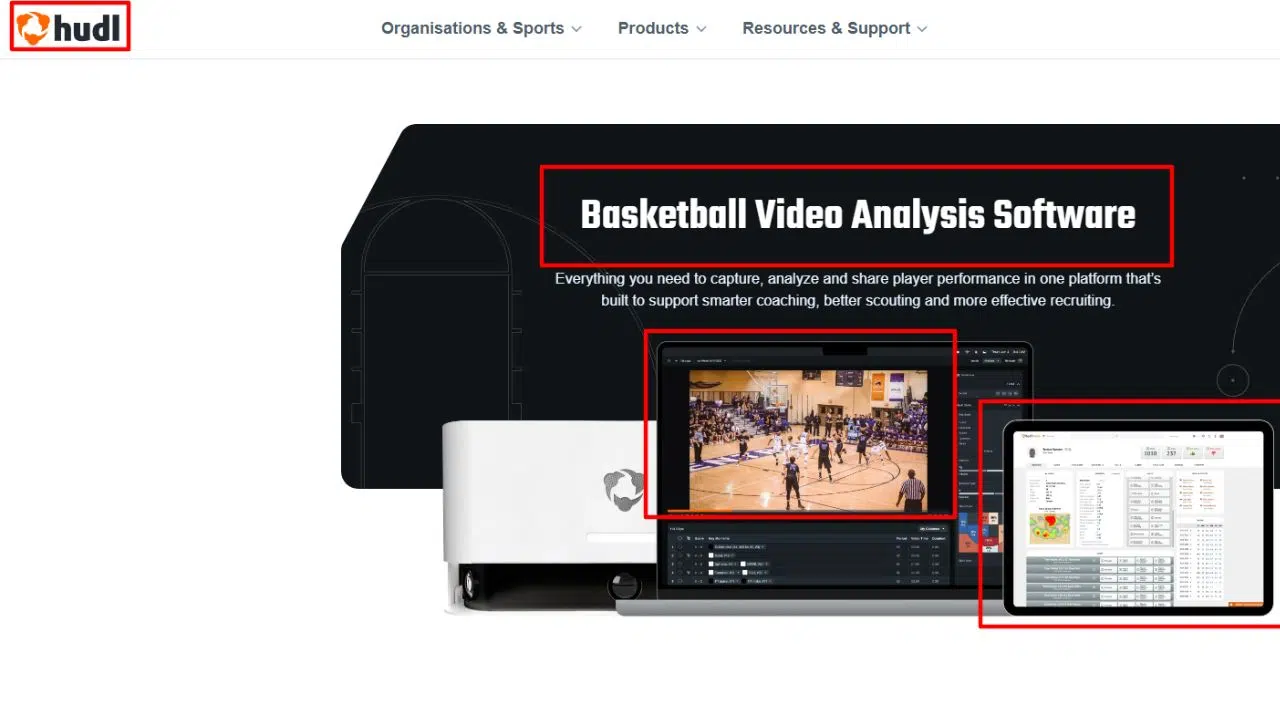
Ask around any high school league, and you’ll find Hudl running the video side of the athletic department. It handles film review and the exchange workflow where teams trade game tape before a matchup. Coaches clip possessions, attach notes, tag recurring problems, and push the cuts to players’ phones. The platform has been around long enough that most athletes already know their way around it by the time they reach varsity.
Hudl Assist is the add-on worth knowing about. You send game footage to Hudl’s breakdown service, and their analysts tag the events for you, from made baskets to forced turnovers. It costs extra, and club pricing is published, so you can run the math for your budget before committing.
Hudl Focus Indoor is their camera option for gyms. It mounts overhead, records on a schedule, and uploads straight into your Hudl library, which removes the volunteer-with-an-iPad problem entirely. For programs already inside the ecosystem, that pipeline is the main draw.
There’s also the exchange culture to consider. Teams in most leagues trade film through Hudl before they play, and sitting outside the platform means asking opponents to export and email files the old way. That friction alone keeps a lot of athletic departments locked in.
Hudl assumes a budget line, for what it’s worth. Smaller clubs sometimes start with cheaper options and move over once the athletic department consolidates its spending.
2. Veo: The Camera That Films While You Coach
Veo made its name in soccer before pushing hard into basketball, and the pitch is simple. Mount the Veo Cam 3, let it record the full court on its own, and stop begging a parent to run a camera. The camera shoots at 4K 60fps, sharp enough to read a defender’s footwork from across the gym.
After upload, the platform generates a tracked follow-cam view that pans with the ball, so you get broadcast-style footage without a broadcast crew. From there, you work inside Veo’s editor, clipping possessions and drawing on the frames that matter. A junior varsity coach can tag every defensive possession where nobody talked, then send those five clips to the team group chat before Wednesday’s practice. That loop, from final buzzer to teachable moment in under a day, is what sells the system.
Setup takes some fiddling the first week, mostly around mounting height and the charging routine. After that, it runs itself.
The catch is the price of entry, since the camera plus subscription is a real line item for a school with one gym and three sports sharing it.
3. Nacsport: Tagging Software for the Coach Who Wants Control
Nacsport works on footage you already have, from any camera. The software lets you build tagging windows that match exactly how you think about the game. Want a button for ‘hedge too slow’ and another for ‘no weak-side help’? You build them yourself, and over a season the database becomes a record of your team’s habits. It runs on Windows and macOS, and the free trial is generous enough to test a full workflow before spending anything.
The learning curve is steeper than the app-style tools, and that’s the trade-off. Coaches who like building their own system tend to stay for years.
4. Dartfish: The Deep-Dive Option
Dartfish has been in the video analysis business longer than most of its competitors combined, and the feature list shows it. You get frame-by-frame drawing tools, instant replay, multi-video comparison, and live tagging panels you can run from the sideline during a game. There’s even simulcam, where two versions of the same athlete overlay on one screen, which the biomechanics-minded will appreciate more than the average JV coach.
It handles 4K and the common file formats without complaint, and finished clips live in a secure cloud space your assistants can open from anywhere. For a staff that wants laboratory-grade tools and has someone willing to learn them, Dartfish earns its keep.
5. SportsVisio: For the Coach With No Editing Time
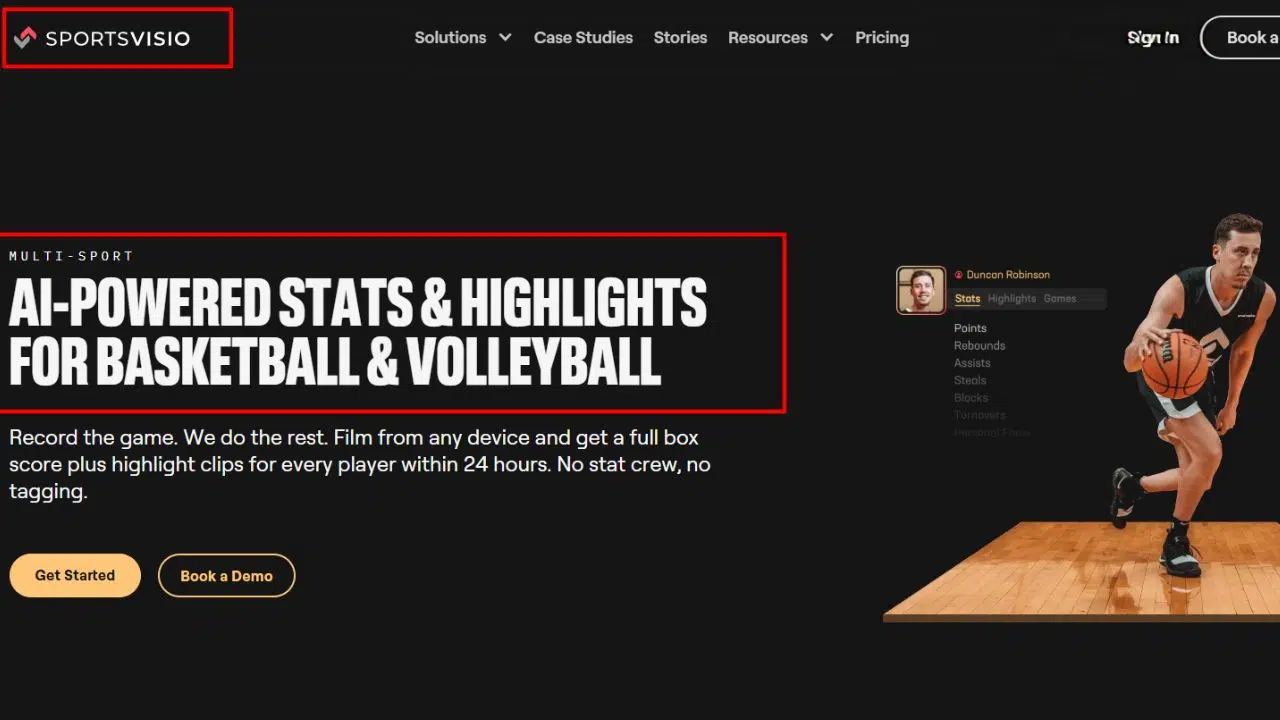
SportsVisio’s whole argument is that coaches shouldn’t have to become editors. Upload game video and the system works toward producing stats and highlight moments without anyone scrubbing through footage at midnight. For youth basketball, where the person running practice might also be a parent volunteer with a day job, that promise lands.
The comparison articles in this space make a fair point about tools in general: the best one is the one that actually gets used consistently. A platform that hands athletes their own clips and stats gives them a reason to open it during the week, between games. Some coaches worry this turns film study into a highlight-watching habit. The honest answer is that a fourteen-year-old reviewing his own defense is already ahead of where he was last season.
6. The Phone, a Tripod, and the Top Bleacher
Plenty of good film review happens with none of the above. A phone mounted on a tripod at mid-court, rolled to the top of the bleachers, captures enough to show a player what his defensive stance actually looks like. The footage won’t track the ball or generate stats, and uploading a two-hour file takes patience. For a first-year coach building a review habit on a zero budget, this is a legitimate starting point, and upgrading later doesn’t erase the season of film study already banked.
Choosing Between Them
It comes down to two questions. Who does the filming, a person or a mounted camera? And who does the tagging, you or a service? Answer those honestly and the shortlist usually shrinks to one or two names.
Whatever you pick, start the habit before the season rather than in the middle of it, when the losses start teaching lessons nobody wants to rewatch. Film review compounds like interest; six weeks of it changes how a team sees the game.



























