A song is playing in a cafe, a store, or on a TV show, and you have no idea what it is. You pull out your phone, tap a button, and three seconds later you have the title, the artist, and a link to stream it. That is the promise behind every one of these apps to identify songs, and most of them deliver on it.
But these apps do not work the same way. Some excel in noisy rooms. One works by humming alone. A few only work while the song is actually playing. Picking the wrong tool for your situation is the single biggest reason identification fails.
1. Shazam: The Default Choice
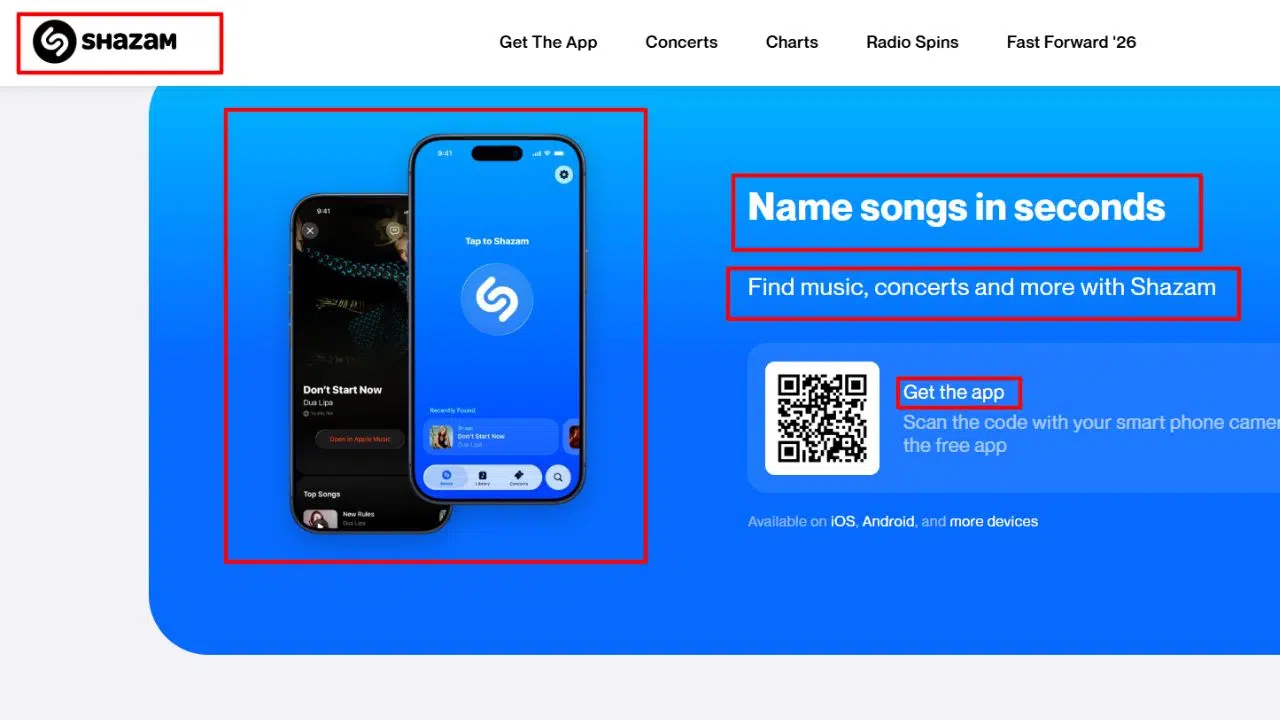
Start with the one everyone already has. Shazam, free and ad-free under Apple’s ownership since 2018, builds an acoustic fingerprint of whatever is playing and matches it against a vast database of recordings, usually within two to three seconds.
The company’s history explains its position. Shazam began in 2002 as a phone service: you dialed a number, held your handset toward the music, and received the track name by SMS. Two decades later it sits inside iOS itself through Control Center and Siri, and its Auto Shazam mode listens continuously in the background, logging every track it hears.
What it does well:
- Extremely fast, reliable identification, even in noisy environments
- Auto Shazam identifies tracks continuously without taps
- My Shazam history syncs via iCloud and can auto-add tracks to Apple Music or Spotify playlists
Where it loses: It cannot identify a hum. Shazam matches a specific recording, and a hummed melody carries no fingerprint to match. Live versions, covers, and remixes often fail for the same reason. A failed attempt leaves nothing behind, since the audio is discarded after fingerprinting.
Pricing: 100% free, no ads.
Platforms: iOS, Android, web (Chrome extension), Wear OS, watchOS.
2. SoundHound: The Only Mainstream App That Listens to You Hum
You are in a moving car at 11 pm, and a song is looping in your head, but there is no second phone to play it on and no lyric memo to Google. A fingerprinting app is useless here because there is nothing playing for it to hear.
This is exactly the gap SoundHound fills. It is a mainstream song-identification app, and since 2007 the pioneer of query-by-humming, that can name a track from your hummed, sung, or whistled melody alone. SoundHound built its melody database through Midomi, its community web platform, where users have been singing into a browser for over a decade and a half. Google did not ship its own hum search until 2020.
What it does well:
- Hum, sing, and whistle recognition: its signature feature and Shazam’s biggest gap
- “Hey SoundHound” hands-free voice activation
- Matches melody and lyrics simultaneously, so a half-remembered line plus a rough tune gives it two signals instead of one
- LiveLyrics displays synced lyrics during playback
Where it loses: The free tier is ad-supported and the interface feels cluttered next to Shazam. Hum recognition is impressive but inconsistent on complex melodies. Outside the hum engine, its fingerprint accuracy shares the same limits as Shazam on live versions and covers.
Pricing: Free with ads; an ad-free Premium subscription is available (price varies by region and platform).
Platforms: iOS, Android, Wear OS, Android Auto, CarPlay.
3. Google Hum to Search + Now Playing: You Already Own It
Google gives you two tools you already have: Hum to Search, built into the Google app (mic → “Search a song” → hum for 10–15 seconds), and Now Playing, the Pixel-only ambient identifier that works on-device, offline, and automatically.
Google launched Hum to Search in 2020. It is free, has no usage limit, and supports more than 20 languages on Android (English only on iOS). Its machine-learning models convert your hum into a number-based melody fingerprint, stripping out your voice’s timbre, instruments, and off-key wobble, and match it against a catalog of millions of melodies. You do not need perfect pitch. Hum the chorus hook for 10–15 seconds and Google returns ranked candidates with confidence percentages. To reach it: open the Google app, tap the microphone, say “what’s this song?” or tap “Search a song,” then hum.
Google Now Playing runs on Pixel phones. Launched with the Pixel 2 in 2017, it identifies music playing around you automatically, entirely on-device (the audio never leaves the phone), and keeps a dated history log. For Pixel owners it is the best passive identifier available: no taps, no buttons.
Where it loses: Hum to Search is mobile only; there is no desktop equivalent. iPhone users must install the Google app, since Siri cannot hum-search. Now Playing is exclusive to Pixel phones. Both are weaker on instrumental, library, advert, and older or niche music.
Pricing: Free. Hum to Search has no usage limit, and Now Playing is built into Pixel phones.
Platforms: Hum to Search: Google app on iOS and Android, 20+ languages on Android. Now Playing: Pixel phones only.
4. Midomi: The Browser-Based Hum Search
Fair warning first: Midomi looks like a website from 2011, because it basically is one. The interface is dated, the ads are visible, and nothing about it feels modern.
So why is it here? Because Midomi is a free browser-based song identifier, built on SoundHound’s engine, that accepts a hum or a cappella singing through your device’s microphone and runs a community-hum database no other service has. Midomi indexes community-recorded hums and a cappella renditions, which means some obscure tracks are matchable because another human hummed them first, and Midomi indexed that hum. When the AI tools fail on a deep cut, this is the browser tab worth opening.
Midomi is also the best free hum-search option on desktop, where Google’s hum engine simply does not exist. Browser microphone permissions can be finicky on mobile, and on commercial hits it is slower and less accurate than the Google or SoundHound apps. But for obscure songs and desktop use, nothing else touches it.
Pricing: Free, with ads.
Platforms: Any web browser with microphone access.
5. AHA Music: For Videos Playing in Your Browser
Nobody enjoys holding a second phone up to their laptop speaker. That workaround exists because identifying audio playing on your own device is awkward for phone apps.
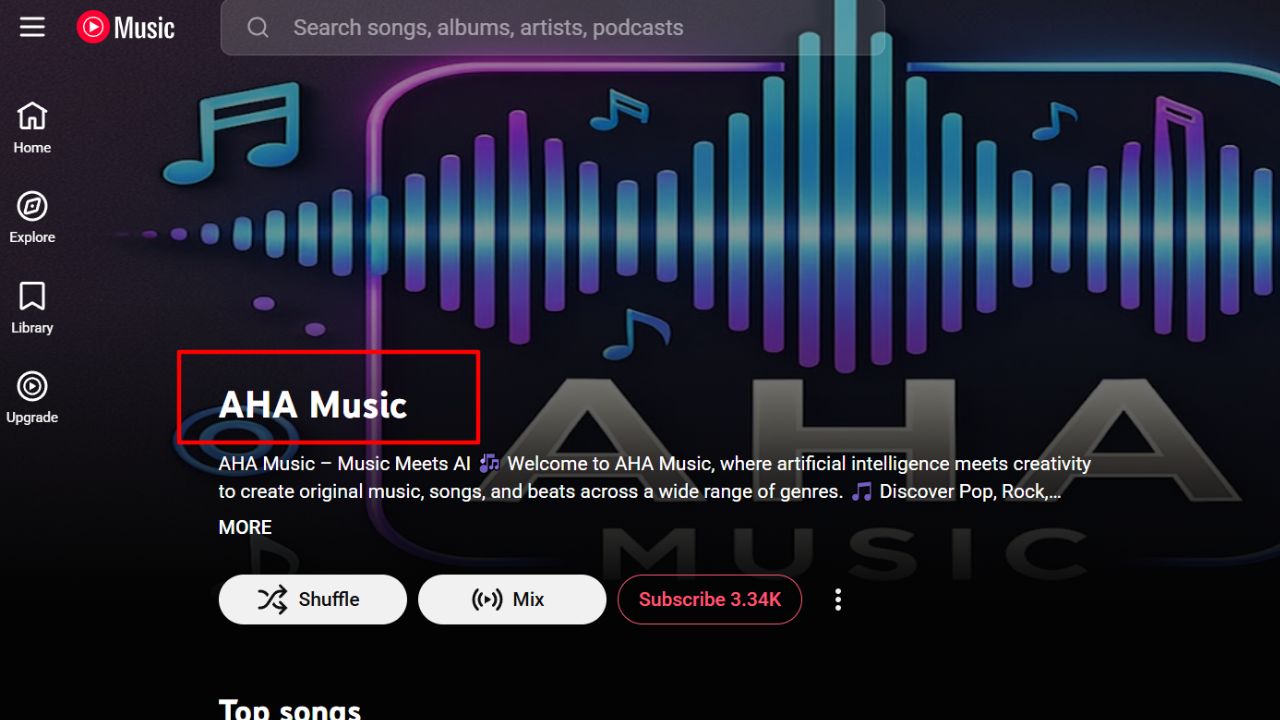
The browser route sidesteps the problem entirely. AHA Music, a free extension for Chrome and Edge, names whatever the active tab is playing by reading the browser’s own audio stream, with no microphone involved. YouTube, Vimeo, and web players are identified in seconds with zero permission friction.
One nuance worth knowing: Shazam can identify in-app audio on your phone, and Apple’s own support documentation confirms this works for TikTok, YouTube, and Instagram. On Android, it runs through Pop-up Shazam and the notification bar. The setup requires floating-button permissions, though, and headphone routing can still trip it. That friction is exactly what the extension removes, at least on desktop.
The trade-off sits in the name. AHA Music is browser-only: no room audio from a TV or cafe, and DRM-protected streams can break fingerprinting. Extensions also do not exist in mobile Chrome, so this remains a desktop tool.
Pricing: Free.
Platforms: Chrome, Edge (desktop browsers).
6. Musixmatch: The Lyric-First Identifier
What do you do when the melody is gone but three words of the chorus are stuck? Type those words into Musixmatch.
Musixmatch operates the world’s largest synced-lyrics catalog, and it licenses those lyrics to Spotify and Instagram. If you remember even one line of a song, searching that fragment here finds the exact track. Melody matching is fuzzy, but a lyric fragment is an exact string match, and three recalled words usually nail the song where melody engines guess. The app also displays time-synced lyrics while a song plays, the same feed Spotify and Instagram Stories draw from.
The best features (synced lyrics on top of your own music) sit behind Premium, and the free tier shows ads. It also identifies by lyric text rather than by listening, so pair it with a listening app for out-loud identification.
Pricing: Free with ads; optional Premium subscription for ad-free synced lyrics.
Platforms: iOS, Android, web.
7. Genius: For the Words Half-Remembered
Misheard a lyric for years and still Shazam-less? Misheard lyrics are exactly where Genius earns its place, because its search was built to tolerate them.
Genius is a lyrics-and-annotations database with exhaustive coverage of hip hop, rock, and indie, whose search tolerates misheard lyrics better than most literal lyric engines. Its real differentiator is what sits next to the lyrics: verified artist annotations explaining what lines mean and what they reference. If your half-remembered words are slightly wrong, and misheard lyrics usually are, the database of corrected fan transcriptions often catches the song anyway. It also answers the “what does this lyric actually mean” question Shazam never touches.
Coverage thins outside English-language popular music, and the app experience is secondary to the website. Genius is lyrics-first only, so room audio is beyond it.
Pricing: Free.
Platforms: Web, iOS, Android.
8. BeatFind: The Lightweight Android Pick
Not every identification job needs a feature-rich app. For the “what is playing on this TV” moment, BeatFind strips the job down to one tap.
The app listens, names the track, links it to Spotify or YouTube, and throws in a party mode that pulses your screen’s flashlight in time with the beat. It is free, it needs no account or login, and on Android it is the least-friction option on this list.
That simplicity carries a cost worth knowing before you install. BeatFind’s recognition database is smaller than Shazam’s or SoundHound’s, ads appear in the free version, and there is no iOS build at all.
Pricing: Free, with ads.
Platforms: Android.
Comparison: Which App for Which Situation
| App | Best for | Hum or sing? | Lyric search? | Free? | Platforms |
|---|---|---|---|---|---|
| Shazam | Fast, reliable room + in-app identification | No | No (lyrics view only) | Yes, no ads | iOS, Android, web, watches |
| SoundHound | Humming, singing, whistling | Yes | Yes (singing with words) | Yes (ads) or Premium | iOS, Android, CarPlay, Wear OS |
| Google Hum to Search / Now Playing | Earworms; passive Pixel identification | Yes | No | Yes | Google app; Pixel-only for Now Playing |
| Midomi | Desktop hum search; obscure tracks | Yes | No | Yes (ads) | Web |
| AHA Music | YouTube and browser video audio | No | No | Yes | Chrome, Edge |
| Musixmatch | Identifying by remembered lyrics | No | Yes | Yes (ads) or Premium | iOS, Android, web |
| Genius | Misheard lyrics and song meanings | No | Yes | Yes | Web, iOS, Android |
| BeatFind | Casual TV identification on Android | No | No | Yes (ads) | Android |
The Verdict
For most people, most of the time, Shazam remains the right answer among apps to identify songs: free, ad-free, and also capable of in-app identification. SoundHound earns a permanent spot if humming is part of your life, Google’s tools cover you without another install, and AHA Music handles the browser cases. Midomi covers desktop and obscure hums, Musixmatch and Genius cover half-remembered lyrics, and BeatFind is the simple Android option. Where these apps disagree is the point: each one owns a different moment, and the mistake is forcing one app to do all of them.
Frequently Asked Questions (FAQs) About Apps to Identify Songs
Can Shazam identify a song I’m humming?
No. Shazam matches an acoustic fingerprint of a specific recording, and your voice produces a different fingerprint every time. To identify a hummed melody, use Google Hum to Search or SoundHound, which match the shape of the melody rather than the recording.
Can Shazam identify music playing inside TikTok or Instagram?
Yes, with some setup. On Android, Pop-up Shazam places a floating button over any app, and Apple’s support documentation confirms it identifies music playing in TikTok, YouTube, or Instagram on the same device. On iPhone, the Control Center and notification options capture in-app audio as well. The older “second device” trick is only needed when permission friction or headphone routing gets in the way.
Is there a completely free song identifier?
Yes. Shazam is entirely free with no ads, and Google Hum to Search is free with no usage limit inside the Google app. SoundHound, Musixmatch, and BeatFind are free with advertising.
Which app works without internet?
Google Now Playing on Pixel phones identifies music on-device and offline against a local database of common tracks, keeping a history log. Every other mainstream identifier needs a connection to match against its cloud catalog.
What is the best app for identifying classical or instrumental music?
Recognition rates drop sharply across all engines here. Google Hum to Search and SoundHound handle instrumentals best but still trail their pop accuracy; for classical themes, Musipedia’s rhythm and contour search is a specialist option, and human communities like WatZatSong or Reddit’s r/NameThatSong solve the rest.
Do these apps drain battery?
Only in continuous-listen modes. Auto Shazam and SoundHound’s background listening monitor audio until you stop them, which costs battery; a single tap-to-identify uses seconds of microphone time and is negligible on any modern phone.