A child can finish a book and still struggle to explain it. The same child may complete every level in a learning app without using that skill anywhere else. When I combine books and apps for deeper learning, I look for what happens afterward: Can the child explain an idea, read a new word, ask a better question, or use what they learned away from the screen?
Books give children time to follow a story or think through an idea. A well-chosen app can let them hear a passage, explore a concept, or make something of their own. The pairing works best when both activities serve the same purpose. Parents and teachers do not need a complicated schedule. One book, one relevant app activity, and a good conversation can be enough to begin.
What Does Deeper Learning Look Like?
It depends on the child and the book. A beginning reader might sound out a word they have never seen before. An older child might explain why a character changed their mind, using a scene from the story. After a nonfiction book, a child might notice the same process in a garden, on a walk, or in a science activity.
I pay attention to those small signs of understanding. A score or badge tells me what happened inside an app. What a child says and does afterward tells me more about what they can use.
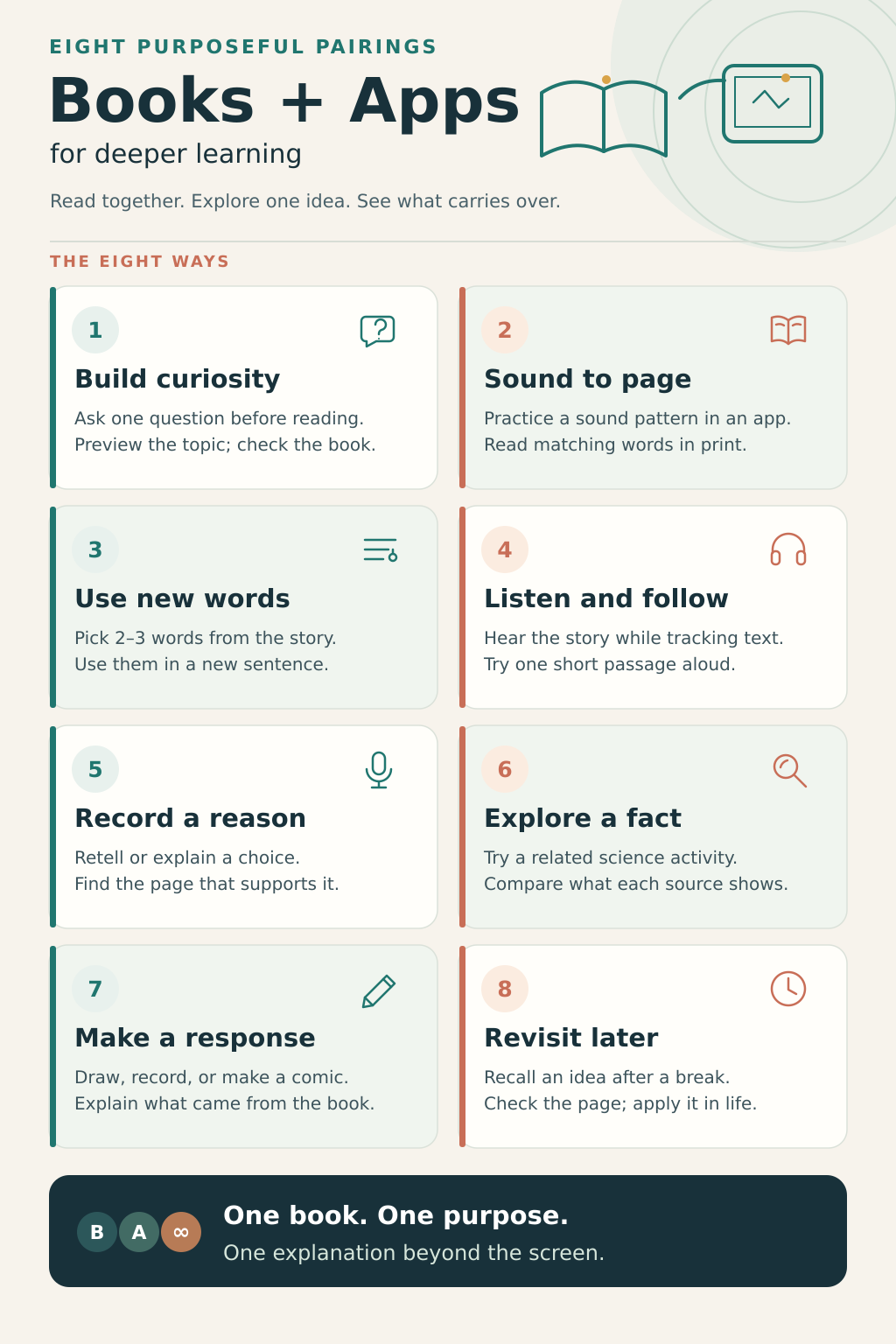
1. Start With a Question the Book Can Answer
Before opening a book, invite the child to wonder about its subject. If you are reading about butterflies, ask, “What do you think happens inside a chrysalis?” A short, age-appropriate visual activity can give the child something to think about. Then read the book together and return to the original question.
The useful moment comes when the child changes or expands an answer: “I thought this happened, but the book showed me something else.” That takes more thought than tapping through a series of pictures.
Keep the app activity close to the topic. A game with a butterfly character may be fun, but it may have little to do with how butterflies grow. I would choose the activity for the question it helps the child explore.
2. Carry a Phonics Skill From the App Into Print
For a beginning reader, match the app activity to the letters and sounds they are learning. After practicing a letter sound or blending activity, find that skill in a suitable beginner book. If the child has learned the sounds needed for a short decodable text, let them try reading its words aloud.
Give them time to work through an unfamiliar word. A child who can select the right answer in a game still needs practice looking at letters in a line of print, blending their sounds, and checking whether the word makes sense in the sentence.
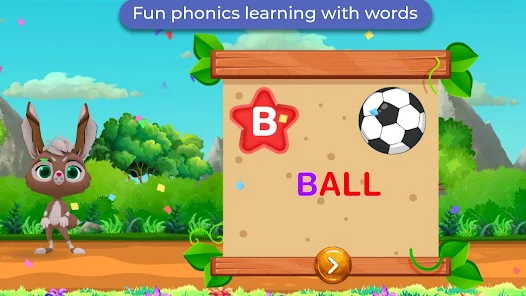
Our team at Editorialge developed Alphabet Magic trace & phonics. With my nephew Fariz, I found meaningful signs of progress outside the app, when he recognized letters in other places. I also know that progress is uneven. At seven, he still sometimes mixes up b and d when writing from memory. Those are personal observations, not proof of what one app can achieve for every child. They remind me to look beyond completed levels and give a child patient, varied practice.
Learn more about why kids mix b and d and how to help them.
3. Bring New Words Back to the Story
Books introduce children to words they may rarely hear in everyday conversation. Choose two or three that matter to the story. Explain each word in plain language, then use an app’s picture, audio, or simple review activity to explore it further.
Suppose a character describes a bridge as enormous. Ask the child to find the bridge in the illustration. Talk about what enormous means there. Later, ask them to describe something enormous that is not in the book.
Then return to the page: “Why did the author choose that word?” This helps the child connect the word’s meaning to the story and use it in another setting. There is no need to turn every page into a vocabulary lesson. A few well-chosen words leave more room to enjoy reading.
4. Listen While Following the Text
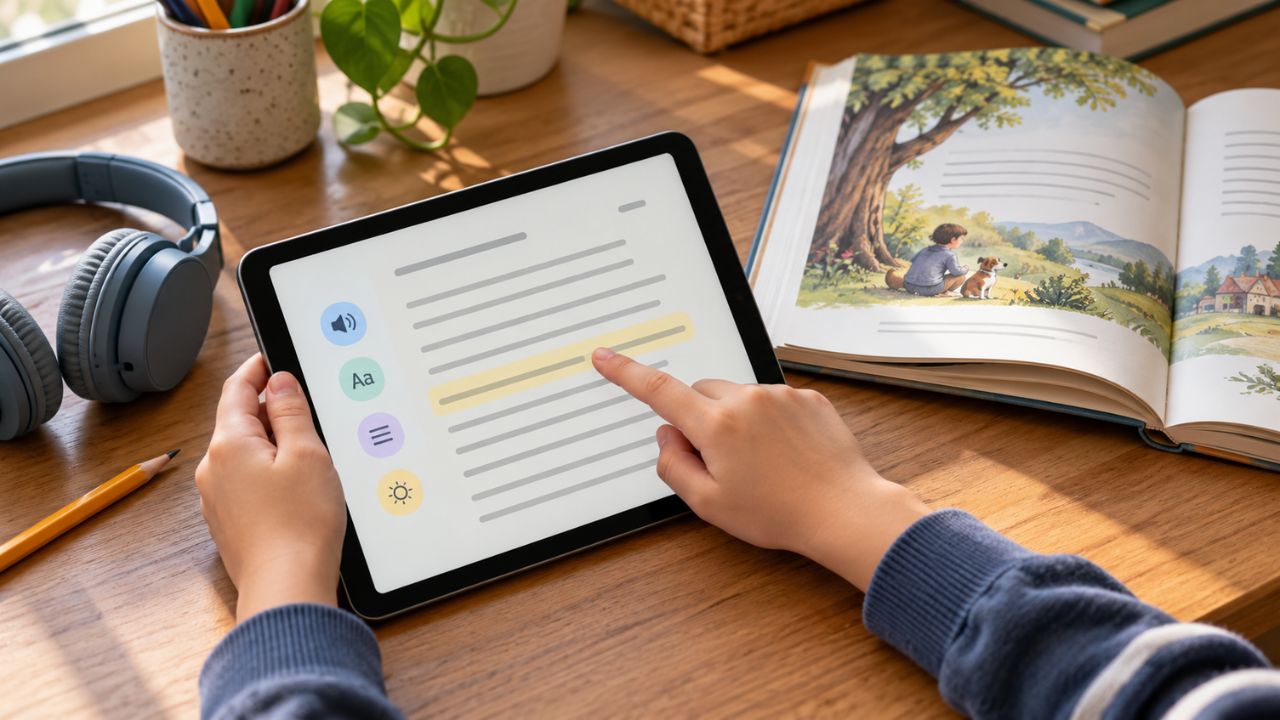
Audio can help a child stay with a story that they are not yet ready to read independently. Play a narrated version while they follow the words in a matching book or digital text. Pause at a natural break to ask what happened or what they expect next.
Afterward, choose a short passage the child can manage and invite them to read it aloud. This gives you a clearer view of two different skills: understanding a story they hear and reading its printed words.
For a child who finds print difficult to access, audio may open the door to richer stories and discussion. If the goal is to strengthen decoding, continue to make space for supported reading of text as well. Match the format to what the child needs from that session.
5. Discuss a Print Book, Then Record the Child’s Thinking
An app can be useful after the book is closed. Use a private voice-recording tool and ask the child to retell the story or answer one thoughtful question: “Why do you think she went back?” or “What might have happened if he had made another choice?”
Listen together. If an important part is missing, reopen the book and find it. You can ask, “Which page helped you decide?” The recording gives a child another chance to organize their thoughts, while the book keeps the conversation grounded in the story.
Younger children can describe a picture or name what happened first and next. Older children can compare characters’ choices or support an opinion with a detail from the text. I would keep this conversational. A hesitant answer often tells you where to talk more, rather than where to give a harder quiz.
6. Use an Interactive Activity to Investigate Nonfiction
A nonfiction book can raise questions that an interactive activity helps children explore. After reading about a pond habitat, for example, a child might try a guided activity about plants and animals in a pond. Ask them to notice what happens when one part of the habitat changes.
Bring the book back into the discussion. Which ideas appeared in both places? Did the app simplify anything? What could you observe at a real pond or in a nearby garden?
This approach can work for maps, weather, building, and other subjects a child wants to investigate. Check the activity yourself first. Its connection to the book matters more than bright graphics or a familiar character.
7. Make a Digital Response to the Book
Children often show understanding when they have to make something. After a story, invite the child to create a three-panel comic showing a character’s problem, decision, and result. After a nonfiction book, they could make a short illustrated explanation of a process.
A tool such as Book Creator can bring together drawings, text, and voice recordings. A basic drawing or notes app can also do the job. Ask the child to explain their choices: “Which part came from the book?” and “What did you add?”
Give them room to be creative while keeping the original text close. If a child invents an alternate ending, they should be able to explain how the character in the book might have reached it. That conversation makes the project more valuable than a polished-looking page alone.
8. Revisit the Idea After Some Time Has Passed
A good reading session does not have to end when the book goes back on the shelf. A day or two later, use a few prompts in a notes or flashcard app on an adult’s device. Ask the child to recall a word, explain a character’s choice, or describe something learned from a nonfiction book.
Let them answer before showing a picture or reopening the text. Then check the book together. If they have forgotten a detail, finding it again is part of learning.
Look for an opportunity beyond the book and app, too. After reading about shapes, notice them while cooking or walking. After reading about a plant, observe one growing. I find these moments especially useful because the child has to recognize an idea in a new place.
How to Choose Books and Apps for Deeper Learning
Start with the child’s interest and current skill. A story they want to hear is a better starting point than an app you feel obliged to use. Decide what you hope the child will practice: decoding, vocabulary, understanding a story, exploring a subject, or expressing an idea. Then choose an app activity that serves that goal.
Preview the app before handing over the device. Check whether its instructions are clear, its content fits the child’s age, and its feedback helps them understand a mistake. Review ads, purchases, permissions, and data-safety information. Be especially careful before uploading a child’s name, photo, or voice recording.
Watch what the app activity makes possible afterward. Does the child want to return to the book? Can they talk about what they noticed? Can they try the skill on a fresh page? Those questions are more useful than counting how many activities they completed.
Make the Next Reading Session Count
Choose a book your child wants to explore. Pick one question or skill from it, then find one app activity that helps them investigate or practice it. When the device is put away, ask the child to explain, show, or use what they learned.
That is the standard I keep returning to when I use books and apps for deeper learning. The most interesting result often appears later, when the child recognizes an idea on a different page or somewhere in daily life.
Frequently Asked Questions on Books and Apps for Deeper Learning
Should children use the book or the app first?
Let the learning goal decide. A brief visual activity can help a child approach an unfamiliar subject before reading. For phonics practice, an app activity can introduce or review a sound pattern before the child reads it in a suitable text. A creative or discussion activity often works well after the book.
Can an audiobook help a child learn to read?
It can support access to stories, vocabulary, and discussion. Following the printed words while listening may also help a child attend to the text. Listening does not show that the child can decode those words independently, so give developing readers opportunities to read print with appropriate support.
How much app time should go with one book?
There is no fixed book-to-app ratio that suits every child. Keep the activity focused enough that there is still time to read, talk, play, and use the idea elsewhere. If the child is absorbed in rewards but has lost track of the book, it is a good time to stop and reconnect the two.
What if my child prefers the app to the book?
Begin with what interests them in the app. If they love a game about animals, look for a book that answers one of their questions about those animals. Read together without making every page a test. Curiosity can carry them from one format to the other.
Are app quizzes a good way to check comprehension?
They can help children recall details and show you what to revisit. Follow a quiz with an open question such as “How do you know?” or “Can you show me in the book?” A child’s explanation gives you a fuller picture of their understanding.