

Starting out on Twitch is tough. Twitch lists live channels mostly by how many people are watching, so a stream with zero viewers lands at the very bottom of the page. That is why so many people look for Twitch alternatives for new game streamers before they even set up OBS.
You have real choices in 2026. But some old favorites are gone. Trovo shut off live streaming on June 30, 2026, and DLive closed in April 2026. Plenty of lists online still recommend both.
This guide covers 10 platforms that work today. For each one, you will see what it takes to go live, how you can earn, and where a small channel has an honest shot at being found.
The 10 Platforms at a Glance
The table below sorts the best Twitch alternatives for new game streamers by what matters most on day one: the rules to go live and the first real way to earn.
| Platform | What you need to go live | First way to earn | Best thing for a small channel |
|---|---|---|---|
| YouTube Live | Age 16, verified channel; 50 subscribers on mobile | Super Chat and memberships at 500 subscribers | Streams stay searchable as videos |
| Kick | Free account | Subscriptions | Streamers keep 95% of sub money |
| TikTok LIVE | Age 18, usually 1,000 followers | Gifts from viewers | A huge For You feed |
| Facebook Live | Page or professional mode, 100 followers | Stars and subscriptions | Friends and local groups already there |
| Rumble | Free account | Rants and the Creator Program | Fewer gamers to compete with |
| X | Paid X Premium plan | Creator payouts still rolling out | Clips and live in one feed |
| Discord | Free account | None | Private practice with friends |
| Steam Broadcasting | Steam account | None | Zero setup |
| Owncast | A server you control | Whatever you build | Nobody can shut you down |
| Instagram Live | Public account, 1,000 followers | Limited | Fans from Reels |
Notice the pattern. The places that pay well early tend to have smaller crowds, and the places with huge crowds make you wait to earn.
The 10 Best Twitch Alternatives for New Game Streamers
These are ranked for someone with no audience yet. A platform that pays well but hides you from viewers ranks lower than one that helps you get seen.
1. YouTube Live
YouTube is the safest first pick among Twitch alternatives for new game streamers. A Twitch stream fades away when it ends. A YouTube stream becomes a video people can find through search months later.
To go live, you must be at least 16, verify your channel, and have no live streaming limits on your account in the past 90 days. From a computer with OBS, there is no subscriber minimum. On a phone, you need 50 subscribers, and YouTube may cap your viewers until you reach 1,000.
Money comes in two steps:
- 500 subscribers, 3 public uploads in the last 90 days, and either 3,000 watch hours in a year or 3 million Shorts views in 90 days. This unlocks Super Chat, Super Stickers, and channel memberships in most countries.
- 1,000 subscribers plus 4,000 watch hours in a year or 10 million Shorts views in 90 days. This adds a share of ad money.
You keep 70% of Super Chat and membership money, and 55% of ad revenue. The weak spot is live discovery. Few people browse live gaming on YouTube, so cut your best moments into Shorts after every stream.
2. Kick
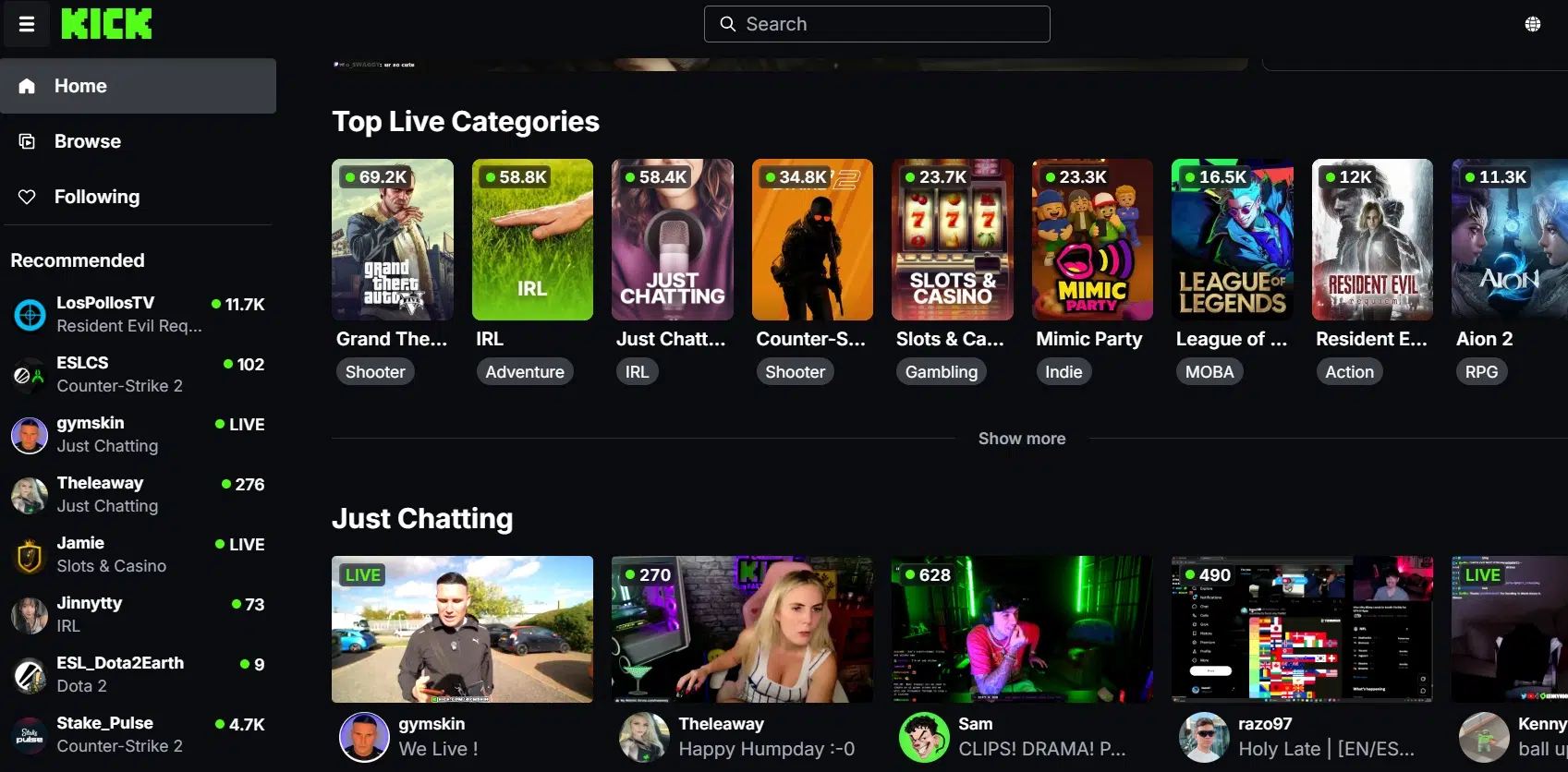
On paper, Kick pays better than anyone else here. Streamers keep 95% of subscription money. Most Twitch streamers get 50% by default. The bigger rewards take work, though. To join the Kick Partner Program, you need all of this:
- 30 hours streamed and 250 unique chatters in the last 30 days
- 25 active subscribers and 250 followers
- An average of 75 people watching at once
That last number is hard for a new channel. Also, if you are a partner and stream on another site at the same time, Kick cuts your pay for those hours by half. And Kick has a long history with gambling streams, so some sponsors stay careful. Gambling and “Just Sleeping” streams earn nothing from Kick.
Kick suits streamers who already have a few steady viewers.
3. TikTok LIVE
No platform puts you in front of more strangers. Your stream can show up in the For You feed of people who never heard of you.
The rules are strict, though. You must be 18 or older (19 in South Korea), and most accounts need 1,000 followers. TikTok says this number can change by region. Business accounts cannot send or receive gifts. You can stream PC games through TikTok LIVE Studio and mobile games straight from your phone.
Gifts are the main income. Viewers buy coins and send gifts, and you get diamonds you can cash out. Phone app store fees come out first, so your real share is often well under half of what viewers spend. Viewers also swipe away fast. Keep the action on screen from the first second.
4. Facebook Live
Meta ended its Facebook Gaming Creator Program. Special partner support stopped on October 31, 2025. You can still stream games, but you now use the same tools as every other Facebook creator.
To go live from a page or a profile in professional mode, Facebook has asked for at least 100 followers and an account that is 60 days old. Viewers can send Stars, and you can also earn through Facebook Subscriptions and Content Monetization. It works best if your friends or local gaming groups already use Facebook, not for reaching strangers.
5. Rumble
Rumble lets anyone stream for free through Rumble Studio, and viewers can tip with Rants. Gaming is a small part of Rumble, so you face fewer rivals.
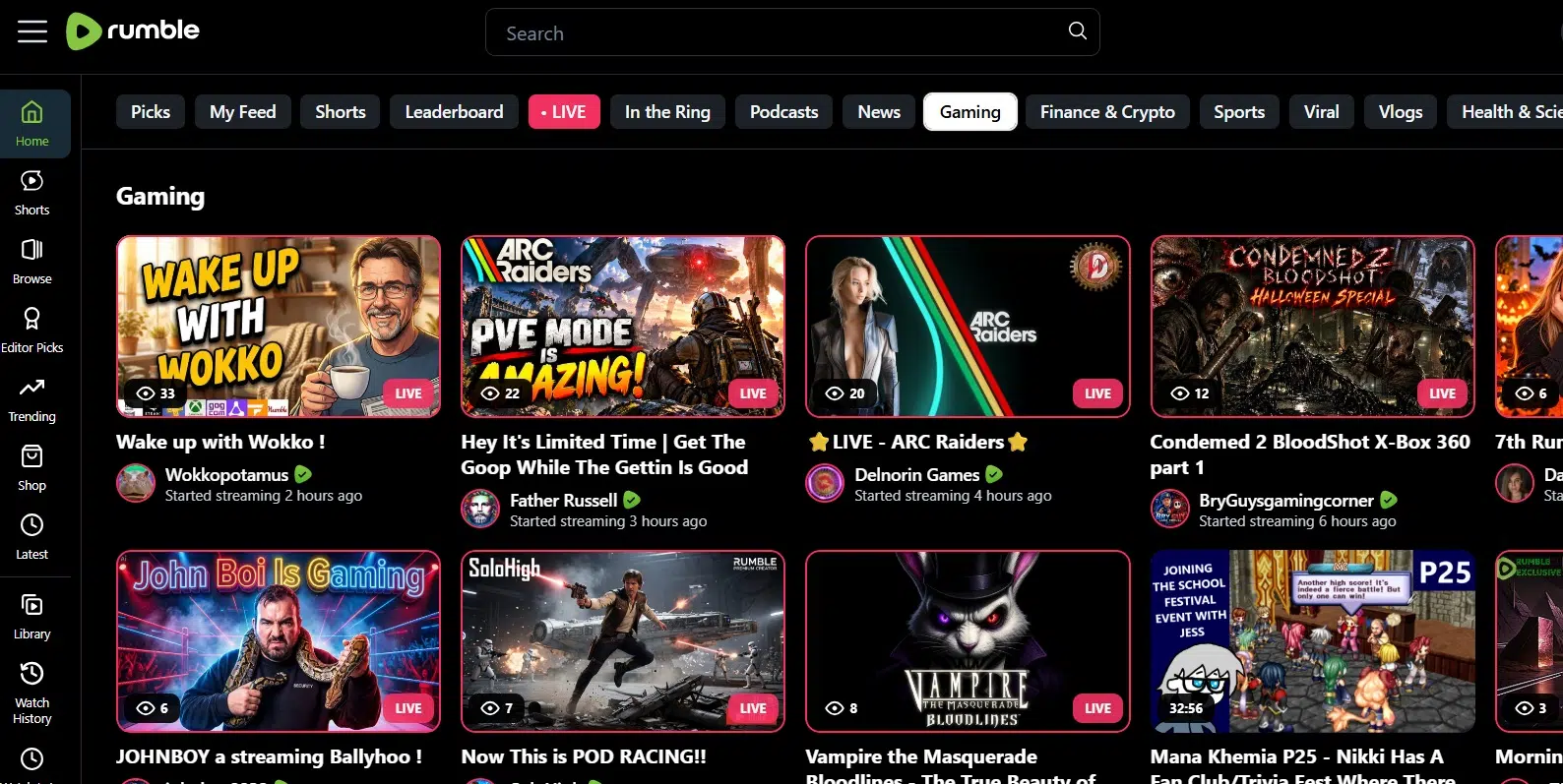
The Rumble Creator Program, which shares money from Rumble Premium, is harder. You need 100 followers and a paid Rumble Premium account, and you must live in one of seven countries, including the US, UK, Canada, and Australia. Then, every month, you must stream 30 hours, reach 500 hours of watch time, get 75 unique chatters, raid in five streams, and post 20 shorts. That is a full-time schedule.
6. X Live Studio
X launched Live Studio on July 1, 2026. It lets you add a title and thumbnail, schedule streams, pick who can watch, and see live stats. You need a paid X Premium plan to go live. X set aside $1 million for creators who stream, but the payout rules were still not public at launch. It helps most if you already post gaming clips on X.
7. Discord Go Live
Discord is not a public platform, and that is the point. Up to 50 people can watch your stream in a server. Free accounts stream at 720p and 30 frames per second, while Nitro goes up to 4K at 60.
Use it for practice. Test your overlays, your mic levels, and your talking with a few friends before you go public.
8. Steam Broadcasting
Steam has streaming included. Go to Settings, then Broadcasting, and choose who can watch: friends who ask, all friends, or anyone. There is no setup and no money. Use it for quick tests, nothing more.
9. Owncast
Owncast is free, open-source software that runs on your own server or a hosting company. It works with OBS and Streamlabs and comes with chat, moderation, and custom emotes.
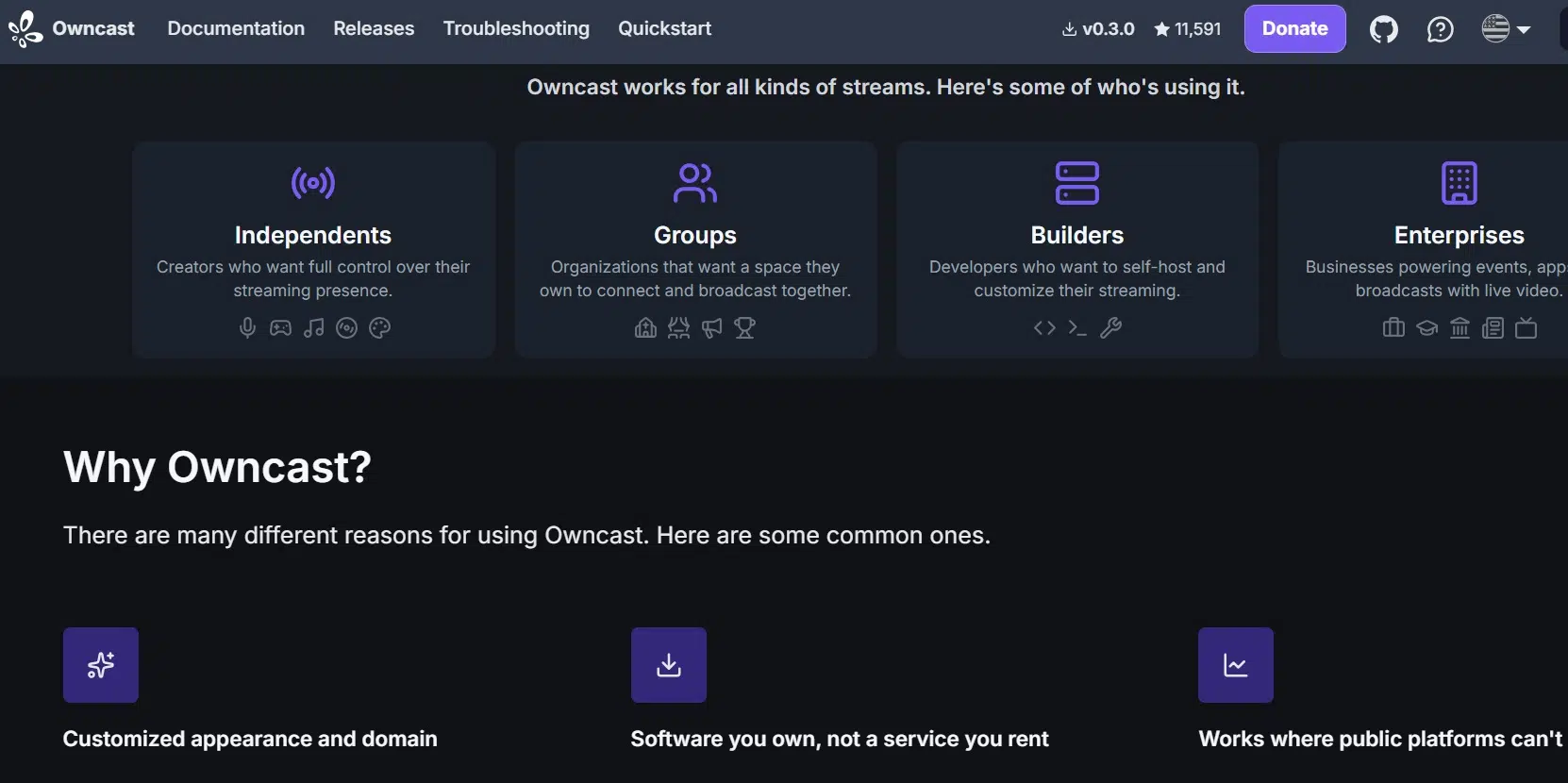
No one will find you there by accident. Its value is control. If a platform closes, like Trovo and DLive did, a stream on your own website keeps running.
10. Instagram Live
Since August 2025, Instagram only lets public accounts with 1,000 or more followers go live. That rules it out for brand new channels. Keep it in mind for later, when fans from your Reels want to watch you play.
How to Choose Twitch Alternatives for New Game Streamers
The right Twitch alternatives for new game streamers depend on your goal, not the biggest name:
- Want to be found later? Start on YouTube.
- Already have a few loyal viewers? Try Kick.
- Play mobile games and are 18 or older? Go with TikTok LIVE.
- Not ready for strangers yet? Practice on Discord or Steam first.
Whichever you pick, put money into a good streaming microphone before a camera. Viewers forgive a blurry face but leave fast over bad sound. Your game matters too, so look at which gaming genres are expected to go viral before you commit to one.
Do Not Write Off Twitch Yet
Twitch got easier on May 13, 2026. Bits, subscriptions, emotes, and Channel Points are now open to all streamers. You still need affiliate status to cash out, but Affiliate now asks for only 25 followers, 4 hours streamed, 4 different days, and at least 3 viewers on those days.
Twitch also allows streaming to other sites at the same time. Your Twitch stream must match or beat the quality you send elsewhere, and you cannot post links in chat that send viewers away. A smart path is streaming to Twitch and YouTube together, then following your crowd. If your Twitch tests keep failing, our guide to Twitch Error 2000 covers the common fixes.
Platforms to Skip in 2026
Trovo and DLive both still show up on many lists. Trovo ended live streaming on June 30, 2026, and DLive shut down in April 2026.
Frequently Asked Questions (FAQs)
What is the best alternative to Twitch for small streamers?
For most people, YouTube Live is the top pick among Twitch alternatives for new game streamers. Your streams stay searchable, and you can earn from viewers at 500 subscribers. Kick pays a bigger cut, but its partner rules are hard to reach early.
Is Kick better than Twitch for new streamers?
Kick pays more per subscriber. Twitch has far more viewers and, since 2026, lower affiliate rules. If you have no audience yet, Twitch or YouTube usually helps you grow faster.
Can I stream on Twitch and YouTube at the same time?
Yes. Both allow it, as long as your Twitch stream is not lower quality than the other one.
How many followers do you need to go live on TikTok?
Most accounts need 1,000 followers, and you must be at least 18. The number can differ by region.
Is Trovo still available?
Not for live streaming. Trovo ended it on June 30, 2026.
Final Thoughts
The best Twitch alternatives for new game streamers are the ones that help you get seen first and paid second. Start with YouTube Live, add Shorts from every stream, and test Kick or TikTok LIVE once you have a small, steady crowd. Pick one platform this week, stream on a fixed schedule for a month, and let your numbers tell you where to go next.























