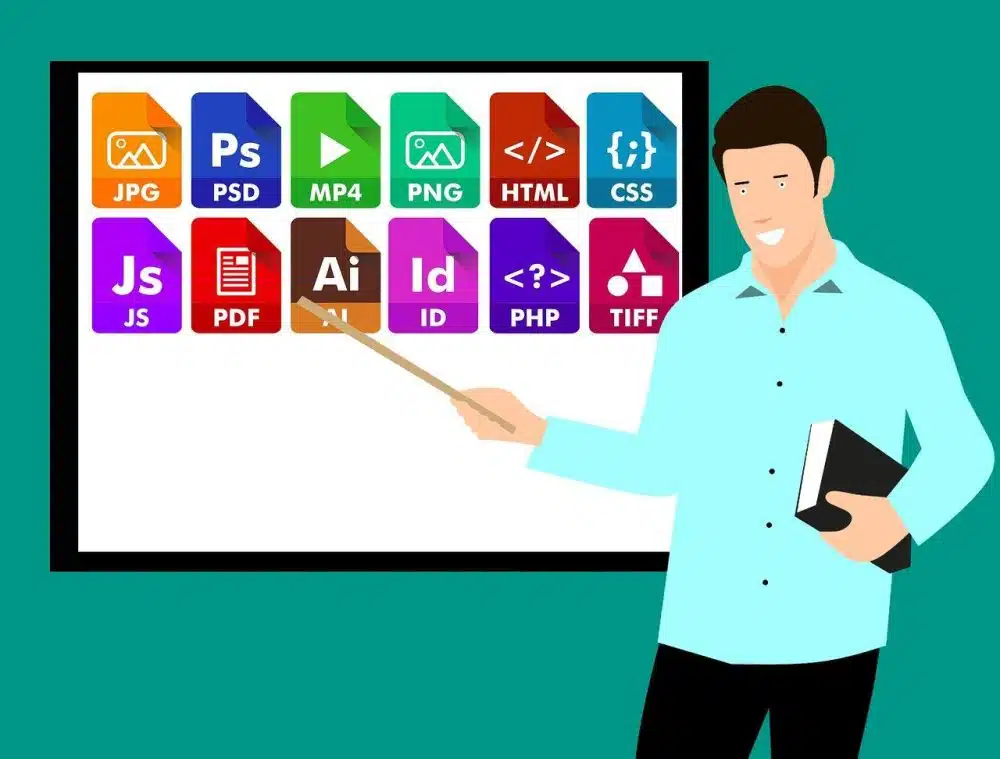
PDF files have been around since the 1990s and are an integral part of the Internet browsing experience. PDFs are often the format of choice for government forms, company brochures, online magazines and other documents published on the internet, and for good reason. Today, PDF is the most widely used digital format, either to exchange documents or to store information. Therefore, it is important to have a tool that allows you to fully modify PDF files quickly and easily. We recommend PDFelement and the PDFelement application gives you all the possible modification options and also has a very intuitive interface.
About PDFelement
Why PDFelement? This PDF editing application allows you to make any modification you need, from editing text or images, joining and separating documents, converting PDF to different formats, OCR function etc. In addition, the OCR function supports more than 20 languages, and you can install the application on both Windows and Mac without any problem. We are going to show you some functionalities that we liked the most about PDFelement. The first time we used this tool was about 6 months ago and since then, we have never used another similar tool. We feel that this tool is a much cheaper solution than Adobe Acrobat but still reliable to use when we are dealing with PDF documents.
But before discussing the functionality below, we will tell you our initial impression when first operating PDFelement. The interface is simple, even for beginners. You don’t need to have a lot of editing experience to understand what’s included in the PDFelement interface. You can only read enough. Just that! Its various writing and editing tools are clearly visible and seem easy to use. One thing that is interesting is that PDFelement applies an intuitive user management console which can make all the complex processes such as monitoring, provisioning, and managing licenses among team members much simpler. This is an excellent collaboration tool.
Editing scanned documents with the OCR tool
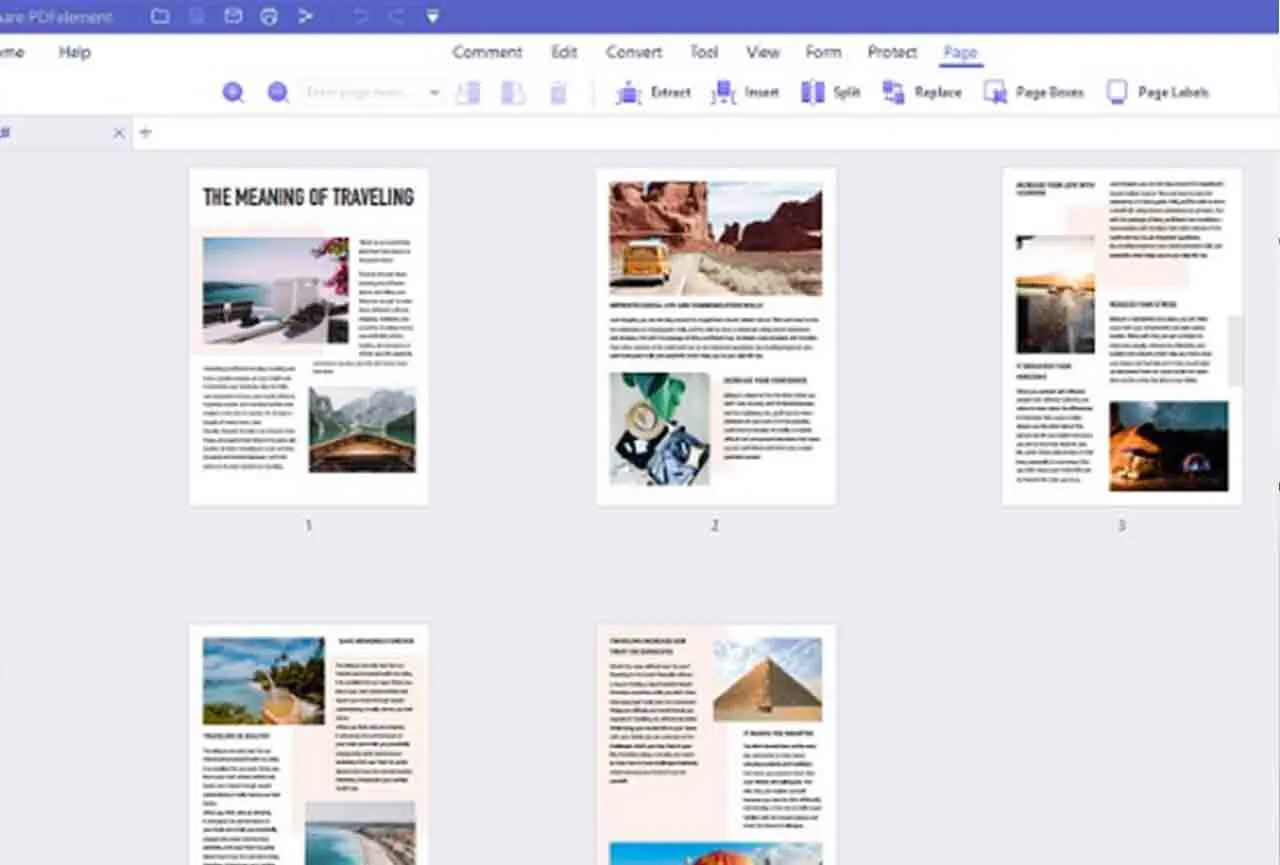
Thanks to this functionality you can easily edit a scanned document. The OCR tool is capable of transforming the text on the scanned page into fully editable text. Let’s see step by step how to use it.
First of all, you must install the OCR plugin since it is not installed by default, it is very simple, you just have to follow the steps indicated by the application. Once installed, on the Startup tab, select the From Scanner option.
Next, a window opens. The scanner you have connected to your computer will appear by default in the scanner field. If you have several, choose the one you want to use. You can customize all the fields that the window displays. Enable the Recognize Text (OCR) option and press Scan.
The document you have placed in your scanner tray will automatically be scanned. You can scan multiple pages. Once you have scanned all the pages click Yes. The program will ask you if you want to save the document before applying OCR, choose the option you need. Next, a window will appear in which you can select one of the two options; Convert documents into editable or searchable files. In our case we choose editable files, change the language if it does not match the version you are using and press Ok. OCR will be executed, the time it takes will depend on the number of pages and complexity of the scanned document. Select the edit option to begin modifying the scanned document.
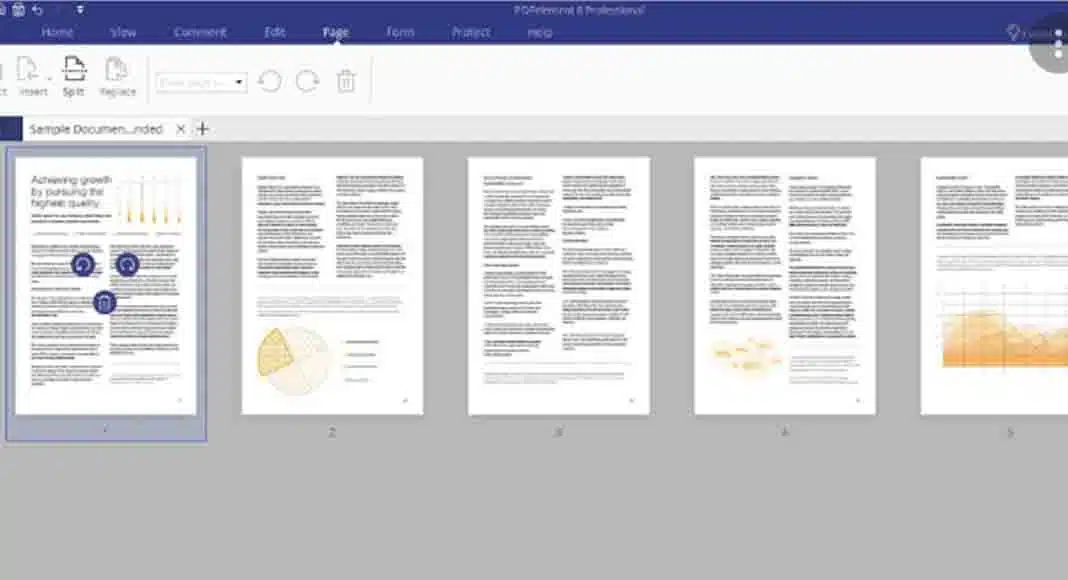
Converting from PFD to Word
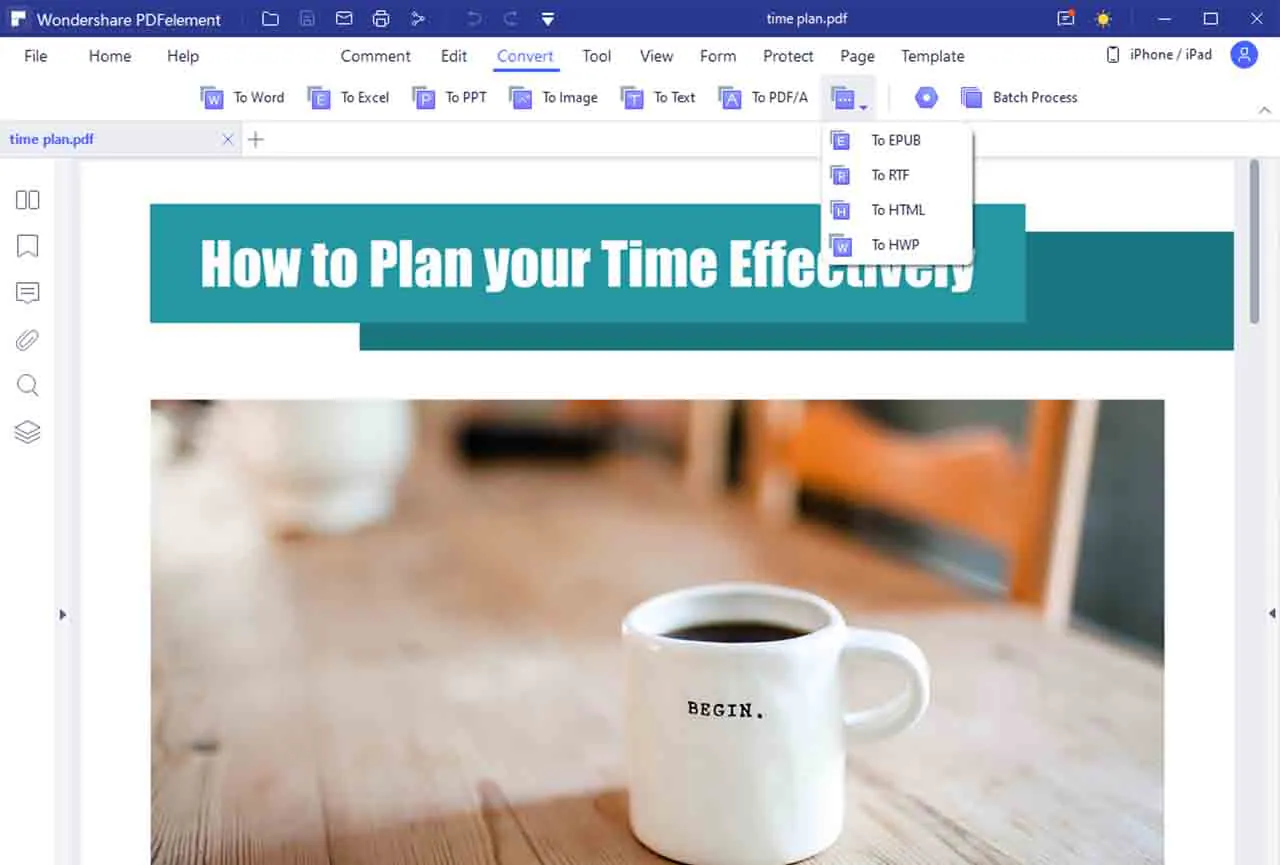
Converting a PDF into Word is another of the features that you will like the most. In addition, it is very fast and the result is excellent. First of all, you must open the file that you want to transfer to Word in PDFelement. Go to the Convert tab and there you will find all the conversion options offered by the application, you can convert to:
- Word
- Excel
- Power Point (PPT)
- Image
- Text
- Epub
- HTML
- RTF
You just have to click on the option you want to use. Next, the program will ask you for the path where you want to save the file. Save the file and voila, you already have your document converted.
Creating PDF forms is so easy
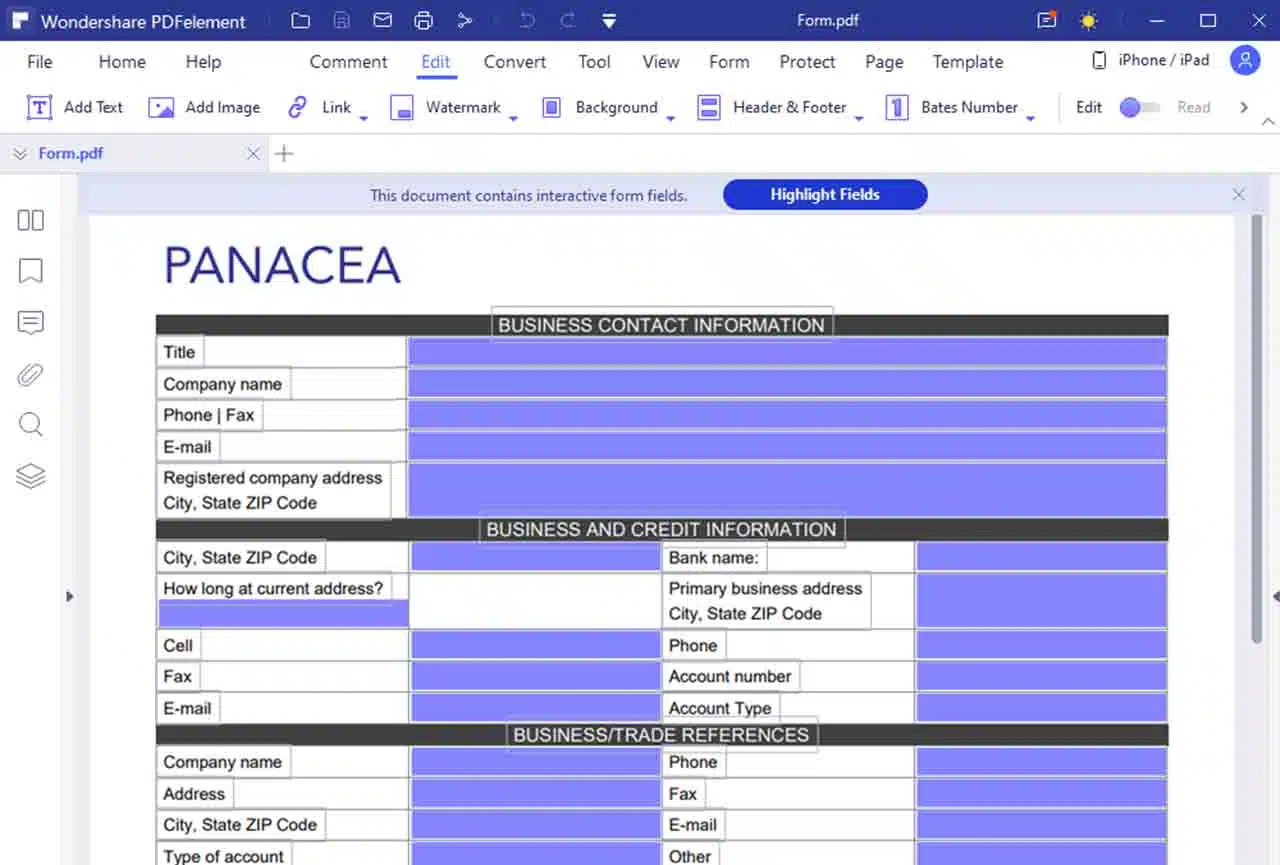
PDFelement has what it calls “automated form recognition technology.” This technology is able to recognize every form in another format, such as Word, and then convert it into PDF form. Once converted, the PDF form can be edited or added functions, so that it becomes one form that truly meets your expectations. Of course you will be able to fill in any blank fields in the PDF form. It’s clear that with PDFelement, you don’t have to create your forms from scratch. You can simply convert the forms you like and edit them according to your taste. We found this feature very useful!
Highly secure document management
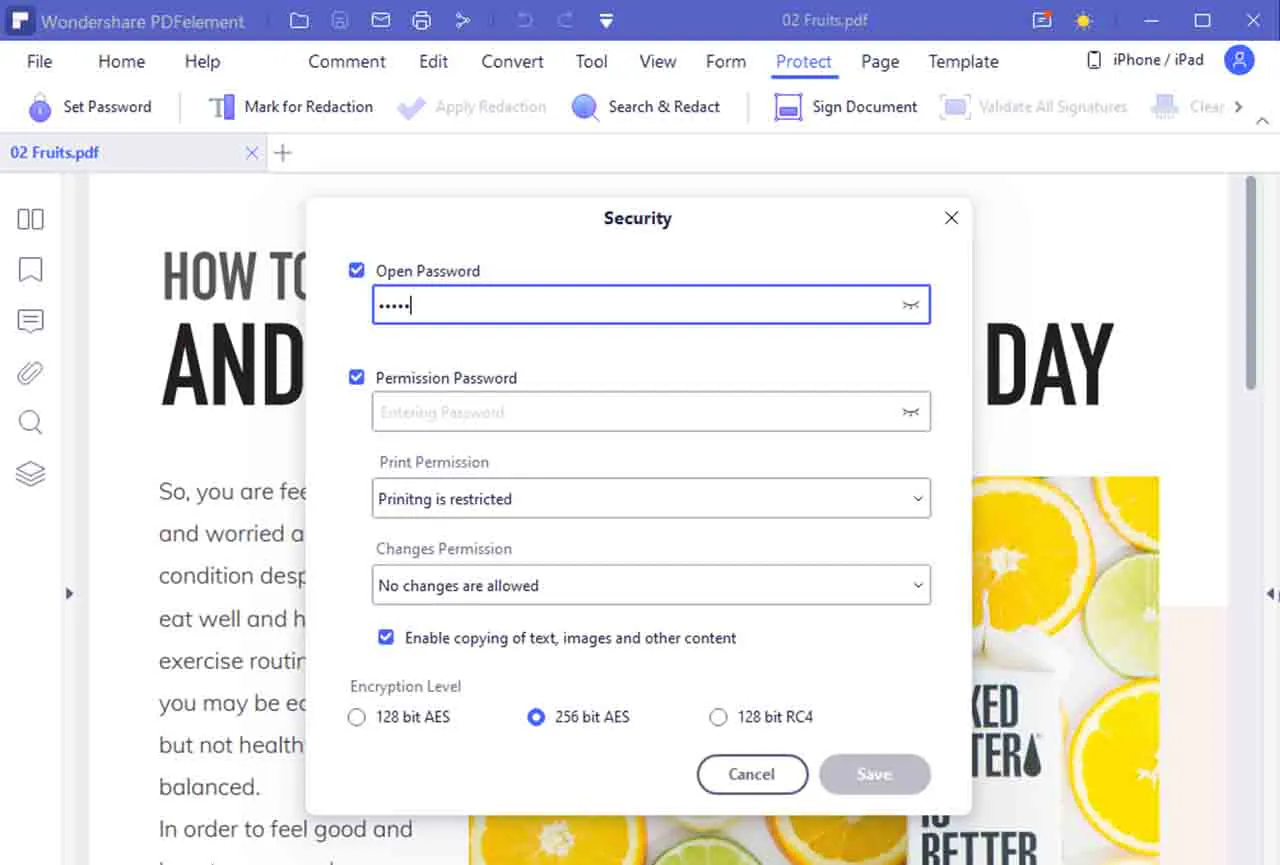
Even today, there are still many people who think PDFelement is just an ordinary PDF editor. In fact, it is one of the most secure document management systems. With PDFelement, you don’t have to worry about saving and sharing your PDF documents because you can create and manage your own digital signatures. PDFelement sets AES 256-bit encryption for your passwords, classifies users based on different permissions, to clear sensitive text for security reasons.
Easier collaboration
For your information, PDFelement is a PDF editor program that is actually more designed for team work than individual work. You’ll therefore notice that this tool is packed full of collaboration features like stamps, annotations, and of course a series of arrows that help everyone viewing your document understand what you mean (by those notes).
PDFelement is a much cheaper solution than Adobe Acrobat, but it is reliable and can outperform Adobe Acrobat in some aspects. You can find an exclusive discount HERE. It never hurts to try this tool. We encourage you to try PDFelement. Hopefully this article is useful for you. Thanks for reading!
Apart from this, you can also read Entertainment, Tech, and Health-related articles here: MovieRulz, Sex Education season 3, NFL Live Stream, Youtbe, Bailey Sarian Net Worth, Bollyshare, Afdah, Samsung Galaxy F22 Review, 1616 Angel Number, 444 Angel Number, Moviezwap, Y8, Jalshamoviez, Website traffic checker, Project Free TV, Kickassanime, 777 Angel Number, September 8 Zodiac, Kissasian, 666 Angel Number, 333 Angel Number, Holiday Season, Samsung Galaxy Z Flip 3 review, PUBG Launch Date in India, Sears Credit Card, GoDaddy Email, Free Fire Redeem Code, Mangago, Jio Rockers, New iPhone 13, Vivo Y53s Review, Eye Shapes, M4uHD, Fever Dream, Moon water, iPhone Headphones, Spanish Movies, Hip dips, M4ufree, NBAstreams XYZ, CCleaner Browser review, Avocado Calories, Bear Grylls net worth, Rihanna net worth 2021, Highest Paid CEO, The 100 season 8, Sundar Pichai net worth, Grimes net worth, F95Zone, how to change Twitch name, Sherlock Season 5, Homeland Season 9.