AI can produce a draft, summary, spreadsheet formula, or meeting recap in seconds. That speed is easy to measure. The checking that follows is not.
An evaluation of Microsoft 365 Copilot at the UK Department for Work and Pensions estimated an average saving of 19 minutes per day across eight routine tasks. Yet some participants said verification and double-handling erased the benefit for particular jobs. An Australian government trial reached a similar conclusion: most participants reported useful gains, but up to 7% said Copilot added time because inaccurate or incomplete output required more editing.
The problem is not AI itself. It is using a fast generation feature in work where context, accuracy, accountability, or exact wording matters. These are the AI features that need human review most often, and the situations in which reviewing them can take longer than doing the work manually.
Why Faster AI Output Can Still Create Slower Work
A field experiment involving 758 knowledge workers found that AI improved speed and quality on tasks within its capability range. Participants completed those tasks 25.1% faster on average. On one complex task outside that range, however, AI users were 19 percentage points less likely to reach the correct answer.
The researchers called this uneven boundary the “jagged technological frontier.” Two tasks may appear equally suitable for AI, yet the system can handle one well and fail convincingly at the other.
That is why generation time alone is a poor measure of productivity. A more useful calculation is:
Net time saved = manual task time − AI setup − review − corrections − approval − failure recovery
An AI feature is saving time only when the final approved result arrives faster without creating unacceptable risk elsewhere.
How to Spot AI Features That Need Human Review
Review work grows when an output contains many factual claims, depends on context the system cannot see, or can trigger consequences outside the original tool. Errors also become expensive when they are difficult to notice but easy to spread.
The following table shows where the hidden work usually appears.
| AI feature | Hidden review burden | Best limited use |
| Long-form drafting | Facts, repetition, structure, and voice | Outlines and low-risk drafts from approved sources |
| Research with citations | Source existence, dates, and claim support | Finding leads for a researcher to verify |
| Document summaries | Missing exceptions, caveats, and disagreements | Orientation before reading important source material |
| Meeting recaps | Incorrect decisions, owners, or deadlines | Draft notes checked by a meeting owner |
| Transcription | Names, accents, jargon, and speaker labels | Searchable rough records with key sections reviewed |
| Smart replies | Tone, policy, authority, and promises | Draft-only replies based on approved information |
| Translation | Meaning, terminology, register, and locale | Low-risk drafts reviewed by a fluent editor |
| Spreadsheet assistance | Ranges, formulas, assumptions, and units | Small tasks with independent calculations |
| Slide generation | Narrative, data, charts, layout, and accessibility | Visual skeletons built from approved material |
| Cross-app agents | Permissions, tool choices, and compounded errors | Narrow, logged, reversible tasks with approval gates |
1. One-Click Long-Form Draft Generation
Long-form generation removes the discomfort of a blank page. It can also produce more material than the task needs, along with dozens of claims that someone must check.
A 1,500-word draft may include names, dates, statistics, product features, examples, and recommendations. Even if most of them are correct, the editor still has to separate fact from interpretation, find supporting evidence, remove generic passages, and restore the intended voice. At that point, writing from a strong outline may have been faster.
This feature works best when the writer supplies a narrow brief, approved source material, and clear exclusions. The guide to AI writing assistants for work documents makes an important distinction: fluent writing does not prove that the substance is accurate.
Use AI to develop an outline, reorganize supplied notes, or create a low-risk working draft. Avoid asking one prompt to invent the angle, research the topic, judge the evidence, and produce publication-ready copy.
2. Research Answers With Automatic Citations
Citations make an AI answer look more trustworthy. They also create a separate verification job.
Every reference must be opened and checked. The reviewer needs to confirm that the source exists, matches the stated author and date, and supports the exact claim. A genuine link may discuss the same topic without proving the nearby sentence. A generated reference can also combine details from several real papers into one source that does not exist.
A 2023 study examined 636 citations generated by GPT-3.5 and GPT-4. In that test, 18% of GPT-4 citations were fabricated, while 24% of its real citations contained substantive errors. Those results came from older model versions, so they should not be treated as current accuracy rates. They do show why an impressive reference list cannot replace source checking.
Research features save time when they reveal inspectable evidence that a researcher can verify quickly. They create more work when every polished answer has to be reconstructed from the beginning.
3. Document and Inbox Summaries
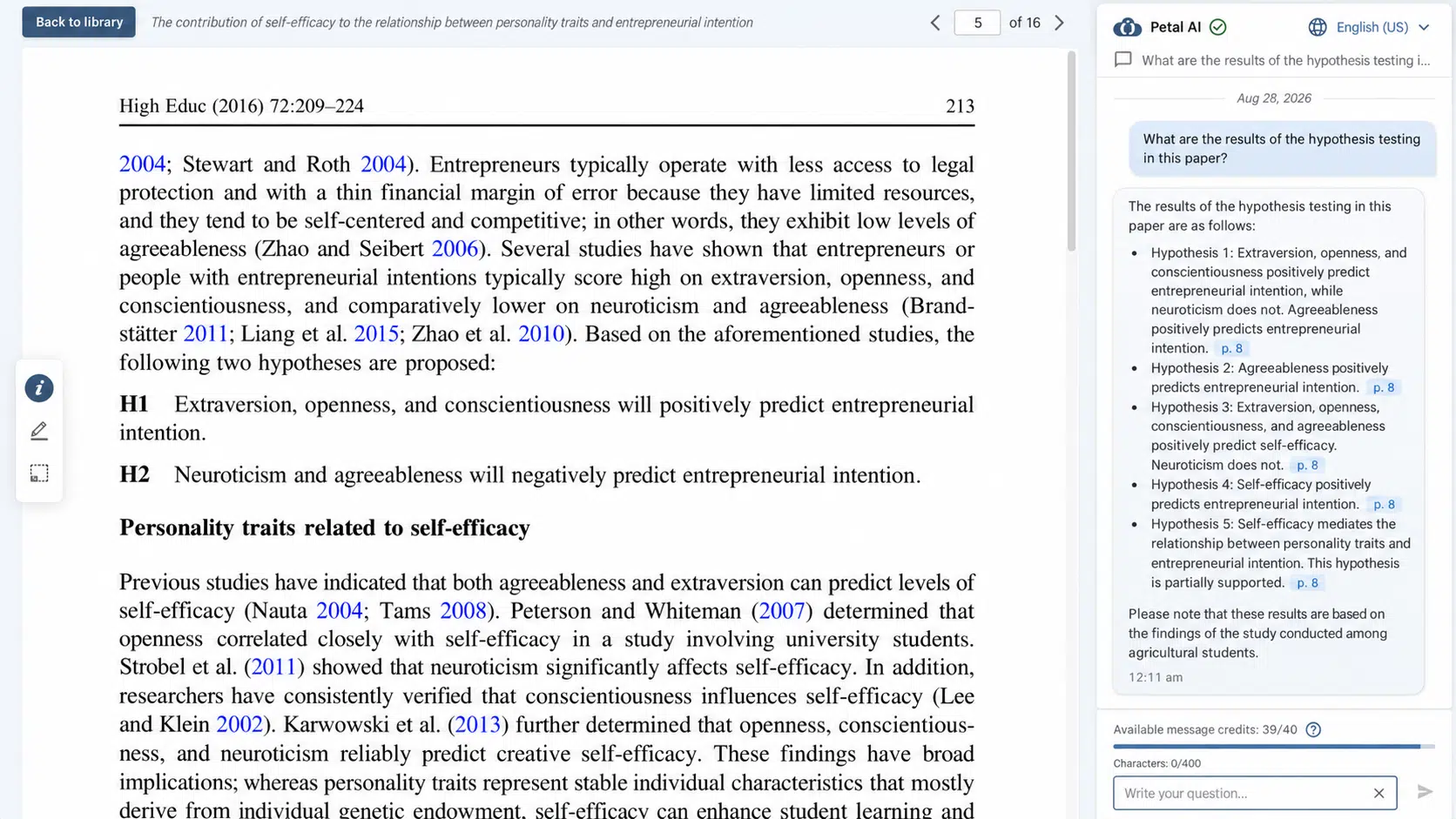
Summaries are valuable because they remove detail. The missing detail can also be the part that changes a decision.
A summary may leave out an exception, a revised deadline, a negative finding, or a disagreement between two people. When several documents conflict, the AI may smooth them into one confident account. Finding the omission then requires comparing the summary with every original source.
This feature is still useful for triage. It can identify the likely topic, surface repeated themes, or show which document deserves attention first. It should not replace the source when exact wording, eligibility, contractual terms, or a disputed recommendation matters.
The practical test is simple: if a reviewer must reread the full source before trusting the summary, the feature has improved orientation, not completed the task.
4. Meeting Recaps and Automatic Action Items
Meeting assistants can reduce manual note-taking. Their action-item features require more caution.
A recap may turn a suggestion into a decision, convert an approximate date into a deadline, or assign a task to the person who discussed it rather than the person who accepted it. The notes can still sound plausible because they use the same names and topics as the conversation.
One attendee should check the consequential details: decisions, owners, due dates, figures, objections, and unresolved questions. If that person has to replay the entire meeting to approve every line, the recap is not producing enough value.
There is no useful universal accuracy percentage for meeting notes. Comparing AI meeting assistants and note-takers shows that results vary by language, noise, terminology, speaker overlap, and recording method.
5. Transcription and Speaker Identification
Transcription appears objective because it converts audio into text. One wrong word can still change a quotation, product name, technical instruction, or financial figure.
Names, acronyms, accents, code-switching, poor microphones, interruptions, and overlapping speech all increase correction work. Speaker identification adds another risk: the words may be accurate but attributed to the wrong person.
A US study of five speech-recognition systems found an average word error rate of 35% for Black speakers and 19% for white speakers in its interview sample. The research was published in 2020 and does not represent the present accuracy of every tool. It remains a useful warning that performance can vary substantially across speakers.
An imperfect transcript may be acceptable as an internal search aid. Published quotations, consent records, regulated conversations, and official minutes need closer comparison with the audio.
6. Smart Replies and Customer-Response Drafts
An AI reply can sound professional while misunderstanding the relationship, account history, or sender’s authority.
The reviewer must check whether the message promises a refund, accepts responsibility, confirms a date, reveals private information, or contradicts policy. For a short customer email, reconstructing the full context and correcting a polished but unsuitable draft may take longer than writing a direct response.
The risk increases when drafting turns into automatic sending. UK Competition and Markets Authority guidance updated in October 2026 states that businesses remain responsible for the actions of customer-facing AI agents. The guidance is specific to the UK, but the operational lesson applies more broadly: an organization still needs a responsible owner for what the system communicates.
Approved templates are often better for predictable questions. AI is more helpful with unusual cases when the response stays in draft until the account owner checks the facts, tone, and proposed resolution.
7. AI Translation and Localization
Fluent translation is not always faithful translation.
An output may preserve the general topic while changing a qualification, measurement, pronoun, technical term, product name, or level of formality. A reviewer then needs both language ability and subject knowledge. For a short, high-stakes document, repairing a weak translation can take longer than translating it properly from the source.
A multilingual study covering more than 100 language pairs found that hallucinations were more problematic in lower-resource directions and when translating out of English. Strong results in a major language pair therefore do not prove equal reliability across languages or regions.
AI translation is most useful for internal comprehension or a first draft. Localization still requires decisions about currency, dates, examples, search language, cultural expectations, legal scope, and the way a real audience speaks.
8. Spreadsheet Formulas and AI Data Analysis
Spreadsheet errors are difficult to notice because a flawed file may still calculate successfully.
A formula can use the wrong range, ignore filtered rows, mix text with dates, apply the wrong currency, or copy one weak assumption across several sheets. A chart may look clean while using the wrong denominator or excluding an important category.
In fxBench, a benchmark of 503 spreadsheet formula-suggestion tasks, the strongest tested configuration produced 58.8% correct suggestions. A separate 2026 benchmark of complex business spreadsheet workflows reported much lower overall accuracy. These are controlled benchmark results, not accuracy claims for every spreadsheet assistant, but they show why successful execution is not proof of correct analysis.
Use AI to explain a formula, prepare a low-risk draft, or suggest a chart. Confirm the result with known totals, test rows, a second calculation, and someone who understands what the data means for the business.
9. Slide and Report Generation
One-click deck creation shifts the effort from starting a presentation to cleaning one up.
The reviewer may need to remove repeated ideas, rebuild the narrative, replace decorative charts, verify every number, add source notes, apply the brand system, and repair the reading order. A deck can look complete before its argument makes sense.
Charts need their own fact-check. Research on AI-generated chart descriptions has documented factual inconsistencies between captions and the underlying visual data. A confident sentence about the “largest increase” or “leading category” should always be compared with the actual values.
Slide generation saves more time when approved copy, reliable data, a brand template, and a target slide count already exist. It saves less when the system is expected to invent the evidence, argument, and design at once.
10. AI Agents That Act Across Apps
AI agents introduce the largest review burden because their mistakes can travel.
An agent might retrieve a file, summarize it, create tasks, update a record, and draft an email. If it selects an outdated file at the first step, every later action can be internally consistent and still wrong. Reviewing the final message will not reveal where the chain failed.
Teams therefore need to inspect the path, not only the output. That includes the sources opened, tools used, records changed, permissions exercised, messages prepared, and exceptions encountered. A second “judge” model may help identify problems, but it needs evaluation and can introduce mistakes of its own.
Begin with stable, low-risk processes. Automating repetitive work tasks explains why predictable inputs, visible outputs, exception routes, and reversible actions matter. External messages, refunds, permission changes, deletions, and payments should remain behind explicit human approval.
How to Measure Whether AI Actually Saves Time
A controlled pilot gives a more useful answer than an impressive demonstration.
Choose one recurring task and complete it manually five to ten times. Then repeat it with the AI feature under similar conditions. Measure the full process:
- Preparing prompts, files, and context
- Waiting for output or repeated attempts
- Checking facts, calculations, and sources
- Correcting language, formatting, and structure
- Obtaining approval and completing the handoff
- Recovering from failures or unsuitable output
- Fixing mistakes discovered after approval
- Finding and identifying the final approved version
Keep the feature when it produces a consistent net saving and leaves errors that are easy to detect. Limit it to preparation or drafting when full review remains necessary. Remove it from the workflow when correction repeatedly takes longer than manual work or when one error can spread before anyone notices.
Commonly Asked Questions about AI Features that Need Human Review
What Is AI Review Workload?
AI review workload is the time and mental effort required to verify, correct, approve, and sometimes recover from AI-generated output. It includes more than proofreading. A reviewer may need to reopen sources, reconstruct context, check permissions, repeat calculations, and confirm downstream actions.
Does Every AI-Generated Output Need Human Review?
The review level should match the risk. A private brainstorming list may need only a quick scan. Published facts, customer messages, financial calculations, policy language, formal records, and actions affecting external systems need stronger checks and a clearly responsible person.
Can Another AI Review AI-Generated Work?
A second system can compare output with a source or flag inconsistencies. It cannot provide an independent guarantee. Models may share similar blind spots, and the reviewing model can add new errors. Deterministic checks and accountable human judgment remain necessary when accuracy matters.
Which AI Actions Should Always Require Human Approval?
Keep approval before payments, refunds, permanent deletion, permission changes, legal or policy commitments, public statements, and external messages with meaningful consequences. The exact list should reflect the organization’s risk, industry, and local rules.
How Long Should an AI Productivity Pilot Run?
Test enough representative cases to include ordinary work and awkward exceptions. Five to ten repeated runs can reveal obvious patterns for a simple task. A complex or high-risk workflow needs a larger sample, defined success criteria, and ongoing monitoring after launch.
Automate the Preparation, Keep the Judgment
The safest gains usually come from automating preparation: organizing notes, formatting approved information, developing a rough structure, or suggesting reversible next steps. Judgment still belongs with the person who understands the evidence, exceptions, audience, and consequences.
AI features that need human review are not automatically bad features. They become poor investments when the review is broader than the work they replace. The most useful feature is the one whose result can be checked quickly, and whose mistakes remain visible before they spread.