
Most planning tools hide the parts lenders actually check behind a second paywall. The best business plan software for startups is LivePlan Premium for loans and Upmetrics for value.
Below you’ll find a price chart, ten honest reviews, and a five-step picking guide.
Quick Comparison: Business Plan Software Prices and Limits
This chart lists the price you’ll realistically pay, not the headline number. That gap is where most business plan software for startups catches founders out.
| Software | Real starting price | Free option | Forecast depth | Best for |
|---|---|---|---|---|
| LivePlan | $30/mo (Premium, annual) | No, 35-day refund. | Multi-year, QuickBooks/Xero sync | SBA and bank loans |
| Upmetrics | $14/mo (annual) | No, 15-day refund. | 7 years | Best overall value |
| IdeaBuddy | $20/mo (Founder) | Free trial | Multi-year | Testing an idea first |
| Bizplan | $20.75/mo (annual) | No | Basic | Fundraising bundle |
| Enloop | $19.95/mo | 7-day trial | Automated, with a score | Hands off drafting. |
| PlanGuru | $99/mo | 30-day trial | 10 years | Serious finance teams |
| ProjectionHub | $119 one time | Free review tools | Industry templates | SBA loan projections |
| Bizplanr | Free, $99 one time | Yes. | Basic | A fast free AI draft |
| PrometAI | $55/mo (Basic) | Free plan | Includes valuation | Valuation and strategy |
| Venturekit | Varies, check site. | Free plan | Basic | AI first drafts |
Key takeaway: The cheapest tier rarely includes Excel export or accounting sync. Budget for the tier above.
What Startups Actually Need From Planning Software
Most reviews rank these tools by template count. Wrong metric.
Start with who will read the plan. Early-stage investors usually want a 10- to 15-slide pitch deck first and rarely read a long plan end to end. Banks and SBA lenders are different: an SBA 7(a) application needs at least a 12-month profit and loss projection, so the forecast matters more than the prose.
Here’s the catch: good business plan software for startups is judged on three things most lists skip.
- Can your data leave? On LivePlan Standard, Excel export is crossed off. That’s a lock-in problem the day you cancel.
- Can you test a bad quarter? Lenders ask what happens if costs run 40% higher. “What if” scenarios answer that, and they’re often a premium feature.
- Will the company still exist? Cuttles, a once popular startup planner, went offline and many users lost access to their plans. Export a copy every quarter, whatever tool you pick.
The truth is, AI can draft a plan in about five minutes now. Checking its numbers still takes you an afternoon.
The 10 Best Business Plan Software for Startups, Reviewed
1. LivePlan: Best for Bank and SBA Loans
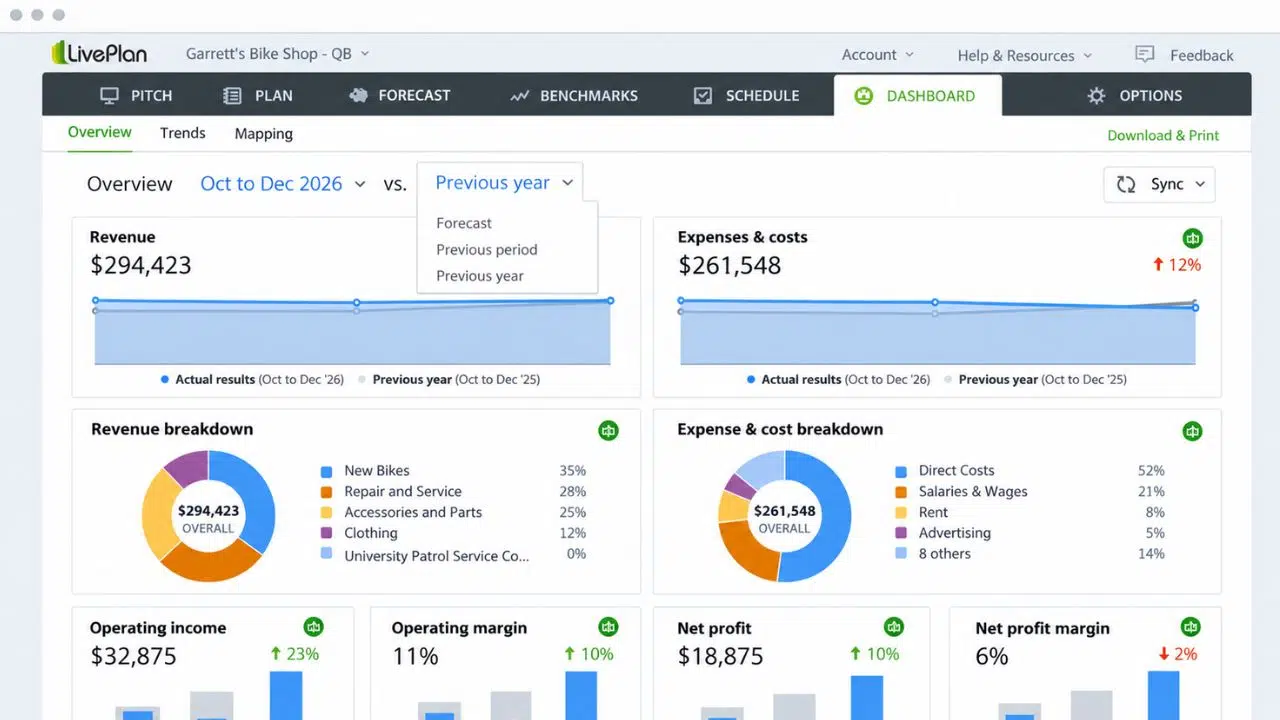
Picture this: you’re across the desk from a loan officer who skips your mission statement and flips straight to cash flow. LivePlan is built for that moment, with 550+ sample plans, guided writing, and lender-ready statements. Premium links to QuickBooks or Xero, so your forecast tracks real books.
It costs $20 or $40 a month, or $15 and $30 billed yearly. No free trial, just a 35-day money-back guarantee.
Where owners get burned:
- Standard drops seven features, including scenarios, accounting sync, and Excel export.
- Pricing is per company, which a Capterra reviewer named as the main drawback.
- The Expert support add-on is another $30 a month, monthly only.
Who Should Skip This: Pre-revenue founders pitching angels. They want a deck first.
2. Upmetrics: Best Overall Value
Upmetrics starts at $14 a month billed yearly, with a 15-day money-back guarantee. Its Premium plan bundles an AI writer, 400+ sample plans, a 7-year forecast, what-if scenarios, a pitch deck builder, and PDF, DOC, or Excel export for up to 5 team members.
That’s an Excel export for roughly half of LivePlan Premium. Not bad.
On the flip side:
- One Capterra reviewer called it a good start but not deep enough for high-quality plans.
- Another warned that features differ by tier, so read the plan grid closely.
Building software? Pair it with our guide on how to write a SaaS business plan.
Who Should Skip This: Founders who want a human advisor. It’s fully self-serve.
3. IdeaBuddy: Best for Testing an Idea First
Not sure the idea even works? IdeaBuddy walks you from the idea canvas to the financial plan before you commit to a full document. Plans run $15 Dreamer, $20 Founder, and $25 Team.
Here’s the trap: the $15 tier doesn’t include the Business Plan module. That starts at the founder.
- Capterra reviewers find expense categories confusing and want tighter links between strategy and numbers.
- Some report limits on exports and integrations.
Who Should Skip This: Anyone walking into a bank next month.
4. Bizplan: Best Fundraising Bundle
Bizplan costs $29 monthly or $20.75 a month yearly, with unlimited plans and collaborators. The price also covers the Startups.com bundle, including Fundable for equity fundraising and Launchrock for early signups.
- If you won’t use Fundable or Launchrock, you’re paying for extras.
- It has only about 20 Capterra reviews, so there’s little recent feedback on support.
Who Should Skip This: Founders who need deep, lender-grade forecasts.
5. Enloop: Best for Hands Off Drafting
Enloop writes plan text from your numbers and scores your financial health in real time. Paid plans cost $19.95 or $39.95 a month after a 7-day trial.
- The interface looks dated, and TechRadar found it occasionally slow.
- A Capterra reviewer complained about too many windows just to enter data.
Who Should Skip This: Founders who care how the final PDF looks.
6. PlanGuru: Best for Deep Financial Forecasting
Now, you might be wondering why a $99 a month tool made a startup list. PlanGuru isn’t a plan writer; it’s a forecasting engine with 10 year budgets, 20+ forecasting methods, and imports from QuickBooks, Xero, and Excel. There’s a 30-day free trial, on cloud or desktop.
- A 2025 reviewer called the interface dated and said setup takes real effort, even for Excel users.
- At $99 a month, it costs five times LivePlan Standard.
Who Should Skip This: Idea stage founders with no revenue data to import.
7. ProjectionHub: Best for SBA Loan Projections
More than 50,000 founders have used ProjectionHub, and its team cites 20+ years of SBA lending experience. Industry templates cost $119 each, one time.
- It handles numbers, not narrative. You’ll still write the plan elsewhere.
- Each industry template is a separate purchase.
Who Should Skip This: Venture-backed startups. Investors want a deck, not SBA-style projections.
8. Bizplanr: Best Free AI Draft
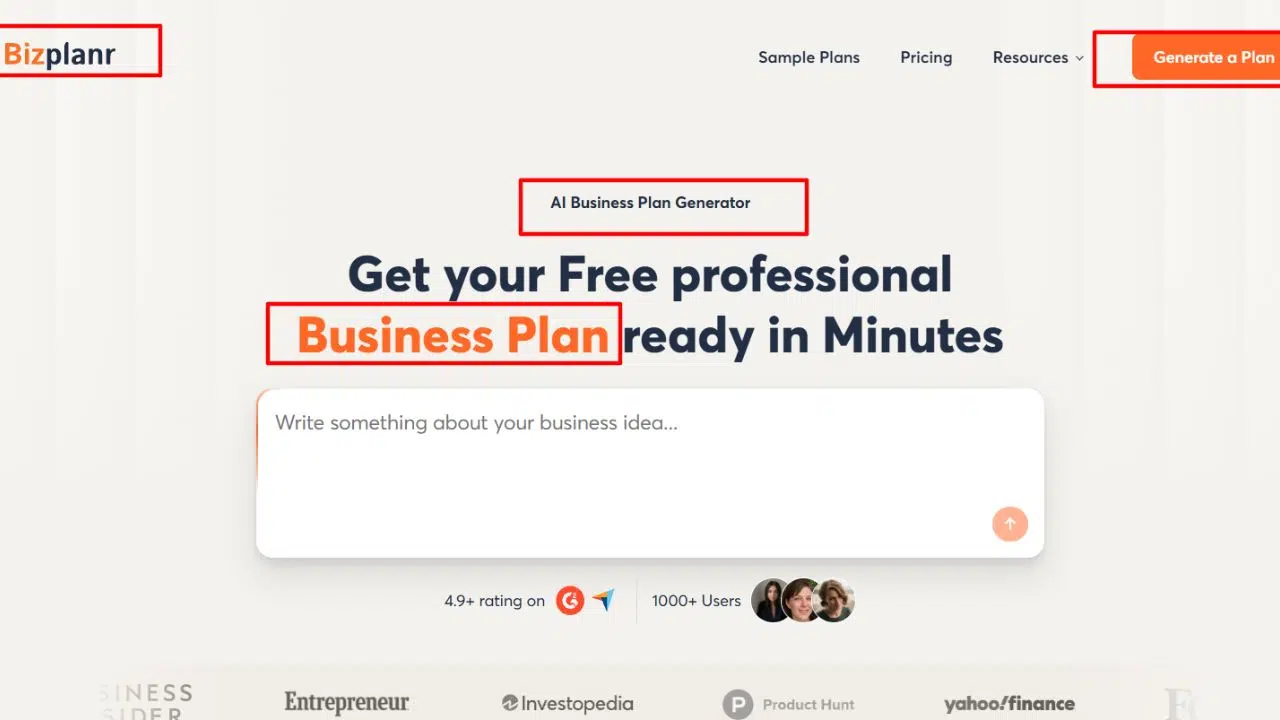
Answer a short questionnaire and Bizplanr writes a full plan in about five minutes. The best part? The free version includes the full plan and a PDF download, and $99 one time unlocks the workspace with iOS and Android apps.
- A Capterra reviewer said it isn’t complete enough for raising capital or board meetings.
- Free formatting is limited, and pitch decks aren’t its strength.
Who Should Skip This: Anyone who needs lender-grade financials.
9. PrometAI: Best for Valuation
PrometAI drafts a plan from a short Q&A and adds valuation models like DCF and multiples, plus SWOT and PESTEL. Its free plan covers one plan and 25 AI requests a month.
- Pricing climbs fast: Basic is $55 a month, and valuation sits in the $145 Pro plan.
- PowerPoint export is still in beta.
Who Should Skip This: Bootstrappers on a tight budget.
10. Venturekit: Best for Quick AI First Drafts
Venturekit’s AI drafts a full plan in minutes and offers a free plan. Listed prices vary across review sites, so confirm on its own page.
- A verified Trustpilot reviewer said they were still billed after cancelling.
- Reviewers find it restrictive for deep customization.
Who Should Skip This: Teams that revise plans often.
How to Pick Business Plan Software in 5 Steps
That brings us to the biggest mistake people make: buying the tool with the most templates. Choosing business plan software for startups starts with the reader, not the feature list.
- Name your reader. Bank or SBA lender? Pick LivePlan Premium or ProjectionHub. Angel or VC? Build the deck first and use a lighter tool.
- Read the crossed-off features. Check whether Excel export, scenarios, and accounting sync are in your tier.
- Use the refund window. Do the real work inside LivePlan’s 35 days or Upmetrics’ 15 days.
- Check the AI’s math. Rebuild one revenue line by hand. If it doesn’t match, fix the assumptions before anyone sees them.
- Export on day one. Keep a PDF and spreadsheet copy outside the tool.
For the writing itself, follow these steps to a winning business plan.
Frequently Asked Questions (FAQs)
What is the best business plan software for startups?
LivePlan Premium is the safest pick for bank and SBA loans. Upmetrics gives the most features per dollar, and Bizplanr is the best free starting point.
Is there free business plan software?
Yes. Bizplanr, PrometAI, and Venturekit have free plans, and IdeaBuddy, Enloop, and PlanGuru offer trials. The SBA also publishes free traditional and lean plan guides.
Do investors still read business plans?
Rarely at first. Most early-stage investors ask for a pitch deck and only want a full plan later in due diligence. Banks and SBA lenders still expect a formal plan.
Can AI write my business plan?
AI can write a solid first draft in minutes. You still need to check every number, because a lender will question assumptions you can’t explain.
How much does business plan software cost?
Most tools run $14 to $40 a month. Forecasting specialists like PlanGuru cost $99 a month, and one time options start around $99.
Lean plan or traditional plan?
Use a lean, one-page plan to test an idea and a traditional plan for loans. These tips for a successful business plan help with either format.
Final Thoughts
Bottom line: pick business plan software for startups by who reads the plan. Lenders want LivePlan Premium or ProjectionHub numbers; value hunters should start with Upmetrics, and idea-stage founders can test for free with Bizplanr or IdeaBuddy’s trial.
Whatever you choose, budget for the tier with export and scenarios. Then export a copy today.