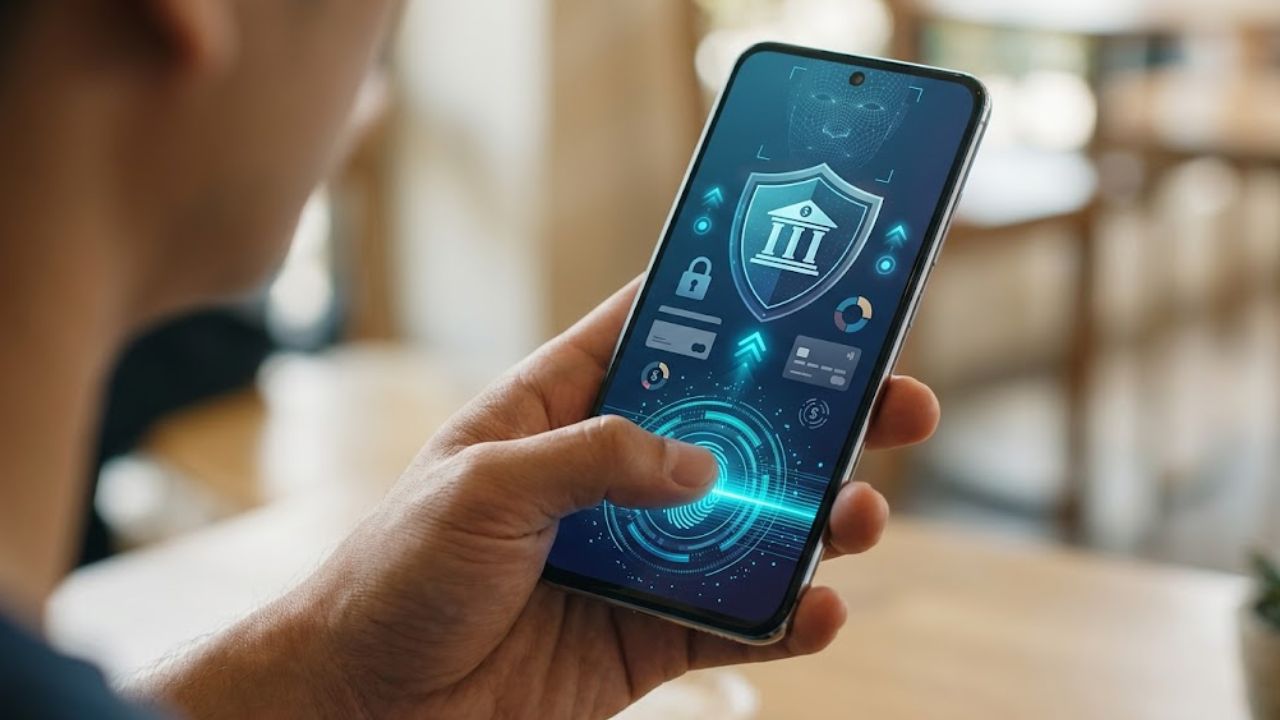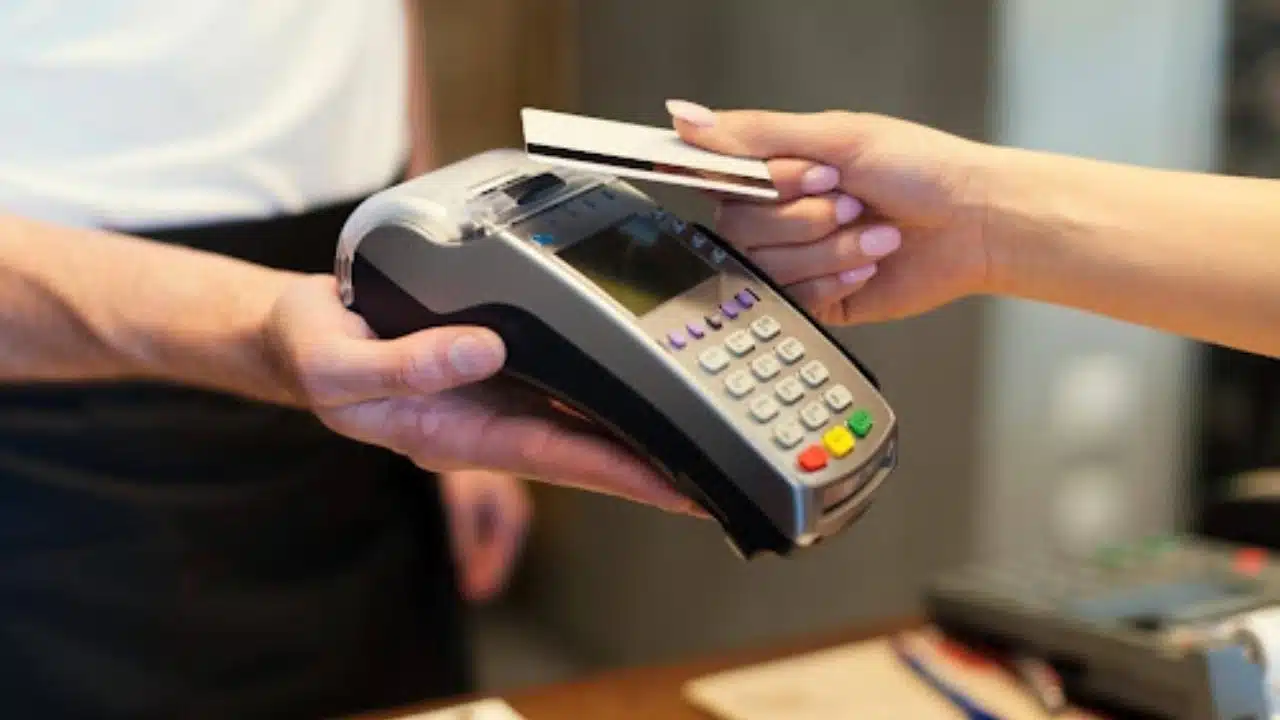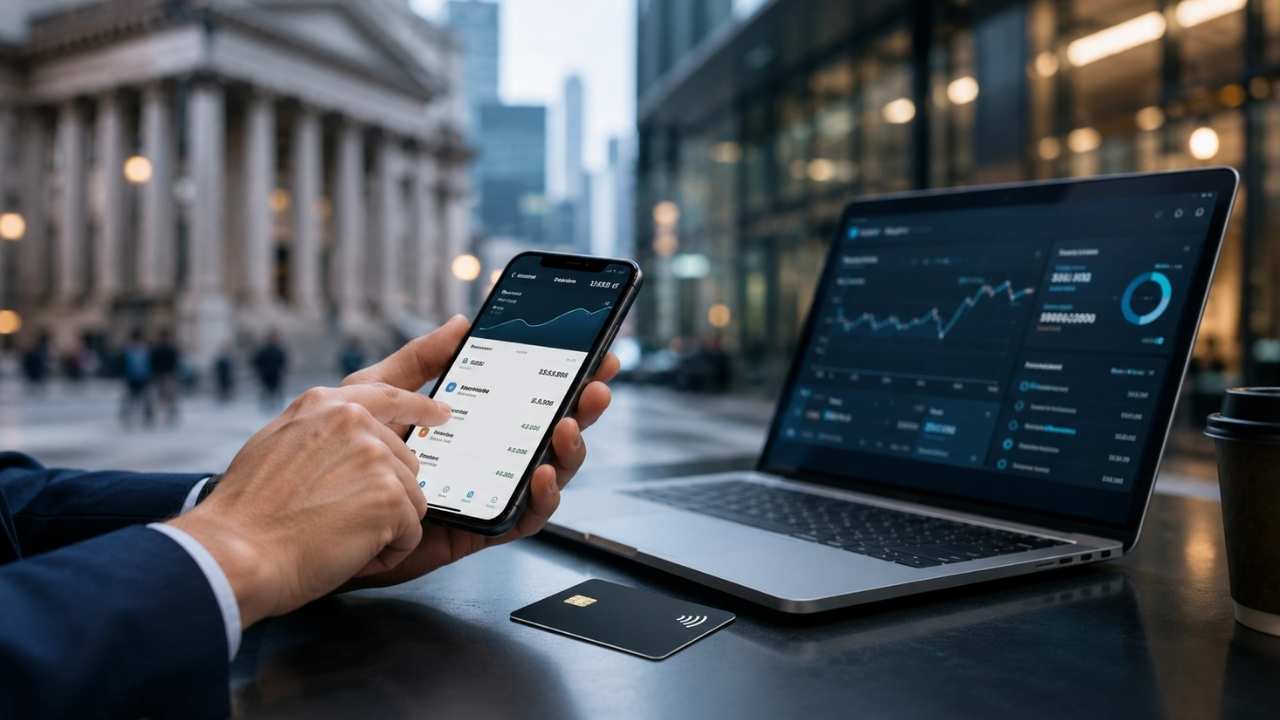
With the adoption of digital financial services in the United States now approaching 70%, more and more people are choosing to access their financial accounts through their PCs or mobile devices. It is not only substantially more convenient but is often a lot cheaper as well. However, digital adoption has caught the attention of bad actors and there is seemingly exponential growth in the amount of fraud occurring in financial services in the United States. Specifically, the Federal Trade Commission reported that in 2021 Untied States consumers lost more than $5.8 billion to fraud, an increase of more than 70% from the prior year. In this article, we’ll discuss 5 tips consumers can take to help protect themselves as they access their financial accounts online.
1. Sign Up for Account Alerts
Most financial services companies now offer as part of online banking, e-mail, or text-based alerts. You can set these up by logging into online banking. These alerts can be customized in many ways and could be periodic notifications for your account balances, notifications tied to withdrawals from your account, or related to any transaction that’s attempted on the account. The benefit of setting up account alerts is that you can keep a watchful eye on your account activity such that in the event that there are any suspicious transactions or activity you’ll be able to take action sooner rather than later.
2. Enable Two-Factor Authentication
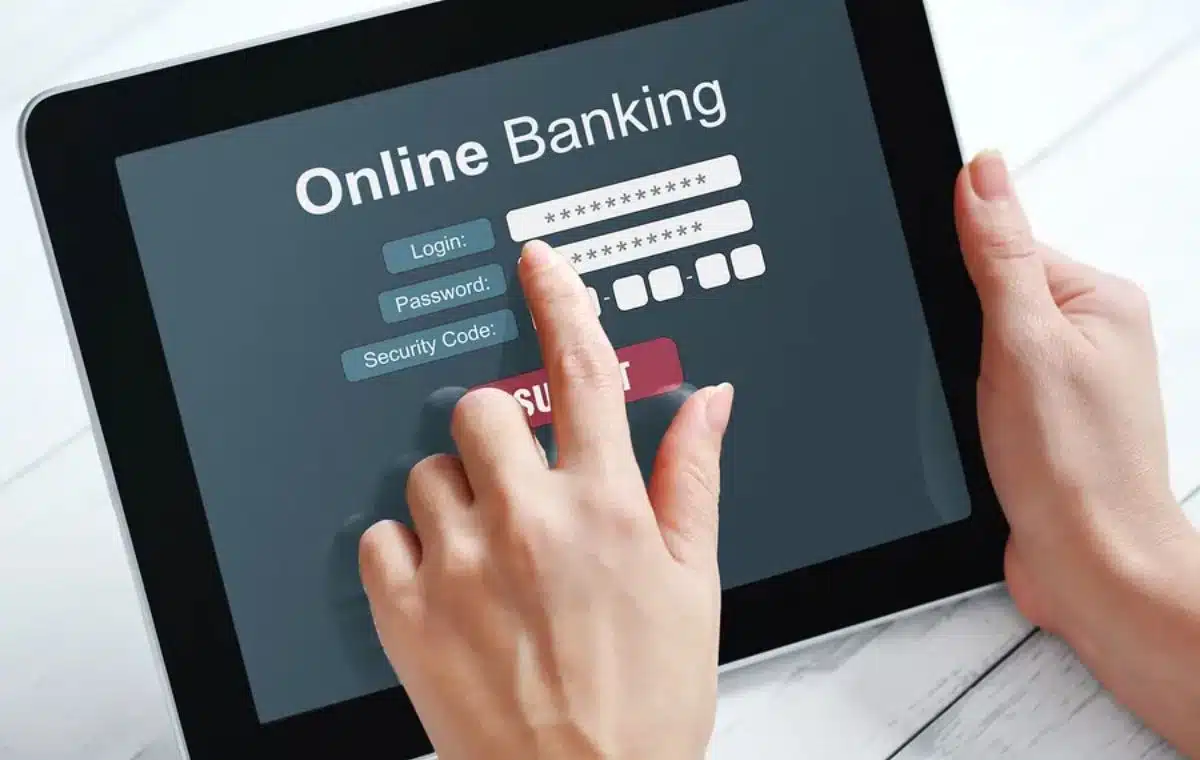
While you might think that having a long and complex password protects your account, the reality is that there are many ways your account could get compromised. Data breaches now occur on a regular basis and breached companies sometimes don’t realize a breach has occurred until much later. Therefore, your password could be compromised, and you would have no idea. With two-factor authentication, you effectively add on a layer of security to your account. To log into your account not only will you need to enter your password, but you’ll also get prompted to enter a code that is sent to your phone or e-mail. As a result, even if your password has been compromised, fraudsters will not be able to gain access to your financial accounts.
3. Avoid Saving Your Password Information
It is definitely not convenient to have to enter your username and password each time you want to log in to your financial accounts, and so the temptation to save your login information is high. However, doing this opens you up to vulnerabilities if your device gets lost or stolen. Again, you might not realize that you’ve misplaced your device for a few hours which is more than enough time for someone to gain access to your accounts and authorize transactions.
4. Be Wary of Inbound Calls and Texts
An increasingly popular scheme being employed by fraudsters is to send unsolicited text messages to thousands of users pretending to be an official message from popular financial institutions such as Chase Bank and Bank of America. The messages will always include some sort of call to action such as clicking a link or calling a phone number. In actuality, these messages are fraudulent and designed to lure consumers to divulge personal information which will allow the fraudsters to gain access to their financial accounts. This has become especially popular with payment services like Zelle, especially as the number of banks that use Zelle has grown rapidly over the years. A good practice to employ is to be very cautious about responding to unsolicited inbound calls and texts, and never providing personal information unless you are completely certain you’re speaking to an official from your bank.
5. Don’t Use Public Computers to Access Financial Accounts
Whether it’s at your local library or at the Apple Store, using public computers to simply browse the internet is perfectly fine, however, it is not a good idea to use these computers to log into your bank accounts. The reason for this is that you have no idea what the level of security is on those computers and whether they have been compromised. Public computers are available to pretty much anyone which creates a lot of opportunities for bad actors to install malware. It is also not a good idea to log into your personal e-mail accounts on public computers if your e-mail is compromised which could provide fraudsters with an entryway to gaining access to your financial accounts.
Conclusion: Always Be Cautious
Fraud is increasing in online banking at a frightening pace. Importantly, it is not always the case that you will be able to regain the funds that are lost if someone gains access to your accounts and authorizes transactions.