

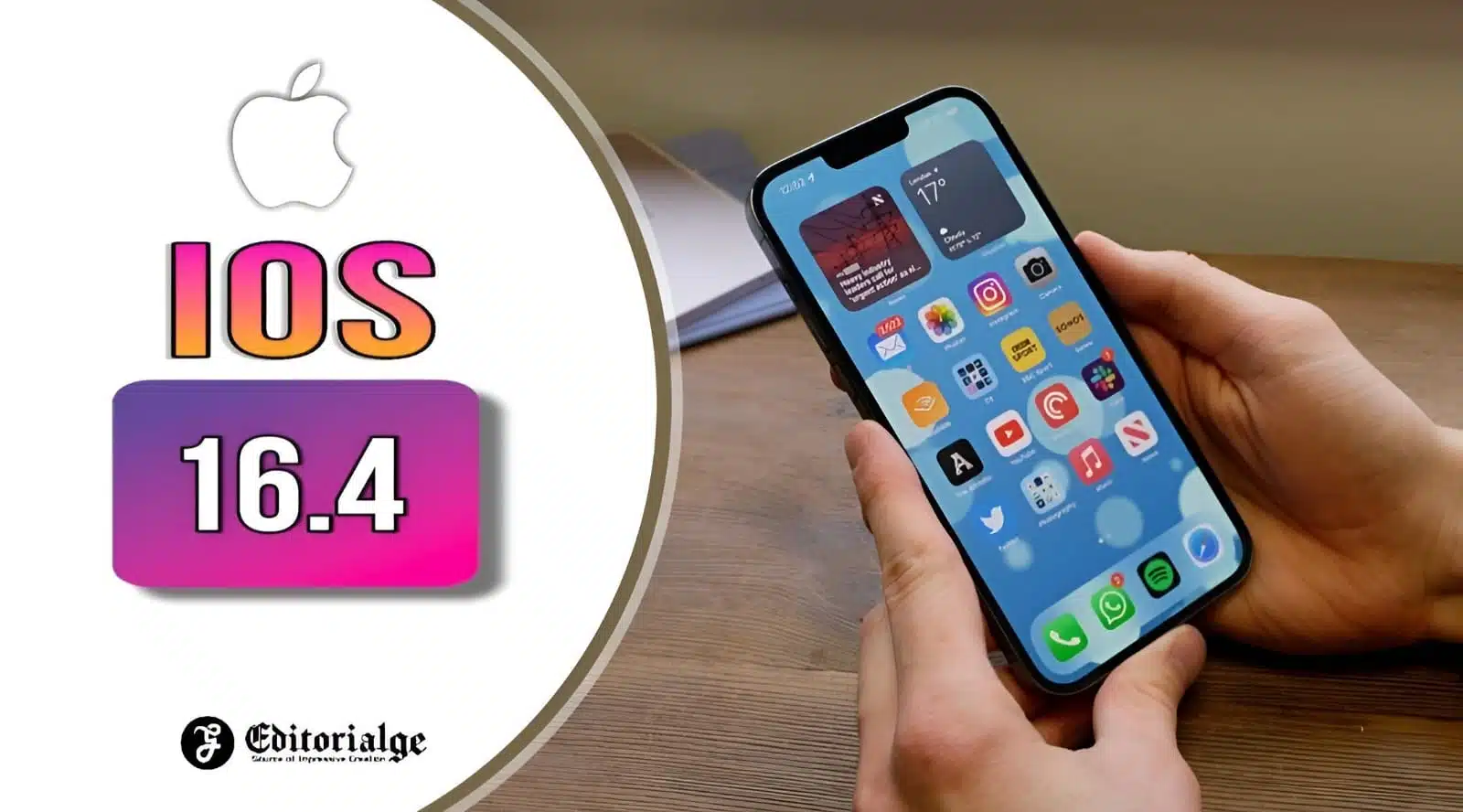
ios 16.4: Learn About All the New Features and Improvements

ios 16.4

  • The latest update to the Apple operating system brings several security fixes and improvements.
  • New features in the Podcasts application, Apple Books, and emojis are available to users.

Apple has released the latest version of your operating system, iOS 16.4, offering a variety of new features, enhancements, and security updates.

One of the most exciting new iOS 16.4 is the voice isolation feature, which helps reduce background noise during phone calls. There are also improvements to the Podcast app, the Apple Books app, and new emojis.

In addition, the update solves various security issues, ensuring your iPhone remains safe and protected from potential threats.

In summary, iOS 16.4 brings many exciting new features and enhancements and addresses essential security concerns. Update your device today to take advantage of all the benefits of this latest update to the Apple operating system.

New features and improvements in iOS 16.4
ios 16.4
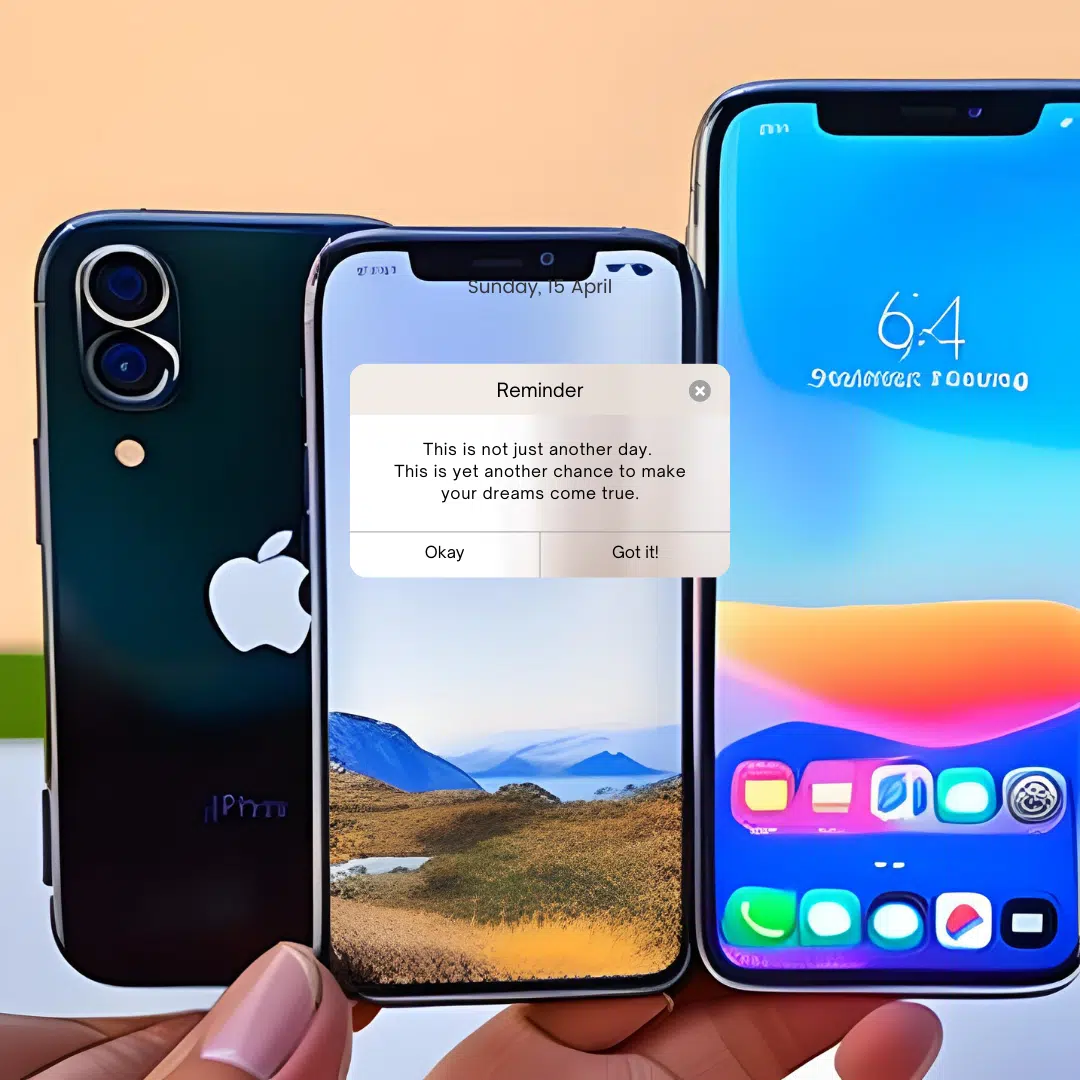
iOS 16.4
  • Voice isolation on phone calls to reduce background noise
  • Improvements to the Podcast application, allowing seasonal search and filtering episodes
  • New page change animation in the Apple Books app
  • 21 new emojis available
  • Web application notifications added to the home screen
  • Duplicate album in Photos detects duplicates in iCloud-shared libraries
  • VoiceOver support for maps in the Weather application
  • Accessibility settings to automatically attenuate videos when light flashes or strobe effects are detected

Error fixes

  • Fixed issue with Ask to Buy requests for children not appearing on the parent device.
  • Matter-compatible thermostats no longer respond when paired with Apple Home.
  • Crash Detection optimizations for iPhone 14 and iPhone 14 Pro models.

Security updates on iOS 16.4

  • More than 30 security updates, including solutions to high-risk failures

How to upgrade to iOS 16.4

If you activate the automatic updates option, you will not have to do anything; the system will be updated when you detect the new version. But if you want to manually update to iOS’s new version, go to Settings > General > Software Update > Download and install.


 

Subscribe to Our Newsletter

Related Articles

Top Trending

How AI Overviews Choose Citations
How AI Overviews Choose Which Sites to Cite
Best Document Collaboration Tools
10 Best Online Document Collaboration Tools for Teams
Important Signs When Should Raise Prices on Your SaaS
10 Signs It's Time to Raise Prices on Your SaaS
How to Restart a Productivity System After Falling Off the Wagon
My 20 SEO Lessons From 15 Years in Search
20 Lessons Learned From My 15 Years in Search Engine Journey

Technology & AI

Best Document Collaboration Tools
10 Best Online Document Collaboration Tools for Teams
Important Signs When Should Raise Prices on Your SaaS
10 Signs It's Time to Raise Prices on Your SaaS
Nostalgia economy
The Nostalgia Economy Is Selling Us a Past We Never Lived
Best CRM Tools for Small Marketing Teams
10 CRM Tools for Small Marketing Teams Worth Using
SaaS partnership tools
10 Best Tools for Managing SaaS Partnerships and Integrations

GAMING

Intentional Screen Time
How to Spend Your Screen Time More Intentionally
Complete Guide on Game Programgeeks
Game Programgeeks: A Complete Guide on PC, Game Dev, and Tech
Online Color Game Philippines
Online Color Game Philippines: What Every Beginner Should Know Before Playing
Ways to Reduce Game Development Costs
12 Ways Studios Cut Game Development Costs
NFT game development cost
How Much Does NFT Game Development Cost? A Realistic Budget Breakdown

Business & Marketing

Email Marketing Agency vs DIY Platform
Email Marketing Agency vs DIY Platform: When Outside Help Adds Value
Critical Path Method
The Critical Path Method Explained in Plain English
Time to Value: How SaaS Teams Can Reach Results Faster
How to Onboard New Team Members With a Self-Serve Wiki
How to Document Team Processes for Better Teamwork

EdTech & E-Learning

Alphabet Magic vs ABC Kids: Which Offers Clearer Letter Practice
Alphabet Magic vs ABC Kids: Which Gives Clearer Uppercase and Lowercase Practice?
Alphabet Magic vs LetterSchool comparison review
Alphabet Magic vs LetterSchool: Letter-Tracing Accuracy on the Same Letters [A Hands-on Review]
Alphabet Magic Trace and Phonics vs Teach Your Monster to Read
Alphabet Magic Trace and Phonics vs Teach Your Monster to Read: Which Is Best?
how many numbers should a toddler recognize
How Many Numbers Should a Toddler Recognize?
Best Educational YouTube Channel for Kids
Best Educational YouTube Channel for Kids: 10 Picks for Ages 2 to 8

Software & Apps

Best Document Collaboration Tools
10 Best Online Document Collaboration Tools for Teams
Important Signs When Should Raise Prices on Your SaaS
10 Signs It's Time to Raise Prices on Your SaaS
Best CRM Tools for Small Marketing Teams
10 CRM Tools for Small Marketing Teams Worth Using
SaaS partnership tools
10 Best Tools for Managing SaaS Partnerships and Integrations
White-Label SaaS Platform to Resell
8 Best White-Label SaaS Platforms to Resell























