

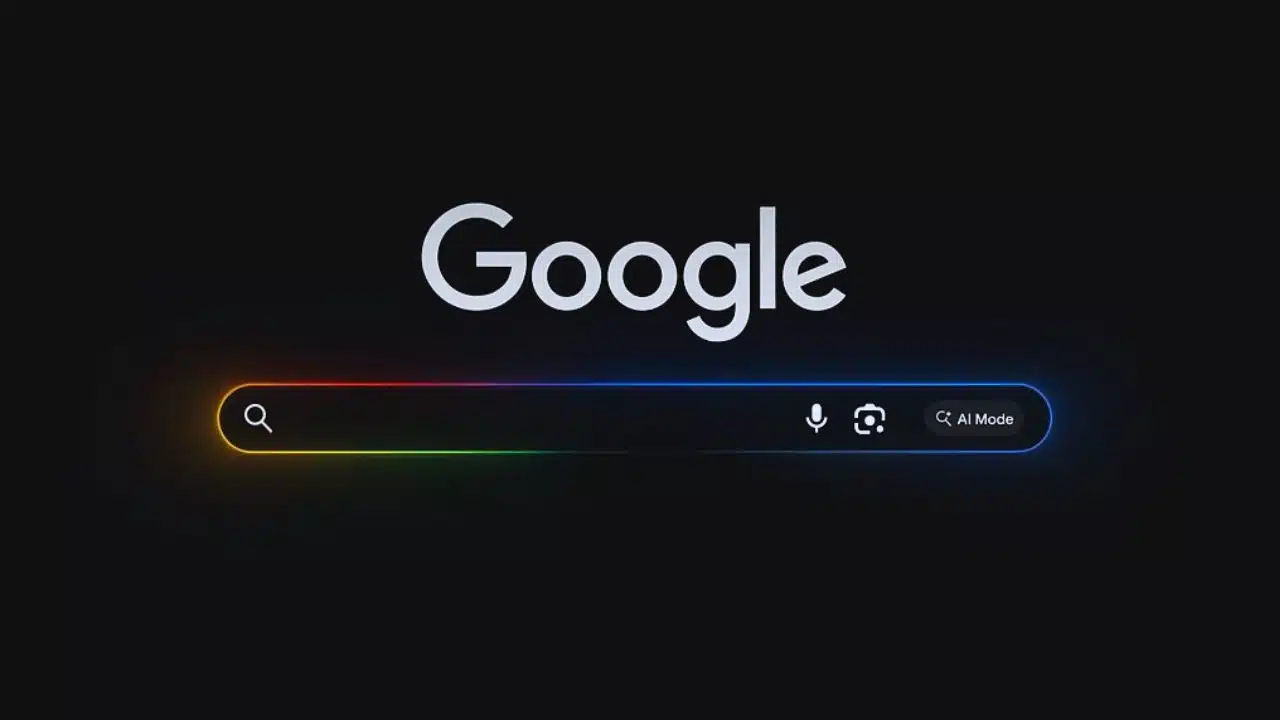
Google has introduced a new AI-based feature called Web Guide — an experimental tool that promises to make it easier for users to find relevant web pages in Search. This feature is currently available to users enrolled in the Search Labs program and offers a smarter, more organized way of displaying results.
Instead of the traditional list of links, Web Guide uses artificial intelligence to group and summarize information by topic, helping users navigate search results more effectively.
How It Works: AI-Organized Search Results with Gemini
Web Guide is powered by a tailored version of Google’s Gemini AI model. This model helps the system better understand both the content of websites and the user’s actual search intent. When you search using Web Guide, results are arranged into organized categories, such as guides, reviews, safety tips, or how-to articles, depending on the query.
Each group of results comes with:
- Headings summarizing the topic
- Brief descriptions of what you’ll find in that group
- An option to expand and see more links under each category
If you prefer the traditional format, you can still access it by switching to “Standard Web” at the top of the results page. The feature is triggered when users click the “Web” tab on Google Search while using Search Labs.
Google Expands AI Across Search Tabs
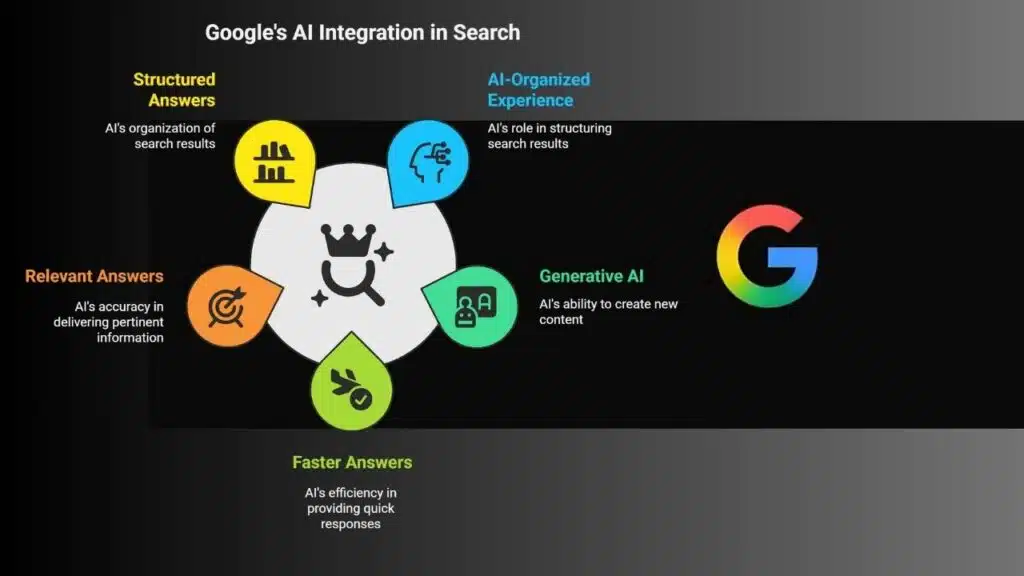
Google has confirmed that the AI-organized experience won’t be limited to the Web tab alone. The company plans to roll it out to other areas of Search as well, including the main “All” tab. This aligns with Google’s broader move toward integrating generative AI into its search ecosystem.
According to a blog post from Google and confirmed by multiple outlets including TechCrunch and The Verge, the company is experimenting with various AI search tools to improve user experience by delivering faster, more relevant, and structured answers.
The ‘Query Fan-Out’ Technique: Breaking Down Complex Searches
A key part of this innovation is a system Google calls the “query fan-out” technique. When a user types a complex or multi-part question, the system breaks it down into smaller, manageable subtopics and runs parallel searches on each of them. This technique is what powers both Web Guide and AI Mode, another AI-driven tool from Google Search.
For example, if you’re planning a solo trip abroad, Web Guide will not only show links to destinations, but also group results under headers like:
- “Travel Safety Tips”
- “Budget Travel for Solo Travellers”
- “First-Person Travel Stories”
- “Top Places to Visit Alone”
This grouping offers a deeper and more personalized search experience that mimics how you might explore a topic on your own — but without needing to click through dozens of unrelated links.
What Is AI Mode and How Is It Different?
While Web Guide enhances the traditional search layout, AI Mode offers an even more advanced experience. Introduced earlier this year, AI Mode provides conversational answers to more complex or exploratory queries. It delivers long-form summaries, real-time results from Google’s Knowledge Graph, and even helps users shop for products by aggregating options from across the web.
AI Mode is particularly useful when you’re not looking for just a quick answer, but want to understand a topic in depth. It’s already rolling out in India and other regions, giving users the ability to explore topics such as current events, health advice, or product reviews in a much more dynamic way.
How to Access These Features
Currently, both Web Guide and AI Mode are available through Google Search Labs, a testbed for upcoming features. To try them out:
- Go to the Google Search Labs page (labs.google.com/search).
- Sign in and enable the Web and AI Mode experiments.
- Perform a search and look for the new layouts under the Web tab or in the main results.
These features are optional and experimental, but they provide a glimpse into the future of how AI will shape our interactions with online information.
Why This Matters
In a time when people are overwhelmed by irrelevant or misleading search results, tools like Web Guide aim to reduce the clutter and get you to the information you actually need. By using AI to summarize, categorize, and expand on topics, Google is trying to make search results more human-friendly and context-aware.
This update is part of a larger trend across tech companies where AI is used not just to answer questions, but to enhance the way we discover and understand information online.
Whether you’re booking a trip, researching health advice, or just trying to find a good recipe, Google’s Web Guide and AI Mode tools are reshaping how we interact with search. These features don’t just give you answers — they help you explore your questions in a more intuitive and intelligent way.
If you want a smarter, more relevant search experience, now’s the time to give these AI tools a try.
The Information is Collected from Hindustan Times and Times of India.

























