

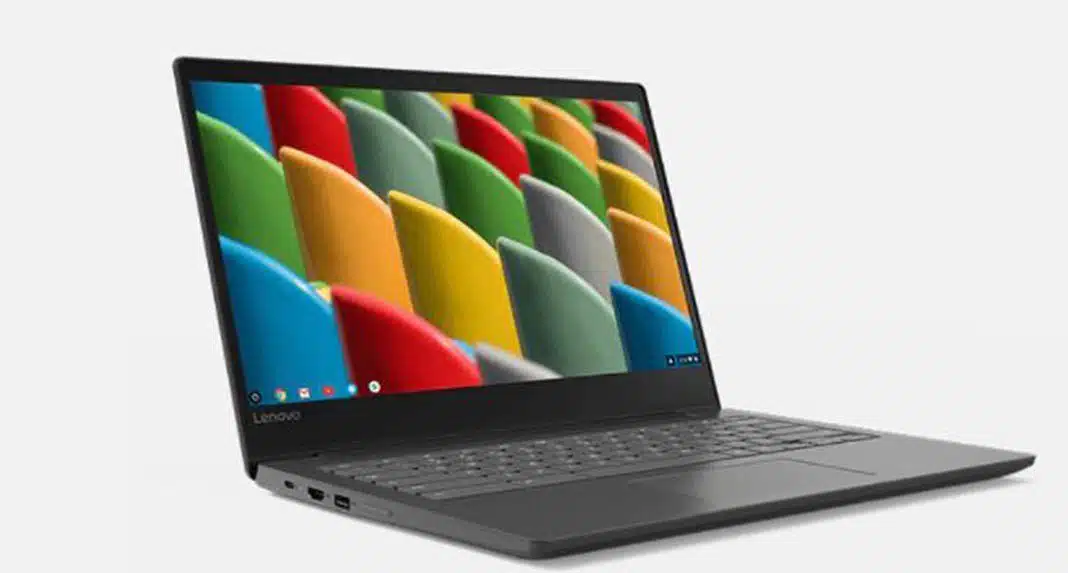
Trying to decide whether to go with a regular Chromebook vs. laptop? There are a few major distinctions to be aware of, and which is preferable is mostly dependent on your specific requirements. Continue reading to learn how to choose the right machine for you.
What is the difference between Chromebook vs. laptop?
Let’s start with the definition of a Chromebook: a laptop that runs the Google Chrome operating system. Chrome OS is a web-based operating system based on Google’s Chrome browser. This is a significant distinction from competing operating systems such as Windows or MacOS, which run entirely on the machine and not on the internet.
What do you do if you don’t have access to the internet? For a long time, the answer was ¯\_(ツ)_/¯. However, Google has expanded its offline capabilities in recent years, including the addition of its Android app store, Google Play, which now includes numerous apps with offline capabilities, such as Spotify and Google Podcasts.
Software
Chromebooks, unlike laptops, are not natively compatible with MacOS or Windows. While you may use the Android market to run Windows software like Microsoft Office, that’s not what the Chromebook was designed for. Chromebooks are supposed to be linked to the internet and rely on Google’s cloud-based software, which is kind of the purpose. Google Workspace has you prepared with workplace tools like Google Docs and Google Sheets in case you need them.
For professionals who utilize photo/video editing software on a daily basis, the gap between laptops and Chromebooks may be the most significant. You may get Adobe apps from the Google Play Store and save your work to Adobe’s cloud storage. Chromebooks, on the other hand, lack the necessary local storage and processing power to run Adobe Photoshop. Still, there are some good web-based design applications that will operate on a Chromebook, such as Photopea or Canva, so your pleasure may be contingent on having realistic performance expectations.
Specifications
On the BestBuy website, Chromebooks with a maximum storage capacity of 256GB, 16 GB of memory, and an Intel Core i7 processor are available for purchase. In comparison, laptops with up to 2,000GB of storage, 64GB of memory, and the top-of-the-line Intel Xeon CPU have up to 2,000GB of storage, 64GB of memory, and the top-of-the-line Intel Xeon processor. All of this means that Chromebooks can’t compete with laptops in terms of storage and power. The Chromebook’s features, on the other hand, are ideal for everyday use. Plus, the Chromebook makes up for its lack of performance with its low price.
Price
Because they don’t have as much hardware as typical laptops, Chromebooks are generally less expensive. A nice Chromebook can be had for under $200, whereas a good laptop will set you back at least $500. In comparison to most other computers, this also implies they are more portable and lightweight. Which can come in handy when you’re on the road.
What’s the bottom line? Chromebooks are quick, simple to use, and inexpensive, as long as you have a reliable internet connection to fully utilize their capabilities. Laptops provide additional storage capacity, compatibility, and processing power. But these could be costly or destroy when all you need is a browser.
Apart from this, you can also read entertainment and Tech articles here: Xiaomi Mi 11 Ultra Review, Pulse Oximeter, Google Pixel 5a Review, NBA Stream XYZ, CCleaner Browser review, Avocado Calories, Bear Grylls net worth, Rihanna net worth 2021, Dry white wine, Highest Paid CEO, The 100 season 8, Sundar Pichai net worth, Legacies Season 2, Grimes net worth, Oscar Isaac height, Arnab Goswami Salary, Bhushan Kumar net worth, Prabhas wife name, Konosub season 3, Good Omens season 2, F95Zone, how to change MSI keyboard color, Microsoft Office Suite, how to block subreddits, How to Share Netflix Account, how to change Twitch name, The Last Airbender 2, Sherlock Season 5, Homeland cast, Now you see me, Love Alarm season 2, Young Justice season 4, Shield Hero season 2, Salvation season 3, the feed season 2, Taboo season 2, Jack Ryan season 3.























