
A good answer can disappear inside a long interview. Someone watching the full conversation has the context to appreciate it; someone scrolling past a short clip needs that context almost immediately.
AI clipping tools help with the search. They can suggest excerpts, crop the frame, add captions, and prepare videos for social feeds. The editorial decision remains: does this moment make sense on its own?
Choosing a tool starts with the source material. A podcast needs speaker tracking. A software tutorial needs a readable screen. A webinar team may care as much about review and scheduling as it does about automatic cuts.
The following tools cover those different needs. The order groups useful options rather than ranking them by untested performance.
1. OpusClip: A starting point for varied video libraries
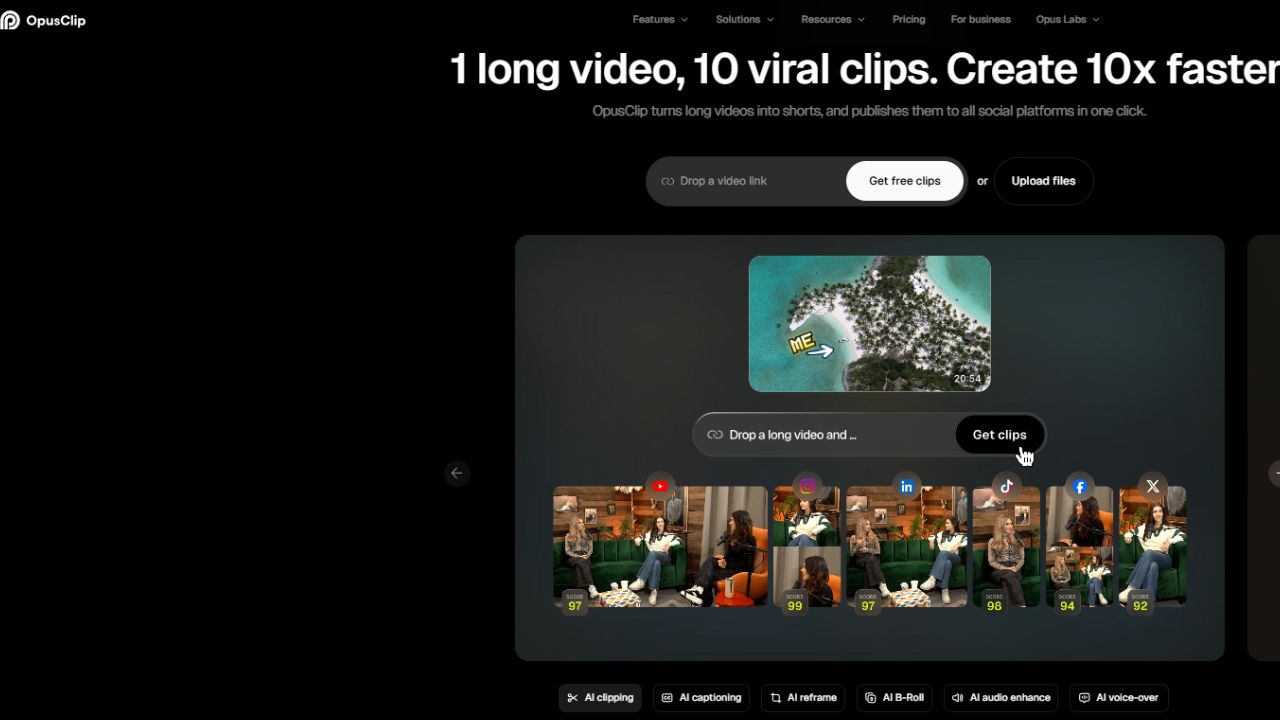
OpusClip combines AI clipping with automatic captions and reframing. Its ClipAnything model is presented as supporting material beyond interviews, including vlogs, gaming, sports, and explainers. ReframeAnything includes object tracking and a manual way to tell the system what to follow.
That makes it worth shortlisting when a channel publishes several types of footage. A moving subject needs a different crop from a seated guest, and a single automatic layout may not suit both.
Check the import options on the plan being purchased. OpusClip lists a broad range of link sources specifically for its Pro plan. A supported website on the homepage does not establish that every tier accepts that source.
2. Klap: A focused option for speech-led videos
Klap accepts video uploads and YouTube links, identifies topics, and turns excerpts into clips with captions. It also offers brand customization, publishing, and scheduling.
The company says its system works best with spoken content because it relies heavily on speech detection. Podcasts, interviews, educational videos, and product discussions are therefore sensible starting material.
Its AI Reframe 2 feature advertises layouts for split-screen footage, screencasts, and gaming. Those layouts are useful to inspect during a trial: keeping a face visible is only part of the job when the audience also needs to see a demonstration.
For a tutorial, preview the exported crop on a phone. The relevant menu, cursor movement, or on-screen result needs to remain readable throughout the explanation.
3. Vizard: When finding a clip and refining it happen together
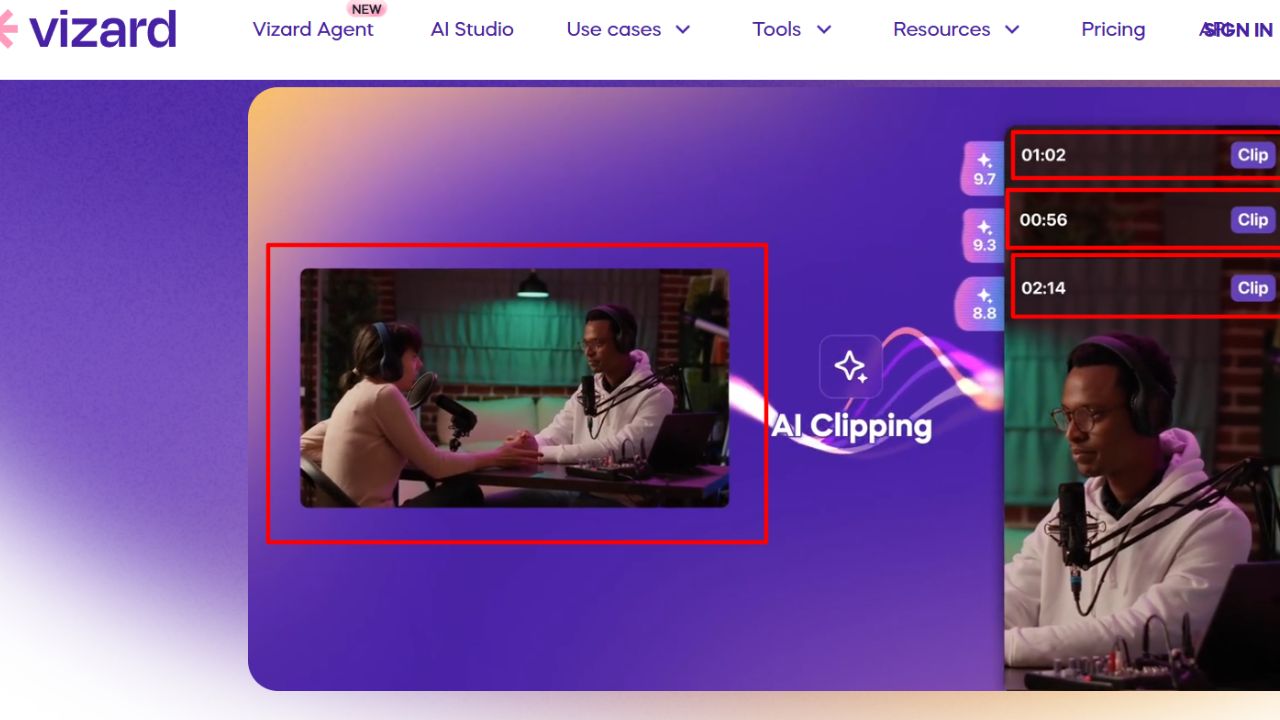
Vizard generates highlights, reframes key subjects, and provides text-based editing. Deleting the corresponding transcript text trims the video; a timeline editor allows further adjustments. Team workspaces and shared previews support collaborative review.
This combination suits a webinar or interview workflow in which an editor must inspect the surrounding conversation before approving an excerpt. The transcript helps locate the passage, while the timeline helps refine the actual cut.
Vizard also documents a multimodal clipping model, Spark 1.0, that considers visual and audio cues for footage with little dialogue. That expands the documented scope, although a feature description cannot establish how reliably it will identify a particular event.
Try representative source footage before treating automatic selection as a production standard.
A clip can be finished and still sit unpublished. Someone needs to write the post, select the account, and place it in the calendar.
quso.ai brings AI clipping together with subtitle tools, a text-based video editor, social scheduling, and analytics. It also lists brand kits and content planning within its broader platform.
The attraction here is the connection between repurposing and distribution. For a small team managing a recurring show, fewer handoffs may matter more than another caption effect.
Evaluate it against the channels and accounts actually used by the business. A bundled scheduler has value when it fits the publishing routine; otherwise, the clip editor is the feature doing most of the work. Compare account allowances and publishing access on the selected plan before paying for the wider package.
5. Riverside Magic Clips: A natural fit for Riverside recordings
Riverside Magic Clips identifies highlights from recordings and uploaded files, adds animated captions, and lets users customize the results in its editor. It can also turn audio material into social clips using a background image.
Riverside says automatic clips require content longer than three minutes with a transcript. Additional generation and preference controls depend on the plan. An initial set and repeated regeneration should therefore be treated as different allowances.
Another detail matters for an already-edited episode: the documented method for clipping an edited recording involves exporting, downloading, and uploading it again.
For a team already recording in Riverside, Magic Clips is a sensible place to begin. Check which version of the episode is being processed so removed passages do not return in promotional clips.
6. Descript: For clips that need substantial editing afterward
Descript’s Create Clips finds candidate moments from long videos and podcasts. Those excerpts can then be developed in its wider editor with captions, layouts, images, music, sound effects, and B-roll. Aspect ratios can be changed for different channels.
Its Underlord assistant supports broader editing requests, including webinar trailers and shorter cuts focused on a topic.
Descript deserves attention when the short clip is a separate editorial piece. A product explanation might need an image added at the relevant moment; an interview excerpt might need its opening tightened and its layout adjusted.
The reason to choose it is access to that editing workflow. If the only task is accepting suggested excerpts and exporting them, compare whether a narrower clipping tool would meet the need with fewer decisions.
7. VEED AI Clips: Useful controls, with an important import restriction
VEED’s AI Clips documentation describes automatic highlight selection, speaker framing, subtitles, and filler-word removal. Before generation, users can set a goal, describe what the clips should capture, and choose a maximum length. Results can be trimmed and opened in the full editor.
The same documentation gives a clear input restriction: the clipping feature does not support importing a YouTube video by URL. It requires an uploaded file. Existing account-library videos and exported projects also cannot be used directly through this feature.
VEED specifies between one minute and three hours of speech in the input. That is a speech-duration condition, not simply a limit on the video’s total runtime.
For creators keeping original files locally, the workflow may fit well. For a channel archive accessible mainly through YouTube links, account for the extra file-handling step.
8. Submagic Magic Clips: Clipping followed by visual finishing
Submagic’s Magic Clips accepts a YouTube URL, a video upload, or a Google Drive link. Generated excerpts have previews and transcripts, and users can trim them before changing captions, generating a hook title, or adding B-roll, transitions, and effects.
Submagic identifies Magic Clips as an add-on subscription in its help guide. Access to the main editor should not be taken as confirmation that long-video clipping is included.
This option is worth considering when finding the moment and finishing its visual presentation are both regular tasks.
Keep the hook faithful to the excerpt. A generated title can make a qualified answer sound absolute. Check it against the spoken words before export, especially when the clip involves advice or a factual claim.
9. 2short.ai: A narrower choice for captioned, spoken videos
2short.ai extracts moments from spoken videos and offers facial tracking, animated subtitles, multiple aspect ratios, and editing controls. Its FAQ says videos need captions for processing.
That requirement makes it a candidate for captioned YouTube interviews, explainers, and commentary. It is less suitable as a starting choice for footage whose meaning comes mainly from action or music.
The plans distinguish AI video-analysis allowances from fast server-side export allowances. These are separate parts of the workflow: analyzing a source video and rendering its selected excerpts are not the same task.
Check both allowances against the material being repurposed. A creator revisiting long recordings needs enough analysis capacity, even when the number of finished shorts is modest.
10. Choppity: For finding a particular passage
Choppity combines automatic short-clip generation with transcript editing, captions, framing, and active-speaker tracking. It accepts YouTube links and file uploads. Its keyword search lets users locate a passage in the transcript and turn that segment into a clip.
That is useful when the editorial brief already identifies the subject: a guest’s explanation of a mistake, a speaker’s answer about costs, or a passage discussing a particular product.
Instead of relying entirely on the suggested highlights, the editor can begin with the passage that fits the assignment and refine it.
Choppity’s profanity censoring is another documented feature, although muting a word alone does not establish that an entire excerpt is appropriate for a brand. Review the conversation and the finished captions together.
Choose around the task that takes the most work
These are workflow-based shortlist suggestions, not results from a comparative performance test.
| Main task | Options worth comparing | What to inspect in the trial |
| Repurpose different types of footage | OpusClip, Vizard | Whether the selected moment includes the relevant visual action |
| Clip a spoken interview or explainer | Klap, 2short.ai | Caption accuracy, clean boundaries, and speaker framing |
| Move from clipping to social publishing | quso.ai | Account access, scheduling, and the review process |
| Repurpose recordings already in Riverside | Riverside Magic Clips | Source version and additional-generation allowances |
| Develop excerpts into more edited videos | Descript, VEED | How easily the editor can fix a weak opening or crop |
| Finish clips with captions and visual additions | Submagic | Add-on access and control over the final presentation |
| Locate a passage tied to an editorial brief | Choppity | Transcript search and the precision of the resulting cut |
Judge the finished clip before judging the subscription
Use the same source recording to compare the shortlisted tools. Pick material that resembles the work ahead: an actual interview, a slide-heavy presentation, or a tutorial with an on-screen demonstration.
Then inspect the exports rather than stopping at the preview dashboard.
Does the opening explain enough?
An excerpt beginning with “That’s why it didn’t work” may need the preceding explanation. A punchy opening loses its value when viewers cannot identify the subject.
Has the cut preserved the speaker’s meaning?
A removed qualifier can change a recommendation. Listen for conditions and exceptions around the proposed start and end points.
Can the viewer see what matters?
Speaker tracking helps conversation clips. A demonstration also needs the object, screen, or action being discussed. Check whether captions cover that information.
How much repair is needed?
Correct names and technical terms, adjust awkward cuts, and record the time spent getting each excerpt ready. The useful comparison is the work remaining after generation.
A tool’s “virality” label should not substitute for these checks. Riverside, for example, explicitly describes its score as a comparison of engagement or relevance among clips in the same batch. That is different from evidence that an audience will watch or share the result.
Pay for the workflow that produces usable excerpts
Before subscribing, inspect the allowance for source-video analysis, maximum input length, exports, watermarks, resolution, and any clipping add-on. Check language support with the actual speech in the recording; a list of supported languages cannot establish accuracy for names, accents, or mixed-language passages.
The strongest choice is the tool that consistently leaves an editor with understandable excerpts and manageable corrections. A large batch of suggestions has little value if each needs a new opening, a corrected transcript, and a rebuilt crop.
Start with the recording that has been waiting to become shorts. The first finished exports will reveal more about the fit than the promise of another batch of “viral” clips.