
To track office supplies that expire or become unusable in storage, record each batch’s quantity, location, relevant dates, and condition in one shared register. Give someone responsibility for reviewing it, issue usable stock with the earliest deadline first, and remove damaged or unsuitable items from the available count immediately.
A closet can contain twelve printer cartridges and still have none that work with your current printer. A box of markers can look full even when several have dried out. Counting what is physically present is only the starting point; the useful number is what your team can actually use.
This guide sets out a practical tracking system for a small office. The sample rules and calculations are adaptable operating suggestions, not universal shelf-life standards.
Separate Expiration, Deterioration, and Obsolescence
These problems need different responses. An expiration date comes from the product’s labeling or manufacturer guidance. Deterioration is a condition problem, such as a marker that no longer writes. Obsolescence means an item no longer fits the office’s equipment or needs, even if it remains in good condition.
Keep those distinctions in the register:
| Supply group | What to record | What should trigger a review |
|---|---|---|
| Ink cartridges | Exact cartridge code, compatible printer, package date wording, opening date if relevant | Manufacturer deadline, damaged packaging, or a printer replacement |
| Toner cartridges | Cartridge code, supported equipment, storage instructions, packaging condition | Damaged packaging, unsuitable storage, or retired equipment |
| Markers and glue sticks | Receipt date, opened status, observed performance | Missing caps, drying, or failure during ordinary use |
| Tape and adhesive labels | Product type, batch, storage guidance, condition | Adhesive failure, damage, or a manufacturer’s stated limit |
| Paper and envelopes | Size, quantity, location, packaging condition | Dampness, curling, contamination, or feeding problems |
| Batteries | Chemistry, size, printed date and its meaning, and packaging condition | Leakage, swelling, damage, or an applicable manufacturer deadline |
| Cleaning and disinfecting products | Product identity, labeled deadline, opening or mixing date when relevant | Expiration, unreadable labeling, or a storage problem |
Do not assign every supply an invented one-year expiration date. Equally, do not interpret a missing date as proof of unlimited usability. Record “not found—check manufacturer” when you have not established what a date means. A warranty end date should not automatically become a discard date.
Epson’s specifications for the WF-M5194, for example, distinguish the date on an unopened cartridge package from a six-month period after opening. That is model-specific guidance. It illustrates why your tracker needs the actual product instructions rather than one rule for every cartridge.

Build a Register to Track Office Supplies That Expire
Start with one shared spreadsheet if that matches the size of your office. The important design choice is to keep separate rows for stock that needs separate decisions.
Use one row per product, batch, location, and relevant opened status. Two identical products with different deadlines should not disappear into a single total. If one container is opened while five remain sealed, split that container into its own row when opening changes its tracking requirements.
Include these fields:
| Field | What it tells the person checking stock |
|---|---|
| Item ID and exact description | Which product is this, including size or cartridge code |
| Batch or lot reference | Which delivery or manufacturer batch the record covers |
| Location | Where to find it: room, cabinet, shelf, or bin |
| Quantity and unit | How much is present: pieces, packs, bottles, or reams |
| Received date | When the office accepted it |
| Opened or mixed date | When a relevant use-life clock began |
| Manufacturer deadline and date type | What the label or instructions actually say |
| Internal inspection date | When the office intends to check the condition |
| Condition and status | Whether it is available, under review, or removed |
| Owner and next action | Who must act and what they need to do |
Keep a photo of the label or a reference to the relevant instructions with the record. If a supplier explains a coded date, retain that response. An undocumented guess will become difficult to distinguish from a verified deadline later.
Choose one counting unit for each item. If paper is tracked in reams, record a five-ream carton as five reams. Mixing cartons and individual reams can make an ordinary delivery look like a stock discrepancy.
Keep the Dates in Separate Columns
An inspection date is an office reminder. It does not establish that a product is safe, effective, or expired. Keep it separate from a manufacturer’s use-by or discard instruction.
Where both an unopened deadline and an applicable after-opening deadline exist, use the earlier applicable limit for the action date. Record the basis. If the manufacturer provides a number of months, preserve that unit instead of silently converting every month into 30 days.
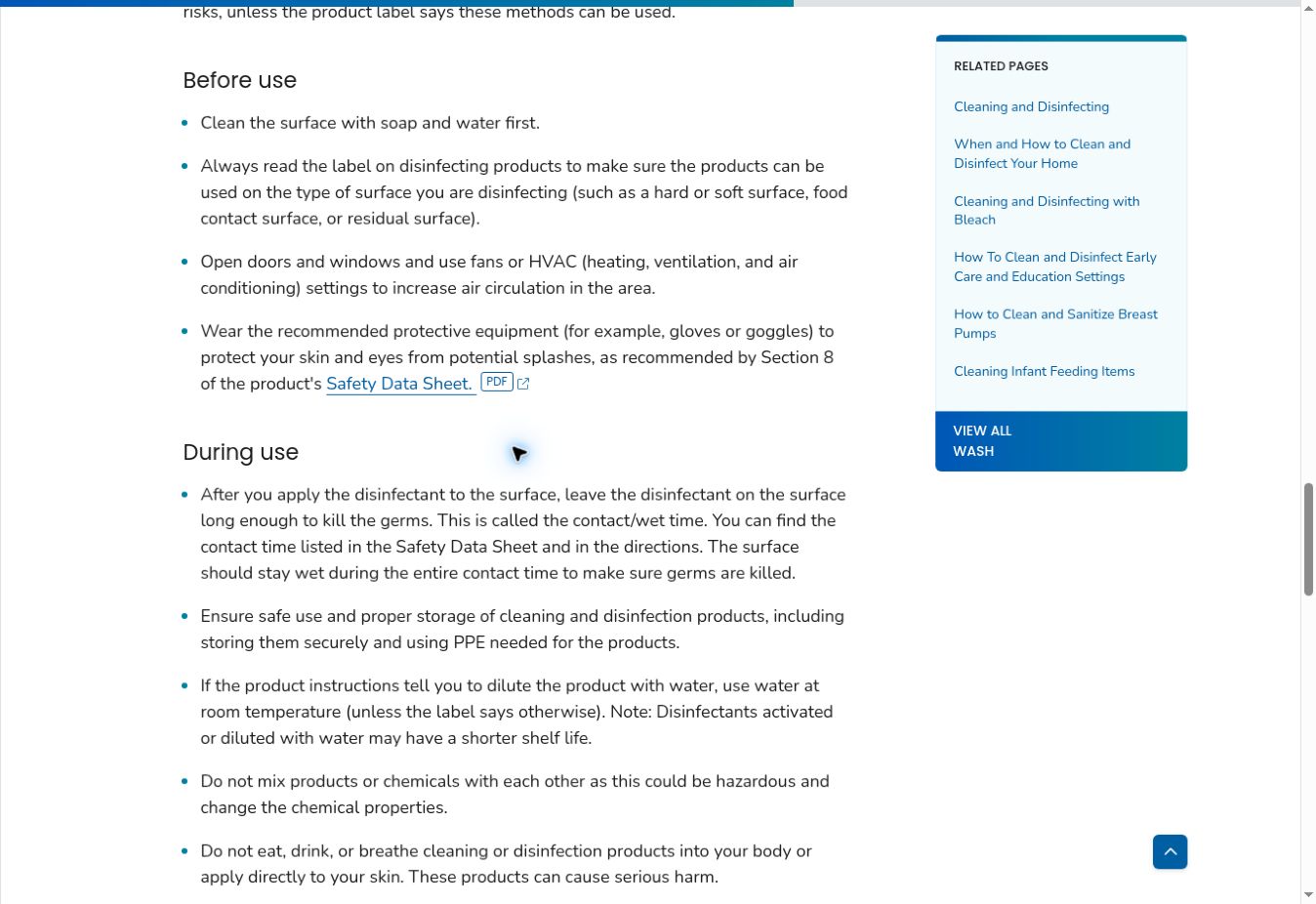
Cleaning products deserve particular care. The CDC’s guidance for cleaning and disinfecting facilities notes that dilution or activation can shorten a disinfectant’s shelf life. Follow the specific label and clearly identify solutions; a date sticker does not replace the required product information.
Label Stock Where People Pick It Up
A register is easy to overlook when someone needs a marker before a meeting. Put the relevant instruction on the shelf or container as well.
For ordinary stationery, a small label can show the item ID, received date, opened date if relevant, next inspection date, and owner. Write “inspection due” when that is what the date means. Reserve “use by” or “discard by” for a supported product instruction.
Use text alongside colors. “USE FIRST—CHECK DATE” is clearer than an unexplained yellow dot. Never cover manufacturer warnings, lot codes, or original date markings.
At receiving, compare the delivered item with the order, check packaging and relevant dates, enter the quantity, and assign its location before shelving it. Ask the supplier about unexpectedly short-dated stock while a return or replacement may still be possible.
For a larger room, a barcode or QR label can point to the correct record. Editorialge’s guide to implementing inventory barcodes provides background on item identification and label placement. In this workflow, the code must distinguish the batch when deadlines differ; a product barcode alone may not do that.
Rotate by the Earliest Applicable Deadline
For dated supplies, use first-expiring, first-out, usually shortened to FEFO. Among stock that remains suitable for use, issue the batch with the earliest applicable deadline first. A receipt order alone can miss a newer delivery that expires sooner.
For undated stationery with comparable condition, first-in, first-out is a reasonable starting rule. Keep older usable stock accessible and place newer receipts behind it. Condition still takes priority: a damaged item does not become suitable simply because it arrived first.
Avoid opening several identical packs unnecessarily. A clearly designated working pack makes it easier to track opened stock and protect the remaining sealed supply.
Make Alerts Lead to a Decision
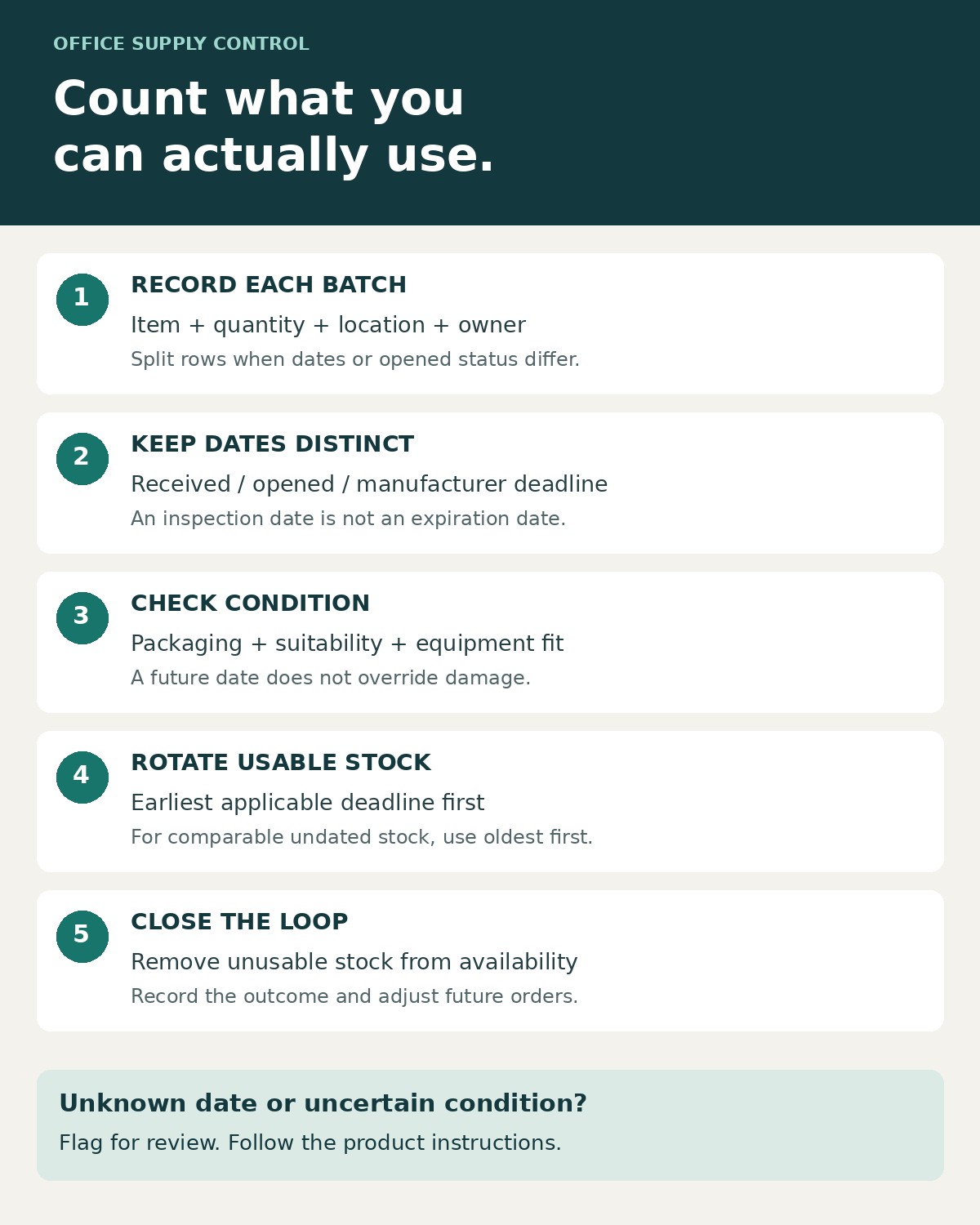
Use separate status and date fields. A future deadline should never turn an item marked damaged back into “available.”
A workable set of statuses is:
- Available: suitable for normal issue under the relevant instructions.
- Use first: still suitable, with an approaching deadline or a rotation priority.
- Review required: date, condition, identity, or compatibility needs checking.
- Do not issue: removed from availability pending an appropriate return, disposal, or other decision.
- Closed: used up, returned, transferred, or disposed of, with the outcome recorded.
Choose alert timing around consumption and response time. A 30-day warning may be useful for something used daily but too late for stock that takes several months to consume. The warning period is an internal planning choice; it does not extend the product’s deadline.
Here is a simple illustrative overstock check. Assume 12 compatible cartridges remain, their applicable deadline is three months away, and the office expects to use two each month. With no competing stock or change in demand, expected consumption is six cartridges. The other six need a decision now: return them if permitted, transfer them to a team that can use them in time, or reduce future orders.
Do not create unnecessary usage merely to clear a shelf. A transfer only helps if the receiving team has a legitimate use and enough time remaining.
Check the Shelf as Well as the Spreadsheet
Assign one stock owner and a backup. Everyone who takes supplies should follow a simple issue-recording process, while the owner reconciles those records against what is actually present.
For a small office, a weekly review of flagged items and a monthly physical check can be a starting routine. Adjust it to the products, turnover, storage conditions, and instructions. Short-use-life products may need much more frequent attention.
During a check, confirm the quantity, packaging, date labels, location, and equipment compatibility. Record what you observed: “three markers failed to write” is more useful than “old stock.” Check storage requirements for the actual product and investigate leaks, heat exposure, or other changes in the room.
Do not open every sealed pack merely to test it. That can defeat the protection the packaging provides. Ordinary stationery can be assessed during normal use; appearance or smell cannot establish a disinfectant’s effectiveness. Never test a damaged battery in office equipment.
Run an additional compatibility check whenever a printer or other device is replaced. Mark associated supplies for review so an automatic reorder does not buy more for equipment the office no longer owns.
Remove Unusable Items Without Losing the Record
Once an item is unsuitable, exclude it from the available quantity. Keep its record until the final action is complete. Otherwise, staff may reorder correctly while nobody takes responsibility for the material left in the cupboard.
A damaged paper pack and a leaking battery require different handling. Do not put all rejected items together in a general “expired supplies” bin. Follow product instructions and your organization’s handling arrangements.
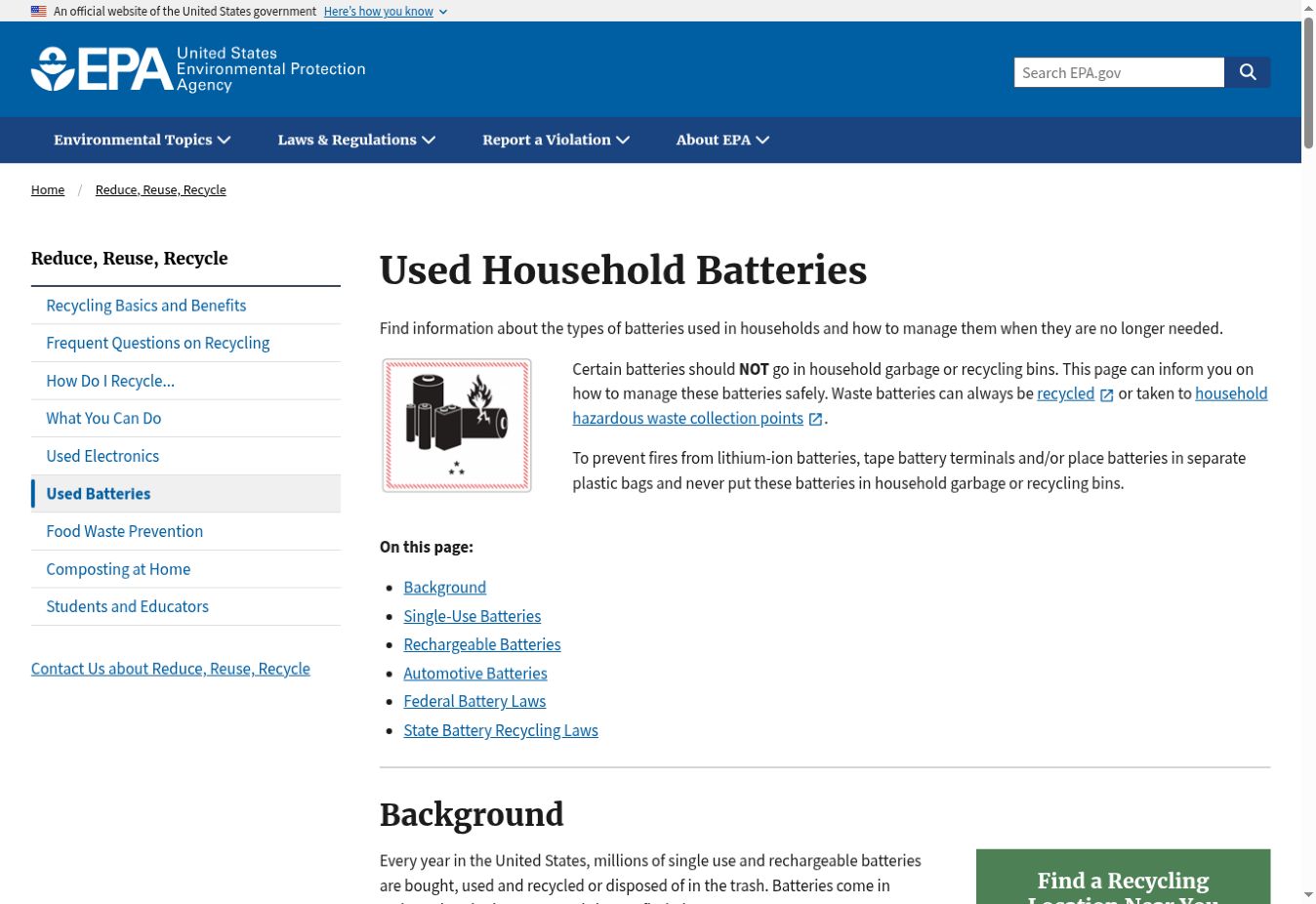
The EPA’s battery guidance explains that disposal depends on battery chemistry and warns against placing lithium-ion batteries in household trash or municipal recycling bins. That page addresses household batteries; an office should confirm the collection arrangements and requirements that apply to its business waste locally. Seek manufacturer instructions for damaged batteries.
For each removal, record the quantity, reason, date, responsible person, and final destination or outcome. Useful reasons include expired, damaged, failed during use, incompatible equipment, and excess stock returned. These categories reveal different purchasing problems.
Use the Findings Before the Next Order
Review losses alongside actual consumption. Repeated drying may call for smaller packs or better cap discipline. Repeated incompatible cartridges point to an equipment-list problem. Consistent surplus suggests the order quantity is too large for the office’s demand.
When you track office supplies that expire, the register should change what happens next: which batch gets issued, what needs inspection, what leaves availability, and how much is ordered. Start with the supplies most likely to cause waste or disruption, keep the records at batch level, and make every flagged row someone’s responsibility.