Tools for setting AI API budget alerts by customer workspace help a SaaS team spot an expensive tenant before a shared provider bill arrives. The key is attribution: a threshold is useful only if the cost record consistently identifies the customer whose activity caused it.
This documentation-led comparison covers seven approaches rather than the eight originally planned. It does not report hands-on deployments or benchmark results. A customer workspace can mean a gateway customer, a key, a filtered telemetry attribute or a dedicated cloud project; those boundaries are not interchangeable. Check current plans, data handling and support for your exact architecture.
Tools for setting AI API budget alerts by customer workspace compared
| Approach | Attribution boundary | Important limitation |
|---|---|---|
| LiteLLM | Gateway customer or team | Customer alert behavior depends on build and configuration |
| Requesty | API key mapped to a customer | Webhook and key lifecycle need setup |
| Bifrost | Customer, team or virtual key | Documented alert rules require Enterprise |
| LLM Gateway | API key per customer | Mapping and credential handling are your responsibility |
| Langfuse | Filtered user or tag in telemetry | Monitoring is not a hard spending cap |
| Portkey AI Gateway | Workspace or gateway policy | Verify alert scope and plan before purchase |
| Google Cloud Billing | Dedicated project or supported label | Only covers attributable Google Cloud costs |
1. LiteLLM: assign a budget to a gateway customer
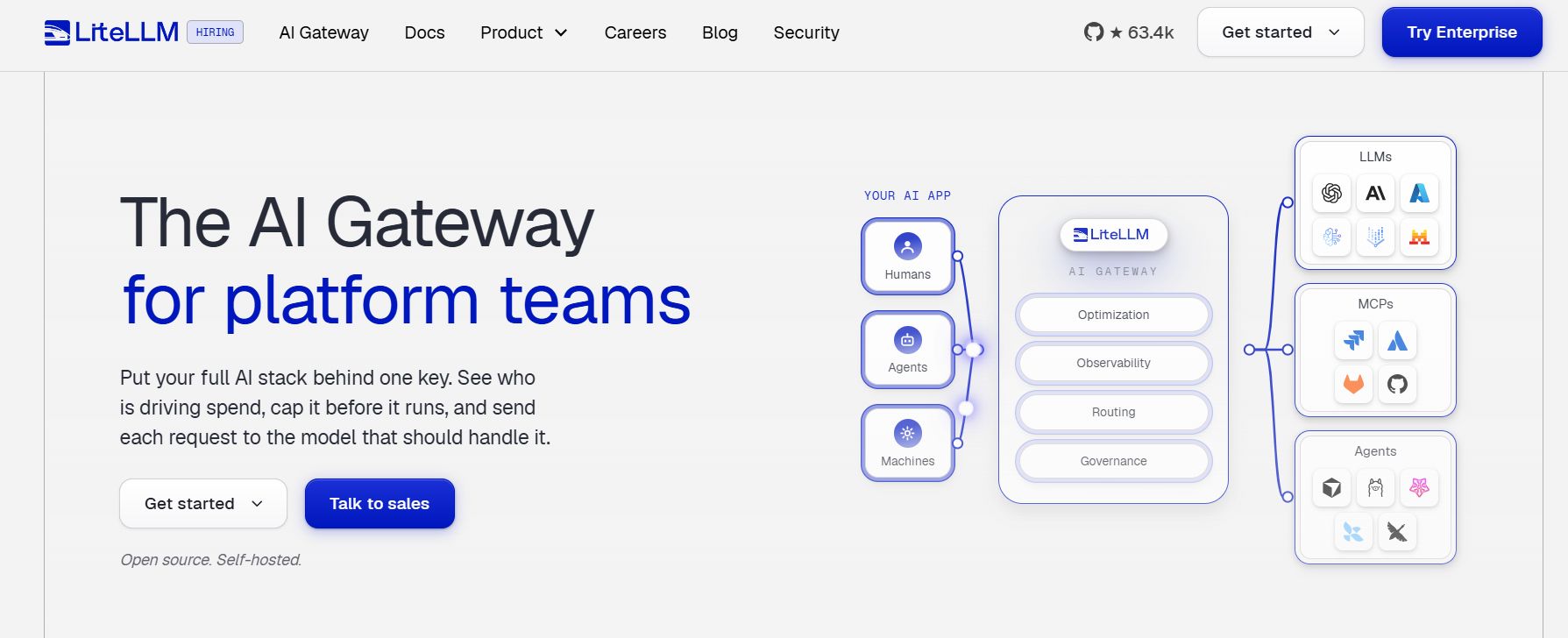
LiteLLM documents customer budgets and events that can be sent to a configured webhook. Its customer-management guide describes setting a soft budget and allowing a request that triggers an alert. That is useful when the application already sends its model traffic through a proxy and needs a consistent customer identifier.
Check the running release: the documentation identifies specific changes needed for recurring-period and customer alert behavior. Database migrations, an event receiver and customer mapping are part of the implementation. A soft warning and a hard refusal are different controls; test each separately.
2. Requesty: use a separate key for each customer
Requesty describes provisioning a gateway key for a tenant and configuring percentage-of-budget alerts. Its guide says a valid webhook must be added before notifications are sent. A separate key can make a customer’s usage easier to distinguish across providers.
Keep the gateway secret on your server and maintain the mapping between key and workspace. Validate key rotation, retries and what your customer sees at the limit. Concurrent requests and delayed settlement can still create exposure near a threshold.
3. Bifrost: combine customer budgets with alert rules
Bifrost describes budgets at customer, team, virtual-key and provider levels. Its Enterprise alert rules can be scoped to a customer or named budget and sent to a configured notification destination. This is a candidate for teams that need gateway policy and a warning before the limit blocks traffic.
The documented alert rules are an Enterprise feature. Confirm the release, license and alert delivery interval for your deployment. An alert arriving after an evaluation interval is not a guarantee that no additional requests will be processed.
4. LLM Gateway: monitor a key assigned to a workspace
LLM Gateway documents per-key usage limits and budget warnings, including email or in-app notifications. Its API-key guide describes provisioning a key per customer or environment, so a product can map each workspace to a separate key.
Key-per-customer design creates operational work: provision, rotate and revoke credentials safely, and define how multiple keys for one customer roll up. Review recurring reset windows and how bring-your-own-provider-key usage is counted before treating the gateway record as a billing ledger.
5. Langfuse: alert on filtered observed cost
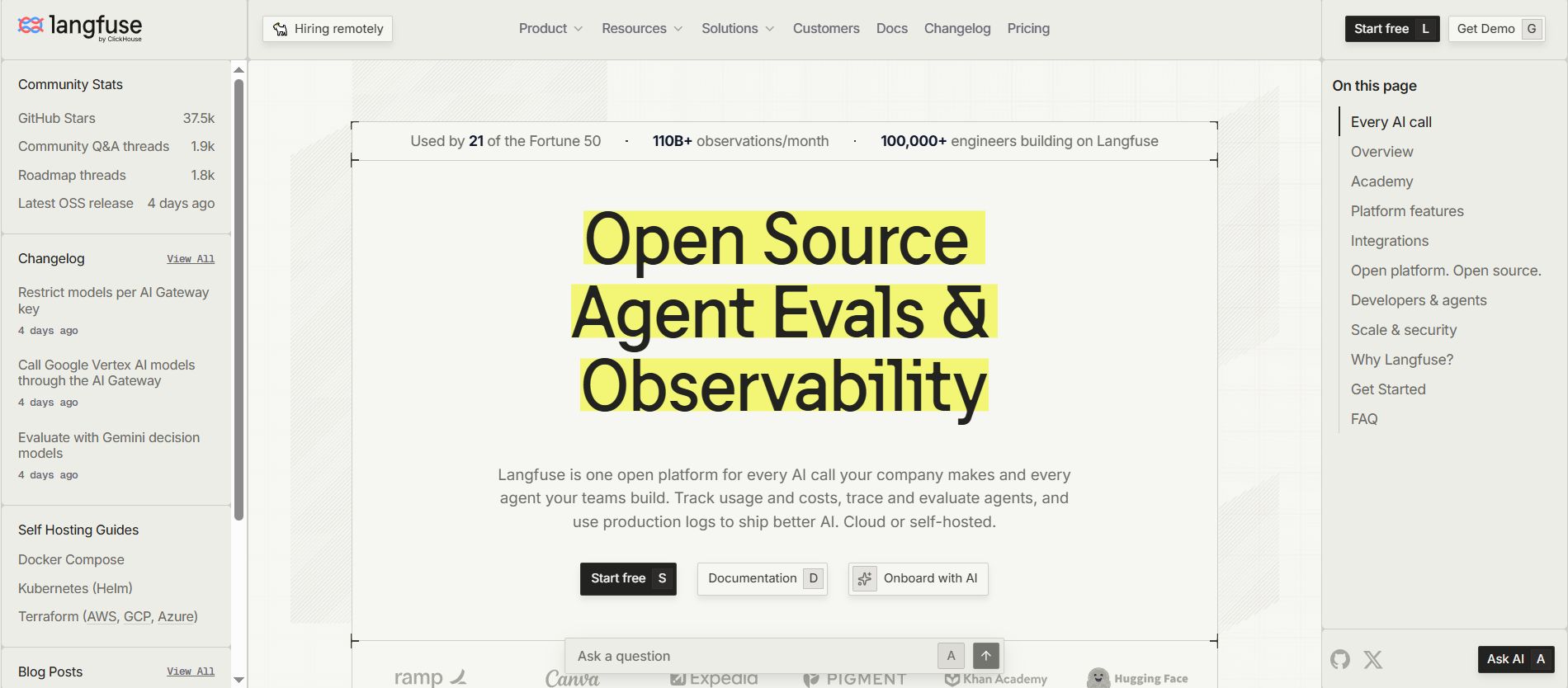
Langfuse documents cost metrics and alerts filtered by attributes including user ID and tags. If your application attaches a stable workspace identifier consistently, a filtered alert can reveal unusual observed cost for that customer without making the monitoring tool your request gateway.
Set a reliable mapping and verify that all relevant model calls are instrumented. Alert availability and counts vary by plan. Cost may be inferred from usage and model pricing; reconcile it against provider bills, and do not treat an alert as an automatic request block.
6. Portkey AI Gateway: investigate workspace controls
Portkey describes workspace-level budget controls and a gateway approach to monitoring accumulated usage and sending threshold alerts. It may be relevant if the team already uses its gateway for routing or governance.
Before selecting it for customer workspaces, confirm the precise relationship between a product workspace, customer metadata, budget policy and notification destination in the current edition. Do not assume that an organization-wide warning automatically provides a separate alert for every tenant.
7. Google Cloud Billing: alert on a dedicated project
Google Cloud Billing budgets can be scoped to projects and supported resource labels and can send threshold notifications. If your architecture uses a dedicated Google Cloud project for each customer’s AI workload, a project budget can be a practical signal for that boundary.
This is a cloud-billing approach, not a cross-provider tenant meter. Shared projects require a reliable allocation strategy, and some charges may not follow the desired labels. Google states that alerts-only budgets do not automatically stop use or billing; check supported spend-cap features separately.
Build an alert that a team can act on
Start by defining the thing you call a customer workspace. Keep the identifier stable through ingestion, retries, background jobs and fallback providers. Decide whether the budget is a provider cost estimate, an internal allowance, or the amount billed to your customer: each can differ.
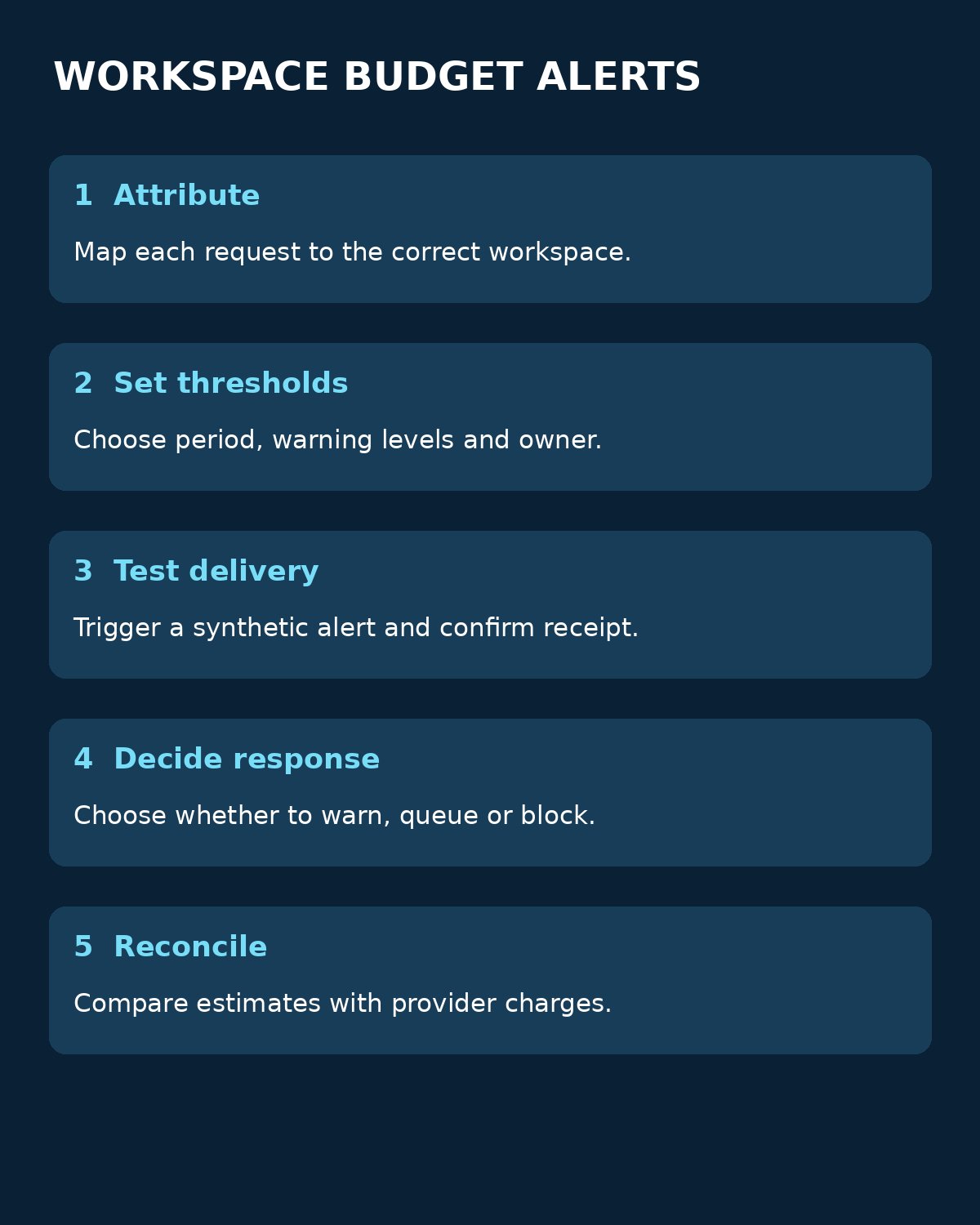
- Map every request to a workspace and record provider, model, token usage, retries and estimated cost.
- Choose a budget period and notify an accountable owner before the limit is reached. Document what the owner should investigate.
- Test a low threshold using synthetic traffic. Verify the delivery destination, duplicate notifications and the reset behavior.
- Decide separately whether to warn, queue, downgrade or block requests. Avoid unlimited retries after a budget rejection.
- Reconcile estimates against provider invoices and investigate missing attribution, delayed events and concurrent requests.
For a hypothetical $100 monthly workspace allowance, a team might set warnings at $50 and $80, then reserve a margin for requests already in flight. Those figures are an example, not a recommendation for every workload. Explicitly define who can raise the limit and how a customer is informed.
Google Cloud’s budget documentation explains notification thresholds and the difference between alerts and supported spend caps. Editorialge’s discussion of hidden API costs provides broader context for retries, limits and operational spending.
Choosing tools for setting AI API budget alerts by customer workspace
Choose tools for setting AI API budget alerts by customer workspace according to where your traffic is measured and who can act on a warning. A gateway can enforce policy in the request path; telemetry and billing alerts help you observe costs but may arrive later. Test the entire path, including notification delivery and reconciliation, before relying on it for a customer commitment.