
Tools for recording learner support requests in paid courses help you keep account-access problems, billing questions and lesson issues from disappearing in an instructor’s inbox. The important choice is not simply whether a tool collects a message: it is whether your team can identify the learner, assign an owner and see what happened next.
This comparison uses public product documentation reviewed November 17, 2026. These are general support and intake tools that a course business can configure; inclusion does not imply a built-in connection to your course platform. No product accounts or paid-course workflows were tested for this article. Confirm current plans, integration requirements and data terms before buying.
What We Checked
On November 17, 2026, we inspected three public help pages: Help Scout’s contact-form field settings, Jira Service Management’s queue guidance, and Google’s instructions for storing form responses in Sheets. The pages show different levels of setup: Help Scout documents a plan limit on custom fields, Jira describes assigning requests from queues, and Google explains that form and spreadsheet permissions must be managed separately. These are documentation checks, not account-based tests of a paid course or support system.
Tools for recording learner support requests in paid courses compared
| Tool | Intake and record | Check first |
|---|---|---|
| Zendesk | Support forms and email tickets | Form and portal setup |
| Freshdesk | Portal requests and ticket views | Plan and learner access settings |
| Help Scout | Contact form and shared inbox conversations | Custom-field plan limits |
| Intercom | Conversations and tickets in an inbox | Ticket types and account configuration |
| HubSpot Help Desk | Form submissions create tickets | Required subscription and connected channels |
| Zoho Desk | Contact-linked support tickets | Portal and contact permissions |
| Jira Service Management | Requests organized into queues | Setup complexity and request types |
| Google Forms and Sheets | Form responses recorded in a spreadsheet | Manual ownership and follow-up |
1. Zendesk: turn requests into tickets
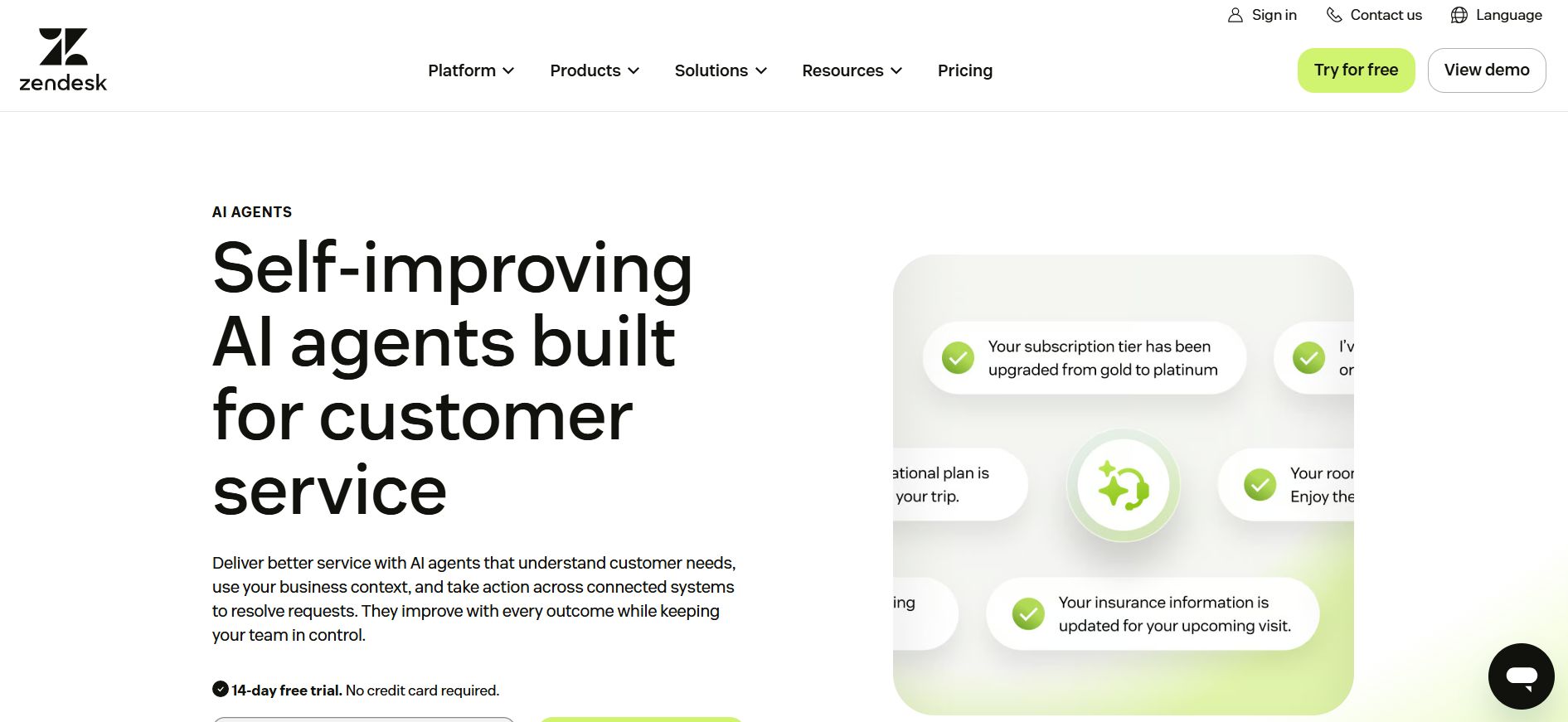
Zendesk documents support requests through forms and email as tickets, with the original message becoming part of the record. A course business receiving many access and billing questions can use distinct fields to capture the course and issue type before routing the ticket.
Decide whether learners should sign in to a portal or contact you by email. Check the plan for the forms and workflows you need, and verify how your course platform identifies a paid learner before granting account changes.
2. Freshdesk: collect issues through a support portal
Freshdesk describes a portal where a requester can enter a subject and description and submit a ticket. This is useful when you need a consistent support record for lesson problems that arrive outside a live class.
Make the form easy to reach from the course. Confirm whether registration is required and whether your plan supports the fields, automation and access rules you intend to use. A ticket does not by itself verify a learner’s entitlement.
3. Help Scout: record conversations from a course page
Help Scout’s Beacon contact form sends a submission to a connected inbox as a conversation. For a small teaching team, the familiar conversation view can be easier to manage than a complex service portal, provided everyone checks the shared queue.
Its documentation says custom fields for Beacon are available on Plus and Pro plans. Verify whether the course platform permits the embed; otherwise provide an appropriate support link. Decide how you will label course and lesson context.
4. Intercom: connect a conversation to a ticket
Intercom documents tickets and conversations in its Inbox, including views for assigned and unassigned work. That matters when a learner’s initial question turns into a technical issue that needs handoff instead of a one-message reply.
Ticket types and views need configuration. Check the relevant subscription, identity settings and whether your team needs chat, asynchronous email or both. Avoid assuming a chat widget alone provides a reliable resolution process.
5. HubSpot Help Desk: create tickets from forms
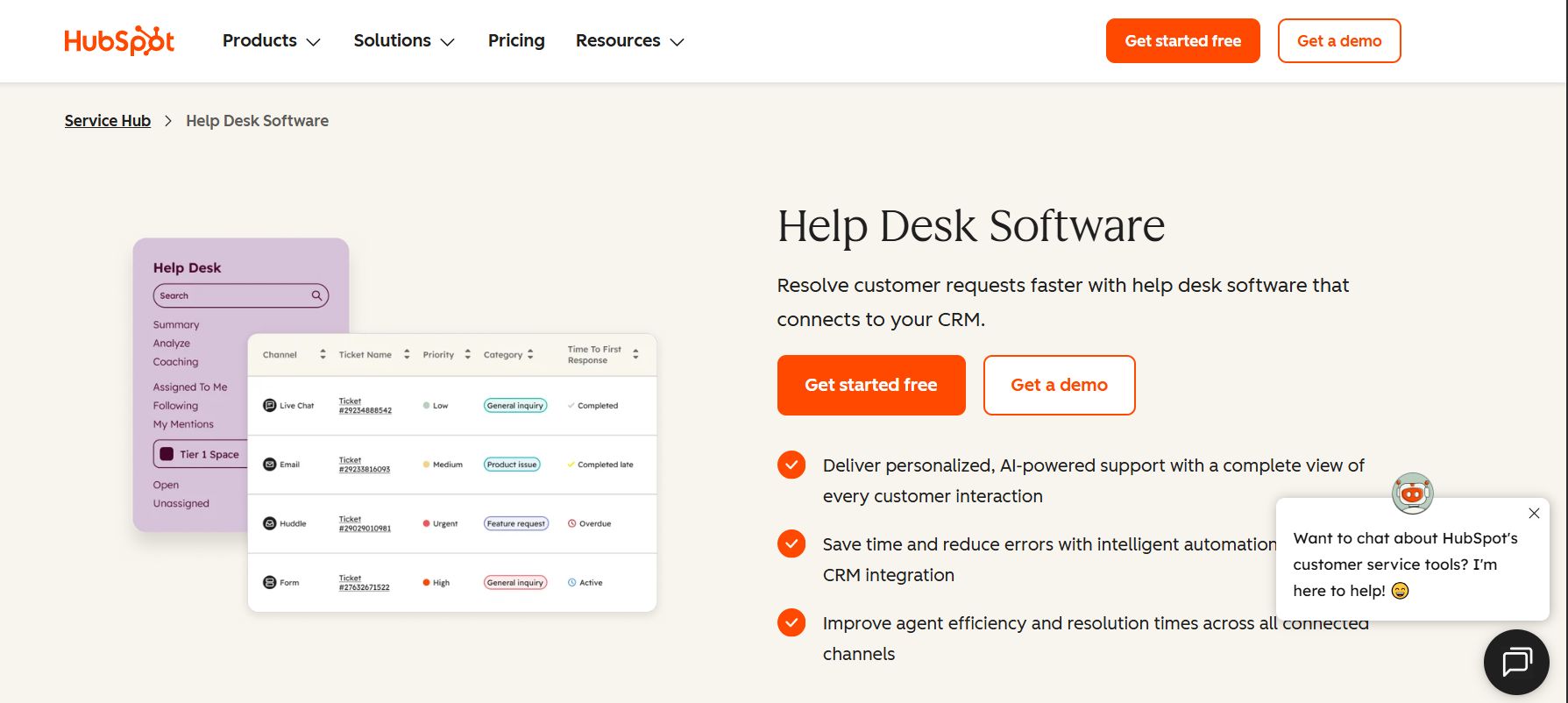
HubSpot describes connecting a form channel to help desk so submissions become tickets. A training business already using its customer records may find that a useful starting point for associating a request with a contact.
Confirm which subscription and connected channels support your intended workflow. A contact record is not necessarily an up-to-date enrollment record; test the handoff between purchase, course access and support before relying on it.
6. Zoho Desk: organize requests around a contact
Zoho Desk documents tickets associated with contacts and a help-center request history. This can give an agent a place to review a learner’s earlier issues when the same person returns about a course.
Review portal permissions and what the learner can see. If a purchase email differs from a course-login email, define an identity-check procedure instead of merging records on assumption.
7. Jira Service Management: use queues for a technical team
Atlassian describes customer requests becoming work items in queues, which can be filtered by criteria such as request type or status. This may suit a course business where support and engineering teams already need a structured handoff for platform defects.
Design a small number of clear request types first. A flexible service desk can take more configuration than a shared inbox, and learners should not need to understand internal project terminology to ask for help.
8. Google Forms and Sheets: start with a simple intake log
Google Forms can store responses in a linked Google Sheet. For a small course with low request volume, a form asking for the learner’s contact information, course and problem can establish a basic record without implementing a full ticketing system.
The spreadsheet is an intake log, not automatically a complete help desk. Your team must establish who owns each request, how replies are sent and where resolution status is recorded. Restrict access and avoid collecting passwords or payment-card details.
Build a useful support record
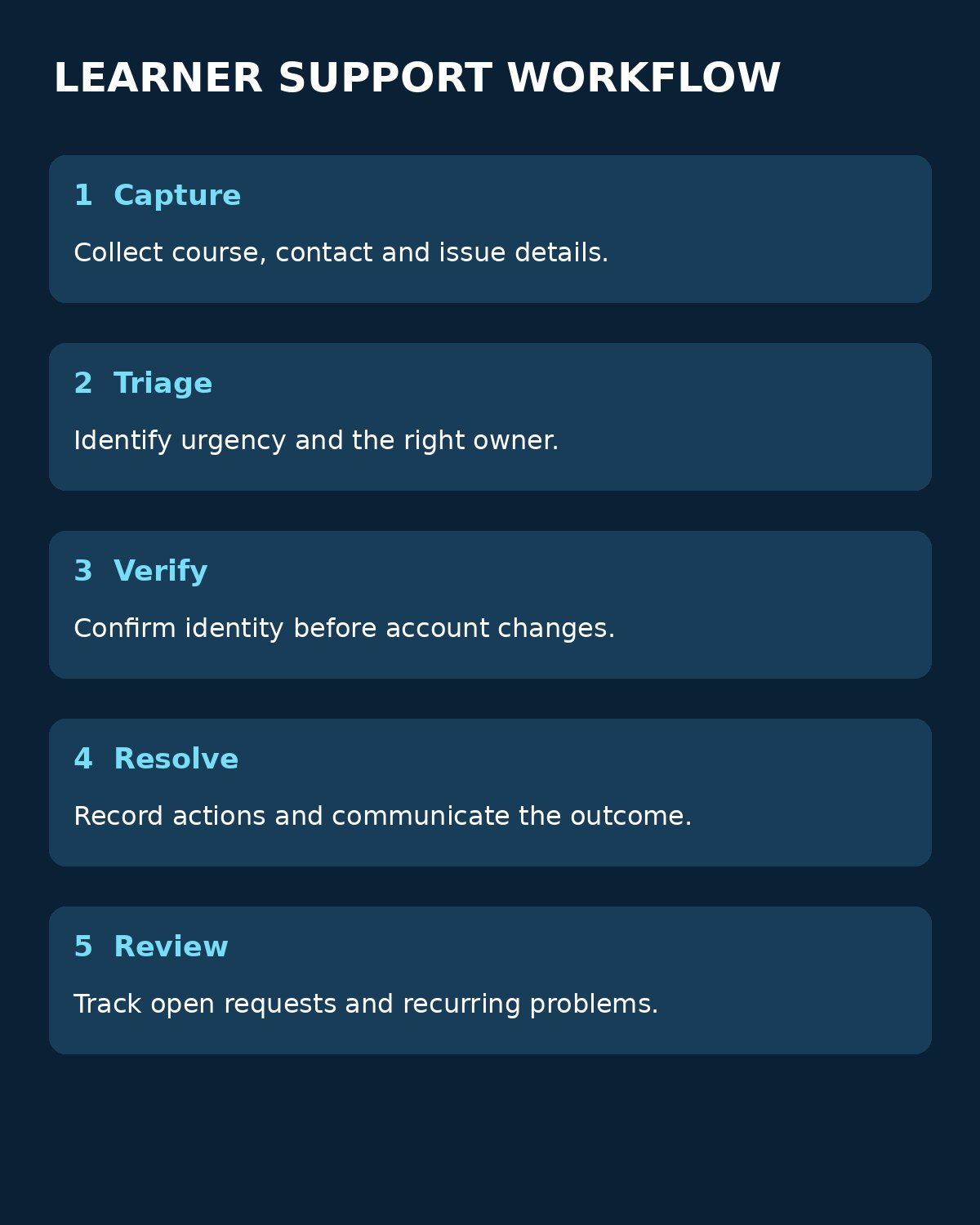
Whichever tool you select, start with a small set of fields: learner contact, course and lesson, issue category, time received, owner, status and next action. Ask for a transaction reference only when needed, and keep payment details out of general support notes.
- Submit a test request using a synthetic learner and a non-sensitive example.
- Verify that the record lands in the intended queue and identifies the right course.
- Assign an owner and record the next action, including a handoff for billing or technical issues.
- Send a response through the intended channel and check whether the history remains together.
- Close the request only after documenting the outcome; review unresolved requests regularly.
Test what happens when a learner writes from a different address or submits the same problem twice. Decide who may see billing or accessibility information and how long those records should be retained. Do not promise a response time until staffing and coverage support it.
The FTC guide to protecting personal information offers a starting point for limiting and safeguarding the information a support process collects. For the wider platform decision, see Editorialge’s guide to choosing a learning management system.
Choosing tools for recording learner support requests in paid courses
Choose tools for recording learner support requests in paid courses around your actual intake channels and team capacity. A form and sheet may be enough for a small operation; a shared inbox or service desk becomes more useful when ownership, history and handoffs are harder to manage. Test the full path from request to resolution before making it your learners’ only route to help.