

Remote teams can pay for chat, meetings, cloud storage, and task boards and still lose decisions between them. The issue is deciding where conversation ends, assigned work begins, and final files belong. The best online collaboration tools for remote teams reduce those handoffs without becoming another system to maintain.
This list starts with broad workplace suites and moves toward specialist options. It is not a universal score: a lower-ranked tool may suit a particular workflow better. Plan terms vary by region and change over time, so confirm current details before buying.
How We Ranked the Tools
We weighted asynchronous work, visible ownership, integrations, guest access, administration, and setup effort. When comparing the best online collaboration tools for remote teams, feature count matters less than daily clarity. A smaller tool people use consistently can beat an ambitious workspace they abandon.
Before You Choose
Even the best online collaboration tools for remote teams create friction when their roles overlap. A chat becomes a task elsewhere, produces a file in another app, and ends with a decision buried in a recording. Now the team has four places to search.
Assign one home to final files, active tasks, durable decisions, and quick conversation. Then check guest permissions, exports, retention settings, administrator controls, and contractor costs. Those details determine whether the tool remains useful after the novelty fades.
1. Microsoft Teams: Best for Microsoft 365 Workplaces
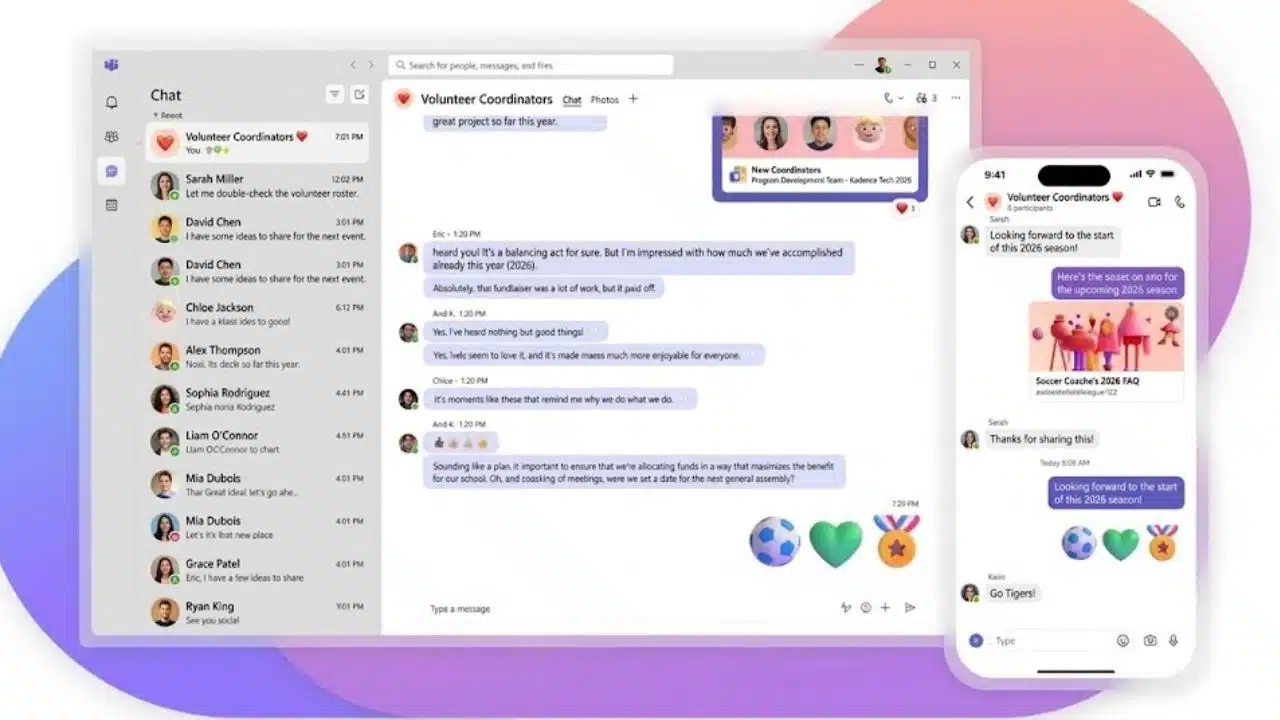
Microsoft Teams ranks first because it removes friction for organizations already using Outlook, Word, Excel, SharePoint, and OneDrive. Chat, meetings, files, tasks, and polls can stay within the same Microsoft environment.
That advantage fades outside Microsoft 365. Teams is dense, and poorly named channels soon fill with duplicated files and meeting threads. Check the exact license because packages with and without Teams are sold in some markets. For video calls alone, Zoom is simpler.
2. Slack: Best for Fast, Organized Team Communication
Slack remains one of the best online collaboration tools for remote teams that rely on fast conversation. Channels separate projects from company chatter, huddles move a thread to a quick call, and canvases hold channel notes. Paid plans also include Slack Lists for lightweight task tracking.
Do not treat Slack as the project record. Commitments disappear in busy channels unless someone converts them into assigned work. At verification, the Free plan offered 90 days of message and file history, with one-to-one huddles. That suits a trial better than a durable company archive.
3. Google Workspace: Best for Live Document Collaboration
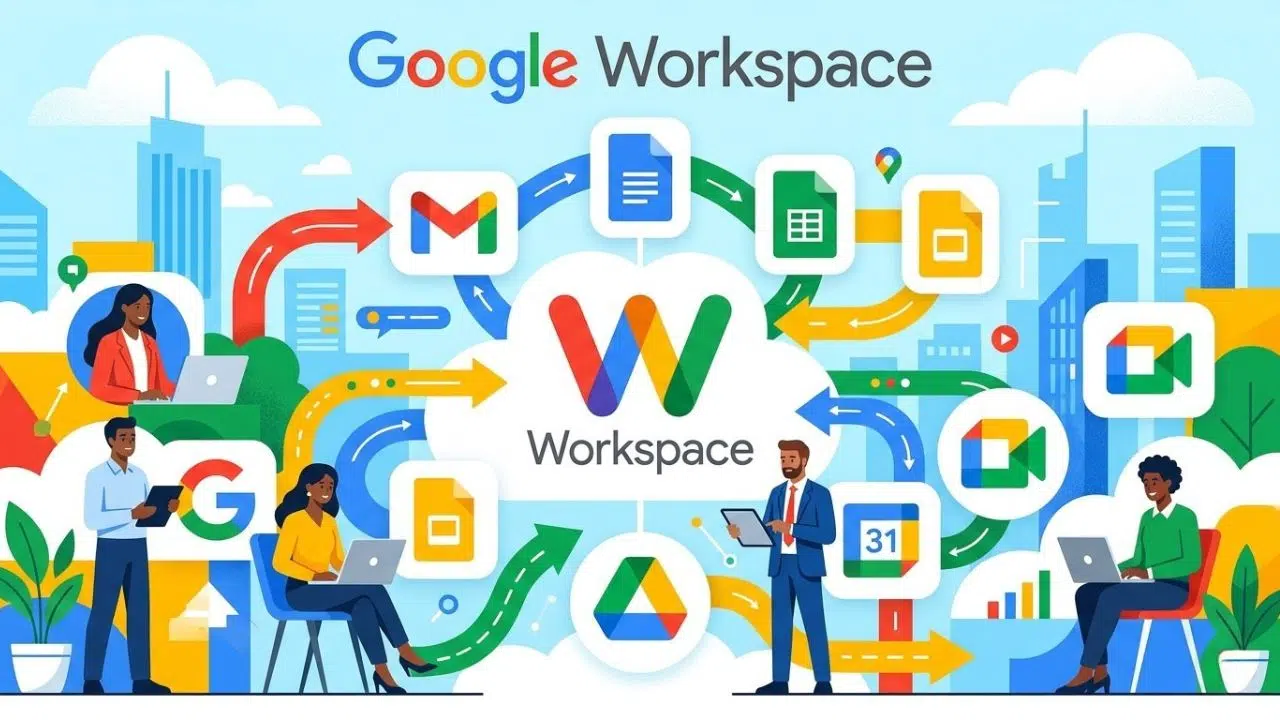
Google Workspace belongs in any comparison of the best online collaboration tools for remote teams because shared documents need little explanation. A writer, editor, and project lead can work in the same file instead of exchanging several attachments called “final.” Its business suite includes Gmail, Calendar, Meet, Chat, Drive, Docs, Sheets, Slides, Forms, and Sites.
Its weakness appears when a document becomes a project. Google Tasks covers basic follow-ups, but teams managing dependencies or approvals will usually need Asana or another work-management layer.
4. Asana: Best for Clear Project Ownership
Among the best online collaboration tools for remote teams, Asana is the strongest project-management choice for many cross-functional groups. It makes owners, deadlines, dependencies, and status visible. Timeline and Gantt views help with sequencing, while forms, rules, portfolios, goals, and workload tools support larger workflows. Advanced features vary by plan.
The common mistake is building too much too soon. A workable starting setup has:
- One shared set of statuses
- One clear owner for each task
- Only the automations that remove recurring admin
If people spend more time updating fields than completing tasks, the workspace has been overdesigned.
5. ClickUp: Best for Consolidating Several Work Apps
ClickUp combines tasks, docs, wikis, chat, whiteboards, dashboards, time tracking, automation, and several project views. That makes it one of the best online collaboration tools for remote teams trying to retire separate apps.
It is also demanding to configure. Start with one Space, a short status list, and two or three views; add features only when a real workflow requires them. A group wanting a board ready in ten minutes will be happier with Trello.
6. Notion: Best for Knowledge and Project Context
Notion is better as a knowledge hub with project context than as a conventional task manager. One page can hold the brief, research, meeting notes, decisions, and a linked task database.
Its blank-canvas freedom is easy to overrate. Without an owner, workspaces fill with duplicate databases and abandoned dashboards. Keep the top-level structure small. At verification, the Free plan limited uploads to 5 MB per file, external guests to 10, and blocks in workspaces with two or more members. That is restrictive for media-heavy teams.
7. Zoom Workplace: Best for Video-First Collaboration
Zoom Workplace is the clearest video-first choice for consultants, sales teams, and agencies that often invite outsiders. It now combines meetings with Team Chat, Docs, Whiteboard, Clips, Tasks, Notes, Mail, and Calendar features.
The free tier is useful but easy to outgrow. At verification, Basic meetings were limited to 40 minutes and 100 participants. It also allowed 10 shared documents, three editable whiteboards, and five two-minute clips. Even with those extras, Zoom should not be the only place where project decisions live.
8. Miro: Best for Visual Workshops
The best online collaboration tools for remote teams are not all task trackers. Miro handles journey maps, diagrams, retrospectives, planning exercises, and sticky-note workshops better than a document or video grid. People can contribute live or asynchronously.
Treat it as a workshop surface, not the permanent record. Move approved actions into the task system afterward. Miro Lite is useful for quick sessions because participants can use it without creating an account.
9. Trello: Best for Simple Visual Workflows
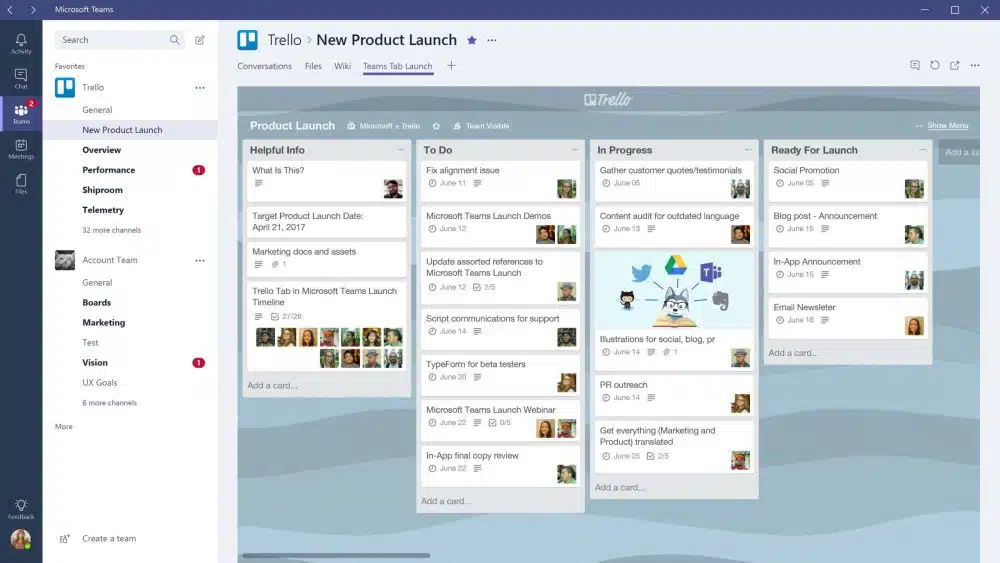
Trello is underrated for a five-person team and overrated for a complicated operation. Its board, list, and card model suits editorial calendars, hiring pipelines, and projects with a clear sequence. Cards carry owners and due dates, while automation handles repetitive steps. Paid tiers add Calendar, Timeline, Table, Dashboard, and Map views.
Complex dependencies and cross-project reporting are not its strengths. If one initiative needs several boards before anyone understands it, choose Asana or ClickUp.
10. Basecamp: Best for Calm, Client-Friendly Project Spaces
Basecamp keeps projects in contained spaces with message boards, to-dos, Kanban-style Card Tables, chat, schedules, files, reports, and automatic check-ins. Agencies can involve clients without exposing a complicated internal workspace.
Number 10 reflects a narrower fit, not poor quality. Basecamp offers less customization than Asana or ClickUp, but also less system to maintain. At verification, Pro was listed at $99 per month with annual billing, unlimited users, up to 25 active projects, and 100 GB of storage. Larger teams may like that pricing; teams needing advanced dependencies should look elsewhere.
Final Thoughts
Do not migrate the company after a polished demo. Shortlist two products, then run one real project in the stronger candidate for two to four weeks. Include daily users, not only managers. Track missed tasks, repeated questions, notification noise, guest problems, and time spent searching for files.
The right choice among the best online collaboration tools for remote teams gives conversations, commitments, decisions, and files a clear home without weekly reminders. If the pilot reduces confusion but creates heavy administrative work, keep looking. A collaboration platform should make working rules easier to follow, not simply give the team a newer interface.
Frequently Asked Questions (FAQs)
Do remote teams need separate chat and project-management tools?
Often, yes. Chat handles quick coordination; a project platform records owners and deadlines. Do not manage the same task in both. A Slack discussion can produce an action, but that action should live in the chosen task system.
What should a team check before paying annually?
Check guest charges, message history, storage, exports, single sign-on, retention controls, support, and regional billing terms. Confirm that necessary features belong to the quoted plan rather than an add-on or trial.
Should clients and contractors receive guest access?
Guest access is usually safer than giving an outsider a full internal account. Test permissions with a non-admin account first. Guests should see the relevant project without gaining access to private channels, unrelated clients, or internal planning.























