The best blockchain explorers help you answer three questions after a crypto transfer. Did it go through? Which address received it? What fee did it pay? Start with the network shown in your wallet or exchange withdrawal record.
Use mempool.space for a pending Bitcoin payment, Etherscan for Ethereum, and Solscan for Solana. A search on the wrong network can return no result even when the transfer has already gone through.
A blockchain explorer is a search tool for public ledger records. A transaction hash, also called a transaction ID or TXID, opens the record for a single transfer. Solana explorers call this identifier a signature. A crypto wallet address is useful for reviewing activity across multiple transactions. For a routine lookup, paste the public identifier and keep your seed phrase and private keys offline.
7 Best Blockchain Explorers by Network and Task
These research-based picks were selected for their network coverage and the transaction details they expose, such as status, fees, token movements, or contract calls. Each serves a specific lookup task.
| Explorer | Network to select | Best use |
| Etherscan | Ethereum mainnet | Check a transaction result, gas fee, and ERC-20 token transfers |
| mempool.space | Bitcoin mainnet | Track a pending payment and compare its fee rate with projected blocks |
| Solscan | Solana mainnet | Look up a signature and inspect the actions inside a swap or transfer |
| BscScan | BNB Smart Chain | Verify a BEP-20 transfer or check a swap’s token movements |
| TRONSCAN | TRON | Verify a TRC-20 transfer and review Energy or Bandwidth usage |
| Blockscout | The chain’s own Blockscout instance, such as Base | Trace contract calls and internal transfers |
| Blockchair | A supported chain, such as Litecoin, Dogecoin, or Bitcoin Cash | Look up transactions across several networks through one provider |
1. Etherscan for Ethereum transactions
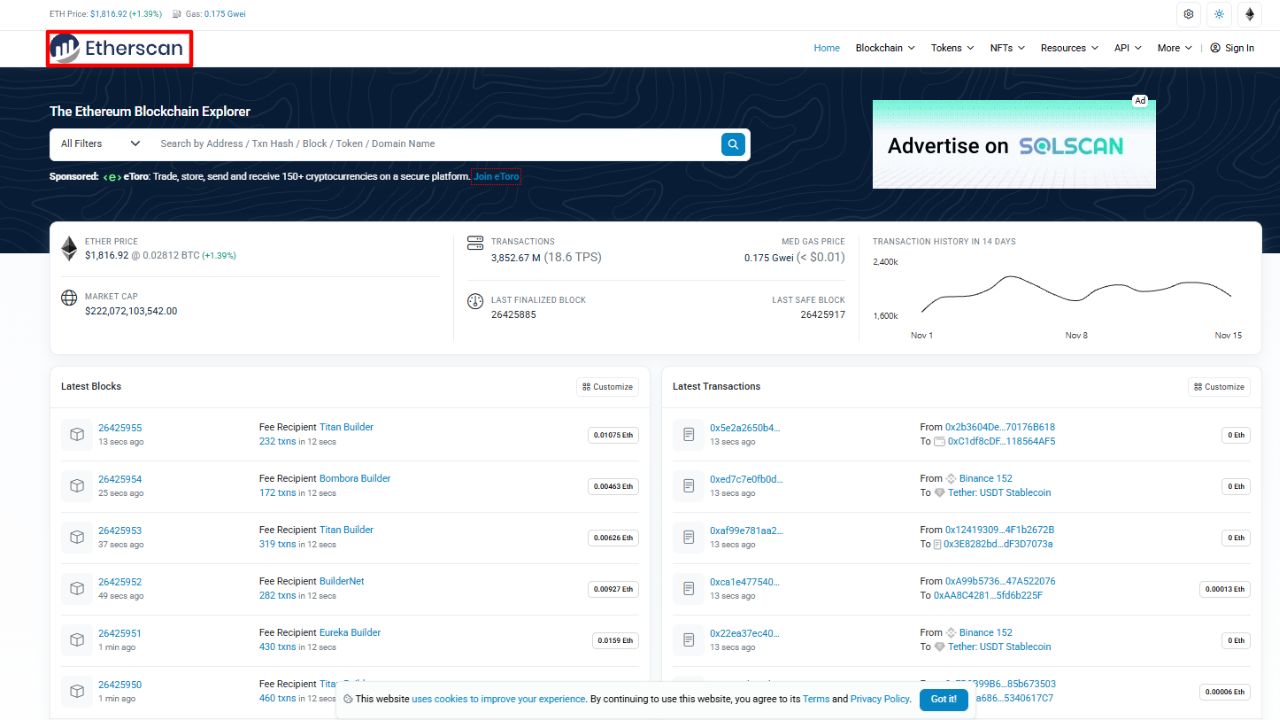
Paste an Ethereum mainnet hash into Etherscan and check Status, Block, and Transaction Fee first. For an ERC-20 token transfer, go to the token transfer details and verify the token, amount, and recipient. The top-level To field may show the token contract or another contract called by the transaction. The recipient you want is in the relevant token transfer entry.
This distinction matters after a swap. A successful transaction might contain several token movements. Match your wallet address and the token you expected to receive before using any one line as evidence of the amount delivered. If your withdrawal record says Base or BNB Smart Chain, open an explorer for that chain.
2. mempool.space for pending Bitcoin payments
Use mempool.space when a Bitcoin payment is waiting for its first confirmation. Paste the TXID and check whether the explorer shows it as confirmed. If it is pending, compare its fee rate in sat/vB, or satoshis per virtual byte, with the fee rates in the projected blocks. The fee rate describes how much the transaction pays relative to its size. The total fee is the number of satoshis paid for the whole transaction.
Projected blocks offer an estimate. New transactions can change the queue, and miners decide which transactions to include. Once the payment confirms, match the recipient address and amount in Outputs. One transaction can have multiple outputs, including change returned to the sender.
3. Solscan for Solana transfers and swaps
Solscan’s transaction page shows the signature, execution result, confirmation status, fee, and the actions inside the transaction. Start with Result and Main Actions to see what happened. Use the instruction details or program logs when you need to understand a more complex transaction.
A successful result describes the outcome of execution. Finalized describes the transaction’s confirmation state. If an exchange deposit remains pending, compare the explorer’s result with the exchange’s own deposit status.
4. BscScan for BNB Smart Chain transfers
BscScan is the starting point when the withdrawal record names BNB Smart Chain, often shown as BSC or BEP-20 for token withdrawals. The transaction page shows the status, block, and fee. For token transfers and swaps, read the token movements to find what reached the destination address.
An address beginning with 0x can look the same across multiple Ethereum-compatible networks. The withdrawal’s network field tells you whether to open BscScan.
5. TRONSCAN for TRC-20 transfers
TRONSCAN is useful when the withdrawal record specifies TRON or TRC-20. Check the transaction result and find the token transfer record. For a USDT transfer, match the token, recipient, and amount. The record can also show the resources the transaction consumed. Bandwidth covers transaction data, while Energy measures the work involved in running a smart contract.
If the result says Failed, look for the reported reason. TRONSCAN’s support documentation identifies insufficient Energy and a low transaction fee limit as possible causes of contract failures. A failed transaction recorded on-chain can still incur fees.
6. Blockscout for tracing contract activity
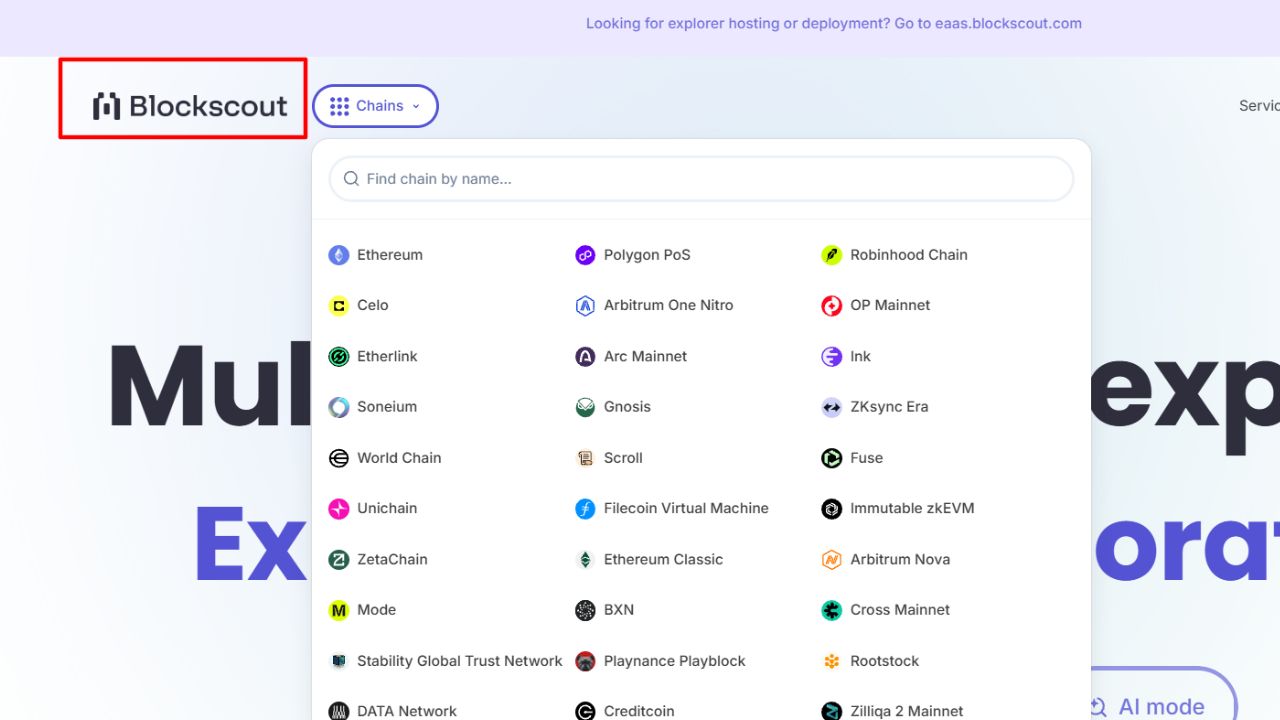
Start with the Blockscout instance for your network, such as Base Mainnet. Open the transaction and look for token transfers or internal transactions when the main overview leaves a question unanswered. Internal transactions are calls made during the execution of the original transaction. You can find them from the original transaction hash.
This is useful when a contract forwards native currency after the top-level call. For a token payment, the token transfers are the appropriate place to look first. Anyone exploring with practice wallets and test networks should also verify that the explorer matches the test network in the wallet.
7. Blockchair for Litecoin, Dogecoin, and Bitcoin Cash
Blockchair gives you one provider for several separate ledgers. Select the chain before entering the TXID. On networks such as Litecoin, inspect the outputs to identify the intended payment when the record lists several destination addresses.
A real Litecoin receipt shows how to read the fields. Blockchair records the example transaction in block 2,885,182 with a 0.0000211 LTC network fee. Its outputs appear separately. To check a payment, match the output address and amount against the original withdrawal or invoice. The block number tells you where the payment was recorded.
How to check a crypto transaction from start to finish
- Copy the transaction ID: Open the sending wallet or the exchange withdrawal record. Copy the TXID or signature, and check which network the sender used. An exchange’s internal reference number may differ from the public transaction ID.
- Open the explorer for that network: Paste the identifier. If nothing appears, recheck the network and the ID, then see whether the sending service has broadcast the transfer.
- Check the result and confirmation status: If it is pending, check what the explorer says about its progress. If it failed, check the recorded reason and any fee. If it succeeded, verify what moved.
- Match the recipient, asset, and amount: Use Outputs for a Bitcoin-style payment and the relevant Token Transfers or Main Actions for a token. Read the network fee separately.
- Check the receiving service: An on-chain success can precede an exchange credit. Check the exchange’s required confirmations and whether it supports the asset and network used for the deposit. If the details match and the credit is still missing, provide the TXID and network to the receiving exchange’s support team.
Keep the Transaction Link with the Payment Record
Blockchain explorers give you a shareable record of what happened on-chain. Save the transaction link alongside the withdrawal or invoice. If the payment needs reconciling later, the link takes you straight back to the original record, including the network, recipient, and fee.
Final Thoughts
The most useful blockchain explorer is the one that answers the question you have about your transfer. If a Bitcoin payment is still pending, use mempool.space to see how its fee rate compares with the current queue. If you’re checking a token transfer, use the explorer for the network you sent it on and match the recipient, token, and amount in the transfer details.
Save the network name and transaction link with the invoice or withdrawal record. If you need to ask an exchange about a missing deposit, those details give its support team the exact transaction to look up.
Frequently Asked Questions About Blockchain Explorer
What is a blockchain explorer?
A blockchain explorer is a search tool for public blockchain records. It shows transactions, wallet addresses, fees, and confirmation details.
How do I track a crypto transaction?
Copy the transaction ID from your wallet or exchange and paste it into an explorer for the same network. Check the status, recipient, and amount.
Where do I find my transaction ID?
Open the transfer details in your wallet or the withdrawal history on your exchange. Look for Transaction ID, TXID, or Transaction Hash.
Why is my Bitcoin transaction still pending?
It may still be waiting to be included in a block. On mempool.space, compare its fee rate with the rates in projected blocks to get a rough idea of where it stands.
Why hasn’t my exchange credited a successful crypto transfer?
The exchange may require more confirmations before crediting the deposit. Check its confirmation requirement and verify that it supports the asset and network you used.