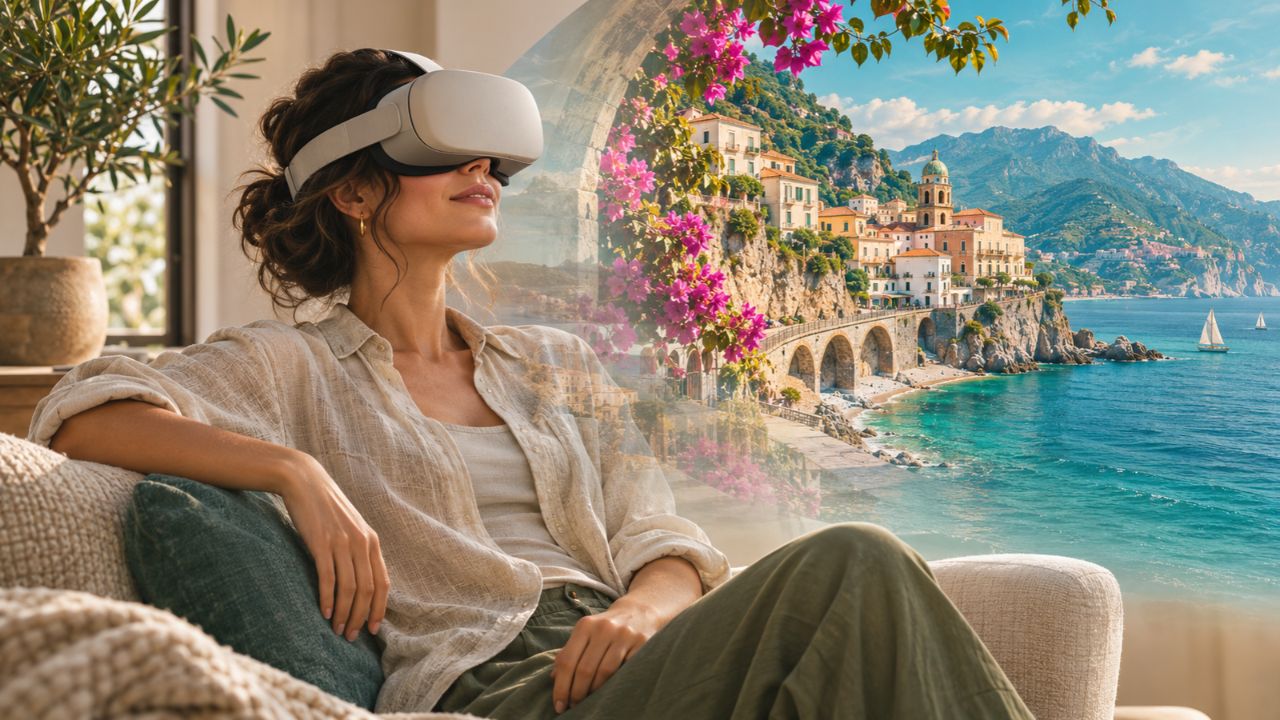
A hotel photograph can show a beautiful bed without revealing how the rest of the room fits around it. A destination video can linger on a waterfront while leaving the surrounding streets out of frame. Virtual reality gives travelers more control over where they look, making it easier to examine a place before committing to a trip.
That opportunity already exists in several forms. Experience Adelaide’s virtual tour presents 37 locations through 360-degree images or video. The Australian Museum offers virtual exhibition tours with browser navigation and instructions for entering VR on supported headsets. Hotels also use panoramic tours to help prospective guests inspect accommodations.
The value of virtual reality travel is practical: it can help you narrow a shortlist, recognize layouts and ask better questions. Getting the most from it starts with understanding what the preview actually shows.
What Counts as a VR Destination Preview?
“Virtual tour” covers experiences with very different capabilities. A page that lets you rotate a photograph is not necessarily a fully immersive environment, and wearing a headset does not automatically let you walk wherever you want.
| Preview format | What you can do | What to watch for |
|---|---|---|
| Browser-based 360° panorama | Turn the viewpoint to inspect the surroundings from a capture position | You may only be able to move between selected points |
| 360° video | Look in different directions while recorded footage plays | The camera’s route and recording time are fixed |
| Interactive 3D environment | Explore a modeled or scanned space within its navigation limits | Detail and movement depend on how it was built |
| Headset-based VR | View compatible content around you as you turn your head | Device support varies; some experiences remain fixed-viewpoint panoramas |
These categories overlap. A museum tour may work on a laptop and also offer a headset mode. The Australian Museum, for example, documents mouse and keyboard navigation alongside its VR instructions. Its listed movement points also illustrate a useful limitation: navigating a tour does not necessarily mean unrestricted movement through the building.
Augmented reality serves a different purpose. It adds digital material to your view of the physical world. A remote VR preview places you inside a digital representation of somewhere else.
Look Beyond the Destination’s Best View
The first useful question is whether a place suits the trip you want. A panoramic view can reveal the relationship between a promenade, nearby buildings and an open public space more clearly than a tightly cropped photograph.
Adelaide’s official preview includes locations such as the Botanic Garden and Riverbank. Use a collection like this to identify places worth investigating further. Then check their positions on a map and the transport connections between them. Moving instantly between virtual locations tells you nothing about the time needed to travel between them.
Look down and behind the camera as well as toward the landmark. Where the imagery covers them, entrances, steps, surrounding roads and the character of neighboring buildings may be more useful for planning than the main attraction.
Treat aerial footage differently from a street-level view. A dramatic drone panorama can help you understand the wider setting, but it does not show the experience of walking from a station to your hotel. Match the viewpoint to the question you need answered.
Inspect the Room You Might Actually Book
Accommodation previews are especially useful when a decision depends on layout. The Marriott Marquis Washington, DC accommodations page advertises a 360-degree guest-room tour specifically for travelers choosing a room before arrival.
When using a hotel preview, start by matching the displayed room category to the category in your booking. A tour of a suite says little about the standard room offered at a lower rate. A similar-looking room may also face a different direction.
Inspect the relationship between the bed, desk, seating and bathroom. If the tour includes a balcony or window view, check whether that feature belongs to the category you are considering. Visual perspective is not a reliable substitute for published dimensions.
For example, a family comparing two rooms might care more about a separate sleeping area than decorative finishes. A virtual walkthrough can help them identify that arrangement, but the booking still needs to confirm occupancy, bed configuration and the exact room type. This is a planning example, not a report of a tested booking.
Use the preview to write specific questions: “Does this category have a door between the bedroom and living area?” is more useful than “Is the room spacious?”
Decide Which Attractions Deserve Your Time
Virtual museum visits can help you choose what to prioritize during a short stay. The Australian Museum’s online collection includes tours of exhibitions such as 200 Treasures and Wild Planet, with multimedia material available in its virtual-tour system.
A preview can show whether an exhibition’s subject interests you enough to include it in an itinerary. It can also give travel companions something concrete to discuss. A child’s interest in a particular exhibit may help a family choose between activities without filling every day with reservations.
Check the attraction’s current visitor information afterward. An online exhibition can remain available even when physical displays or access arrangements change. A virtual collection is not a promise that every object will be on view during your visit.
What the Preview Leaves Out
The most persuasive tour may still be a carefully selected piece of marketing. Its usefulness depends on the capture date, coverage and relationship to the experience being sold.
Current conditions: A sunny recording cannot tell you the weather on your dates. An uncrowded scene does not establish typical queue lengths. Renovations, temporary closures and changes to nearby streets may happen after filming.
Service and atmosphere: A room tour cannot demonstrate housekeeping consistency, mattress comfort or how staff handle problems. Recorded sound may not represent ordinary conditions, particularly if music replaces ambient audio.
Accessibility: A visible ramp can prompt a useful inquiry, but it cannot confirm an entire step-free route. Door clearances, lift dimensions, bathroom arrangements and temporary obstructions need specific information from the venue. Ask for measurements and confirmation relevant to your requirements.
Real footage versus reconstruction: Check whether the preview is photographic, scanned, computer-rendered, or AI-generated. A proposed resort rendering or an invented destination scene should not be treated as evidence of an existing property. Even photographic material needs a date and an identifiable location to be useful.
The same discipline applies to broader uses of technology in travel planning: use each tool for the question it can answer, then verify the details that determine your booking.
A Simple Way to Use VR Before Booking
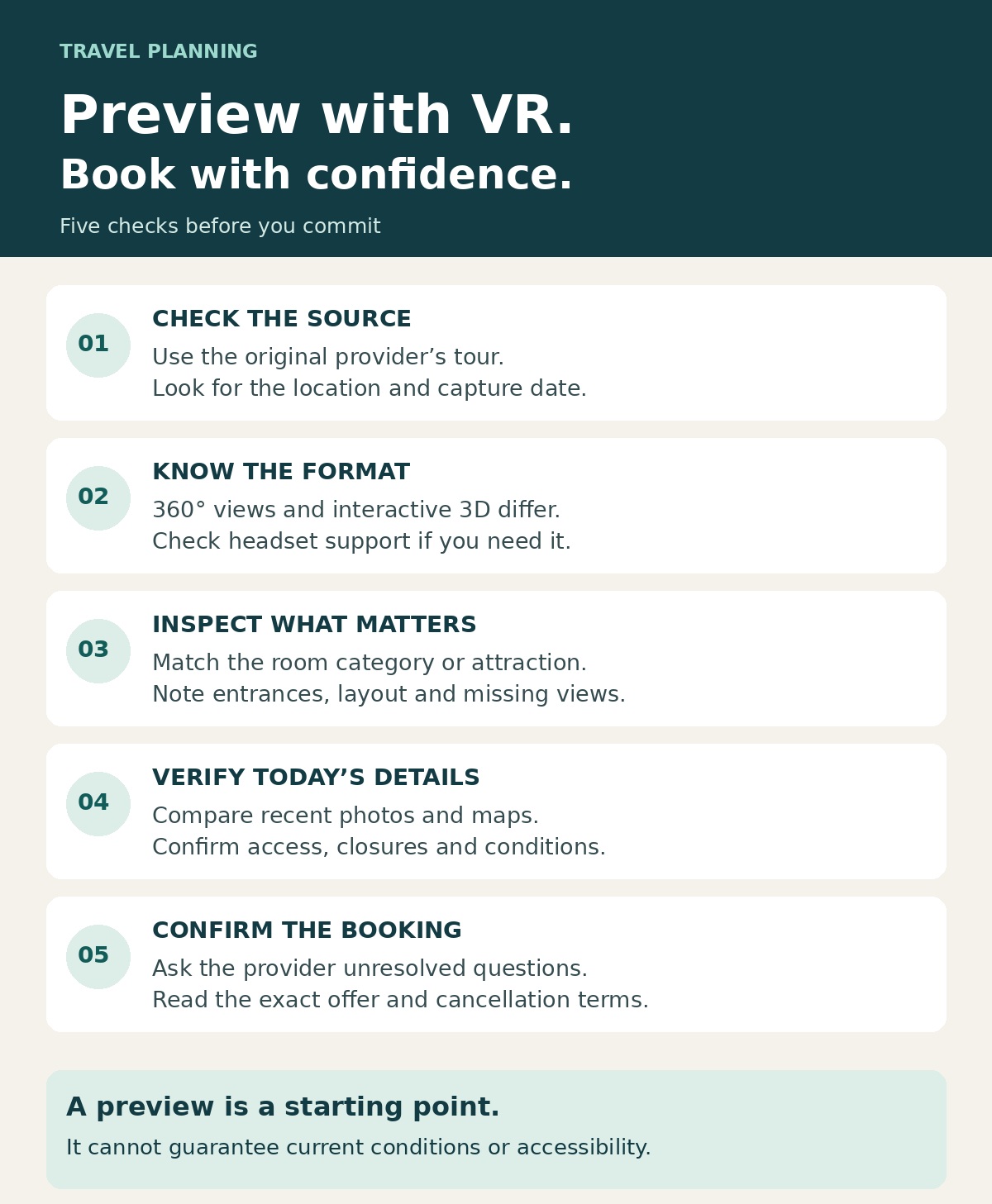
Start with a decision, such as choosing a neighborhood, comparing room layouts or selecting an attraction. Searching without a purpose can turn an evening of planning into a collection of impressive views.
- Find the original provider: Look for the tour on the destination, hotel or attraction’s official website. Check the named location and capture date when available.
- Try the browser version first: Many useful previews work without a headset. If you want immersive viewing, check the tour’s actual device and browser requirements before buying equipment.
- Inspect the relevant details: Focus on the room category, entrance, surroundings or exhibition that affects your choice. Note what the tour does not show.
- Cross-check the present-day information: Compare the preview with recent visitor photos, maps and the operator’s current information.
- Confirm before paying: Ask the provider about unresolved details, then check the exact booking description and cancellation terms.
There is no need to buy a headset solely to inspect a room when a browser tour answers the question. If you already own one, compatibility matters more than the word “VR” in a promotional headline.
Virtual reality makes a distant place easier to examine. Its strongest contribution comes when that examination changes a real decision: a different room, a more suitable neighborhood or a better-focused itinerary. Keep the preview beside your map and booking details, and it becomes a useful part of planning a trip you understand before you arrive.