Customer-facing API deprecation notices help developers understand what is changing, when an existing integration will stop working and what to do next. The best communication setup combines a durable public explanation with direct outreach to affected customers; a release note on its own cannot establish that everyone saw it.
The seven tools below can help publish documentation or distribute change notices. They are not interchangeable: some provide a developer-facing changelog, while others emphasize subscriber email or in-app announcements. This comparison is based on product documentation, not hands-on testing or a ranking. Confirm the current plan, access controls and delivery options for your intended audience.
Customer-facing API deprecation notices: seven tools compared
| Tool | Documented role | What still needs a plan |
|---|---|---|
| ReadMe | Developer changelog with RSS | Direct outreach to affected accounts |
| Mintlify | Documentation changelog and RSS | Distribution beyond RSS subscribers |
| GitHub Releases | Release notes linked to repository tags | Reaching users who do not follow the repository |
| Canny | Changelog and subscriber email | Identifying affected API consumers |
| Beamer | Update posts and email notification option | Confirm subscriber and plan coverage |
| AnnounceKit | Changelog and multiple announcement channels | Check channel availability and targeting |
| Postman | Versioned API snapshots and release notes | Determine how external customers receive the notice |
1. ReadMe: place a change next to developer documentation
ReadMe documents a changelog for product announcements and provides an RSS feed for subscribers. An API team can use an entry to explain the affected endpoint, migration guide and removal date, then link to it from the relevant API reference. This is useful when developers already visit the documentation to implement or troubleshoot an integration.
RSS is an opt-in discovery channel, not evidence that every customer has been reached. A ReadMe discussion describes using a separate notification workflow, and that discussion may not reflect every current plan or feature. Confirm available delivery options, then use customer account and API-usage records to identify who also needs direct notice.
2. Mintlify: connect the notice to the docs
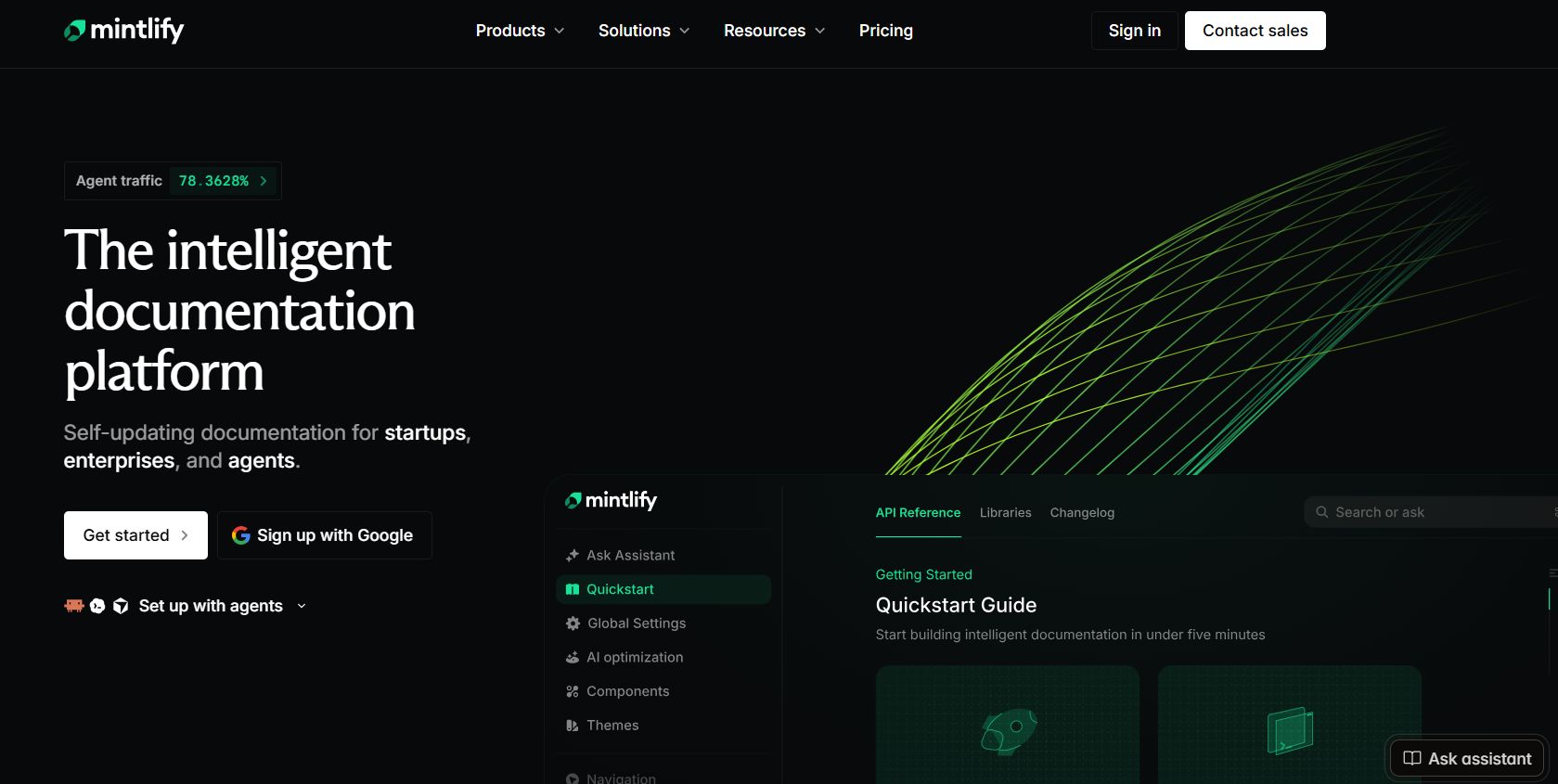
Mintlify documents changelog pages using update components and a subscribable RSS feed. Its example even shows a deprecation entry. A developer can publish a concise notice and link it to a migration guide in the same documentation environment, giving people a stable place to find the details after an initial announcement.
Subscribers need an RSS reader or an integration that delivers the feed elsewhere. Test the feed and its downstream delivery before relying on it; a successful page publication is not a delivery receipt. For a breaking change, maintain a separate list of customers using the old API version and follow up through a suitable account channel.
3. GitHub Releases: attach the explanation to a tagged release
GitHub releases are associated with Git tags and can contain manually written or generated release notes. Repository readers can opt into notifications for new releases. This can work well for a public SDK or integration library whose users already follow its repository and need to identify the release that introduces a deprecation.
Repository followers are not necessarily the same people who run the affected API integration in production. A generated list of changes may also omit the migration context a customer needs. Write the deadline and replacement explicitly, link to a migration guide, and contact affected accounts separately rather than assuming all API consumers watch releases.
4. Canny: notify changelog subscribers
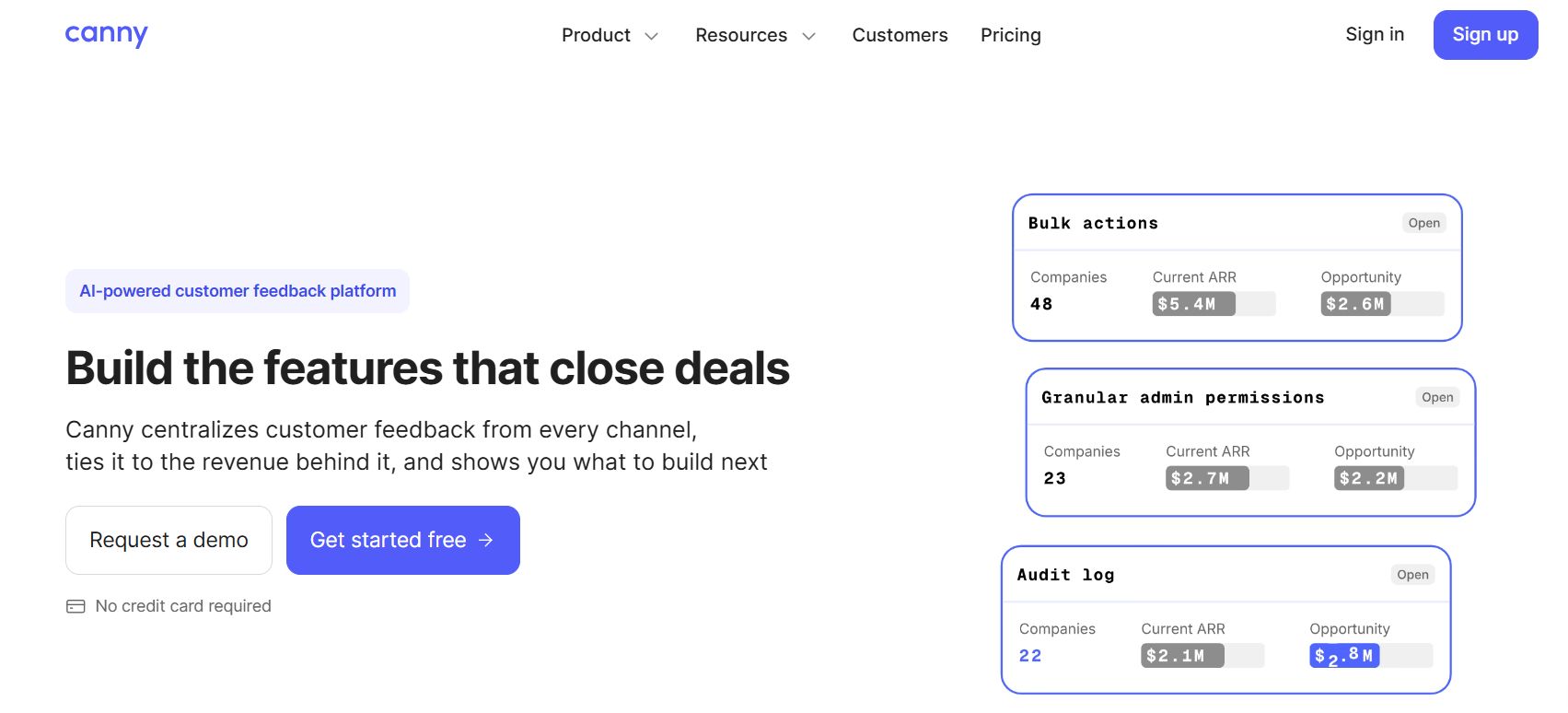
Canny documents email subscriptions for its changelog. When subscriptions are enabled and the publisher keeps the notify-subscribers option selected, subscribers can receive an email about a new entry. This is a useful complement to a documentation page when customers expect a regular product-update feed.
The subscription audience is self-selected. Before sending a high-impact API notice, compare that audience with the accounts actually using the feature. Check privacy settings and notification controls, and avoid describing a sent message as received or understood unless you have evidence of that outcome.
5. Beamer: publish an update with a notification option
Beamer describes update posts and email notifications for verified subscribers when the publisher selects the email notification type. Teams that already communicate changes inside their product can use an update to point people toward the technical deprecation and migration guide.
Ask whether the relevant developers are subscribed and whether the desired message, segmentation and channel are available in the chosen setup. An in-app audience may consist of administrators who never maintain the integration, so coordinate with the customer’s technical contact rather than using engagement on the announcement as proof that migration is complete.
6. AnnounceKit: distribute an update through several channels
AnnounceKit describes publishing updates to a changelog and channels including widgets, email subscribers and RSS. A team can use a short announcement to surface an impending API change and direct readers to the full compatibility and migration material. This is worth considering if the organization already uses a central product-update workflow.
Verify which channels and targeting features are included in the contract, and test a representative notification. Broad updates can be helpful for awareness, but they do not automatically identify which accounts call a particular endpoint. Keep a separate affected-account list and track outreach and responses in the system your team uses for customer communication.
7. Postman: provide a versioned technical reference
Postman documents publishing API versions as static snapshots with optional release notes and selected definitions or collections. For teams using its API Builder, a versioned reference can help consumers inspect and test the replacement interface. Postman also documents marking deprecated endpoints in its own API definition.
The cited version-publishing guide describes a team workspace and a Private API Network; it should not be read as proof of public availability for every configuration. Check how your external customers can access the relevant documentation and whether the intended version and release-note workflow is available. A technical snapshot should accompany, not replace, an explicit communication plan.
A practical notice and follow-up workflow
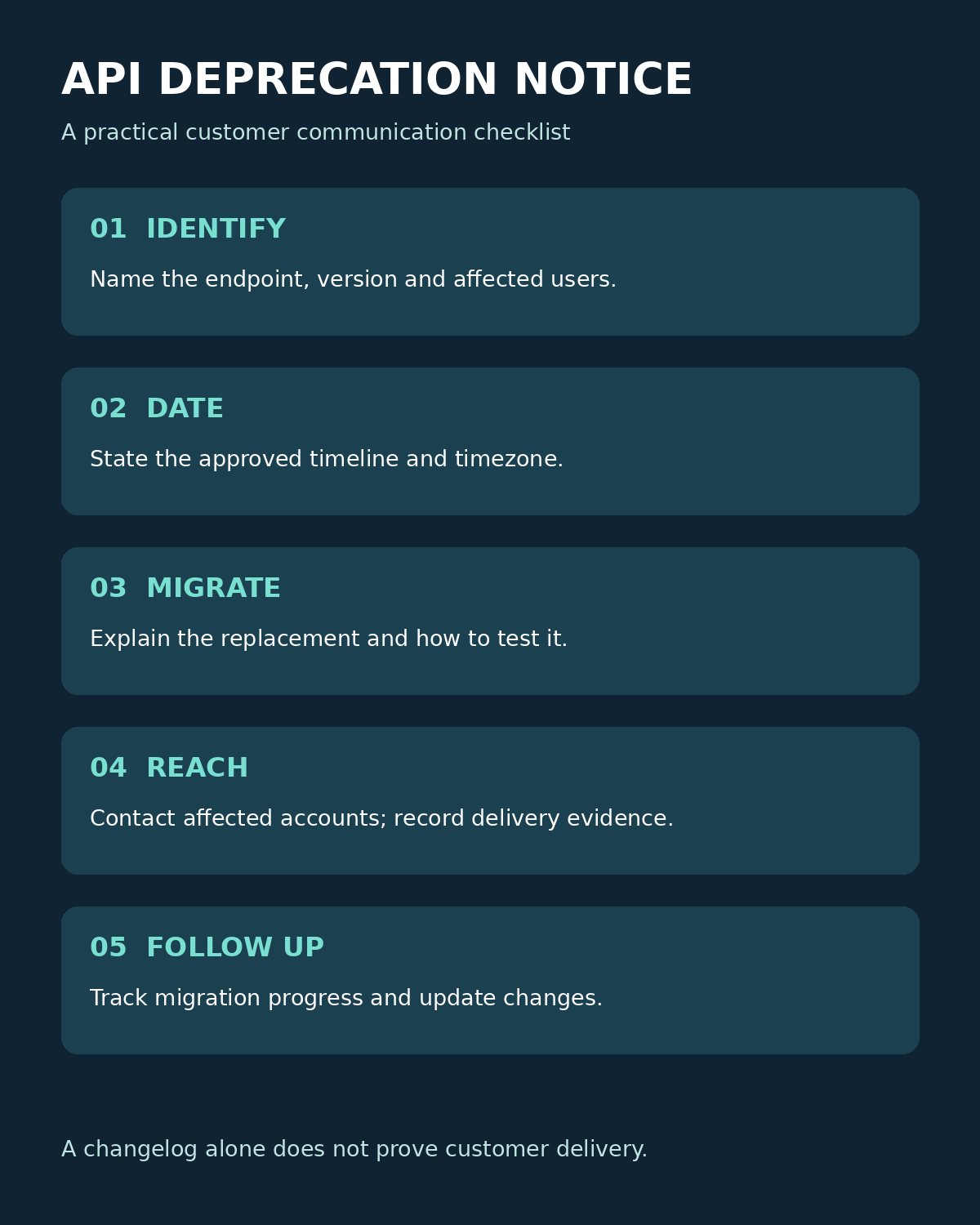
For an illustrative retirement of a legacy endpoint, start with a short notice that identifies the affected API, version and behavior. State the deprecation date and planned removal date with timezone, who is affected, the replacement, migration steps, testing options, support contact and the date of the last revision. Do not promise a deadline the product team has not approved.
- Confirm the technical change and identify affected accounts from appropriate usage records.
- Publish the migration guide and a stable notice; link each to the other.
- Send direct notices through the agreed customer channel and record attempts and delivery evidence.
- Offer a test path and schedule reminders before the approved deadline.
- Monitor migration progress and respond to exceptions; update the notice if the timeline changes.
The UK government’s API management guidance recommends notifying users about deprecation dates and linking technical signals to documentation. Where the API supports HTTP deprecation signals, developers can combine machine-readable information with the human-facing notice. They still need to make the migration steps understandable and reach the right contacts. Editorialge’s guide to building a public API explains why a compatibility policy and a clear migration path belong in the launch plan.
Choosing tools for customer-facing API deprecation notices
Choose the channel your developers already use, then close the gaps with direct account outreach and a migration guide. Customer-facing API deprecation notices are most useful when each customer can identify the affected integration, its deadline and the next action—and when your team can check whether the migration actually happened.