

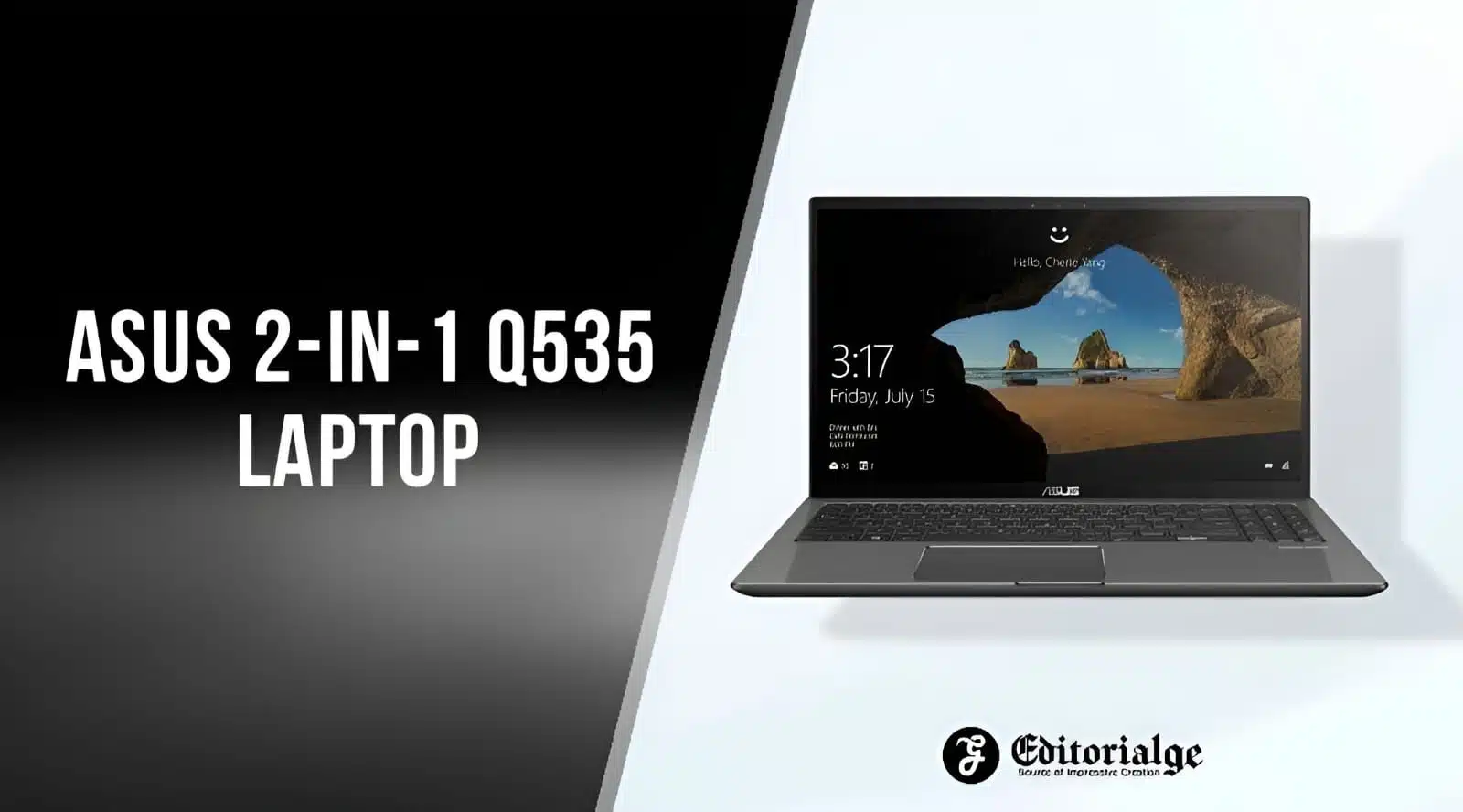
Hey there, are you hunting for a laptop that can do it all, but feeling stuck with too many choices? Maybe you need a device for work, school, or even some gaming, but nothing seems to fit just right.
It’s like trying to find a needle in a haystack, isn’t it?
Well, let me tell you about the Asus 2-in-1 Q535, a convertible laptop that switches between a traditional laptop and a tablet with ease. Here’s a cool fact, this machine packs a powerful Intel Core i7 processor to handle your toughest tasks.
In this guide, we’ll break down every detail of the Asus 2-in-1 Q535 laptop, from its sleek design to its awesome specs like the touchscreen display and NVIDIA GeForce GTX 1050 graphics.
We’ll help you see why it might be the perfect pick for you. Stick around!
Key Takeaways
- The ASUS 2-in-1 Q535 has a powerful Intel Core i7 processor for tough tasks.
- It features a 15.6-inch 4K UHD touchscreen display with great color accuracy.
- The laptop includes NVIDIA GeForce GTX 1050 graphics with 2GB memory for creative work.
- It weighs just 4.19 pounds and offers over 7.5 hours of battery life.
- The price is $1,499, which might be high for some budgets.
ASUS 2-in-1 Q535: Design and Build Quality
Check out the ASUS 2-in-1 Q535, folks! This laptop sports an elegant gray steel finish that looks sharp and feels solid. It measures 14.1 x 9.7 x 0.9 inches, so it’s slim enough to slip into your bag without a fuss.
Plus, at just 4.19 pounds, it’s light as a feather for a device this powerful. The build quality screams durability, ready to handle your daily grind.
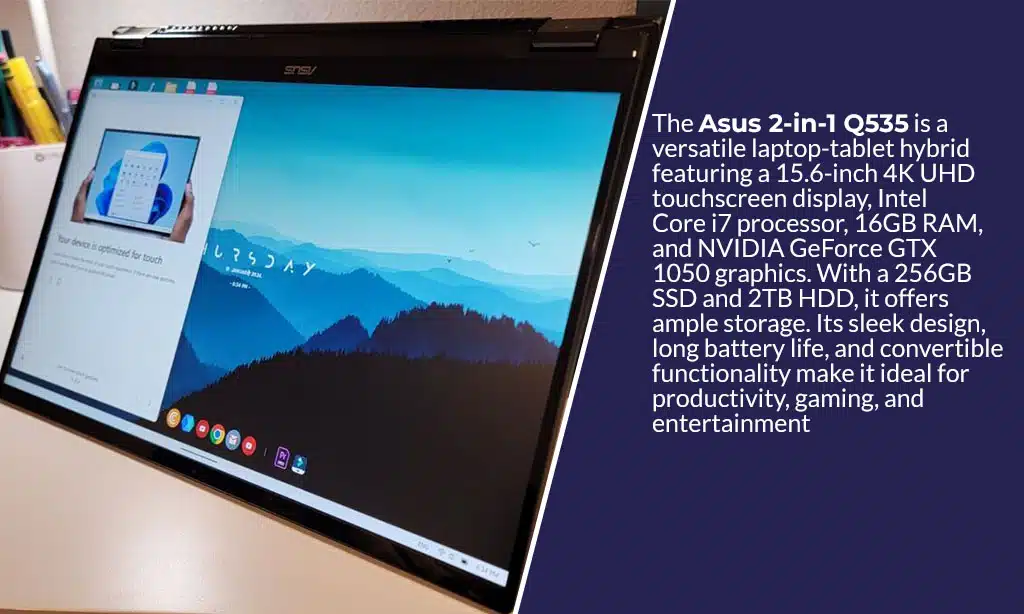
Now, let’s chat about that 360-degree hinge on this ASUS Vivo machine. It flips and folds like a gymnast, letting you switch between laptop and tablet mode in a snap. Whether you’re typing away or sketching with a stylus, this design bends to your needs.
It’s like having two gadgets in one, making your workflow smooth and easy!
ASUS 2-in-1 Q535: Display Features
Hey there, wanna know what makes the ASUS Q535’s screen a real eye-catcher? Stick with me, and let’s check out the stunning visuals this 2-in-1 laptop brings to the table!
Touchscreen functionality
Check out the touchscreen on the ASUS 2-in-1 Q535, folks! This 15.6-inch display isn’t just pretty, it’s a full-on 4K UHD marvel with advanced color accuracy that pops like fireworks on the Fourth of July.
You can tap, swipe, and draw with a stylus, making it a breeze for creativity or just jotting down quick notes. Plus, that 360-degree hinge lets you flip it into tablet mode, smooth as butter.
How cool is the privacy shield for the keyboard in tablet mode? It keeps your keys safe from accidental presses while you’re doodling or browsing on this touchscreen gem. Whether you’re a content creator or just love to multitask, the ASUS Q535 makes every touch feel right on point.
Stick with me to see how this feature boosts your productivity and entertainment!
15.6-inch 4K UHD resolution
Hey there, let’s chat about the stunning screen on the ASUS 2-in-1 Q535. This laptop boasts a 15.6-inch display with a sharp 4K UHD resolution, and trust me, it’s a feast for your eyes.
Every image pops with vivid detail, making it awesome for video editing or just binge-watching your favorite shows. Plus, the touchscreen adds a slick layer of fun, letting you swipe and tap with ease.
Speaking of that touchscreen, it’s got top-notch color accuracy, so what you see is super close to real life. The reduced reflections on this Ultra-high-definition television panel mean you won’t squint from annoying glare, even in bright rooms.
Whether you’re a content creator or just love a crisp display, this screen on the ASUS VivoBook makes the Q535 a standout for sure.
ASUS 2-in-1 Q535: Performance and Specifications
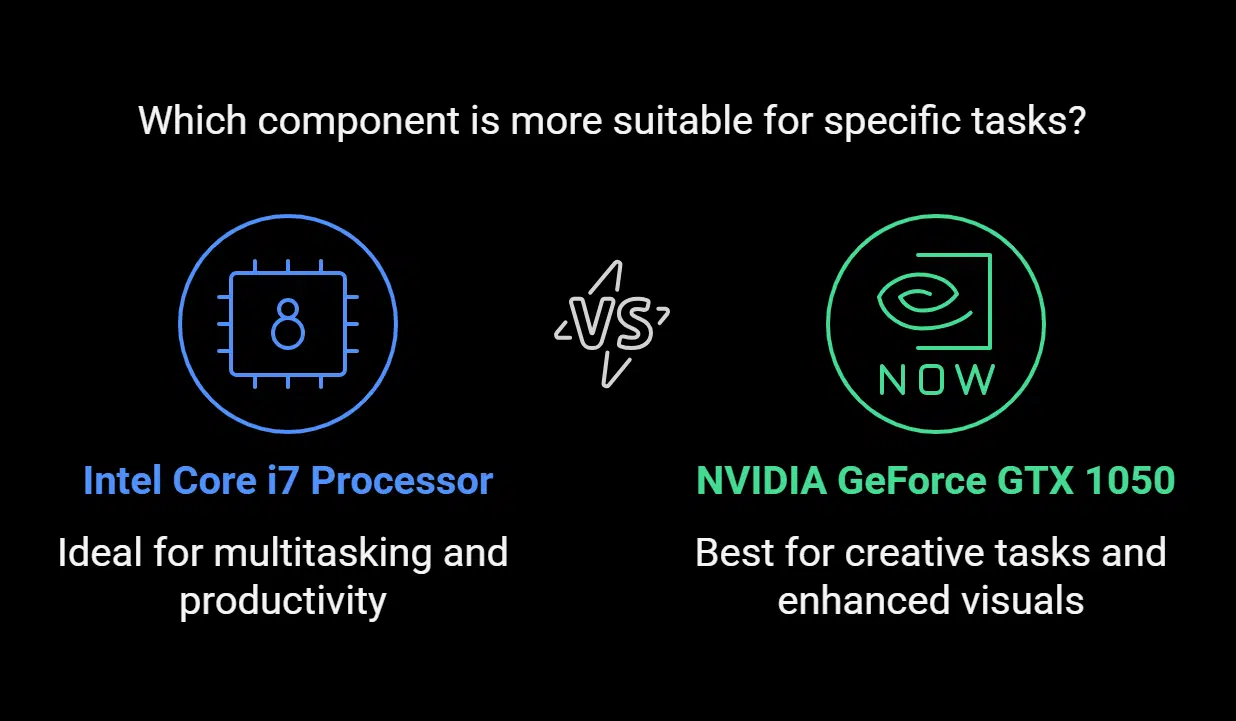
Hey, wanna know what makes the ASUS 2-in-1 Q535 a real beast? Its powerful core, packed with top-notch speed, gets your tasks done in a snap!
Intel Core i7 processor
Man, let’s discuss the core of the ASUS 2-in-1 Q535, the Intel Core i7 processor. This dynamic processor, such as the Intel Core i7-8550U, delivers impressive performance for demanding tasks.
Consider video editing, graphic design, or even 3D rendering; it manages them effortlessly. For content creators and gamers, this central processing unit ensures seamless multitasking and exceptional processing strength.
Now, imagine this powerhouse combined with up to 13th Gen Intel Core i9 in premium models. That’s pure strength for top-tier productivity tasks. Whether you’re operating intensive software or managing several apps at once, the Intel Core i7 drives the ASUS ZenBook Flip like a pro.
Choose this laptop, and your workflow will benefit greatly.
NVIDIA GeForce GTX 1050 graphics
Hey there, readers, let’s chat about the NVIDIA GeForce GTX 1050 graphics card in the ASUS 2-in-1 Q535. This powerful piece of computer hardware packs a punch for creative tasks like video editing software projects.
It’s got 2GB of memory, which helps with rendering visuals smoothly. Pretty neat, right?
Now, don’t expect to dominate heavy gaming with this graphics processing unit, though. It’s more suited for enhanced visuals in design work than crushing the latest game titles.
Some models even step up with NVIDIA GeForce RTX for sharper images. So, if you’re into creating cool stuff, this GeForce GTX 1050 graphics card has your back!
ASUS 2-in-1 Q535: Battery Life and Portability
Let’s chat about the ASUS 2-in-1 Q535 and how it keeps up with your busy life. This laptop offers a solid battery life of over 7.5 hours, so you can work or play without hunting for a charger.
Need a full charge? It powers up in just 3 hours, getting you back on track fast. That’s a game-changer for anyone on the go.
Weighing only 4.19 pounds, this device is a breeze to carry. It’s perfect for travel, whether you’re hopping on a plane or heading to a coffee shop. With such a light build, it fits right into your bag, no sweat.
Plus, the long battery life means you’re not tied to a wall socket, giving you freedom to roam. How cool is that for a high-end 2-in-1 machine?
ASUS 2-in-1 Q535: Connectivity Options
Hey, wanna know how the ASUS 2-in-1 Q535 keeps you hooked up to everything? With ports like USB Type-C and HDMI, plus a handy SD card reader, you’re all set to connect, share, and store with ease.
Curious about more cool features? Stick around and keep reading!
USB Type-C and HDMI ports
Let’s chat about the awesome ports on the ASUS 2-in-1 Q535. This laptop packs a USB Type-C port, which is super handy for fast charging and data transfer. Plus, it’s got USB Type-A ports for all your older gadgets.
Talk about a win, right?
Now, toss in the HDMI port, and you’ve got a sweet setup. Hook up to external displays or devices like a big TV or monitor with ease. Whether it’s for work or play, these ports, including the USB Type-C and HDMI, make connecting a breeze.
SD card reader
Hey there, readers, let’s chat about a handy feature on the ASUS 2-in-1 Q535, the SD card reader. This little slot is a game-changer, especially if you’re a photographer or content creator.
It lets you pop in your card and transfer files fast, no extra gadgets needed. How cool is that?
This reader fits right into the laptop’s versatile connectivity suite. It’s an awesome bonus for anyone juggling big media files. Think of it as a bridge, connecting your camera to your machine with ease.
Plus, it’s just one part of the solid setup, alongside USB Type-C and HDMI ports, making your workflow smooth as butter.
Pros and Cons of the ASUS 2-in-1 Q535
I’m thrilled to break down the good and bad of the ASUS 2-in-1 Q535 for you, my savvy readers, so let’s get right to the meat of it with a clear table to lay out the facts.
| Aspect | Pros | Cons |
|---|---|---|
| Performance Power | Boasts an AMD Ryzen 7 5700U processor, a real beast for multitasking. | Limited by 8GB RAM, which might slow down heavy users. |
| Visuals and Graphics | Comes with NVIDIA GeForce MX450 graphics, solid for casual design work. | Not built for intense gaming, so hardcore gamers might feel let down. |
| Storage Capacity | Offers a whopping 1TB PCIe SSD, plenty of space for all your files. | – |
| Battery Stamina | Lasts over 7.5 hours, keeping you powered through a full workday. | – |
| Design Flexibility | Features a versatile 360-degree hinge, flipping from laptop to tablet like a breeze. | – |
| Weight and Mobility | Sports a lightweight build, easy to carry wherever life takes you. | – |
| Price Tag | – | Costs $1,499, a steep hit to the wallet for budget-conscious folks. |
There you have it, the straight scoop on the ASUS 2-in-1 Q535. Whether you’re crunching numbers or sketching ideas, this machine has some serious perks, but it’s not without a few hiccups. Stick with me as we keep exploring what makes this convertible laptop tick!
Takeaways
Well, folks, that’s the scoop on the ASUS 2-in-1 Q535 laptop! This device packs a punch with its cool specs and handy features. Think of it as a trusty sidekick, ready for work or play.
Got questions or thoughts? Drop them below, I’d love to chat!
FAQs on ASUS 2-in-1 Q535
1. What makes the ASUS 2-in-1 Q535 laptop stand out as a convertible device?
Hey there, this machine is a real game-changer with its 2-in-1 design, flipping between a laptop and a tablet computer in a snap. It’s got the flexibility to match your vibe, whether you’re typing on the illuminated keyboard or sketching with a stylus (computing) on the HD display at 1920 x 1080 resolution.
2. How powerful is the processing in the ASUS Q535?
Let me tell you, what powers the ASUS Q535 is a beast of a powerful processor, paired with 16GB DDR4 RAM for slick computer multitasking. It’s like having a race car under the hood, ready to zoom through any task. Plus, with a 512GB SSD for booting and a 1TB HDD for storage, you’ve got speed and space to spare.
3. Can I upgrade the storage or memory on this ASUS model?
Good news, pal, the ASUS Q535 comes with 16GB of RAM and options like a 256GB solid-state drive or a 1TB HDD. You’ve got room to grow if you need more space down the road.
4. How’s the display and input setup on the ASUS 2-in-1 Q535?
Well, slap my knee, the display panel on this rig is a stunner with crisp brightness and a glass finish for accuracy and precision. The touchpad feels smooth as butter, and hotkeys on the computer keyboard make life a breeze. It even rivals high-end models like the Dell XPS in visual pop.
5. What about battery life and connectivity for the ASUS Q535?
Listen up, the electric battery in this laptop keeps you going without constantly hunting for a plug. And with ports like Type C and an audio jack, you’re connected to whatever gizmo you’ve got handy.
6. Does the ASUS Q535 come with the latest software, or is there bloatware to dodge?
Heads up, this bad boy runs on Windows 11, a step up from Windows 10, giving you the freshest tech right out of the box. Now, there might be a smidge of bloatware, but nothing a quick cleanup can’t handle like sweeping dust off your porch.
























