

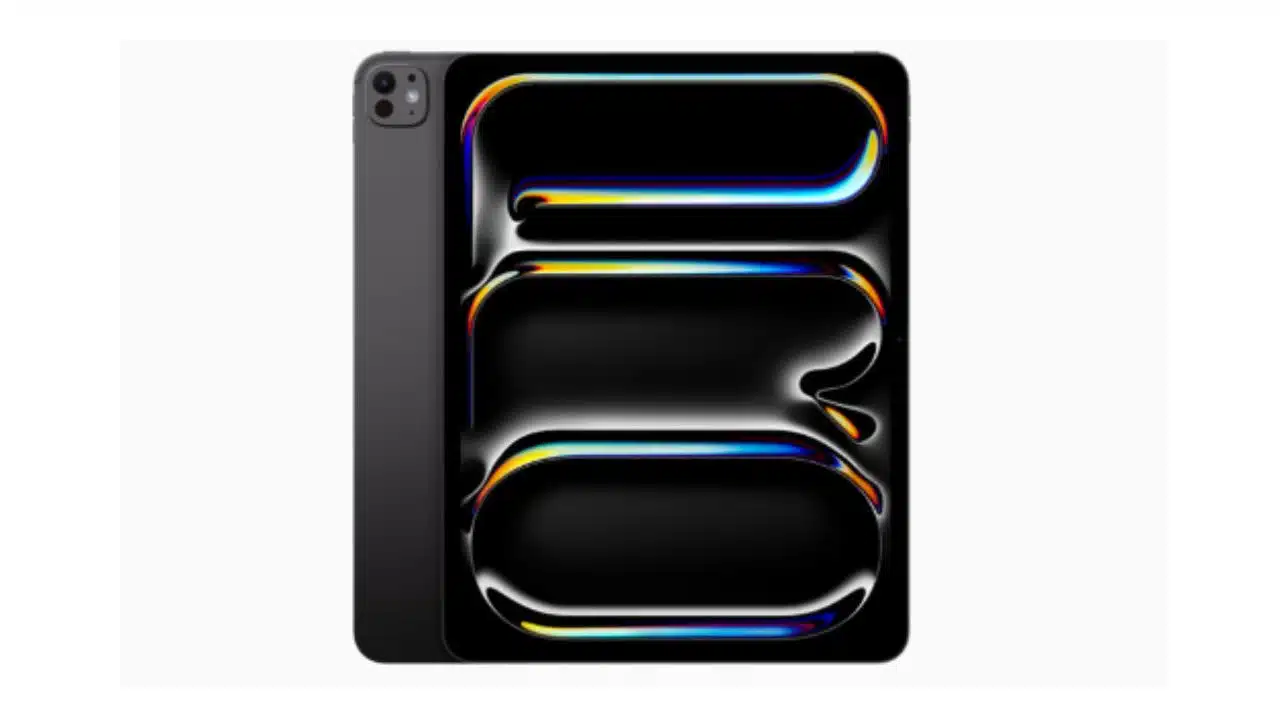
Apple has pulled out all the stops with its latest iPad Pro, unveiling a complete redesign that pushes the boundaries of what’s possible in a tablet form factor.
At an exclusive watch party in New York City, select media got a firsthand look at this mobile computing powerhouse, and the early impressions are nothing short of astounding.
An Engineering Marvel in Thinness
The first thing that strikes you about the new iPad Pro is its incredibly sleek, featherweight design. The 11-inch model measures an almost impossibly thin 5.3mm, while the larger 13-inch variant is even slimmer at 5.1mm thick.
This makes the new Pro line substantially sleeker and lighter than any previous iPad model.
The tangible difference in hand is revelatory. The 13-inch Pro, in particular, sheds much of the bulk that plagued its predecessor, feeling remarkably comfortable and wieldy despite its expansive display real estate.
Even the 11-inch variant has an elegant, almost paperlike quality that belies its technological sophistication.
However, the extreme pursuit of thinness does raise questions about potential fragility trade-offs. While the new Pro feels impressively rigid and sturdy in early hands-on tests, its featherweight construction may make it more prone to bending, flexing, or damage from drops.
Only extensive real-world testing will reveal if Apple has struck the right balance between svelteness and durability.
A New OLED Display
Perhaps the new iPad Pro’s most dazzling attribute is its breathtaking OLED display, dubbed the “Tandem OLED” by Apple.
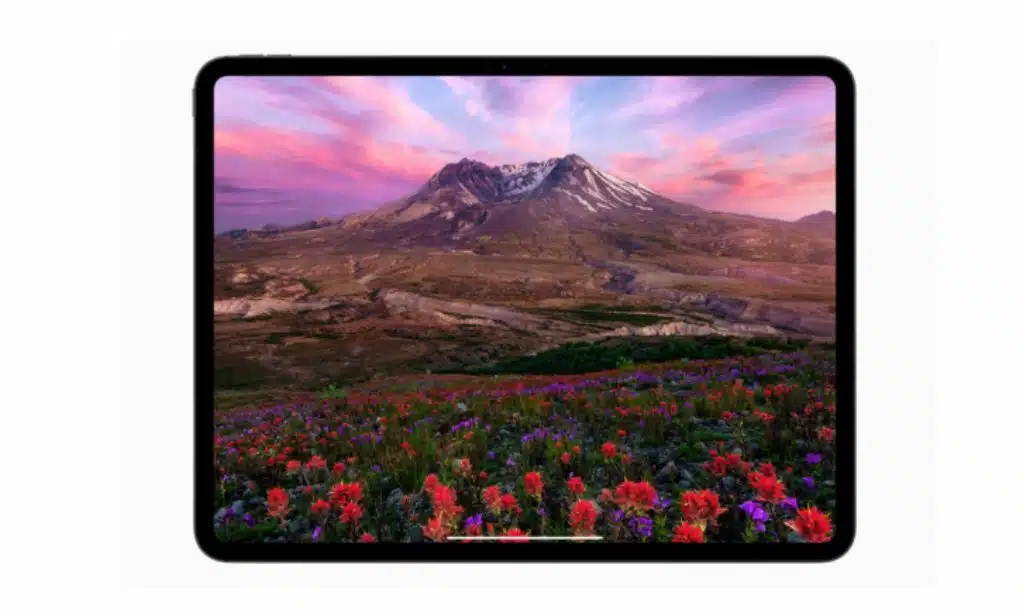
This cutting-edge panel technology promises to deliver richer colors, deeper blacks, higher contrast ratios, and improved power efficiency compared to traditional LCDs.
Even in the challenging lighting conditions of the watch party venue, the Tandem OLED’s advancements were immediately apparent. The display exhibited jaw-dropping crispness, vividness, and inky blacks that seemed to give content an almost 3D-like quality. Wide viewing angles and impressive peak brightness levels only added to the panel’s wow factor.
While OLED displays have graced countless smartphones and some laptops, their implementation on a tablet of this size is a first for Apple. If the technology lives up to its promise, it could elevate the iPad Pro into a new echelon of visual and creative performance.
M4 Chip: Unleashing a Torrent of Power
At the core of this engineering tour de force lies Apple’s latest M4 chipset, a veritable powerhouse designed to propel the iPad Pro into uncharted realms of mobile computing prowess.
While previous iPad chips have proven more than capable for most tasks, the M4 aims to obliterate any limitations, enabling seamless 8K video editing, lightning-fast 3D rendering, and ultra-responsive artistic creation without compromise.
In a brief hands-on demo, the M4’s blistering speed was on full display, with even the most demanding processes and multimedia tasks executing with virtually no lag or stuttering.
However, the chip’s true capabilities likely won’t be fully realized until developers can optimize apps and workflows to take full advantage of its cutting-edge hardware and machine learning architectures.
Apple Pencil Pro: Adding Another Dimension
Complementing the Pro’s formidable hardware is the new Apple Pencil Pro, an evolution of Apple’s stylus that adds an extra dimension of haptic feedback to the creative experience.
As you write, draw, or perform gestures on the tablet’s surface, the Pencil Pro provides subtle tactile sensations that could aid precision and artistic expression.
In initial tests, the haptic feedback felt natural and unobtrusive, subtly enhancing the sense of tactility without being distracting. Of course, the true impact of this technology will depend on how third-party developers choose to integrate it into their apps over time.
Magic Keyboard Unleashed
Also receiving a substantial upgrade is the iPad Pro’s official keyboard accessory, now dubbed the Magic Keyboard.
This new iteration features a sturdy aluminum build, a generously sized trackpad, and a full row of function keys, enhancing its viability as a true laptop alternative.
The typing experience felt familiar yet refined, with the raised keyboard deck and bouncy key travel providing a tactile and responsive experience akin to Apple’s latest MacBooks.
The enlarged trackpad, a longstanding shortcoming of previous iPad keyboard folios, finally feels up to the task.
While iPadOS’s cursor support and multitouch gestures remain suboptimal compared to Mac laptops, this new Magic Keyboard at least provides a solid foundation for productivity.
Apple’s software engineers will need to shore up the iPadOS experience to truly marry hardware and software into a cohesive mobile work platform.
A Premium Professional Proposition
With prices starting at a hefty $999 for the 11-inch model and $1,299 for the 13-inch variant (not including the $129 Pencil Pro and $349 Magic Keyboard), the new iPad Pro represents a significant investment, even by Apple’s lofty standards.
These are unabashedly premium devices aimed squarely at creative professionals, power users, and those who demand absolute cutting-edge mobile technology.
For casual content consumption or light productivity, Apple’s more affordable iPad Air or entry-level iPad would likely suffice.
But for those who require a no-compromises mobile computing platform that can handle everything from 3D rendering to multicam video editing, the new iPad Pro presents a compelling, if pricey, solution.
The Road Ahead
While the new iPad Pro’s hardware innovations are undeniably impressive, its true potential likely won’t be realized until developers can fully optimize apps and workflows for the beastly M4 chip, stunning display, and Pencil Pro’s haptic feedback capabilities.
If Apple’s new flagship tablet can inspire the same virtuous cycle between hardware and software that has elevated the iPhone and Mac to preeminent status, it could cement the iPad Pro as the undisputed king of mobile content creation and media consumption.
Only time will tell if this substantial iPad Pro overhaul is an evolutionary milestone or Apple’s latest great experiment.
But one thing is certain – in its relentless pursuit of thin, light, and powerful mobile computing, Apple has once again raised the bar for what’s possible in a tablet form factor.




























