

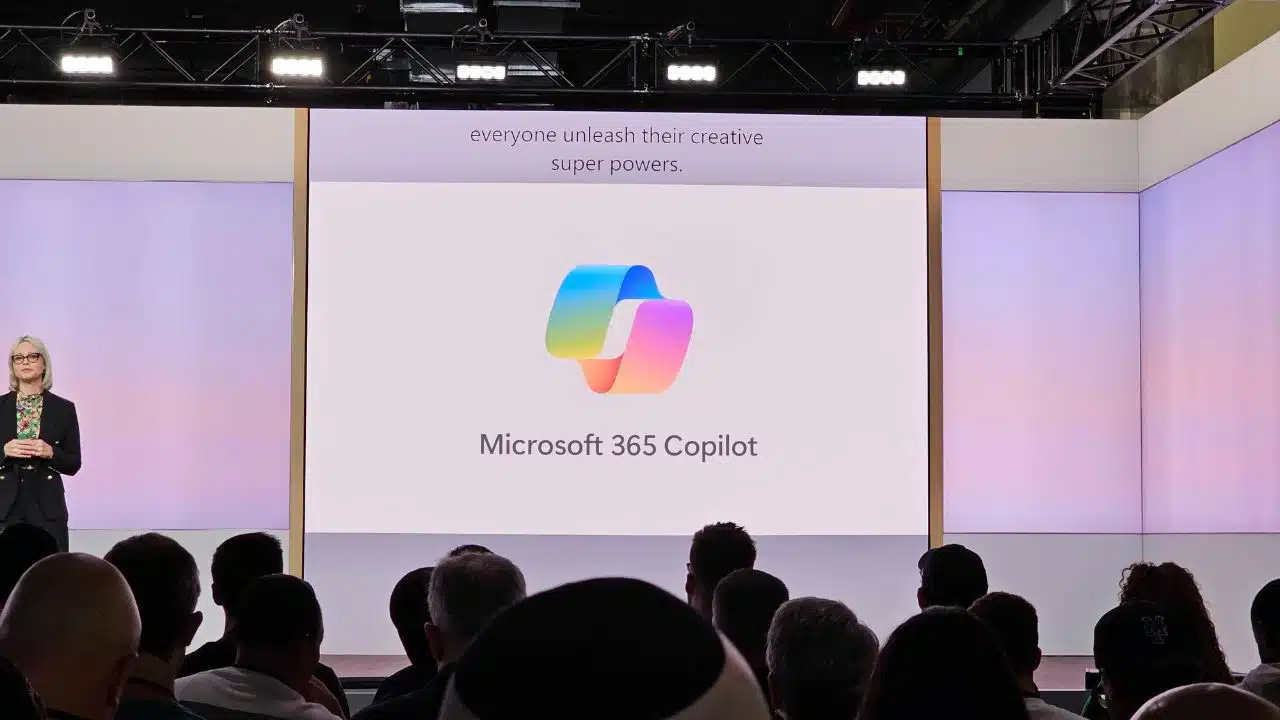
Microsoft launched a new product, Copilot, during its AI and Surface event on Thursday, calling it “your everyday AI companion.” Copilot will be included in the next big Windows 11 update, due for September 26, according to Microsoft vice president Yusuf Mehdi, who describes it as the most significant improvement to the operating system thus far.
What is Microsoft Copliot?
Microsoft Copilot is the AI companion for all of Microsoft’s products and experiences, including Microsoft 365, Windows 11, Edge, and Bing. Users will be able to get AI assistance in practically every element of their workflows on the various Microsoft applications with Copilot.
For example, Copilot will be integrated into the Microsoft 365 suite of applications, including Word, Excel, PowerPoint, Outlook, and Teams, to optimize your workflow across them, such as generating text and tables in Word, summarizing and drafting emails in Outlook, and generating Python visualizations in Excel.
Is Microsoft Copilot Available Yet?
Because Microsoft Copilot will be integrated into other Microsoft products, the release dates will vary.
- Copilot will be available for free as a Windows 11 update beginning September 26.
- This fall, Copilot will be available on Bing and Edge.
- Microsoft 35 Copilot will be available to enterprise clients on November 1st, and to other users later this fall.
Is Microsoft Copilot Currently Available?
No, Microsoft Copilot is not currently available as of September 22. It will, however, be accessible in Windows 11 on September 26.
Is Microsoft Copilot free?
The cost of Microsoft Copilot is determined on the program into which it is integrated.
Microsoft 365 Copilot will be offered for enterprise users beginning November 1 for a staggering $30 per user each month.
For comparison, the add-on costs more than lower-end Microsoft 365 business subscriptions, which run from $12 to $23 per user per month, and nearly the same as Microsoft’s highest-end enterprise subscription, Office 365 E5, which costs $38 per month.
However, Microsoft stated that “Copilot will begin to roll out in its early form as part of our free update to Windows 11, starting Sept. 26 — and across Bing, Edge, and Microsoft 365 Copilot this fall.”
What is Microsoft 365 Copliot?
Microsoft 365 Copliot simply refers to the integration of Microsoft’s 365 productivity software family, which includes Teams, Word, Outlook, Excel, and PowerPoint.
What is Microsoft 365 Chat?
Microsoft 365 Chat is a feature of Microsoft 365 Copliot. It is a chat interface with access to your data across your Microsoft work programs, allowing it to answer inquiries and help with tasks.
For example, if you ask Microsoft 365 Chat to “summarize unread messages,” it will search through all of your 365 Applications and provide you with a succinct summary of everything you missed.
It can also keep you up to date on meetings, discover documents for you, and answer queries based on the information in your documents, meetings, chats, and other sources.
What is Google’s Equivalent to Microsoft Copilot?
Duet AI, Google’s counterpart of Microsoft Copilot, was presented in late August. Duet AI is a virtual assistant that will be integrated into Google Workspace applications such as Google Docs, Slides, Meet, Gmail, Chat, and others.
Duet AI has not yet been made available to the general public. Users can request a trial by filling out this form, which requests information such as the number of employees at the prospective user’s organization, whether they are a Google Workspace customer, and their contact information.
Microsoft Leads with Advanced Generative Tools
With Copilot, you may ask the AI to write a book synopsis in the middle of a Word document, or you can select an image and have the AI erase the backdrop. In one example, Microsoft displayed a lengthy email and demonstrated how, when you highlight the content, Copilot appears and you can ask it questions about the communication. And that information can be cross-referenced to information discovered online, such as asking Copilot for nearby lunch locations based on the content of the email.




























