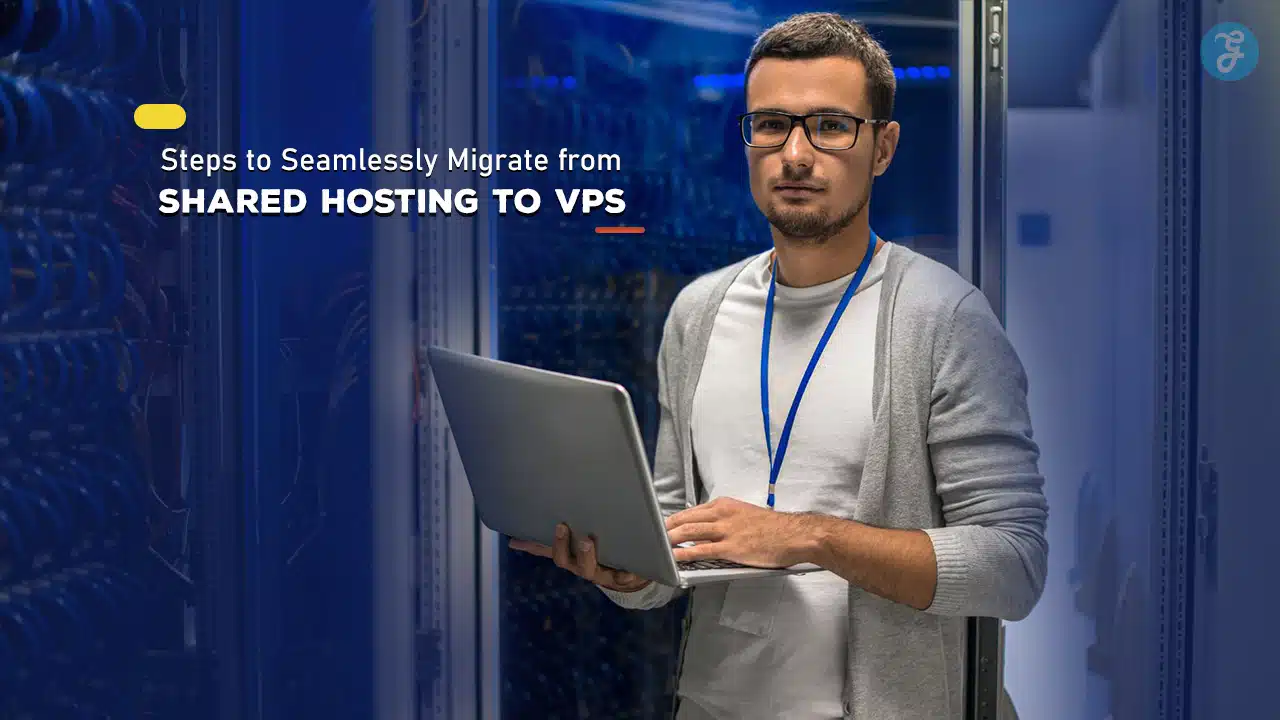
As your website grows, it may outgrow the capabilities of shared hosting, prompting a move to Virtual Private Server (VPS) hosting.
VPS offers more control, enhanced performance, and better security for websites with higher traffic or complex applications.
Migrating to VPS can seem daunting, but by following a structured approach, you can ensure a smooth and successful transition with minimal disruption.
Here’s a step-by-step guide on how to migrate from shared hosting to VPS seamlessly.
Here are the 10 steps that you can follow!
1. Evaluate Your Website’s Requirements
Before beginning the migration process, it’s essential to evaluate your website’s specific requirements. Analyze your site’s traffic volume, data storage, and resource usage.
Consider factors like the need for increased CPU power, RAM, and bandwidth, as well as any special software your site may require on VPS.
Why It’s Important:
Shared hosting is limited in resources, and a VPS plan offers much more flexibility.
Determining your exact needs helps in choosing the right VPS plan and avoids overspending on resources you may not require initially.
How to Proceed:
Examine your site’s resource usage statistics through your current hosting control panel.
Additionally, consider future growth projections and scalability needs.
Once you have a clear understanding, select a VPS plan that provides a balance between cost, resource allocation, and flexibility.
2. Choose the Right VPS Provider and Plan

Not all VPS providers are the same, so take the time to choose one that suits your requirements in terms of performance, support, and pricing.
Evaluate different hosting providers based on their customer reviews, uptime guarantees, server locations, and customer support.
Why It’s Important:
The right provider ensures a reliable hosting environment, especially if they offer scalable options, robust security features, and responsive support.
A VPS plan should offer enough resources to handle your current and expected traffic growth.
How to Proceed:
Research leading VPS providers, compare pricing, and assess features like data center locations, backup options, and support channels.
Also, check for the availability of managed VPS options if you prefer to outsource server management.
3. Backup Your Website and Data
Backing up your entire website is a critical step in the migration process.
This includes all files, databases, and configurations from your shared hosting environment.
In case of data loss or migration issues, a complete backup allows you to restore your website to its previous state.
Why It’s Important:
Backing up your data protects against potential data loss during migration.
It’s a safeguard that ensures you have a copy of your entire site in case any errors occur during the transfer process.
How to Proceed:
Most shared hosting services provide backup options within their control panels.
Use tools like cPanel’s backup utility to create a full backup which includes files, databases, and email accounts.
Store this backup on a secure cloud storage service or external hard drive for easy access.
4. Set Up Your VPS Environment
Once you have your VPS, it’s time to set up the environment.
This involves installing an operating system (often Linux-based), control panels (like cPanel or Plesk), and any necessary software that your site requires, such as Apache or Nginx for web hosting.
Why It’s Important:
Properly setting up your VPS environment is crucial to ensuring your website operates smoothly on the new server.
Configuring security features, firewalls, and essential software packages are all part of this process to enhance performance and security.
How to Proceed:
If you have opted for a managed VPS, the provider will handle most of these configurations.
For unmanaged VPS, set up the server yourself by following the provider’s documentation or hiring a server administrator.
Install necessary software, configure firewalls, and ensure basic security settings are in place.
5. Transfer Files and Databases
Once your VPS is set up, the next step is transferring your website files and databases.
This step may include website content, media files, plugins, and database information.
For large sites, consider transferring data in smaller chunks to prevent timeouts.
Why It’s Important:
A successful data transfer is essential for maintaining the integrity of your website on the new server.
Any missing or corrupt files can cause errors or downtime, so ensure all files and databases are transferred accurately.
How to Proceed:
You can use FTP or Secure Copy Protocol (SCP) to move files to your VPS.
For databases, use tools like phpMyAdmin to export databases from your shared hosting and import them to your VPS.
Test the transferred files to confirm they work as expected before finalizing the migration.
6. Configure DNS Settings
DNS (Domain Name System) settings control how your domain directs visitors to your website.
After transferring your site files, you’ll need to update your DNS settings so that your domain points to your new VPS server instead of your old shared hosting server.
Why It’s Important:
Without proper DNS configuration, visitors may still be directed to your old server, resulting in outdated content or downtime.
Proper DNS configuration ensures that traffic is directed to your VPS, where your updated site is hosted.
How to Proceed:
Access your domain registrar’s control panel and update the DNS records to reflect your new VPS IP address.
Use the nameservers provided by your VPS provider, or configure custom nameservers if offered.
DNS propagation can take up to 24-48 hours, so be patient during this process.
7. Test Your Website Thoroughly
Before making your site live on the VPS, perform a series of tests to ensure that all elements function as expected.
Check features like forms, database connections, media playback, and page load times to identify and resolve any compatibility issues.
Why It’s Important:
Testing allows you to catch and address any potential issues, ensuring a smooth experience for users when the site goes live.
This step helps maintain a high-quality website experience without disruptions.
How to Proceed:
Use tools like staging environments or temporary URLs provided by the VPS host to view your site in real time.
Conduct speed tests, check plugins and themes for compatibility, and test various devices to confirm responsive design elements are intact.
8. Optimize Performance and Security

VPS offers better customization options, so take advantage of this flexibility by optimizing your server for speed and security.
Enable caching, set up a content delivery network (CDN), and configure firewalls to protect against cyber threats.
Why It’s Important:
Optimizing your VPS enhances website performance, providing faster load times and improved security.
A well-optimized site reduces bounce rates, improves SEO rankings, and minimizes the risk of security breaches.
How to Proceed:
Install caching solutions like Varnish or set up caching within your CMS.
Use a CDN to distribute content across multiple servers for faster load times.
Implement a firewall and enable two-factor authentication on your VPS control panel for added security.
9. Inform Your Visitors of the Migration
Informing your audience about the migration can help manage expectations, especially if there’s any anticipated downtime.
A simple message on your website or social media channels can inform users of temporary disruptions or improvements being made.
Why It’s Important:
Proactively communicating with your audience builds trust and allows them to prepare for any potential interruptions.
This step is especially critical for high-traffic sites or e-commerce platforms where downtime can impact revenue.
How to Proceed:
Display a maintenance or “coming soon” page if your site will be offline for a significant period.
Use social media or email newsletters to notify your audience of the migration timeline and include information about potential benefits like faster load times or enhanced security.
10. Monitor Post-Migration Performance
After completing the migration, monitor your website’s performance on the new server.
Keep an eye on metrics like page load speed, uptime, and security alerts.
Post-migration monitoring allows you to identify any issues that may arise and promptly address them.
Why It’s Important:
Monitoring helps detect any post-migration issues, ensuring that the site functions smoothly and efficiently.
It also provides an opportunity to further optimize the VPS as you get familiar with the server’s performance.
How to Proceed:
Use monitoring tools like Google Analytics, uptime monitoring services, or server health check tools to track key metrics.
Regularly review error logs and security reports to catch any irregularities early.
If you notice any issues, troubleshoot them promptly or consult with your VPS provider’s support team.
Wrapping Up: A Seamless Transition to VPS
Migrating from shared hosting to VPS can be a big step for your website’s growth and functionality.
By following these 10 steps, you ensure a seamless migration that enhances performance, provides better control, and improves your website’s security.
From assessing your needs to monitoring post-migration performance, this guide equips you with the knowledge needed for a smooth and successful transition to VPS.
Embrace the possibilities VPS offers and enjoy the improved capabilities for your growing website!