

Google has unveiled its latest innovation in productivity tools: a Gemini-powered AI image generator integrated into Google Docs. This cutting-edge feature allows users to seamlessly add customized visuals directly into their documents, enhancing creativity and presentation quality. The new tool represents a significant leap forward in document customization, making it easier than ever for users to enhance their content with AI-generated imagery. Similar to Microsoft’s AI-generated art features in its Office suite, Google’s AI image generator is designed to provide a user-friendly solution for creating visuals on demand.
Currently, the feature is accessible to specific categories of Google Workspace accounts, including Gemini Enterprise, Business, Education, and Education Premium plans. Additionally, users of the Google One AI Premium add-on can also access this functionality. However, the tool is available exclusively on desktop platforms and is being rolled out as part of the early access testing program through Google Workspace Labs.
Who Can Use the Gemini AI Image Generator?
The Gemini AI image generator is currently limited to users subscribed to paid plans under Google Workspace and Google One AI Premium. Eligible accounts include:
-
Google Workspace Plans:
- Gemini Enterprise
- Business
- Education
- Education Premium
-
Google One AI Premium Add-ons:
- Available for individual accounts with the Google One AI Premium plan.
Users can test the feature through either their professional or educational accounts by enabling the Gemini for Google Workspace add-on. Those with personal accounts can access it through the Google One AI Premium subscription. While the rollout remains in its early stages, broader availability may follow as Google refines the feature based on user feedback.
How Does the AI Image Generator Work?
To use the Gemini AI image generator in Google Docs, users can follow these simple steps:
-
Locate the Tool:
- Open a document in Google Docs.
- Navigate to the ‘Insert’ menu.
- Select ‘Image’, and then click on ‘Help me create an image’.
-
Enter a Prompt:
- Once the panel opens on the right side of the screen, type a detailed description of the image you want to create.
- For instance, if you need an illustration of a “sunset over a mountain with clouds in pastel tones,” you can input this as your prompt.
-
Customize the Image:
- To refine the look, click on ‘Add a style’ and choose from a variety of artistic filters or styles to match your document’s theme.
- Styles range from minimalist designs to intricate, photo-realistic effects.
-
Generate the Image:
- After entering the prompt and selecting your preferred style, click ‘Create’.
- The tool will produce multiple image suggestions based on your input.
-
Insert and Edit:
- Review the generated images, then click on the one you like to insert it directly into your document.
- Once added, you can further modify the image by clicking on it. Available options include:
- Replace image: Swap it with another AI-generated image.
- Reposition: Adjust its placement within the document.
- Find alt text: Add or edit alternative text for accessibility purposes.
- Delete: Remove the image if needed.
-
Aspect Ratio Options:
- The tool supports various aspect ratios, such as square, horizontal, and vertical, ensuring the image fits perfectly within your document’s layout.
- It also offers the option to create full-cover visuals, ideal for pageless documents that require impactful, edge-to-edge imagery.
What Makes the Gemini Image Generator Stand Out?
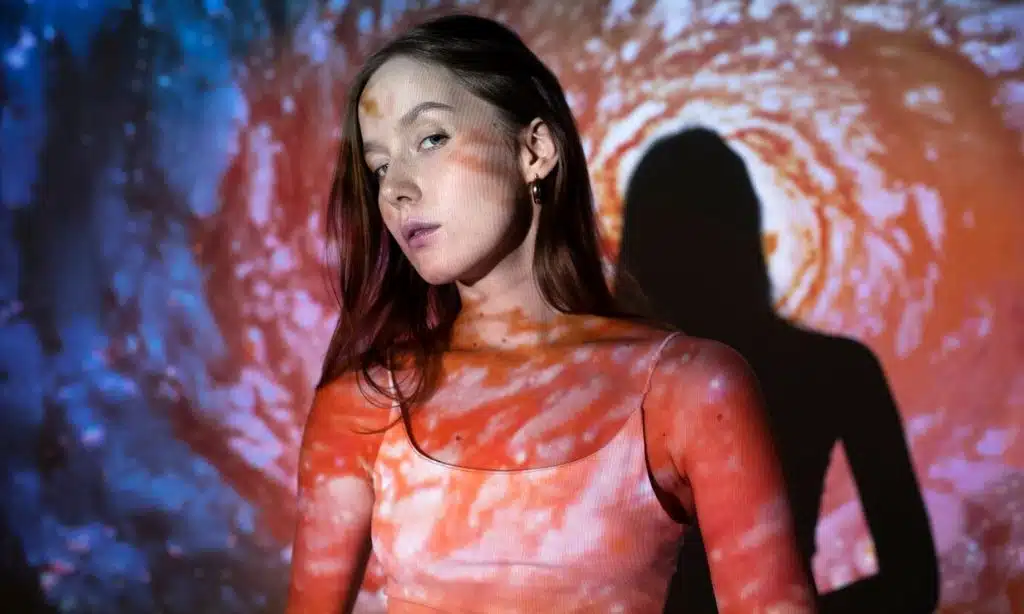
The Gemini AI image generator is powered by Google’s advanced Imagen 3 generator. This state-of-the-art technology promises several improvements over earlier iterations of AI image generation, including:
- Enhanced Detail: Images now display finer details, making them suitable for professional and academic documents.
- Richer Lighting: The tool produces visuals with realistic and dynamic lighting effects, adding depth and vibrancy.
- Fewer Artifacts: Users are less likely to encounter distracting elements or inconsistencies in their generated images, ensuring higher-quality outputs.
These improvements make the feature a valuable tool for users who need high-quality visuals without relying on external design software or stock image libraries.
Feedback-Driven Development
Google emphasizes that the Gemini for Workspace tool is a work in progress. As an AI-driven feature, it continues to learn and adapt based on user interactions. There may be instances where the generated image does not fully align with user expectations. In such cases, Google encourages users to:
- Provide feedback about inaccuracies or issues.
- Suggest improvements through the built-in feedback option in Google Docs.
According to Google, user feedback plays a crucial role in refining the tool and expanding its capabilities. Comments and suggestions will contribute to broader AI development efforts and future updates to Google Workspace.
Early Access and Testing
The AI image generator is currently being rolled out as part of Google Workspace Labs, an early access testing program. This phased rollout allows Google to gather user insights and refine the tool before making it widely available. If you have access to Workspace Labs, you can enable the feature in your account settings and start exploring its potential.
A Game-Changer for Visual Content Creation
The addition of the Gemini AI image generator to Google Docs marks a significant step in integrating AI-powered tools into everyday productivity software. By enabling users to create and insert custom visuals directly into their documents, Google aims to streamline workflows and enhance the creative potential of its platform.
Whether you’re preparing a professional report, an educational presentation, or a personal project, this tool provides a convenient, intuitive way to generate visuals that align with your specific needs. Its integration with Google Docs underscores the company’s commitment to empowering users with innovative tools that enhance productivity, creativity, and collaboration.






















