

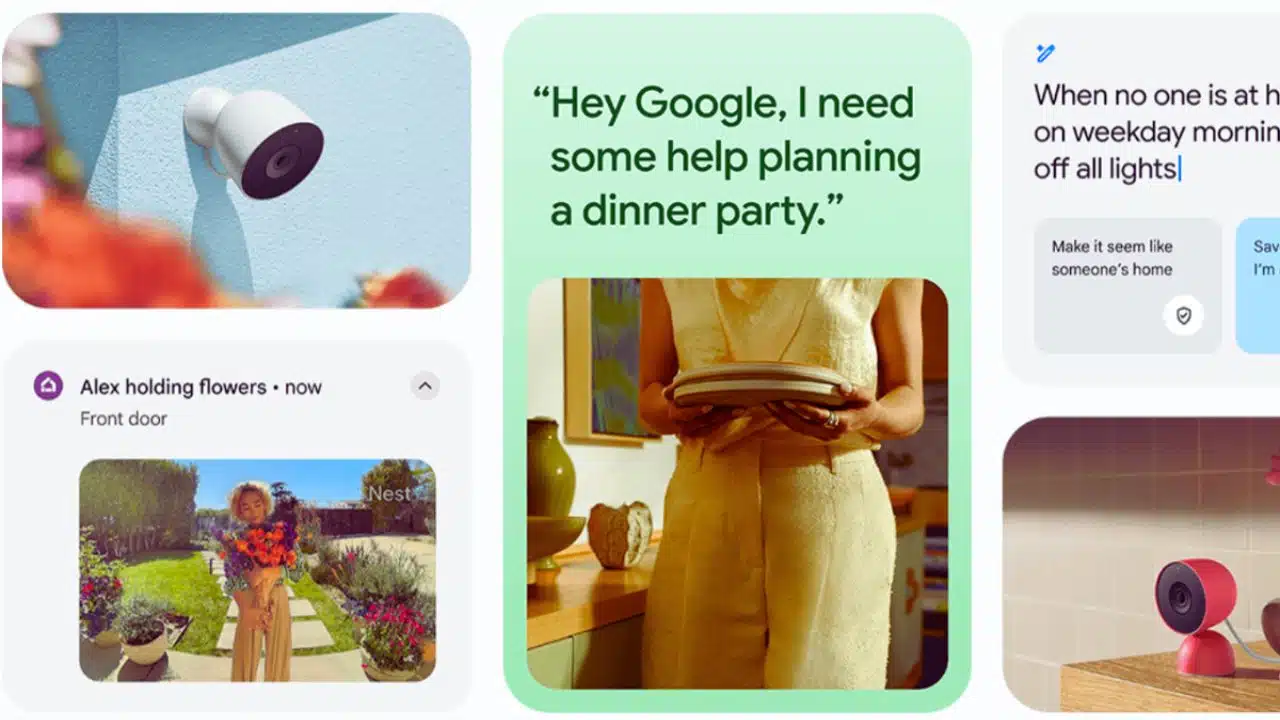
Google’s latest push to improve Gemini pet detection spans both Pixel phones and Nest-connected cameras: Pixel Camera’s accessibility tools use Gemini models to recognize pets in-frame, while a Dec. 22 Google Home update improves cat/dog identification and low‑light animal color accuracy on Gemini for Home-enabled cameras.
What’s changing (and when)
Google is rolling out pet-recognition improvements in two places: the Pixel Camera app experience on phones, and the Google Home/Nest camera experience in the smart home.
On the smart-home side, Google Home release notes dated Dec. 22, 2025 describe upgrades to animal identification (cat vs. dog), animal color handling in poor lighting, and more detailed AI descriptions on longer videos.
On the phone side, Pixel Camera’s Guided Frame (an accessibility feature) leverages Gemini models for scene and subject descriptions and lists “Pets” among the recognizable subjects for framing.
Timeline of the two updates
| Area | Product surface | What changed | Official timing |
| Smart home | Google Home app + Gemini for Home cameras | Better cat/dog distinction at a distance; improved animal color accuracy in low light; more detailed AI descriptions on longer videos | Dec. 22, 2025 release notes |
| Mobile camera | Pixel Camera (Guided Frame + scene description) | Uses Gemini models for context-rich scene/subject descriptions; recognizes pets for framing and description | Pixel Camera Help documentation describing the feature set |
Google Home: Gemini for Home camera pet detection improves
Google’s Dec. 22, 2025 What’s new in Google Home changelog says animal detection was improved to better distinguish between cats and dogs “from a distance,” aiming to reduce misidentifications.
The same update says Google updated its model to ensure higher color accuracy and reduce incorrect animal colors in poor lighting conditions—an issue that typically shows up at night or in dim indoor scenes.
Google also says it added more detailed context for longer videos so key events are more likely to be included in the AI description rather than getting lost in a short summary.
How Google says it’s reducing false or confusing alerts
The Dec. 22 release notes also include changes tied to people recognition and summaries, which can indirectly make pet alerts easier to interpret in mixed scenes (people + pets + motion).
Google says Familiar Face detection is now more accurate because the face library quality was improved, addressing low-quality images like blurry or incomplete faces.
Google also says Home Brief now describes people in events more accurately when a familiar face is not identified (for example, when a face is not visible).
What this means for Nest/Google Home users
For households that rely on camera alerts to track pets in yards, hallways, or living rooms, better cat/dog separation should reduce “wrong animal” notifications that can undermine trust in camera intelligence.
Improved low-light color handling matters because many pet events happen early morning, evening, or under porch lighting where color shifts can confuse classification.
More detailed AI descriptions on longer clips can also reduce the need to scrub through full footage when pets trigger extended motion events.
Pixel Camera: Gemini-powered pet recognition for accessibility
On Pixel phones, Google documents that Guided Frame provides cues—visual framing, audio instructions, and vibrations—to help users frame a photo and know when the subject is in view.
Google says Guided Frame works with front and rear cameras and supports Photo and Portrait modes, while noting that Portrait mode only detects faces (not pets).
Crucially for this story, Google states that Guided Frame “leverages Gemini models” to generate context-rich descriptions of scenes and subjects, and lists “Pets” among recognizable subjects for framing.
Where Pixel’s “pet detection” fits in real use
Guided Frame is designed primarily as an accessibility feature: it can help users capture a pet photo when the animal is actually in frame and framed well enough for a usable shot.
Google also describes a gesture to have the device describe the photo from the viewfinder, which can be useful for confirming whether a pet is centered or whether the camera picked up a different subject.
Google notes Guided Frame works best with a single subject, which aligns with the practical challenge of photographing pets that move quickly or share the frame with people.
Availability and device scope
Google’s Pixel Camera Help page states Guided Frame is available on Pixel 6 and later, including Fold.
The same documentation lists the countries and languages currently supported for scene descriptions, including the United States (en‑US), United Kingdom (en‑GB), India (en‑IN, hi‑IN), Canada (en‑CA, fr‑CA), and several others.
Why Google is tuning Gemini pet detection now
Google’s broader Gemini for Home positioning frames cameras as moving beyond basic “motion/person/package” labels to more narrative AI descriptions that explain what happened.
In Google’s description of Gemini for Home, AI descriptions appear in alerts and camera video history, and Home Brief is positioned as a daily recap that can be customized to focus on what matters most—including pets.
Google also describes Ask Home as a natural-language way to search camera history for specific moments, reinforcing why cleaner event labeling (including pet-related events) is important for trust and usability.
Google separately says the rebuilt Google Home app was designed to be faster and more reliable, citing improvements like significantly faster loading, fewer crashes, and faster camera live views—foundational changes that support heavier AI features.
That same Google Home app post describes how Gemini-enhanced camera alerts can provide richer context than generic detections (for example, naming a known person), illustrating the direction Google is taking with visual understanding.
Final thoughts
This combined set of changes shows Google treating pet detection as a practical, everyday AI capability—not just a novelty—across both phone photography and home security cameras.
For consumers, the near-term impact is simpler: fewer incorrect “cat vs. dog” alerts at home and better assistance framing pet photos on Pixel—especially for users relying on accessibility features.
What comes next will likely be continued model tuning and rollouts through app updates and server-side improvements, since Google’s Home changelog emphasizes ongoing updates and staged feature availability.
























