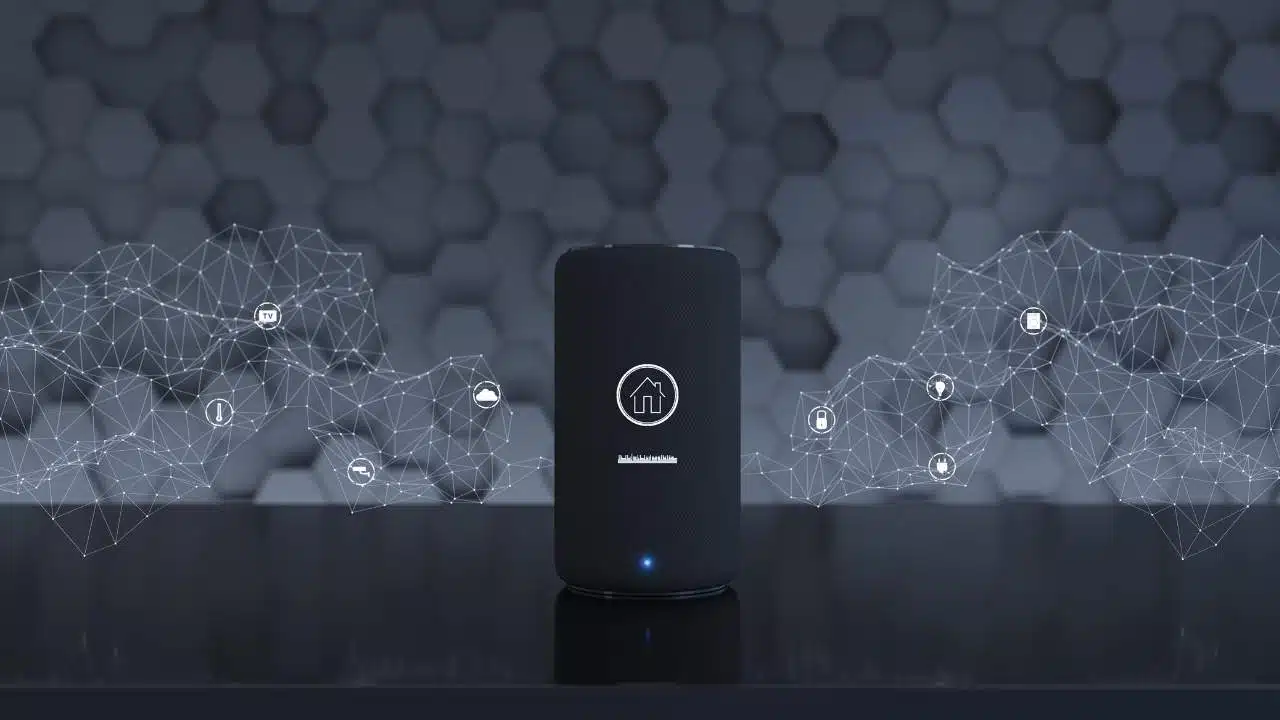
Google is ramping up the rollout of its Gemini for Home AI assistant to smart speakers across the US, making it easier than ever for households to upgrade from the older Google Assistant.
This new voice helper, powered by advanced Gemini AI, brings more natural conversations and smarter home control to millions of devices. Google announced on Tuesday that US users signing up for early access via the Google Home app now receive invitations within just 24 hours, a big speedup from the initial gradual launch on October 28. Already active in countless American homes, the assistant is extending to third-party smart speakers too, signaling Google’s push to dominate the evolving smart home market.
Accelerated Rollout Details
The early access program kicked off in late October for Google’s own Nest speakers and displays, but feedback from users prompted Google to accelerate invitations significantly. Now, anyone in the US with compatible hardware can expect near-instant access—often the same day—after joining the waitlist in the app. This shift comes after initial waves reached only select users, with Google stating they are now “sending invitations more rapidly” to meet surging demand. The company emphasizes that Gemini for Home enhances everyday routines, from multi-step commands to contextual follow-ups, without the rigid structure of past assistants.
For setup, users open the Google Home app, navigate to the early access section, and sign up; no special hardware tweaks are needed. Google notes that once activated, the switch from Google Assistant is one-way, as the legacy system phases out to prioritize AI-driven capabilities. This rapid expansion builds on months of testing, ensuring stability across diverse home setups before a full public release expected in early 2026.
Intensifying AI Assistant Competition
The timing of Google’s acceleration aligns with fierce rivalry in the voice AI space. Amazon’s Alexa+ , its generative AI upgrade, launched to 100,000 early users in spring 2025 and scaled to tens of millions by fall, offering similar conversational depth and smart home integrations through optional subscriptions. Apple, meanwhile, outlined ambitious Siri revamps at WWDC 2025, targeting iOS 26.4 for features like on-screen awareness—where Siri reads and acts on visible app content—and seamless cross-app controls, though delays could push some to 2026. These moves pressure Google to deliver Gemini for Home as a responsive, context-aware alternative tailored for home environments.
Key Features and Capabilities
Gemini for Home stands out with fluid, human-like interactions that go beyond basic commands. It remembers context across questions, so you can say “What’s the weather?” followed by “Pack an umbrella if it’s raining,” without restating details. Multi-command sequences shine here: try “Dim the living room lights to 50%, set a 20-minute timer for dinner, and play some relaxing jazz”—all in one go, no wake word repeats. For nuanced requests, it applies reasoning, like “Turn off all lights except the office ones” or “Play my workout playlist but skip songs over 5 minutes.”
Additional perks include guest access controls, customizable voices, and integration with Nest cameras for AI-driven alerts, such as identifying familiar faces or unusual activity. Unlike rigid predecessors, Gemini adapts to interruptions, rephrases unclear queries, and handles exceptions proactively, making it ideal for busy households.
Device Compatibility Breakdown
Broad compatibility ensures most users can join without buying new gear. Google’s full lineup from 2016 works seamlessly: the original Google Home, Nest Audio speakers, Nest Hub displays (all generations), and compact Nest Minis. Even older models from 2018-2019 qualify after a firmware update via the app. Third-party support is growing fast, with brands like Lenovo, Insignia, and select JBL or Anker speakers now eligible—Google’s YouTube updates confirm compatibility checks roll out weekly.
To verify your device, check the Google Home app under settings; eligible ones show the early access prompt. Non-compatible older units may stick with Assistant longer, but Google promises over-the-air upgrades for the majority.
Premium Features and Pricing
Core Gemini for Home functions remain free for all users, covering essential voice controls, routines, and basic smarts. For power users, Google Home Premium subscriptions unlock advanced tiers starting at $10 monthly Gemini Live enables uninterrupted, free-flowing chats like a phone call; AI camera tools analyze feeds for objects, people, or actions; and priority support ensures quick fixes. Annual plans offer discounts, bundling with Nest Aware for extended video history. This freemium model mirrors competitors, balancing accessibility with revenue from enhanced AI compute demands.