


To choose which password manager is ideal for you, you must first consider your specific requirements and then compare those to the options currently on the market. A good password manager streamlines the process of creating and remembering complex passwords for each service and application you use. The most straightforward security measure is to guarantee that you only need to reset a single password in case of a breach in any of your logins.
Best Overall Password Manager
DualSafe Password Manager
Best If You Need: A Secure Password Manager That Can Be Used to Store An Unlimited Number Of Passwords
Those who value maximum protection while connected to the internet and who like to have full authority over their passwords will benefit most from the DualSafe Password Manager.
Unlike other password managers, DualSafe Password Manager’s free version doesn’t severely restrict the program’s functionality. This password manager is not only one of the safest and most potent around, but it also provides you with most of its features at no cost. Being completely online means this can sync passwords between devices or autofill passwords while visiting websites or using online services (though these features cannot be added through third-party plugins). In contrast to other password managers, DualSafe Password Manager has no vulnerable database that may be compromised. Only your device and master password are required.
Manage Passwords With The Dashlane Password Manager App For Your Computer, Smartphone, Or Mac
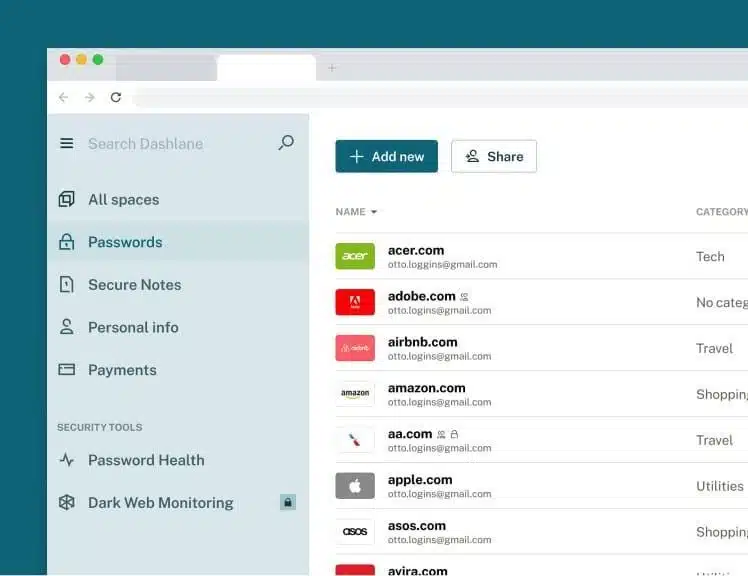
Dashlane
Best If You Need: A Secure Password Manager That Can Be Used On An Unlimited Number Of Devices
With a strong free version that can protect up to 50 passwords on a single device and an entry-level subscription plan that can protect an infinite amount of passwords across numerous devices, Dashlane is one of the best password managers available today. It also provides reasonably priced family plans to ensure your loved ones’ personal information is safe. You can save up to 1GB of your most sensitive information in the cloud safely using Dashlane. It has many helpful extras like dark web monitoring and customized security warnings.
Simple to Use, Powerful, and Packed With Fantastic Business Features
1Password
Ideal For: Securing passwords across several devices and operating systems
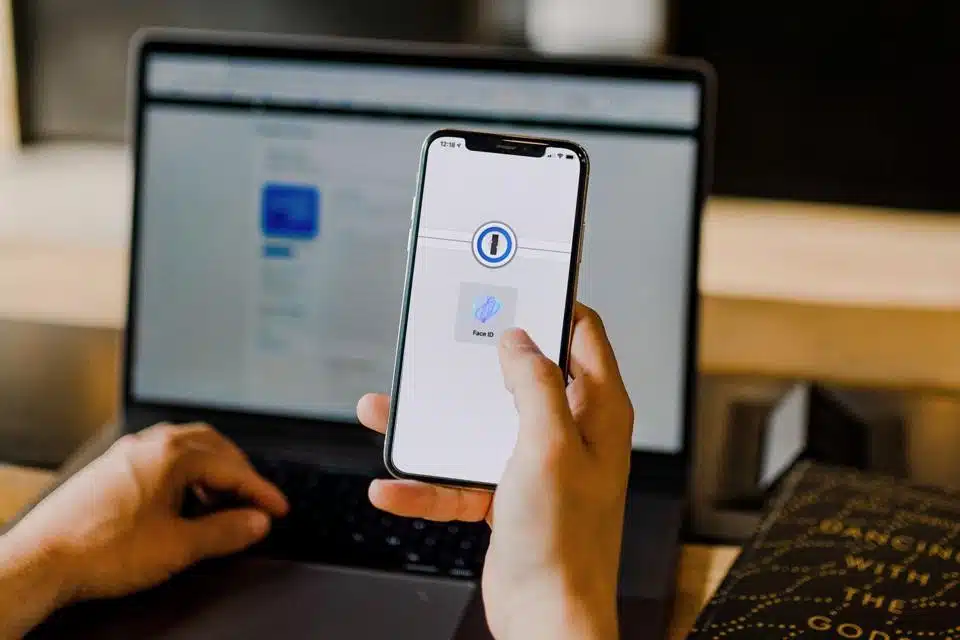
Whether you want to use a Windows desktop or a mobile browser, 1Password provides excellent security for all of your sensitive information. One of the best methods to safeguard your data, this app allows you to protect passwords, secured credit card information, address, bank details, and identification numbers all in one place. To establish and save unique login credentials for each of your online accounts, all you need to remember is the master password for 1Password. 1Password’s multi-factor authentication and biometric login options are great for those who want an extra layer of security for their data. If you’re worried about your phone or laptop getting stolen while abroad, switch to “vacation mode,” which deletes your password backups.
A Choice That Offers Top-Notch Privacy Protections And Secure Conversations
Keeper
Managing Secrets and Passwords with Keeper
Who It’s Best For: Anyone looking for flexible multi-factor authentication solutions, especially Android users
Keeper is a fantastic choice for Android users because of its wealth of features and safety credentials. It provides several multi-factor authentication methods and supports industry-standard encryption on all supported devices. Access is granted by the use of the touch sensor on the laptop. Face recognition can be used as an additional layer of security for passwords if you want. A simple switch allows you to integrate a third-party program, such as Google Authenticator.
A Simple, Straightforward Option with Useful Add-Ons
LastPass
Who it’s most helpful for: iPhone users who desire the highest level of password security.
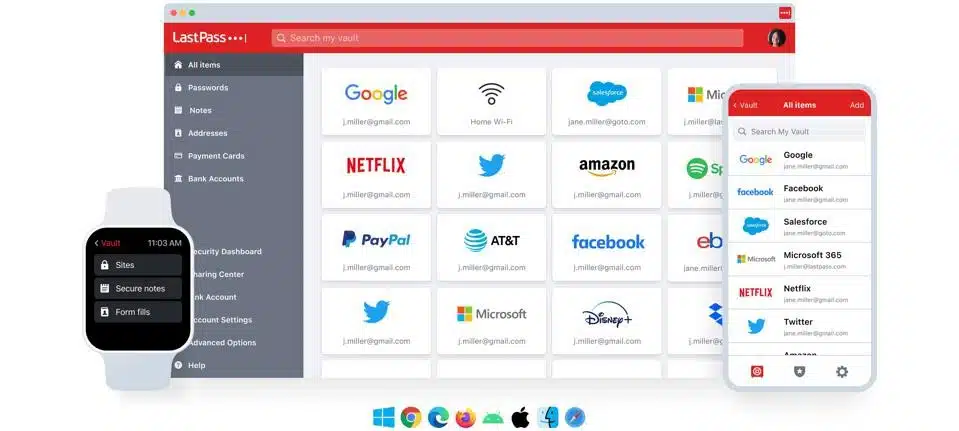
LastPass for iPhone provides its customers with several security features to protect their data, such as robust encryption, password creation, and autofill. If someone manages to obtain access to one of your accounts, you can be sure that you will be alerted as soon as possible, thanks to the added features like credit and dark web monitoring.
A Simplified Method for Generating Extremely Complicated Passwords
RoboForm
Most useful for: Quickly and easily create secure random passwords
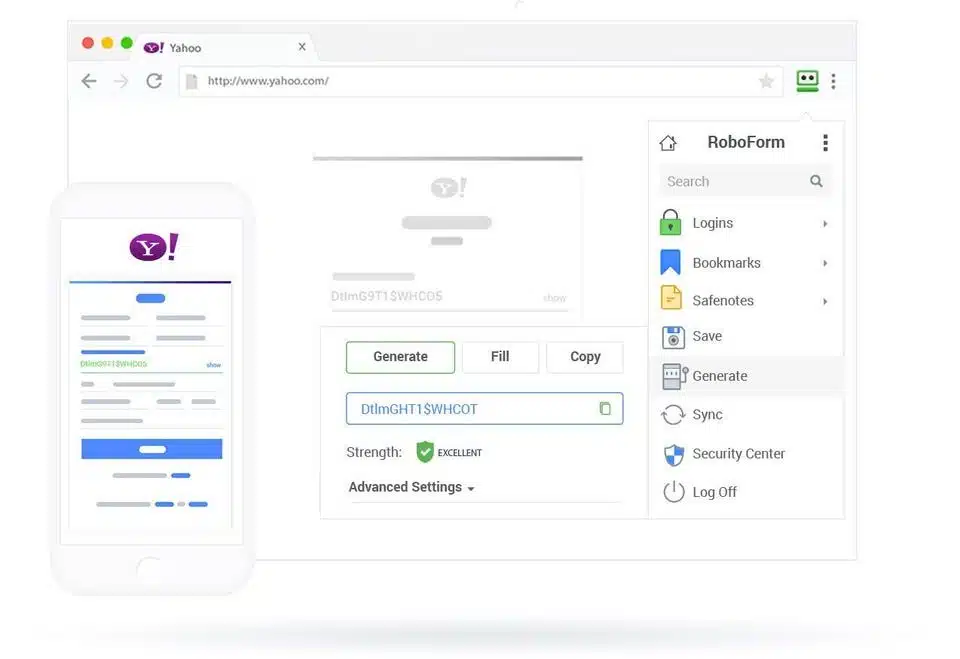
If you need a password manager that can rapidly generate strong passwords, RoboForm is your best bet. Passwords of up to 512 characters in length can be generated at random with the touch of a button using the browser extension, desktop, or mobile applications. To increase the difficulty of the password, add random characters, or make the password longer, you can choose any of these options.
Conclusion
As was previously discussed, password managers are the first line of defense for protecting your online identity. Assigning passwords to many accounts automatically while needing you to remember only one master password dramatically simplifies data security measures for the end user. In a nutshell, a password manager like DualSafe Password Manager is indispensable and straightforward to implement.


























