


A classroom does not need expensive smart boards, premium software, or advanced technology to become more engaging. For many teachers around the world, the bigger challenge is finding reliable tools that work with limited budgets, fewer devices, and everyday classroom realities.
Free tools for under-resourced classrooms can help teachers organize lessons, create learning materials, assess students, and provide additional learning support without adding financial pressure. However, the right tools are not the ones with the most features. They are the ones that solve real classroom problems.
From managing assignments to creating interactive lessons and supporting independent learning, these 12 free tools can help under-resourced classrooms make better use of available technology.
1. Google Classroom
Best for: Organizing digital classrooms
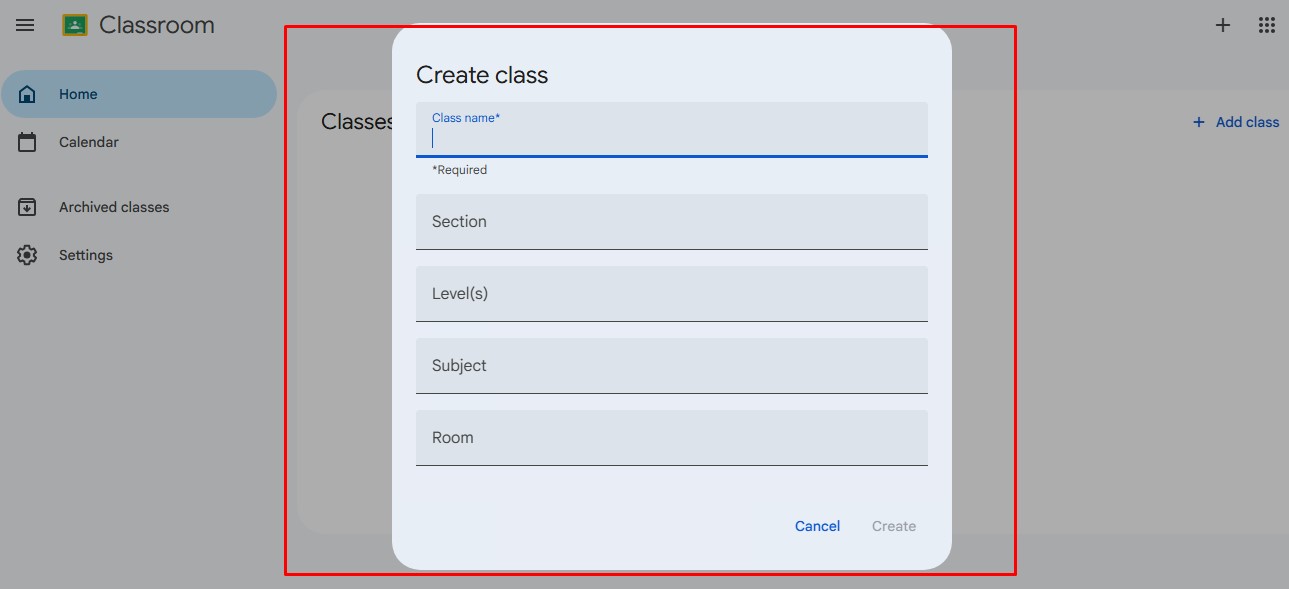
Managing assignments, announcements, and student work can become difficult when teachers handle large classes. Google Classroom provides a simple way to organize classroom activities digitally.
Teachers can use it to:
- Share assignments and learning materials
- Collect student work
- Provide feedback
- Organize class communication
For schools with basic internet access and shared devices, it can reduce paperwork and make classroom management easier. It works especially well when combined with other free Google tools such as Docs, Slides, and Forms.
Best use: Assignment management and blended learning.
2. Khan Academy
Best for: Free learning support
Students often need extra practice outside regular classroom hours. Khan Academy provides free lessons, practice exercises, and learning resources across subjects such as mathematics, science, economics, and computer science.
Teachers can use it for:
- Additional practice
- Homework support
- Remedial learning
- Self-paced learning
Its biggest advantage is that students can revisit difficult topics and learn at their own speed.
Best use: Supporting students who need additional explanation or practice.
3. Canva for Education
Best for: Creating engaging teaching materials
Many teachers want to create better presentations and worksheets but do not have design skills or extra time. Canva Education provides free tools for eligible teachers and students to create classroom materials.
Teachers can create:
- Lesson presentations
- Worksheets
- Educational posters
- Infographics
- Visual learning activities
Visual resources can make complex topics easier to understand, especially for younger students.
Best use: Making lessons more visual and engaging.
4. Google Forms
Best for: Quick assessments
Assessment does not always require expensive testing platforms. Google Forms allows teachers to create quizzes, surveys, and feedback forms quickly.
Teachers can use it to:
- Create multiple-choice tests
- Collect student responses
- Automatically check answers
- Identify learning gaps
For teachers managing many students, it can reduce the time required for basic assessments.
Best use: Classroom quizzes and student feedback.
5. Quizizz
Best for: Interactive quizzes
Quizizz helps teachers turn assessments into more engaging activities. Instead of traditional paper tests, students can participate in interactive quizzes and receive immediate feedback.
Teachers can use it for:
- Revision activities
- Vocabulary practice
- Exam preparation
- Topic reviews
It can be particularly useful in classrooms where students need more motivation to participate.
Best use: Making assessments more engaging.
6. Padlet
Best for: Student collaboration
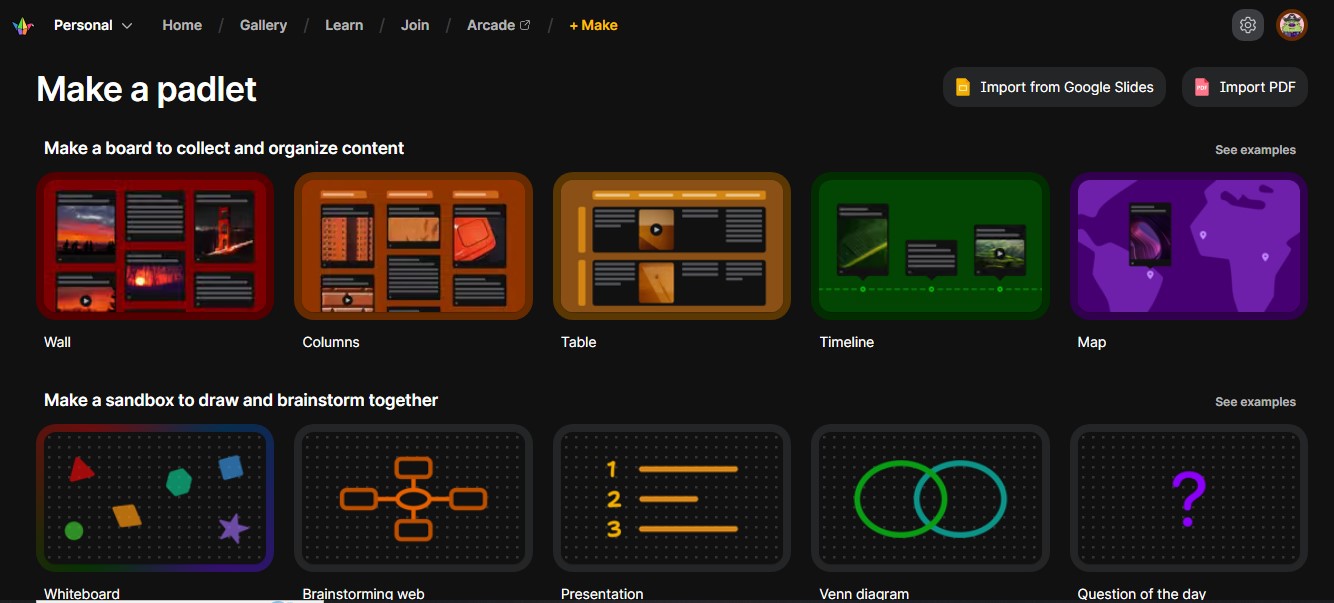
Some students hesitate to participate in traditional classroom discussions. Padlet provides a digital space where students can share ideas, questions, images, and project work.
Teachers can use it for:
- Brainstorming
- Group discussions
- Research projects
- Student reflections
It helps create a more collaborative learning environment without requiring complicated technology.
Best use: Group activities and classroom interaction.
7. Scratch
Best for: Introducing coding and STEM learning
Coding education does not always require advanced computer labs. Scratch allows students to learn programming through a simple visual block-based system.
Students can create:
- Games
- Animations
- Interactive stories
- Digital projects
Scratch helps students develop logical thinking, creativity, and problem-solving skills.
Best use: Beginner programming and STEM education.
8. OpenStax
Best for: Free digital textbooks
Textbook costs can be a major challenge for schools with limited budgets. OpenStax provides free openly licensed textbooks across several academic subjects.
Teachers can use these resources for:
- Science lessons
- Mathematics courses
- Social science topics
- Additional reading materials
It helps schools reduce dependence on expensive learning materials.
Best use: Schools and programs that need free textbook alternatives.
9. CK-12
Best for: STEM learning resources
CK-12 offers free digital learning materials focused on science, technology, engineering, and mathematics.
Resources include:
- Digital textbooks
- Practice activities
- Interactive lessons
- STEM-focused materials
Teachers can adjust resources based on student ability instead of following only fixed textbook content.
Best use: Science and mathematics classrooms.
10. Edpuzzle
Best for: Interactive video lessons
Educational videos can be useful, but passive watching does not always lead to learning. Edpuzzle allows teachers to add questions and checkpoints inside videos.
Teachers can:
- Add questions to videos
- Track student responses
- Check understanding
This is useful for flipped learning, where students review content before classroom discussions.
Best use: Video-based lessons and homework activities.
11. Book Creator
Best for: Creative student projects
Book Creator allows students to make digital books using text, images, drawings, and audio.
Students can use it for:
- Writing assignments
- Digital storytelling
- Class projects
- Learning portfolios
It encourages creativity and allows students to demonstrate knowledge in different ways.
Best use: Language learning and creative assignments.
12. Microsoft Teams for Education
Best for: Communication and collaboration
Microsoft Teams for Education provides tools for classroom communication, file sharing, assignments, and online collaboration.
Teachers can use it to:
- Share resources
- Communicate with students
- Manage class projects
- Support remote learning
It is especially useful for schools already using Microsoft services.
Best use: Classroom communication and collaboration.
Small Tools, Bigger Learning Opportunities
Technology alone cannot solve every challenge faced by under-resourced classrooms. Limited devices, internet access, and teacher training remain important factors.
However, the right free tools can remove some barriers. They can help teachers save time, give students more learning opportunities, and create more engaging classroom experiences.
The goal is not to build the most advanced digital classroom. It is to use available resources wisely and make learning more accessible for every student.
Frequently Asked Questions on the Best Free Tools for Under-Resourced Classrooms
1. What are the best free tools for under-resourced classrooms?
The best tools depend on classroom needs. Google Classroom helps with organization, Khan Academy supports learning, Canva helps create materials, and Google Forms simplifies assessments.
2. Can free EdTech tools work in classrooms with limited internet?
Some tools work better with internet access, but many can still be used through shared devices, downloaded materials, or teacher-led activities. Schools should choose tools based on their local infrastructure.
3. Do teachers need technical skills to use these tools?
Most modern education tools are designed for beginners. Teachers can start with simple features and gradually learn more advanced options.
4. Can free classroom tools replace traditional teaching methods?
No. Technology works best as a support system. Teachers remain responsible for explaining concepts, understanding student needs, and creating meaningful learning experiences.
5. How should a school with a small budget start using technology?
Start by identifying one classroom problem. For example, use Google Forms for assessments or Canva for lesson materials. A gradual approach is usually more sustainable than introducing many tools at once.






















