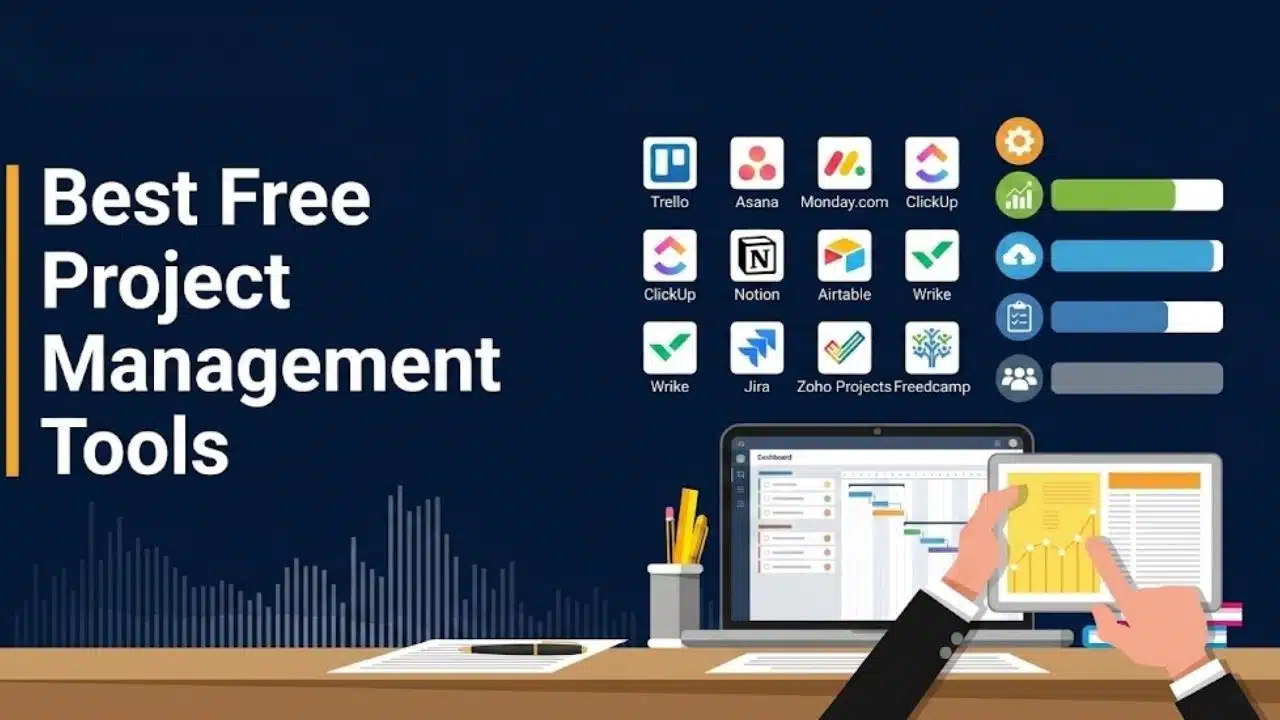
A free plan looks generous until a third teammate joins, a client needs access, or a large file upload triggers a paywall. The Best Free Project Management Tools—including ClickUp, Trello, and Asana—deliver real value without forcing an immediate paid upgrade.
This ranking prioritizes free tiers supporting multi-person collaboration, generous storage, and low setup friction over overly restrictive options. Simple Kanban boards work best for lightweight workflows, whereas data-heavy projects require built-in dependencies and structured views.
Note: Free-plan limits were verified on August 28, 2026; always review current terms before migrating critical team workflows.
Best Free Project Management Tools at a Glance
The limits below reveal more than a feature list. Start with the size and shape of the work, then compare interfaces.
| Tool | Strongest Fit | Key Free-Plan Limit |
| ClickUp | General small-team project management | 60MB storage and 24-hour Activity view |
| Trello | Simple visual workflows | 10 collaborators and 10 boards per Workspace |
| Teamwork.com | Client projects and time tracking | Five users and five active projects |
| Jira | Agile and software delivery | 10 users and 2GB storage |
| Notion | Documentation-led project work | 1,000 blocks with more than one member |
| Zoho Projects | Structured schedules and Gantt planning | Five users and three projects |
| Airtable | Data-heavy operational workflows | Five editors and 1,000 records per base |
| Linear | Product and software teams | Two teams and 250 issues |
| Asana | Solo work and two-person partnerships | Two users |
| Freedcamp | Many basic projects on a tight budget | 10MB maximum per uploaded file |
Boring Check That Matters
Judge a free plan by how the team will outgrow it. Storage limits matter if people attach design files. Activity history matters during handovers. Guest permissions matter when clients need access, and automation allowances can disappear quickly if every update triggers a rule.
Build one live project before committing. Add a file, create a recurring process, invite an external user, and export the data. A template will not expose the same restrictions.
1. ClickUp: The Broadest Usable Free Tier

ClickUp ranks first because its Free Forever plan supports unlimited members and tasks, along with list, board, and calendar views, collaborative Docs, sprint tools, and one form.
ClickUp is dense. Its free plan has 60MB of storage, five Spaces, 24 hours in Activity view, 60 Custom Field uses, and 100 monthly automation actions. Setting a field value on a task consumes a use; that allowance does not reset. Keep files elsewhere, begin with one Space, and avoid creating a status for every exception.
2. Trello: The Easiest Visual Starting Point
For an editorial calendar, hiring pipeline, event plan, or client queue, Trello is easier to adopt than ClickUp. Its free plan allows 10 collaborators and 10 boards per Workspace, with unlimited cards, unlimited Power-Ups per board, and 250 monthly command runs. File storage is unlimited, but each upload is capped at 10MB. Timeline and Dashboard views, detailed permissions, and stronger cross-board oversight require payment. Choose Trello if the work can honestly move through “To Do,” “Doing,” and “Done.” If managers need reporting across projects, start elsewhere.
3. Teamwork.com: A Strong Free Option for Client Work
Teamwork.com deserves more attention from small agencies, consultants, and service teams. The free plan supports five users and five active projects, includes task, list, board, Gantt, and table views, allows time logging, and provides 100 automation runs per month. Work can also be organized by client, which is more useful for service delivery than a generic collection of boards.
Five projects will not last long if every engagement gets its own space. Archive completed work deliberately, and do not confuse time logging with the budgeting, invoicing, and profitability features on paid plans.
4. Jira: Powerful When Agile Language Fits the Team
Jira is the strongest free choice here for software teams that need backlogs, issues, Scrum or Kanban boards, workflows, and dependency-aware planning. The free plan covers up to 10 users with 2GB of storage and community support.
It can manage marketing or operations work, but asking a nontechnical team to learn issue types, sprints, and backlog discipline creates avoidable friction. Choose Jira when those concepts already match how the team ships work.
5. Notion: Best When Projects Begin With Documents
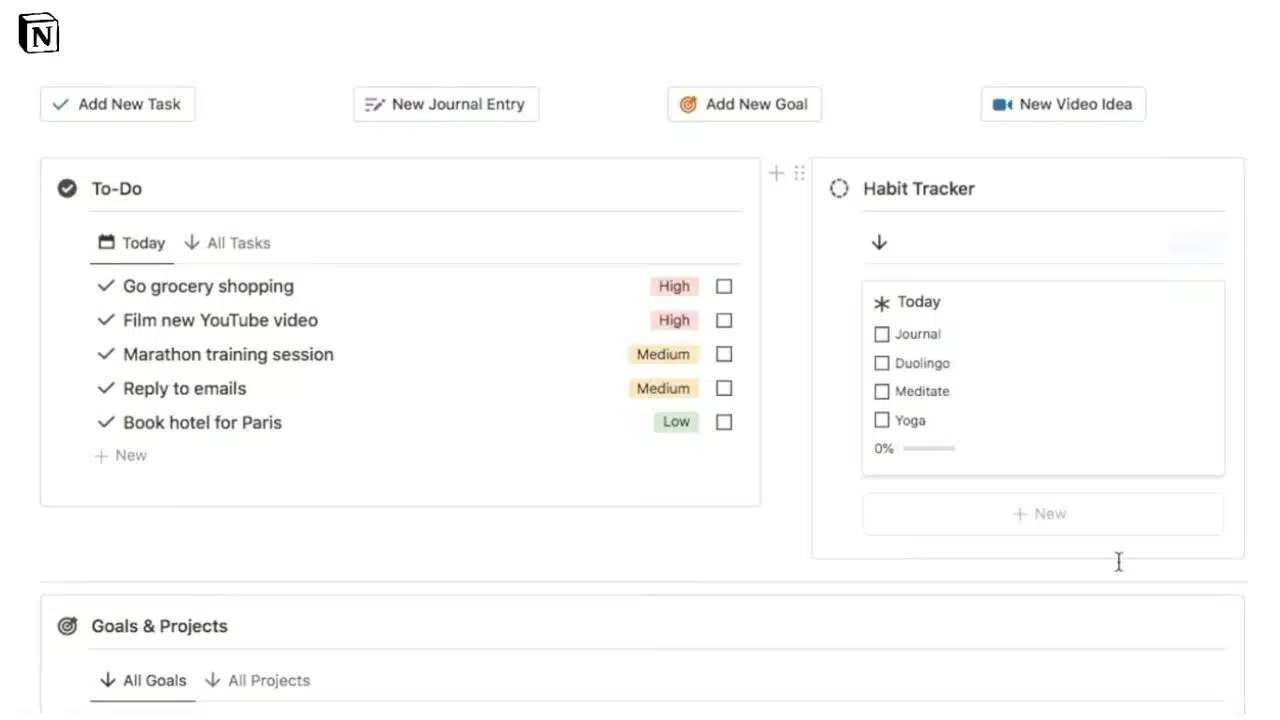
Notion works well when briefs, meeting notes, decisions, and task databases need to live together. A solo user gets unlimited pages and blocks on the free plan, plus database properties, filters, subtasks, dependencies, basic forms, and up to 10 external guests.
Collaboration changes the calculation. A free workspace with more than one member is limited to 1,000 blocks. A paragraph, checklist item, or image can consume one, so that allowance is smaller than it sounds. Uploads are capped at 5MB per file, and page history covers seven days.
Notion is strongest as a document-led project hub for one owner with guests on selected pages. It is a less dependable free choice when every employee needs access across the workspace.
6. Zoho Projects: Traditional Project Controls on a Small Scale
Zoho Projects offers more formal planning than most lightweight free tools. Its current pricing materials list five users, three projects, 5GB of storage, Gantt charts, subtasks, reminders, project feeds, document sharing, and finish-to-start dependencies within a project. That suits a startup running a few substantial initiatives, not a studio opening a separate project for every customer. The interface asks for more structure upfront than Trello, although teams already using Zoho CRM, Forms, or Books may consider that a reasonable exchange.
7. Airtable: When the Work Is Really Structured Data
Airtable is not conventional project software, and that is precisely why it earns a place. It is useful for content pipelines, product catalogs, production schedules, research databases, and operations work where each task needs many fields and linked records.
The free plan allows five Editor or Creator collaborators, 50 Commenters, and unlimited read-only collaborators. Capacity is the pressure point: 1,000 records and 1GB of attachments per base, 100 monthly automation runs, and two weeks of revision history. Gantt and Timeline views are paid.
New workspaces may begin with a temporary Team-plan trial. Check the plan and usage pages before building around a paid view or automation. A modest pipeline will fit; a high-volume request system will reach the record cap quickly.
8. Linear: Fast, Focused Tracking for Product Teams
Linear keeps issue tracking cleaner than Jira for teams that want projects, cycles, initiatives, and a tightly designed interface without extensive configuration. Its free plan accepts unlimited members but limits an organization to two teams, 250 issues, and 10MB file uploads.
The 250-issue ceiling makes this one of the best free project management tools for a small product team testing a disciplined workflow, not for maintaining an indefinite company backlog. Once the workspace reaches the cap, new issues cannot be created. All users are also admins on the free plan, and private teams and guest accounts require a paid tier. That makes Linear a poor free choice when access separation matters.
9. Asana: Excellent for One or Two People, No Longer a Team Freebie
Asana is often ranked near the top of free-software lists, but its current Personal plan supports only two users. That weakens its case for SMB teams. For a freelancer working with one partner, it remains polished and practical: unlimited tasks and projects, list, board, and calendar views, status updates, integrations, and unlimited storage with a 100MB limit per file. Choose it for a durable solo or two-person system, not a team process that will soon need a third collaborator.
10. Freedcamp: An Underrated Choice for Many Basic Projects
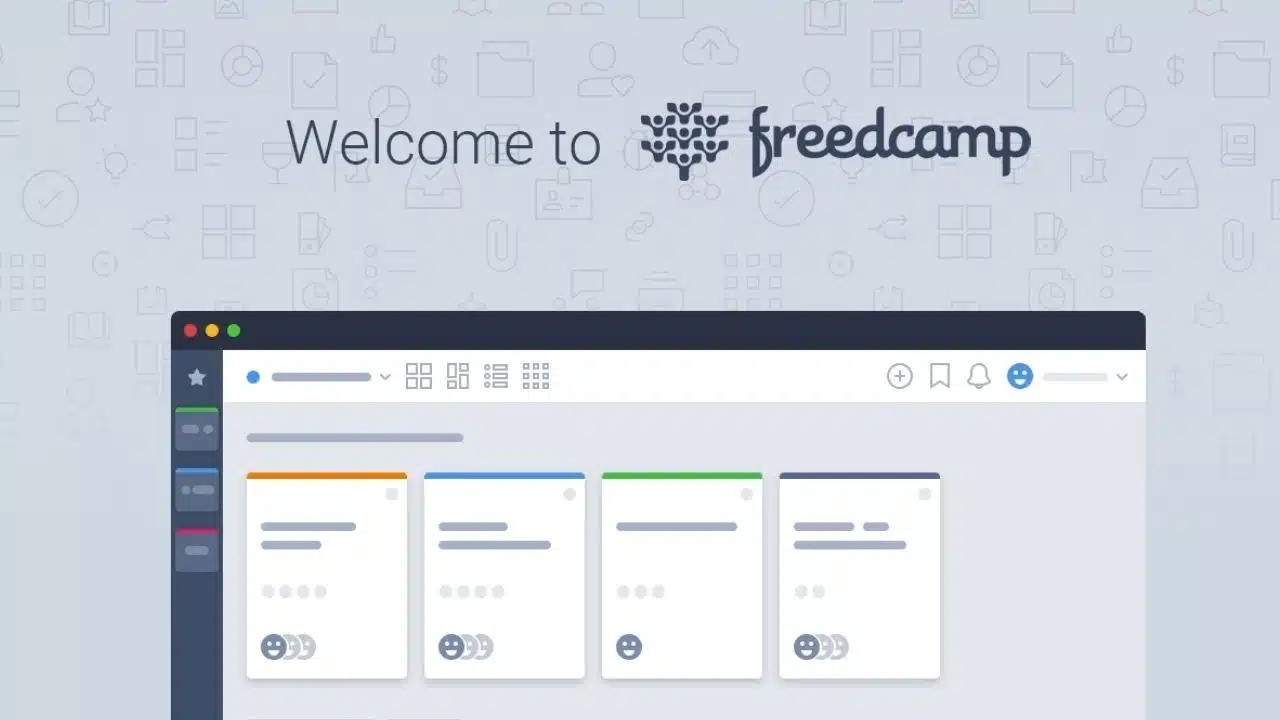
Freedcamp receives less attention than the larger platforms, but its free plan includes unlimited tasks, projects, collaborators, and storage under a fair-use policy. Core tools cover tasks, discussions, calendars, milestones, files, and time tracking.
The limits appear in refinement rather than quantity. Files are capped at 10MB each, and features such as advanced reports, project copying, cloud-drive connections, and more granular permissions require payment. It suits teams that need plenty of basic project spaces and can accept a plainer system.
Final Thoughts
Do not migrate everything on the first day. Take one active project with a deadline, an attached file, an outside collaborator, and a recurring update. Run it for two weeks, then check whether people update tasks without prompting and whether any limit changes the process.
For most small teams, ClickUp and Trello are the sensible starting points. Choose a specialized option only when the workflow calls for it. The best free project management tools should remove coordination work, not create another system that needs constant maintenance.