A tutor opens yesterday’s note and reads, “Fractions went well. Keep practicing.” Which fractions? Did the student solve the problems alone? Should the next tutor repeat the lesson or move on? A shared tutoring progress template earns its place when another tutor can answer those questions without a separate conversation.
Use one dated entry per session. Keep the ongoing learning goal in a visible place, then use the session entry to show what happened and what should come next. Test the template with a completed sample before giving it to the whole team.
1. Does the template say who met and what was taught?
Give each entry a student identifier, session date, tutor, and attendance status. Add the subject and skill if the same student receives support in more than one area. A program can use its existing record ID to distinguish students who share a name.
Record a missed session separately from a completed session with no assessment. “Absent,” “attended, skill not checked,” and “attempted, 0 correct” describe three different events. If a student arrives late, note a shortened session when it helps explain why an assessment or planned activity did not happen. These distinctions matter when tutors look back and decide which material a student has actually covered.
2. Can the next tutor tell what success looks like?
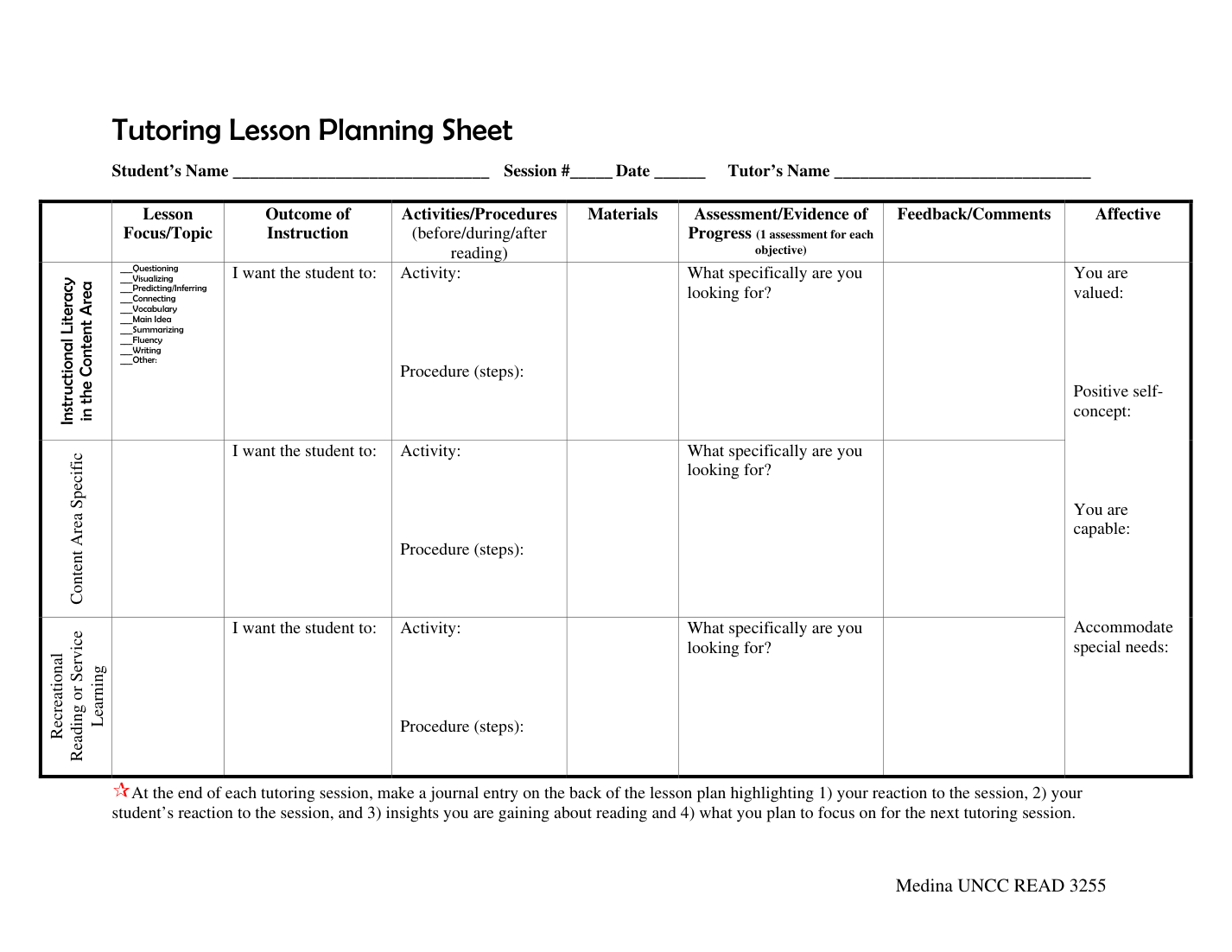
Set a goal that describes an observable task. “Improve at fractions” can guide a month of tutoring. “Compare four pairs of fractions with unlike denominators and explain one comparison” gives a tutor something to check today.
State the conditions as well. A learner might first compare fractions using a number line, then work toward doing it with a strategy of their choice. Both goals are legitimate and call for different evidence. If tutors need a threshold for moving forward, agree on it in advance and record it with the goal. This makes it easier to distinguish an improved score from a decision that the student is ready for a new skill.
3. Does the evidence show what the student did independently?
Record the task, result, and level of support. “Three of four correct independently. Corrected the fourth after a number-line prompt” gives the next tutor more to work with than “Four of four correct.” If the program uses a rubric, record the version or retain the criteria so a later reader can interpret the result.
Use a short check that can change the next teaching decision. For example, if a student gets the comparison right but explains it by looking only at the denominators, record the explanation as well as the score. The National Student Support Accelerator’s guidance on formative assessment connects the evidence tutors collect with the design of future sessions and encourages programs to consider existing assessments before adding more.
4. Can two tutors interpret the result the same way?
Give common labels a short definition. “Independent” might mean the tutor read the standard directions, then offered no hints. “Prompted” might mean the tutor pointed the student to a strategy without demonstrating the solution. Keep these distinctions visible in the template so tutors can use them consistently.
Compare like tasks when reading a trend. A score of three out of four with a visual aid and a score of three out of four on unfamiliar problems without that aid tell different stories. Keep the conditions beside the score. If an existing system provides downloadable learner progress reports, check whether the export retains the task and support notes you need. A score by itself may be too thin for a teaching handoff.
5. Does the note tell someone what to do next?
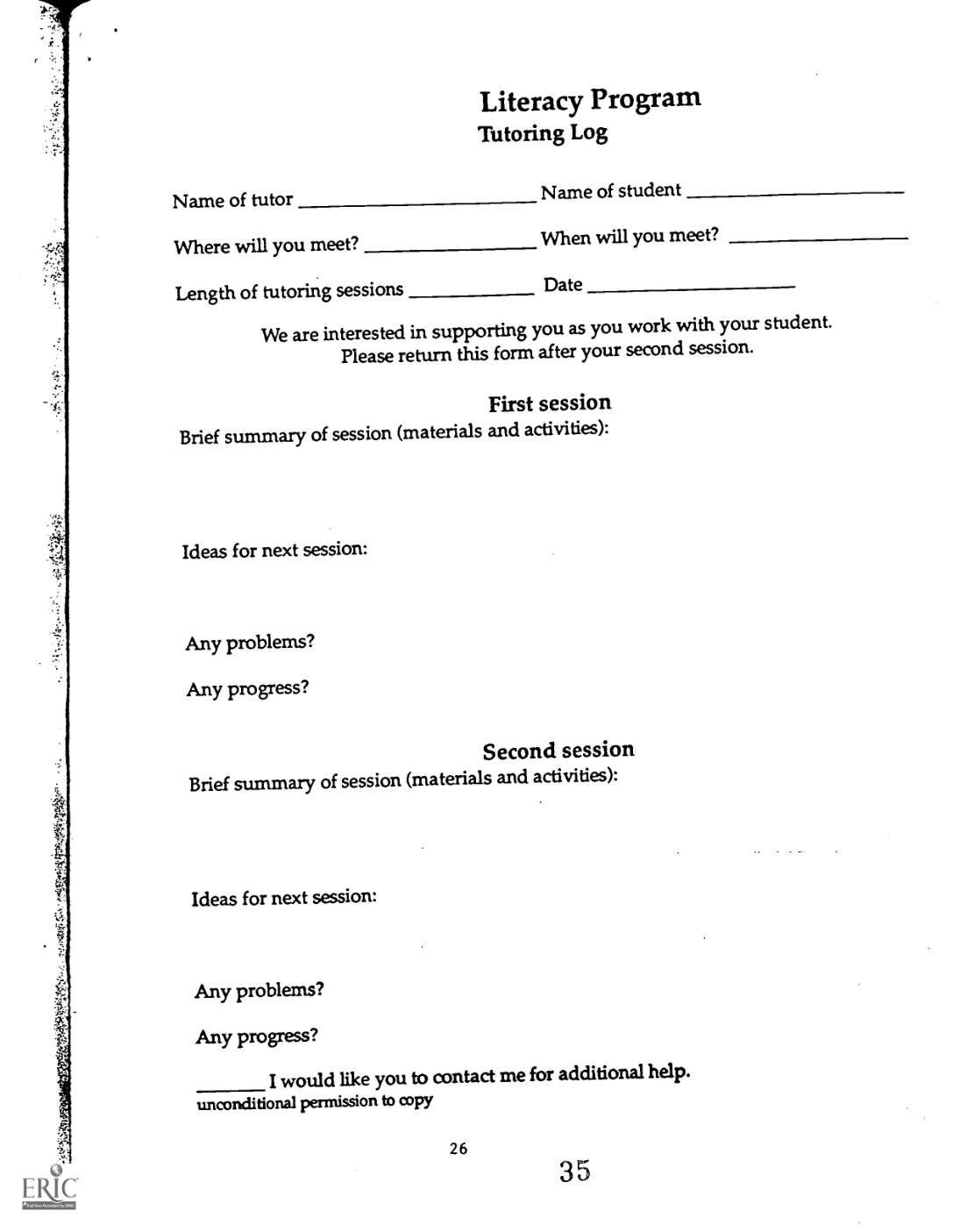
Write the first action for the next tutor. “Start with four fresh comparison problems. For one, ask the student to explain why one fraction is larger” gives the tutor a task they can prepare. “Continue fractions” leaves them to reconstruct the lesson.
Add a decision rule when there are two plausible paths. If the student meets the agreed threshold on fresh problems, move to the planned application activity. If the student still relies on denominator size alone, revisit the comparison on a number line. Name who owns the action and when to review it. For a recurring tutor, “next scheduled session” may be enough. For a substitute, add the worksheet name or an approved resource link.
6. Does each reader see the information they need?
Decide who can edit the working record and what families, students, or coordinators receive. Tutors may need a prompt history to plan instruction. A family update may only need the current skill, one concrete observation, and a simple home practice activity. Create an audience-specific view or summary when the shared working record contains unnecessary detail.
Use the program’s approved storage and account permissions. In a system where everyone with the file can reveal hidden columns, use a separately shared summary rather than relying on hidden tabs. Before inviting the team, test the record with an account that has the same permissions as the intended reader. Keep private contact details and unrelated observations out of routine teaching notes.
7. Can tutors find the latest entry and correct a mistake?
Keep dated entries in one place. Separate the current learning goal from session history so an updated goal does not erase earlier observations. Label the entry with its author and record corrections transparently. Where the tool offers version history, check that the appropriate coordinator can recover an earlier version.
Try a common handoff problem. One tutor records the exit check while another updates next week’s goal. Both should be able to tell which entry is current, and neither should need to maintain a parallel copy. If a program collects a separate summary for families, give the summary a date so it is clear which sessions it covers.
8. Can a substitute tutor use it to start the next session?
Hand a completed sample to someone who did not teach the lesson. Ask them to name the skill, explain what the student did independently, and describe the first five minutes of the next session. Then ask where they would log the new result. If the reader has to guess or contact the previous tutor, revise the template and try again.
Run the same check on a missed session and on a session with guided practice but no independent assessment. These examples reveal where a default score or a vague dropdown can create misleading records. Remove fields that duplicate information and make the key handoff fields easy to find.
A sample entry for the next tutor
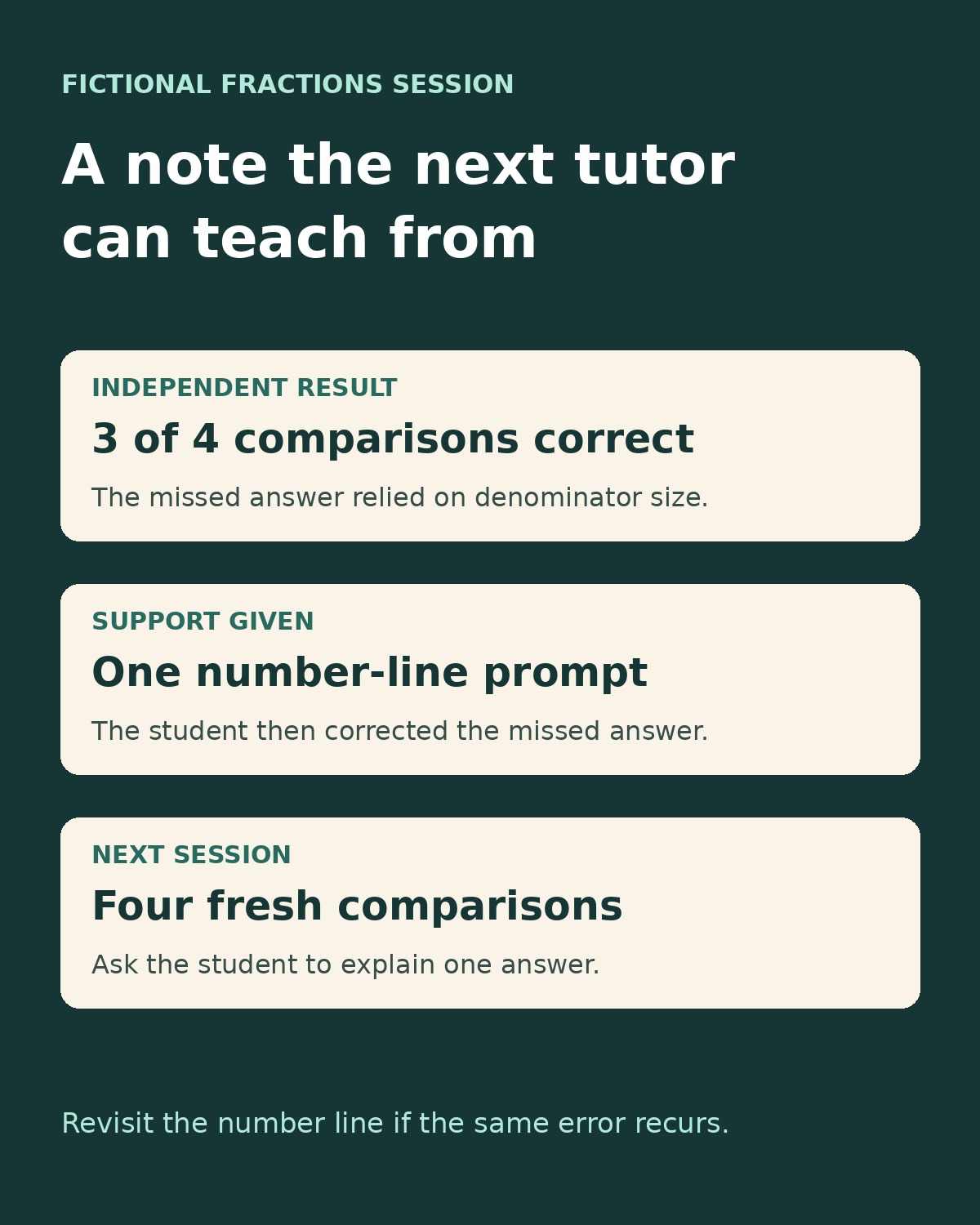
This fictional entry shows how a shared tutoring progress template can connect a learning goal with one observation and a concrete follow-up.
| Field | Example |
|---|---|
| Learner and session | Learner T-014, Session 6, tutor Maya, attended |
| Skill and objective | Compare fractions with unlike denominators. Aim for four independent comparisons and one accurate explanation. |
| Independent check | Three of four correct. On the missed item, the student used denominator size alone. |
| Response to support | Corrected the missed item after a number-line prompt. |
| Next step | Next tutor starts with four fresh comparisons and asks for one explanation. Revisit the number line if the same error recurs. |
| Family summary | Practiced comparing fractions. At home, ask which is larger, 1/2 or 1/3, using two equal-sized drawings. |
The best test of a shared tutoring progress template is what happens when someone else opens it. If they can tell what the student did, how much support they needed, and where to start, the note has done its job.