Nothing ruins a trip faster than an agent at check-in telling you your passport isn’t enough. Of all the apps for checking visa requirements before you fly, the free IATA Travel Centre wins, because it runs on Timatic, the same database airlines use at the counter.
Below you’ll find a quick comparison chart, nine more picks with honest flaws, and a five-minute double-check routine.
Quick Comparison: 10 Visa Checker Apps at a Glance
If you only read one thing, read this chart. It sorts the apps for checking visa requirements before you fly by where their data comes from, because that decides whether the answer matches what the airline sees.
| App | Cost to check | Where the data comes from | Best for |
|---|---|---|---|
| IATA Travel Centre | Free | Timatic (airline database) | The final word before any flight |
| Sherpa | Free check, paid eVisas | Own database, used by major airlines | Itineraries with layovers |
| TripIt Pro | $49 a year | Riskline | Frequent flyers who want auto alerts |
| Atlys | Free check, fee to apply | Own database | Simple eVisas in Asia |
| iVisa | Free check, fee to apply | Own database | Travelers who want full hand-holding |
| VisaHQ | Free check, fee to apply | Own database | Paper visas that need a courier |
| Passport Index | Free | Own database | Dual passport holders |
| Smart Traveler | Free | U.S. State Department | U.S. citizens only |
| Your airline’s app | Free | Usually Timatic or Sherpa | Single airline trips |
| Official ETA apps | £20 UK ETA, AUD 20 Australia | The government itself | Applying, not researching |
Key takeaway: Only one tool on this list reads the exact data an airline runs against your passport. Everything else is a second opinion.
Why Two Visa Apps Can Give You Two Different Answers
Most top-ranking lists skip this part. Big mistake.
Every visa checker pulls from a database, and those databases are not the same. Airlines use Timatic, which IATA updates about 70 times a day with data from immigration and health agencies. If you’re refused entry, the airline pays. In the U.S., that fine is $3,000 per passenger, plus the fare, so agents rarely override what Timatic says.
Here’s the catch: most consumer apps for checking visa requirements run their own data. Usually they agree with Timatic. When they don’t, the gate agent’s screen wins.
Three things trip up travelers more than the visa itself:
- Transit stops. Each layover is checked on its own. A U.S. connection means clearing U.S. immigration, so you need a visa or ESTA even if you never leave the airport.
- Passport validity. Some countries want six months left. The Schengen Area wants three months past your departure date.
- Two passports. The airline can only send one passport to border control, so check each one and pick before you fly.
The timing matters too. The UK made its ETA mandatory in February 2026, and the fee rose to £20 on April 8, 2026.
The 10 Best Apps for Checking Visa Requirements Before You Fly
1. IATA Travel Centre: Best Overall (Free)
Picture this: you’re flying from Manila to Mexico City with a two-hour stop in Los Angeles. You type in your nationality, country of residence, every airport on the route, and your dates. Thirty seconds later, you get the same verdict the check-in desk will get.
That’s the whole pitch. It’s the free public window into Timatic, and no other app for checking visa requirements before you fly can say that. Nothing to install, either: it runs in your phone’s browser, so it takes zero storage.
Where it falls short:
- It isn’t a real app. No saved trips, no alerts when rules change.
- Results read like airline code, with dense blocks of text that are easy to misread on a small screen.
Who Should Skip This: Nobody should skip it entirely. If you want someone to fill out the application for you, though, you’ll need a second tool.
2. Sherpa: Best for Layovers
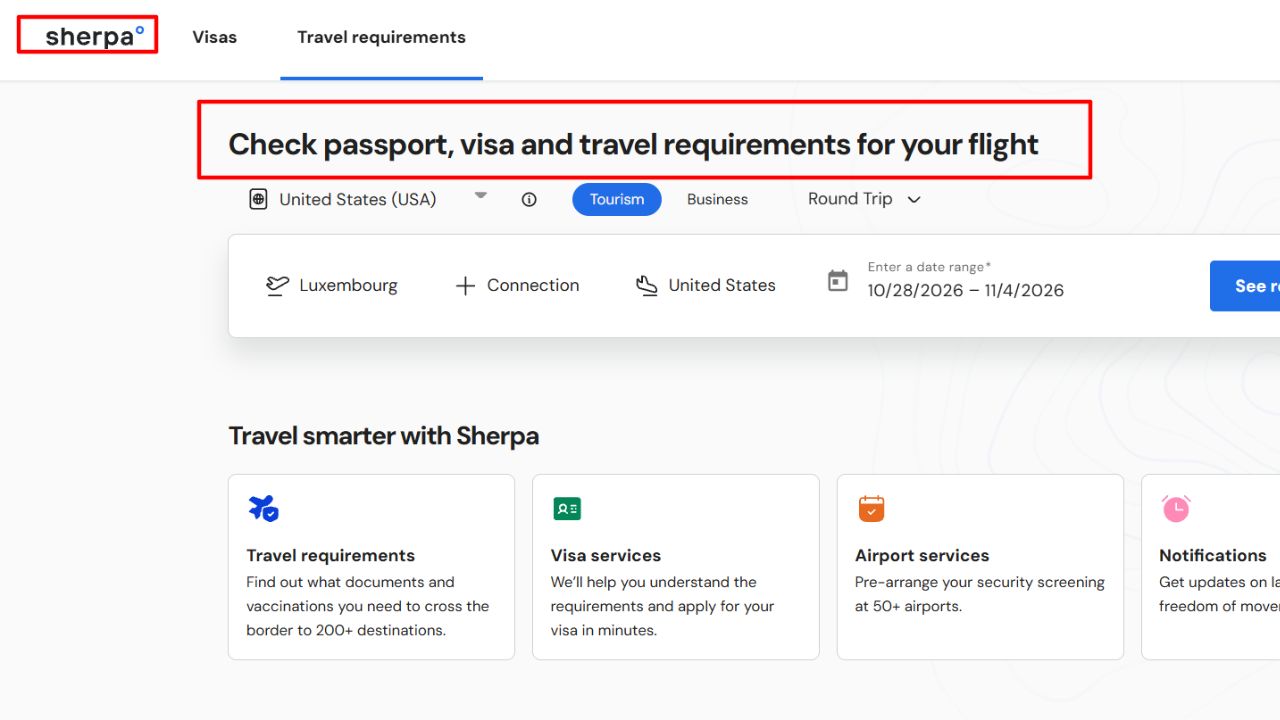
You may have used Sherpa without knowing it. It powers the requirement checkers for American Airlines, British Airways, Air Canada, Delta, and Air Transat, and it covers more than 200 destinations. It handles indirect trips well, showing what each transit country wants.
The truth is, Sherpa is also a store. The same screen that tells you a visa is needed offers to sell you one.
- “Get an eVisa” button sits right next to the free answer, and the service fee isn’t the government fee.
- Partner airlines state they can’t guarantee its accuracy and point you to the IATA Travel Centre.
Who Should Skip This: Anyone who wants a check with zero upsell.
3. TripIt Pro: Best for Frequent Flyers
Forward your booking email, and TripIt Pro’s Travel Guidance will show visa, document, vaccine, and insurance rules for that trip. Data comes from Riskline, covering 200+ countries. It costs $49 a year after a 30-day trial.
Two real flaws:
- No passport saved? It guesses your nationality from your home city. Expats get the wrong answer.
- It only works for upcoming trips already in your itinerary, so it’s useless for “where can I go?” browsing.
Who Should Skip This: People who fly abroad once a year. The free tools do this job.
4. Atlys: Best for Simple Asian eVisas
Atlys covers 150+ destinations and handles about 700,000 applications a year. The free search shows the government fee, the Atlys fee, and the expected turnaround side by side. For an Indian e-Tourist visa, the in-app process takes 10 to 15 minutes.
On the flip side, the complaints are specific and repeated:
- One review found Atlys quoting a $100 government fee for Uganda that costs $50 on the official portal.
- Trustpilot reviewers in 2026 describe surprise fees after payment and slow support.
Schengen applications draw the most errors. If you’re working toward a European job, our Europe work visa guide covers which countries are easiest to start with.
Who Should Skip This: Anyone applying for a Schengen visa. Go direct or use a service with human review.
5. iVisa: Best for Full Hand Holding
iVisa scans your passport, fills the form, and lets you pick Standard, Rush, or Super Rush speed. Its Trustpilot score sits around 4.5 across 75,000+ reviews.
Now, you might be wondering why it gets 1 star reviews at all. Mostly price.
- Service fees can run several times the official fee.
- Travelers download iVisa thinking it’s the official UK or Australian ETA app, then pay far more.
Who Should Skip This: Anyone getting a UK ETA, Australian ETA, or ESTA. Use the government app.
6. VisaHQ: Best for Paper Visas
VisaHQ has been around since 2003. Its free database also lists embassy contacts, and it can courier your passport to a consulate.
Here’s what hurts:
- Fees stack up. One reviewer paid a $220 processing fee on a $165 visa.
- Its Trustpilot score is 3.9, lower than the eVisa specialists.
No app replaces a consulate visit for long stays, like the Portugal D2 visa for entrepreneurs.
Who Should Skip This: Anyone whose destination offers a simple eVisa.
7. Passport Index: Best for Dual Citizens
Built by Arton Capital, this free app compares passports side by side, so a dual citizen can see which passport gets the easier entry for each destination.
- It’s heavy. The iOS version is about 269 MB and needs iOS 16.5 or later.
- An App Store reviewer flagged errors in some countries’ visa policies.
Who Should Skip This: Single passport holders with low phone storage.
8. Smart Traveler: Best for U.S. Citizens
The State Department’s free app gives each country an “Entry, Exit and Visa Requirements” page plus travel advisories. You can also enroll in STEP for embassy alerts.
- Country pages are general. They don’t check your exact route or transit stops.
- It’s written only for U.S. passport holders.
Who Should Skip This: Everyone without a U.S. passport.
9. Your Airline’s Own App
Many airlines put a document checker inside their app or site, often powered by Timatic or Sherpa. Delta’s Discover Map, for example, runs on Sherpa.
- The tool is usually buried several taps deep under “travel info” menus.
- It only knows that airline’s flights. Separate tickets on two airlines need two checks.
Who Should Skip This: Travelers stitching together budget carriers on separate tickets.
10. Official ETA Apps: Where You Apply
These don’t research. They apply. The UK ETA app scans your passport chip and your face, costs £20, and usually decides within minutes. Australia’s ETA app works the same way for AUD 20.
- Your phone must read the passport chip. Older phones get sent to the web form.
- Fees are never refunded, even if you made a typo.
Apply at least three working days ahead for the UK.
Who Should Skip This: British and Irish citizens, who don’t need a UK ETA.
How to Double Check Your Visa Rules in 5 Minutes
That brings us to the biggest mistake people make: trusting one app, once, weeks before the trip. Even the best apps for checking visa requirements before you fly are a snapshot. Run this routine instead.
- Run your full route through the IATA Travel Centre. Enter every transit airport and your country of residence, since residence can change the answer.
- Count your passport validity from the right date. Some countries count from arrival, others from departure. Six months covers most cases.
- Confirm on the government site. Use gov.uk/eta for the UK and europa.eu/etias for Europe.
- Compare fees before you apply. Check the official portal price first, then decide whether an app’s convenience is worth the markup.
- Recheck one week out and print the result. If the airline’s system disagrees at the counter, a printed official page gives a supervisor something to work with.
The best part? Steps 1 and 3 cost nothing and take about two minutes each.
Frequently Asked Questions (FAQs)
What app do airlines use to check visa requirements?
Most airlines use Timatic, a database run by IATA. You can search it for free through the IATA Travel Centre, which makes it the closest match among apps for checking visa requirements before you fly.
Is there a free app to check if I need a visa?
Yes. The IATA Travel Centre, Passport Index, and the U.S. Smart Traveler app are all free. Atlys, iVisa, and VisaHQ also check for free but charge to apply.
Do I need a visa for a layover?
It depends on the country and whether you pass through immigration. The U.S. has no airside transit, so even a quick connection needs a visa or ESTA.
Can I fly if my passport expires in less than six months?
Sometimes. The U.S. exempts citizens of more than 140 countries from its six month rule, and the Schengen Area asks for three months past departure. Airlines will deny boarding if your destination’s rule isn’t met.
Do I need ETIAS for Europe right now?
Not as of October 2026. Reports in July 2026 put the launch in 2027, at €20 per person for travelers aged 18 to 70.
Final Thoughts
Bottom line: start with the IATA Travel Centre, because it shows what the airline will see. Use Sherpa or TripIt Pro as a second opinion, and only pay Atlys, iVisa, or VisaHQ when the official portal is truly painful.
The smartest apps for checking visa requirements before you fly won’t help if you check once and forget. Run your route today. Then run it again the week you leave.