A changed appointment, a new prescription, and three relatives offering to help can quickly turn into a trail of texts and missed details. Apps for caring for an aging parent can bring order to that work, but only when each tool has a clear job and someone is willing to maintain it.
The simplest setup usually starts with your parent’s patient portal for medical information and one place to coordinate family help. Add a medication reminder, check-in app, or safety device only when it addresses a specific concern. Before turning on an alert, decide who will respond to it.
For this guide, I checked current product guidance and focused on what each tool does, who must use it, and where it can create extra work. The list follows caregiving tasks rather than a lab-tested ranking. Some services depend on a U.S. healthcare provider or vary by country, device, and plan, so check availability before setting them up.
10 Apps and Tools for Caring for an Aging Parent
These tools cover medical information, medications, practical help, family updates, and safety. Your family may need only two or three of them.
1. MyChart or Your Parent’s Patient Portal
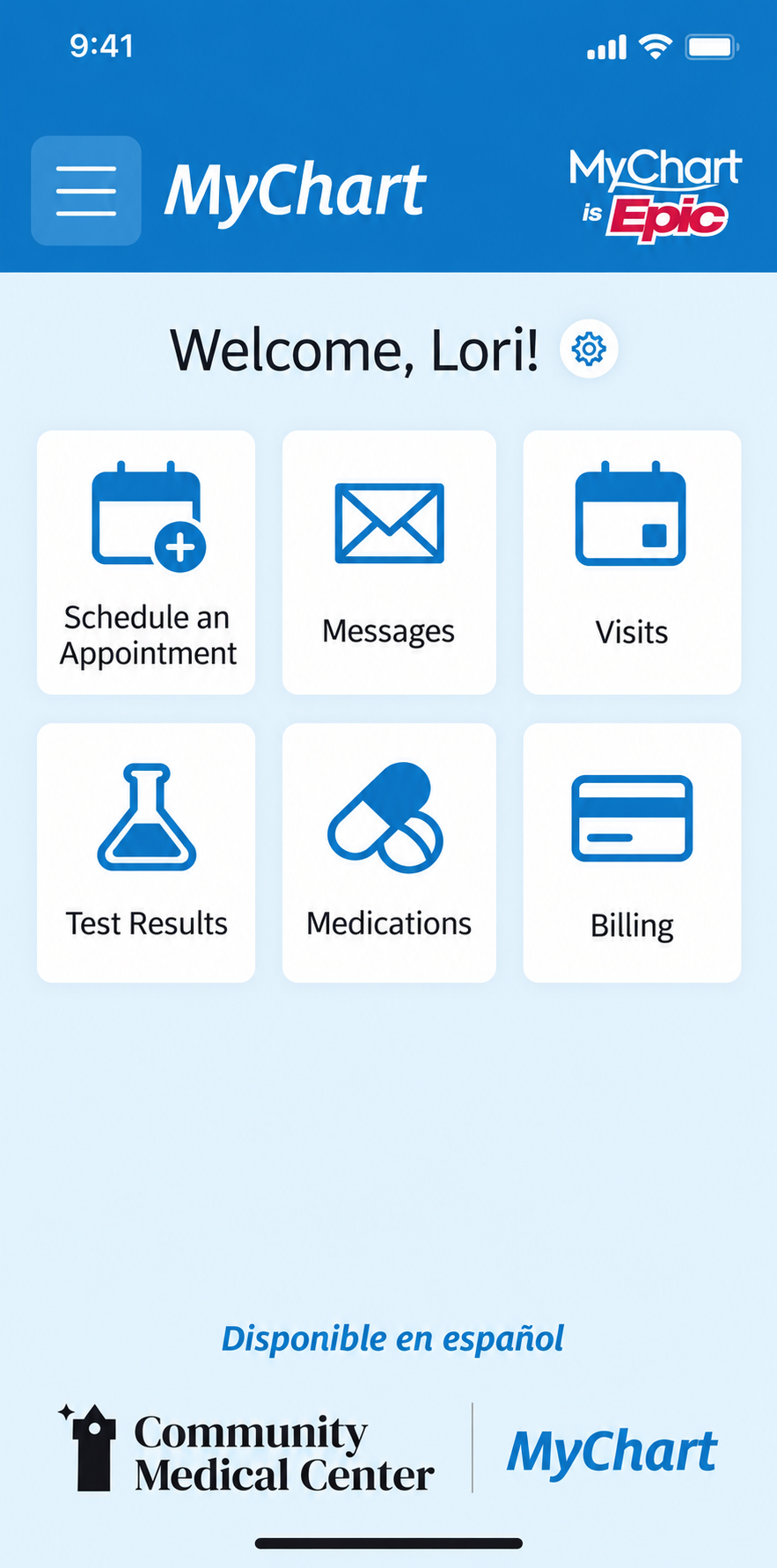
A patient portal is a useful starting point when appointment details, test results, and messages are scattered. If your parent’s provider uses MyChart, you may be able to see permitted information and help manage parts of their care through adult proxy access. Other healthcare providers offer their own portals.
Proxy access lets you use your own account. Your parent may be able to invite you, or the healthcare organization may ask for a separate request or form. Each organization decides what you can see and do, so arrange access before an urgent situation if your parent wants your help.
A portal still takes attention. Medication records may need reviewing, results can arrive without much explanation, and messages to a care team are for nonurgent questions. I would use it as the place to check clinical information, then bring anything unclear to an appointment or the care team.
2. Medisafe for Medication Reminders
Medisafe helps a person follow a medication schedule and record doses in the app. It offers two different ways to involve a caregiver, and choosing the right one matters.
With Medfriend, you can view information and receive a missed-dose alert, but you cannot edit the schedule or mark a dose. A Dependent profile gives the caregiver control over medication entries and dose records. Medfriend alerts arrive about an hour after a scheduled dose if no action has been logged.
Here is the limit I would make clear to anyone using it: the app records what someone entered, not what it can independently observe. An unlogged dose may have been taken, and a marked dose still needs an accurate entry.
Someone must update the schedule whenever a prescription changes. Medisafe also introduced paid access for users outside the United States in 2026, with terms that can vary by location. Check the price shown for your account before relying on it.
3. ianacare for Coordinating a Regular Care Team
ianacare’s free Caregiver Organizer gives relatives and friends one place for dates, contacts, updates, and requests for help. You can ask someone to handle a ride, meal, errand, visit, or other task, and supporters can accept the request.
That can replace a string of vague offers with a clear job: “Can you drive Mom to her appointment on Thursday morning?” The Organizer is available on mobile and the web, and invited supporters can use it for free.
The benefit depends on participation. If one person enters every task while everyone else continues planning in separate chats, there is now another calendar to maintain. Agree that accepted tasks and changes go in one place.
ianacare also offers a one-to-one Care Navigator through participating benefits and programs. Do not assume that service is included with the free Organizer.
Check out the digital tools for family caregivers here.
4. Lotsa Helping Hands for a Wider Circle of Helpers
Lotsa Helping Hands is a free care calendar where people can sign up for tasks such as delivering meals or giving rides. It makes sense when friends, neighbors, or community members want to help but need to know exactly what is needed.
A request works best with practical details: the day and time, where to go, any meal restrictions, and whom to contact if plans change. That small amount of preparation can save the main caregiver from arranging every offer individually.
Someone still has to post needs, keep the calendar current, and confirm important commitments. For a family with only one or two helpers, a simpler shared calendar may be enough. Lotsa offers private and open community options, so review the setting before sharing details about your parent.
5. CaringBridge for Family Health Updates
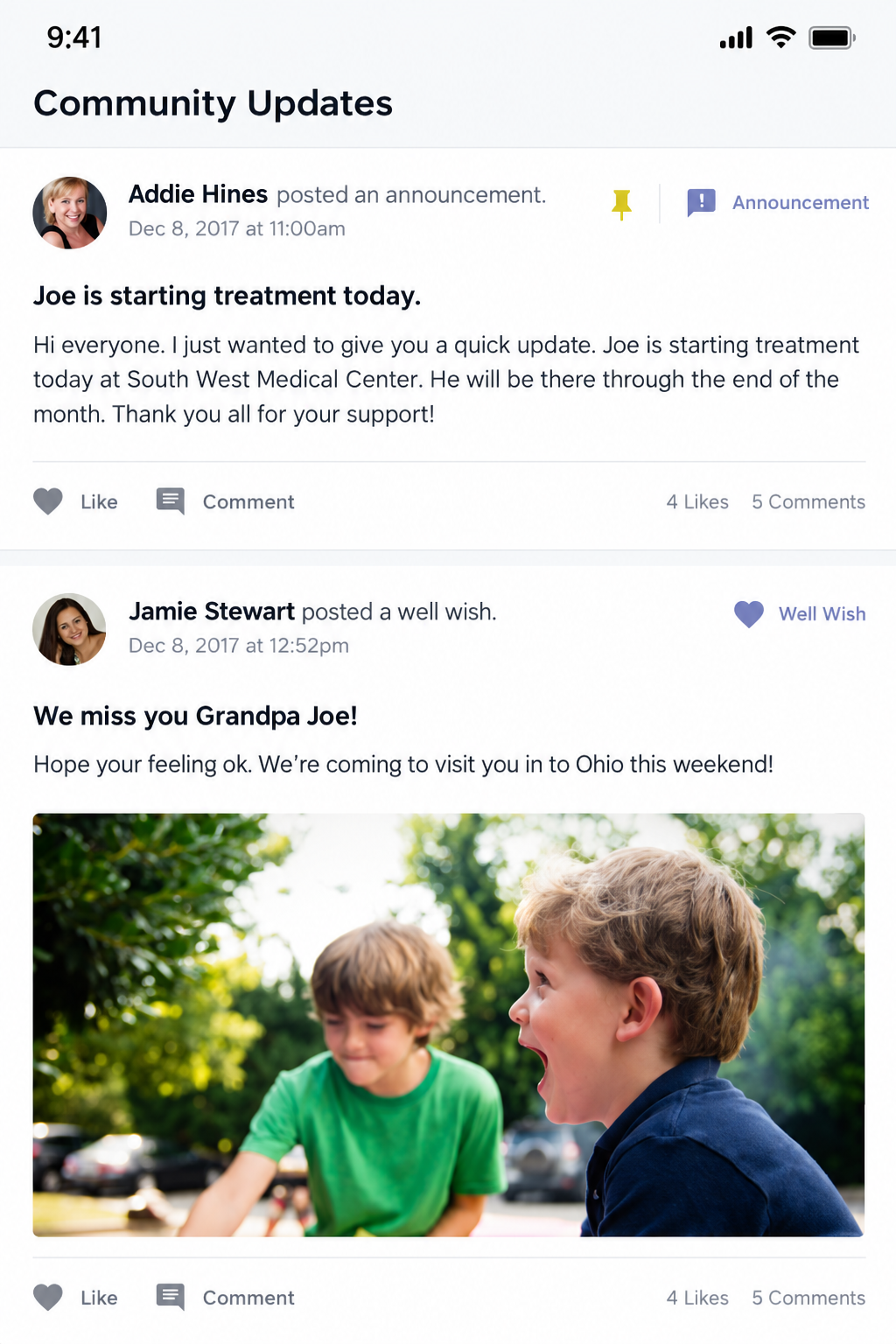
During a hospital stay or a long course of treatment, repeating the same news to relatives can become a daily task. CaringBridge provides a free, ad-free page for updates, supportive comments, and requests for practical help through its Planner.
I would consider it when one family update could replace many calls and messages. It also gives supporters a place to respond without expecting the caregiver to manage every conversation separately.
First, agree with your parent on what may be shared. They may want loved ones informed while keeping some medical details private. Check who can see the page and remember that a posted update is not a substitute for the provider’s record or an urgent call.
6. Apple Health Sharing for Selected Health Information
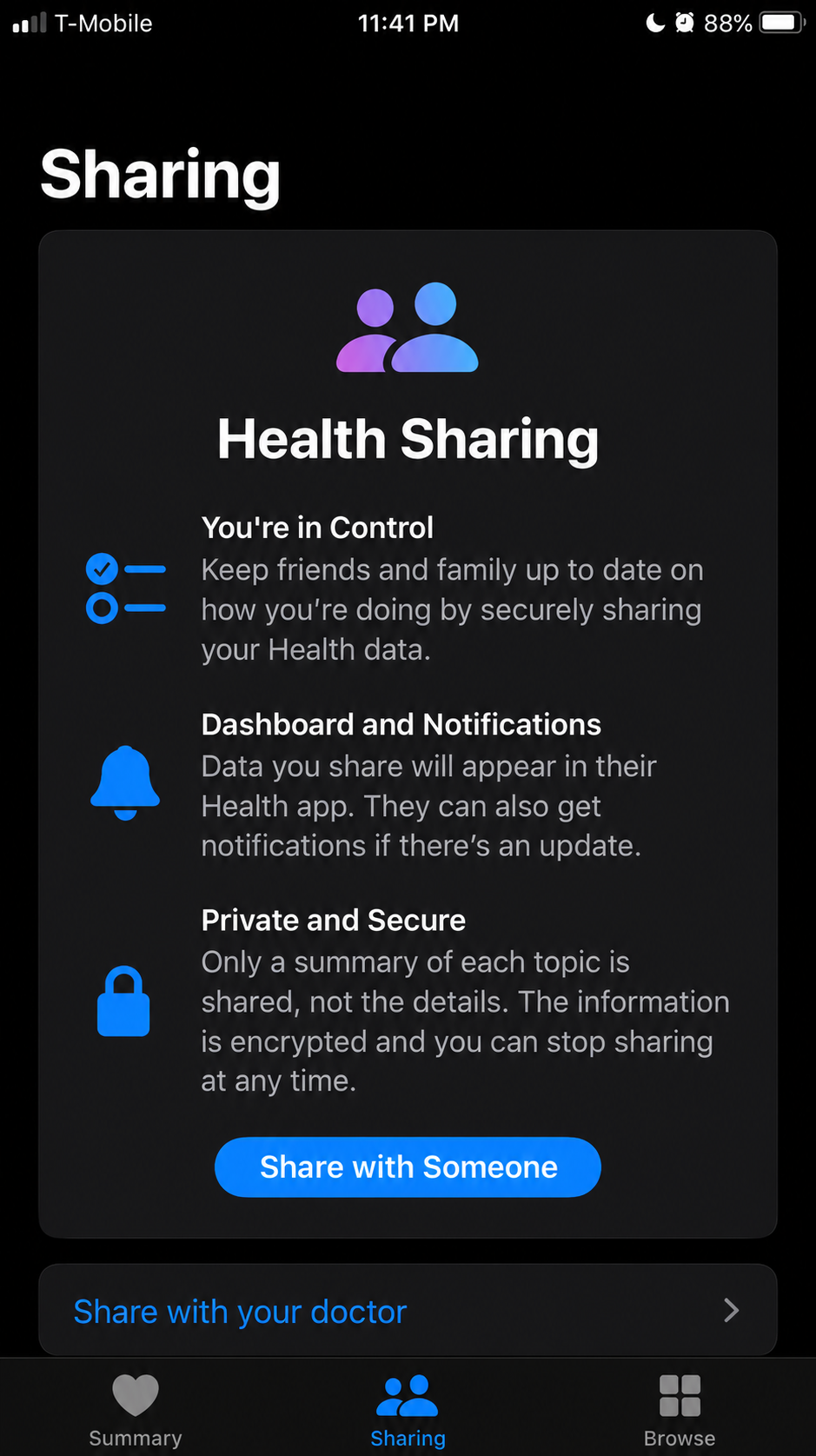
If your parent uses an iPhone, Apple Health Sharing lets them choose certain Health app information to share with a trusted contact. Depending on what is recorded and selected, that can include health notifications or activity trends. They can review their choices and stop sharing.
This works best when there is a specific reason to share. Talk about which information would be useful instead of turning on every category. The arrangement should feel understandable to your parent, not like a stream of data they cannot control.
Health Sharing depends on compatible Apple devices and information collected or entered in the Health app. It is not a live confirmation that someone is okay. If your parent wants to end sharing, they must do so in the Health app; removing a person from Contacts alone does not stop it.
7. Snug Safety for a Daily Check-In
Snug asks your parent to check in on their phone each day. If they miss a check-in, its free plan sends a text to their chosen emergency contacts. The paid Dispatch plan adds phone follow-up and, when needed, coordination of a wellness check.
A daily check-in may appeal to someone who lives alone and wants a simple routine. The family should decide who will respond to a missed check-in before depending on the alert. On the free plan, that follow-up is the contacts’ responsibility.
A missed tap can have an ordinary explanation, including a forgotten check-in or an unavailable phone. Snug does not instantly detect a fall. It also asks your parent to complete a daily action, which may become frustrating if they do not want that routine. Check local availability and the current paid-plan price before subscribing.
8. Life360 for Location Sharing Your Parent Agrees To
Life360 shares a member’s phone location within a Circle and can alert others when that phone arrives at or leaves a saved Place. Its free membership includes alerts for two Places.
That may help with a defined concern, such as knowing when a parent who travels independently has arrived home. Agree together on who can see the location and what the alerts are meant to answer.
A map cannot tell you how your parent feels or whether they need help. Updates depend on the phone’s battery, connection, and permissions. If a location seems unusual, contact them rather than assuming what happened.
Continuous sharing is a significant choice. If your parent would rather send an arrival message or make a call, that may answer the family’s concern with less intrusion.
9. A Fall-Detection Watch for Certain Hard Falls
Compatible Apple Watch and Google Pixel Watch models can detect some hard falls. They alert the wearer and, under certain conditions, can attempt an emergency call when the person does not respond.
Neither watch detects every fall. Calling also depends on the model, setup, connection, and regional support. A Pixel Watch Wi-Fi model generally needs its paired phone nearby to make an emergency call.
The everyday question is whether your parent wants to wear and charge a watch. Before buying one for fall detection, check the feature on the exact model, set up emergency contacts, and make sure your parent understands the alerts. If falls are happening repeatedly, discuss them with the care team as well. A device cannot address their cause.
10. NIA Caregiver Worksheets and a Paper Care Folder
One of the most useful tools on this list does not require an account. The National Institute on Aging offers free printable worksheets for medications, important documents, and other caregiving details.
A small care folder can hold an updated medication list, clinicians’ phone numbers, emergency contacts, and the location of essential paperwork. Include prescriptions, over-the-counter medicines, and supplements, with doses and timing. Bring a current medication list to appointments.
Paper needs maintenance too. Update it after care changes and keep it somewhere secure that the right people can access. A worksheet helps organize information; it does not grant legal authority or replace healthcare documents.
If your parent dislikes using apps, a well-kept folder and agreed phone calls may be a more dependable starting point.
Which Combination Makes Sense for Your Family?
I would choose a small setup that matches the work already happening. Adding every available alert can make it harder to notice the one that matters.
| What Is Getting Difficult? | Start Here | Add Something Else If Needed |
| Appointments and medical information | Your parent’s patient portal | A paper list of questions and current medicines |
| Relatives duplicating tasks | ianacare or Lotsa Helping Hands | CaringBridge if many people also need health updates |
| A complicated medication schedule | A current medication list and reminder routine | Medisafe if app reminders or caregiver visibility would help |
| Checking in with a parent who lives alone | An agreed call or Snug check-in | A fall-detection device if it suits their needs and routine |
| Reassurance during independent trips | An agreed arrival message | Life360 if your parent wants location sharing |
Try the setup in ordinary circumstances. Ask your parent whether it feels helpful, and ask the people doing the work whether tasks are easier to find and complete. Keep what helps. Remove duplicate calendars and alerts that nobody uses.
Decide What Happens After an Alert
An alert is the beginning of a response, not the response itself. Before turning one on, agree on a short plan:
- Name the first responder: Who checks a missed dose, check-in, or unusual location?
- Choose a backup: Who can act when that person is unavailable?
- Keep contact details current: Make sure the right numbers are in the app and in an accessible backup list.
- Review sharing: Give helpers the information they need for their role, then remove access when that role ends.
A patient portal and a consumer caregiving app can also handle health information under different rules. Read each app’s sharing settings before adding diagnoses, records, or other sensitive details.
Your parent should remain part of these decisions whenever they can be. The most useful system is one that supports their care while respecting how they want to live.
Frequently Asked Questions about Apps for Caring for an Aging Parent
What Is the Best App for Caring for an Aging Parent?
The best choice depends on the task. Start with your parent’s patient portal for medical information, one organizer if several people share jobs, or a reminder tool if a medication schedule is hard to follow. One well-used tool is more helpful than several neglected accounts.
Is There an App to Check on an Elderly Parent Who Lives Alone?
Yes. Snug offers a daily check-in and missed-check-in alerts. Some compatible watches offer fall detection. These features work differently, so choose with your parent and decide who will respond when an alert arrives.
Can I Access My Parent’s MyChart Account Without Their Password?
You may be able to request adult proxy access through their healthcare organization. Approved proxy access lets you use your own account, but the organization decides what you can view or manage. Ask the provider about its process.
Can a Medication Reminder App Tell Me Whether My Parent Took a Dose?
It can show whether a dose was marked in the app. It cannot independently confirm that the medicine was taken. If the record is uncertain, check with your parent or the person helping them.
What If My Parent Does Not Want Location Tracking or Another App?
Ask what kind of help they would welcome. An agreed call, arrival message, shared appointment plan, or paper care folder may solve the immediate problem. When your parent can make their own decisions, those preferences should guide the setup.
Let the Tools Serve the Care
Apps for caring for an aging parent are most useful when they make a real task easier: finding the next appointment, getting a ride covered, sharing an update once, or prompting someone to call.
Start with your parent’s wishes and the family’s most pressing need. Give every tool a purpose and every alert a responder. If a tool becomes another job for everyone, it is time to simplify.