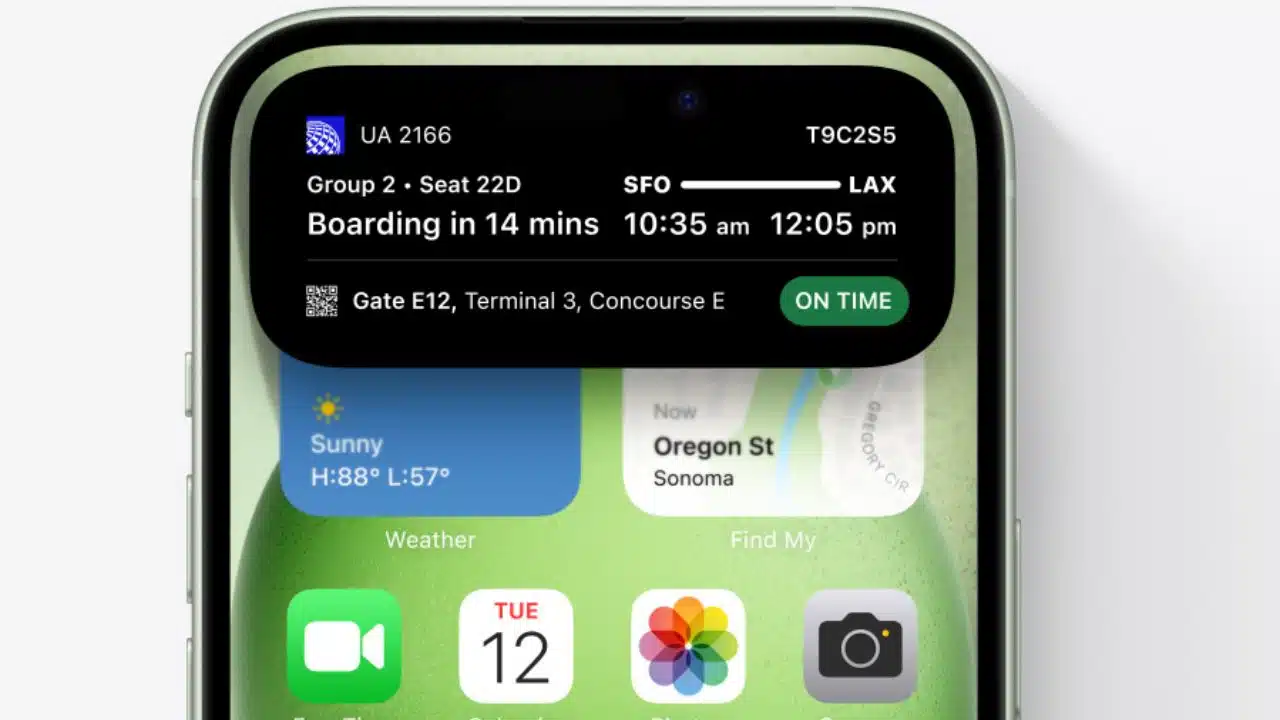
Apple has recently rolled out its first significant update since the launch of iOS 17 in September, marking a new era for iPhone users with the introduction of iOS 17.1. This update, teeming with enhancements and new features, is designed to elevate the user experience significantly.
However, it’s essential to note that iOS 17.1 is not available for all iPhone models. Only those wielding an iPhone Xs or newer will have the privilege of experiencing iOS 17.1. This includes models such as the iPhone Xs Max, iPhone Xr, and the entire iPhone 11 series. Furthermore, those who have embraced the second and third-generation iPhone SE models will also find themselves compatible with this latest update.
As you eagerly anticipate what iOS 17.1 has to offer, let’s delve into some of its most prominent and exciting features. Apple has certainly not held back in refining and introducing functionalities that promise to enhance your daily iPhone interactions.
5 Best Features Arriving with iOS 17.1
Among the various adjustments and enhancements that Apple has woven into iOS 17.1, there are a few that stand out, capturing attention for their innovation and utility:
1. Enhanced AirDrop Connectivity: Imagine you’re transferring files via AirDrop and suddenly, you step out of Wi-Fi range. With iOS 17.1, this no longer halts your transfer. Now, if two connected iDevices lose their Wi-Fi connection, the transfer can seamlessly continue over a cellular connection, ensuring uninterrupted sharing.
2. Personalized Music Experience: For those who consider music an integral part of their daily life, iOS 17.1 brings a delightful addition to Apple Music. The new “Favorites” feature allows you to add artists, songs, albums, and playlists, essentially teaching the app about your musical preferences. This means more personalized and accurate recommendations, tailoring your listening experience to your unique tastes.
3. Improved StandBy Mode Control: In an effort to give users more authority over their device settings, Apple has revamped the Settings menu in StandBy Mode. Now, you have enhanced control over when your display turns off, allowing for a more customized and power-efficient experience.
4. Dynamic Island Flashlight Indicator: Previously an exclusive feature for the iPhone 15 Pro, the flashlight indicator for Dynamic Island is now accessible to all compatible iPhones. This feature adds a layer of convenience and aesthetic appeal to your device.
5. Versatile Phone Shuffle: The Phone Shuffle feature, which lets you shuffle a set of pictures for your lock screen, now offers an additional layer of customization. You can select pictures from a particular album, allowing for a more personalized and dynamic lock screen display.
For those interested in diving deeper into the myriad of tweaks and bug fixes that accompany iOS 17.1, Apple’s official release notes are an invaluable resource.
In tandem with the iOS update, Apple has also released the new iPadOS, version 17.1. Both updates are readily accessible and can be installed by navigating to Settings > General > Software Update on your iOS device. With a simple tap on Download and Install, you can swiftly bring your device up to speed with these latest enhancements.