


I build kids’ apps for a living, so I install preschool learning games on Google Play the way other people read reviews: constantly, and with a checklist. Most of them fail the same way. They look busy, they reward taps instead of thinking, and a three-year-old can play for twenty minutes without learning anything.
These ten do not. One of them is mine, and I say so plainly in that entry. The rest I picked the way I would for my own child, with the price model listed for each so nothing surprises you after the download.
How I Judged These Preschool Learning Games on Google Play
Four tests. Can a three-year-old open it and play without an adult reading instructions? Does it work offline, since tablets go in cars? Are ads absent, not just “limited”? And does it teach one thing well rather than ten things badly? Experts generally suggest short, supervised sessions of 10 to 15 minutes at this age, so an app that needs setup time is already losing. If you want the longer checklist, see how to choose learning apps for kids.
The 10 Best Preschool Learning Games on Google Play
1. Khan Academy Kids — The Best Free Pick
Start here. It covers phonics, early math, storybooks, and social skills for ages 2 to 8, and it is completely free with no ads and no subscriptions. It was built by the Duck Duck Moose team in partnership with the Stanford Graduate School of Education, aligned to Head Start and Common Core standards, and works offline. On Google Play it holds about 4.3 stars from more than 56,000 ratings. There is no reason not to have it installed.
2. Alphabet Magic: Trace & Phonics: Letter Tracing (Our Own App)
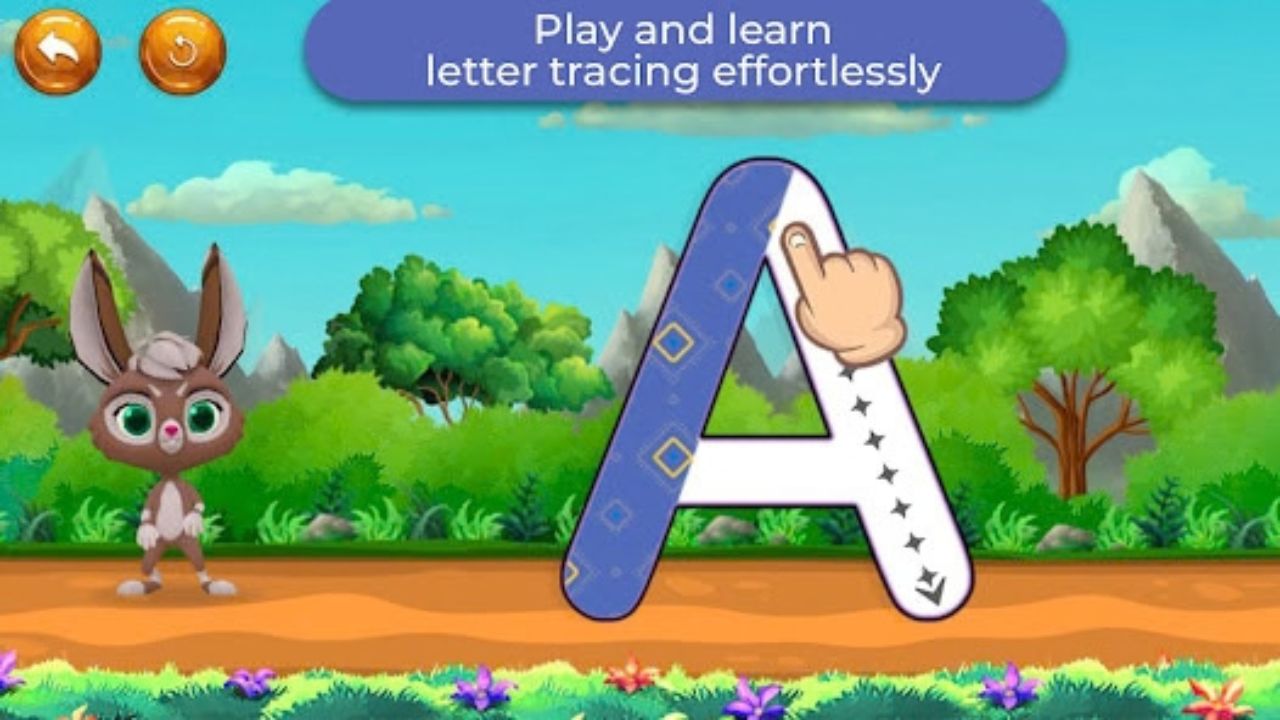
Our software team built this one, so treat this entry as the developer explaining it, not a review. Alphabet Magic is a free, ad-free, offline app with eight mini-games covering uppercase and lowercase tracing, letter matching, phonics, and simple spelling. It is rated for ages 3 and up, which is the band it was designed around.
It does letters only, and with roughly 5,000 downloads, it is by far the smallest app on this list, so the rating is based on a handful of reviews. If you want breadth, use it next to Khan Academy Kids rather than instead of it. It is also on iOS.
3. Endless Alphabet: Letter Sounds Without Pressure
An $8.99 one-time purchase, which I prefer to a subscription for an app a child uses for two years. Animated monsters pull letters out of a word and the child drags them back, hearing each sound. There are no timers, scores, or fail states, and it runs offline. Common Sense Media rates it five stars. Vocabulary is its real strength, not the alphabet.
4. Duolingo ABC: Short Lessons That Build a Habit
Free, from the Duolingo team, built around short gamified lessons in phonics and early reading. The format suits a child who likes finishing things. It leans more structured than the others here, so it works better at four than at three. If that approach appeals, our roundup of gamified learning platforms covers the idea in more depth.
5. Moose Math: Counting Through Pretend Play
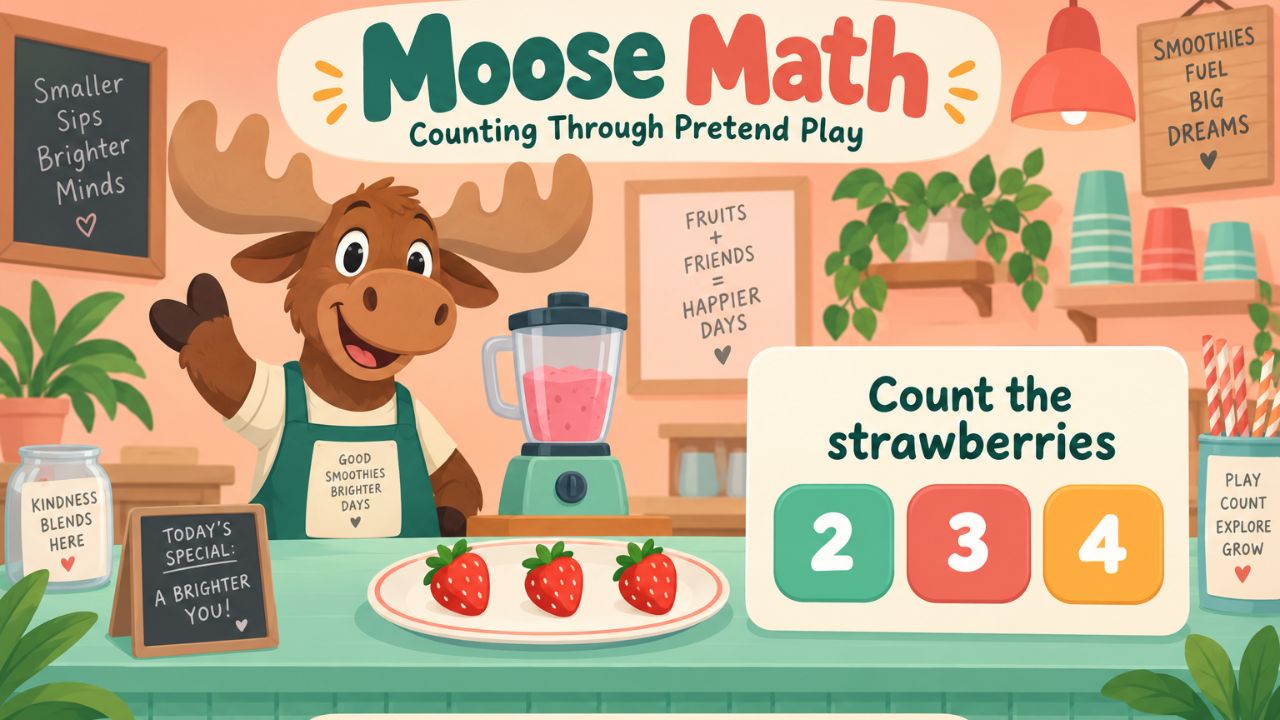
Free and ad-free, from the Duck Duck Moose series. Children make smoothies and run a pet shop while practicing counting, addition, subtraction, and shapes, with Common Core alignment and parent progress reports. Pretend play is why it holds attention at this age. Before you worry about whether it is working, read these signs of strong number sense in preschoolers.
6. Numberblocks World: Numbers for Children Who Knows the Show
Built on the full Numberblocks series across five levels, with number songs, subitizing games, and a counting game that moves from ones to twos, fives, and tens. It runs on a subscription with a seven-day free trial, and the price varies by region and plan. Worth it only if your child already likes the characters. If not, start with Moose Math.
7. Thinkrolls: The Logic Pick
A rolling-ball physics puzzler with more than 2,000 puzzles for ages 2 to 8. Children learn force, buoyancy, heat, and gravity by pushing objects around mazes, which is problem-solving disguised as a game. It is ad-free, with a seven-day trial then a monthly or annual subscription. Common Sense Media gives it five stars. My favorite thing about it is that failing costs nothing, so children experiment.
8. Sago Mini World: Shapes, Colors, and Free Play
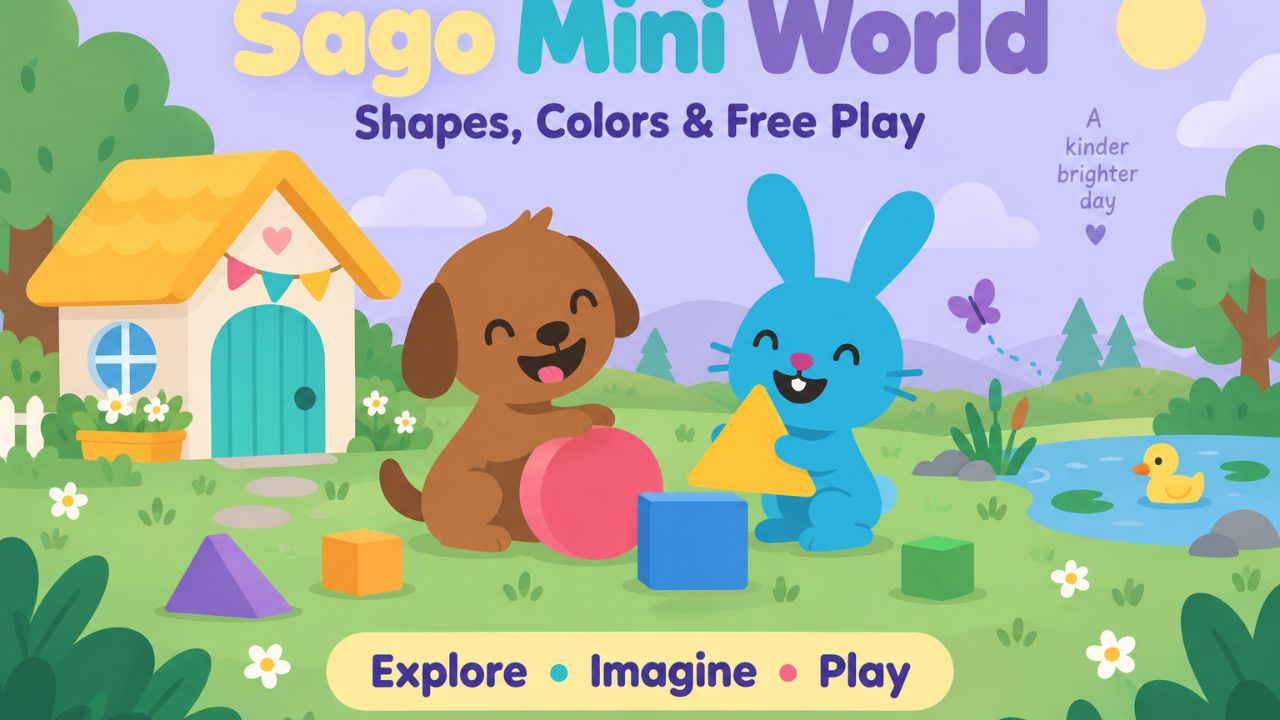
More than 35 games with no rules, levels, or failure states, for ages 2 to 6, at $6.99 a month or $59 a year. It is COPPA and KidSAFE certified, ad-free, with no in-app purchases and offline downloads. The trade-off is stated openly by reviewers: very little structured phonics or math. Buy it for calm, open play, not for academics.
9. PBS Kids Games: Free Variety With Familiar Faces
Hundreds of ad-free games with Daniel Tiger, Curious George, and the Kratt brothers, covering math, science, and reading, downloadable for offline use and backed by decades of children’s media research. The interface can feel clunky. The content quality makes up for it, and it costs nothing. It pairs well with these free educational apps for summer.
10. Montessori Preschool: The Structured Option
Free to download, then $9.99 a month or $59.99 a year, aimed at ages 3 to 7. It follows a Montessori-style path across letters, numbers, shapes, and practical life activities, with tracking for parents. This is the pick for families who want a sequence to follow rather than a shelf of games. It is the most expensive entry here, so use the trial properly before you commit.
What I Would Skip Among Preschool Learning Games on Google Play
Anything with ads between levels, anything that asks a preschooler to tap a video reward, and any app whose store listing does not clearly state how it makes money. Also skip apps that promise every subject at once. A free app doing one job well beats a paid app doing nine jobs badly. Our wider list of the best apps for preschoolers has more on that.
FAQs About Preschool Learning Games on Google Play
1. Which is the best free preschool learning game on Google Play?
Khan Academy Kids. It is genuinely free with no ads or subscriptions, covers the widest range, and works offline.
2. How long should a 3-year-old use these apps?
Around 10 to 15 minutes at a time, with an adult nearby. Short and regular beats long and alone.
3. Are subscription apps worth it for a preschooler?
Sometimes, but start everyone on its free trial and set a reminder to cancel. Most children use two apps and ignore the rest.
Final Thoughts
The best preschool learning games on Google Play are the ones your child returns to without being asked. Install two free picks first, watch which one gets opened again, and only then consider paying for anything. As someone who builds these, I will tell you the truth: the app matters less than whether you are sitting next to them while they use it.























