

Most tools for SaaS competitive analysis do one job well and three jobs badly. I found that out the slow way while building ImagineLab.art, our AI creative platform. I wanted one dashboard that showed me what rivals shipped, what they ranked for, and where their traffic came from.
It does not exist. So I run a small stack instead, grouped by the question I need answered. Here are the ten I keep, with current prices and the limits nobody mentions in the demo.
Tools for SaaS Competitive Analysis That Track Feature Gaps
This is the group I check before a roadmap call. The job is simple: find out what a competitor shipped before a customer tells me about it. If you are still choosing a wider stack, our guide to top SaaS tools for startups covers the rest.
1. Crayon: SaaS Competitive Analysis for Teams With a Dedicated Owner
Crayon watches competitor sites, social accounts, job boards, review sites, and filings, then turns the changes into battlecards. It does not publish pricing, and there is no free trial or self-serve path. Buyer-reported figures land around $20,000 to $40,000 a year, plus an analyst to run it. That last part matters. The most common complaint in reviews is noise: the platform flags small text edits alongside real launches. Buy it only if someone owns it full time.
2. Klue: SaaS Competitive Analysis Built for Sales Calls
Klue is narrower than Crayon and better at one thing, which is arming reps in a live deal. Reported pricing sits in the $30,000 to $80,000 a year range, with an annual contract. Crayon is the broader suite for a dedicated intelligence team; Klue wins when sales enablement is the main use case. For a product-led company with no sales floor, this is the wrong spend.
3. Visualping: Cheap SaaS Competitive Analysis for Pricing Pages
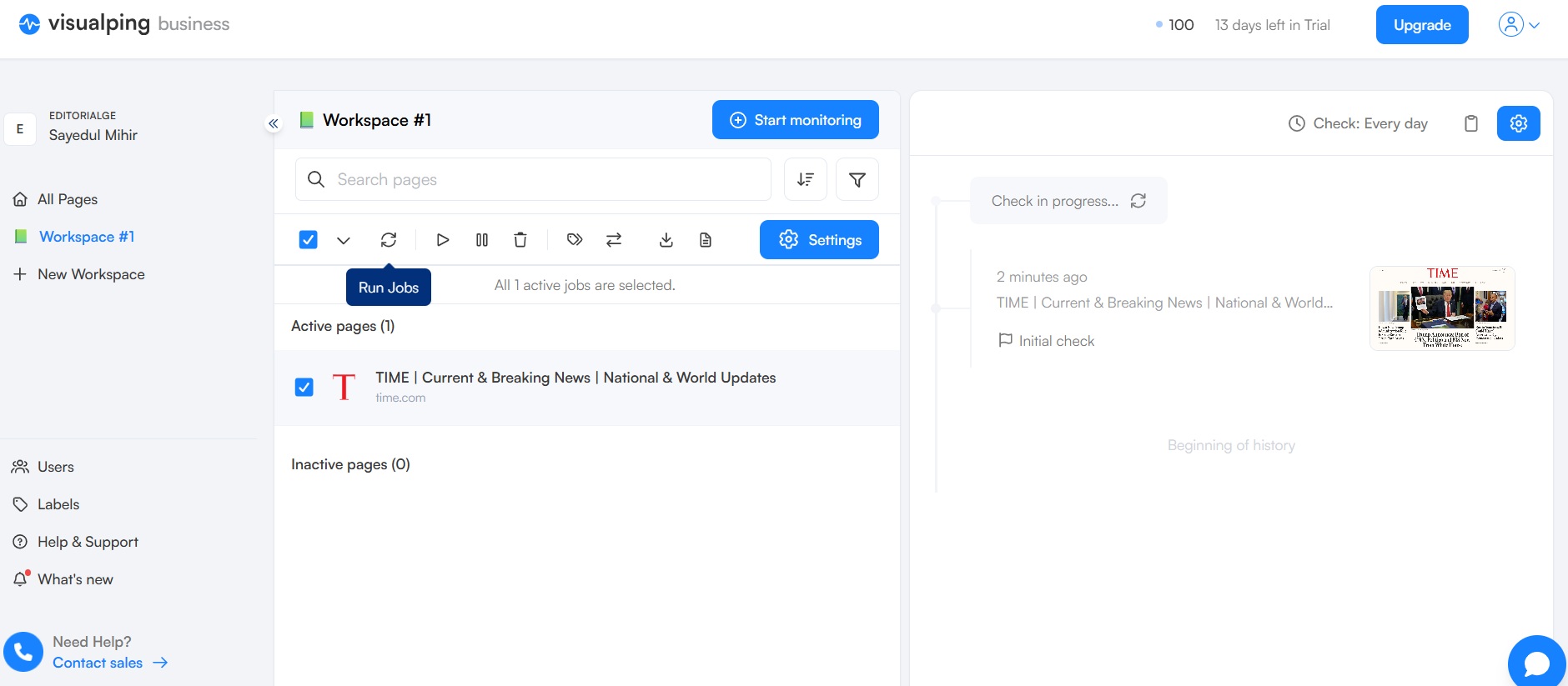
This is the tool I would give a bootstrapped founder first. You paste a URL, it watches the page, and it emails or Slacks you with a screenshot showing what changed, with AI marking whether the change matters. The free plan covers five pages, and paid plans start near $10 a month. Slack and API access sit on the business plan at around $140 a month. I watch pricing pages, changelogs, and careers pages.
4. G2: SaaS Competitive Analysis From Your Rivals’ Own Users
Reading reviews is not glamorous, but the “what do you dislike” field is the cheapest roadmap research there is. Visualping alone carries over 450 reviews, and mature competitors carry hundreds more. I filter by company size that matches our own buyers and read complaints only. Two of our smaller features came out of that habit. Free and slower than a dashboard, which is the point.
Tools for SaaS Competitive Analysis That Covers SEO and Traffic
This is where I spend most of my time, because search is where our competitors show their hand. Every keyword they chase tells you what they think their market is. Our roundup of AI tools for SaaS product teams pairs well with this group.
5. Semrush: Broad SaaS Competitive Analysis in One Suite
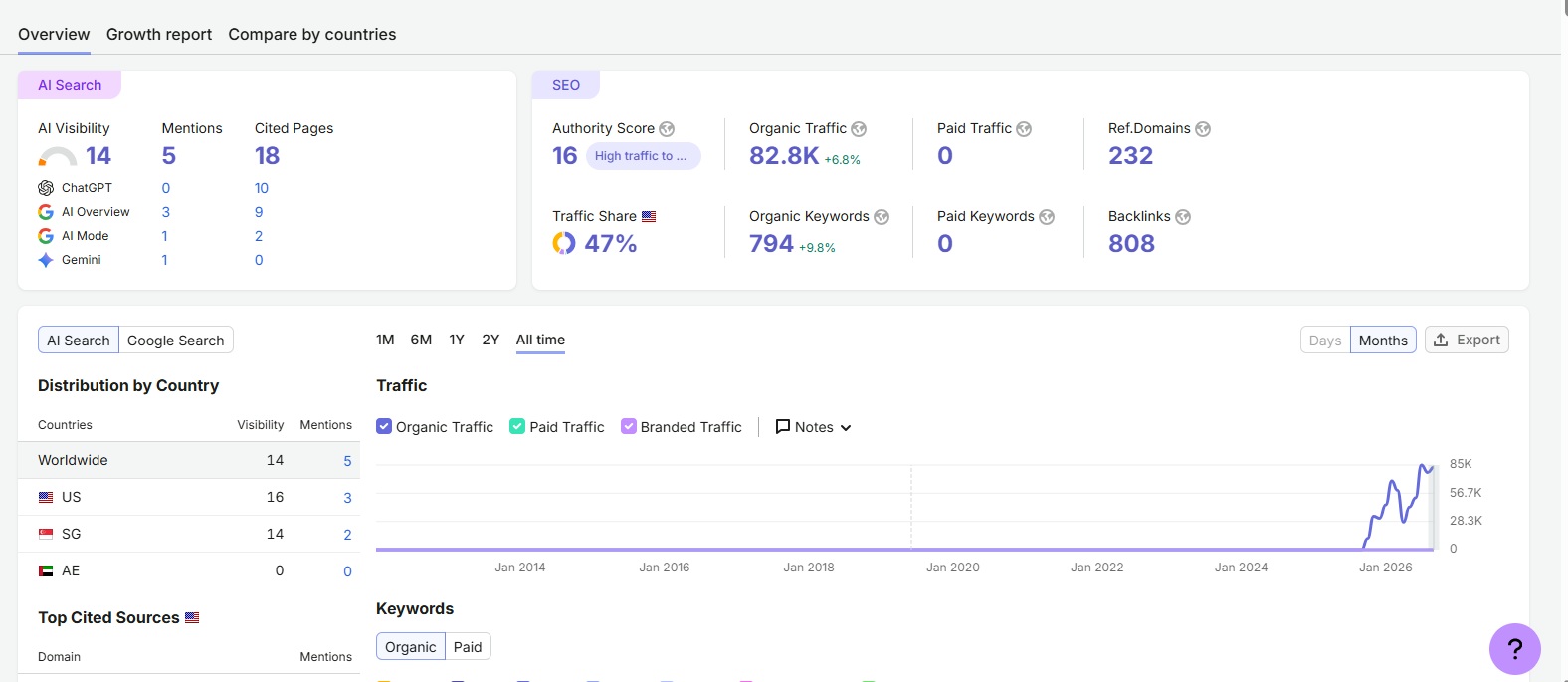
Semrush is the default for a reason: keywords, ads, backlinks, and content gaps in one place. Pro runs $139.95 a month, Guru $249.95, and Business $499.95, with the Semrush One bundle starting at $199. Content tools and historical data are locked behind Guru, which drives the jump from Pro. Its AI Visibility toolkit costs $99 a month per domain, which is now worth budgeting for.
6. Ahrefs: SaaS Competitive Analysis With the Strongest Link Data
I use Ahrefs when I want to know who is linking to a rival and why. There is a free plan, then Starter at $29 a month, Lite at $129, Standard at $249, Advanced at $449, and Enterprise at $1,499. The Starter plan is credit-limited to the point where filters eat your budget, so treat it as a trial. Standard is the first tier that supports real competitor work.
7. Similarweb: SaaS Competitive Analysis at Market Level
Semrush and Ahrefs show you search. SimilarWeb shows you the whole traffic mix, including direct, referral, and paid. The Starter plan is $199 a month, while Team sits near $14,000 a year and Business near $35,000. Estimates also get shaky on smaller sites, which I have seen firsthand. I use it for direction, never for exact numbers.
8. SpyFu: SaaS Competitive Analysis on a Small Budget
SpyFu is the value pick in this group. Basic is $39 a month and Professional is $79, and its real edge is an ad and ranking archive going back more than a decade, which the big suites do not match. The trade-off is real: backlink data is thin, the interface is dated, and it only sees search, not social advertising. I keep it for ad history alone.
Tools for SaaS Competitive Analysis That Reveal the Tech Stack
As a technical advisor, this group tells me more than any marketing page. A migration is a strategy announcement nobody publishes.
9. BuiltWith: SaaS Competitive Analysis of Build Decisions Over Time
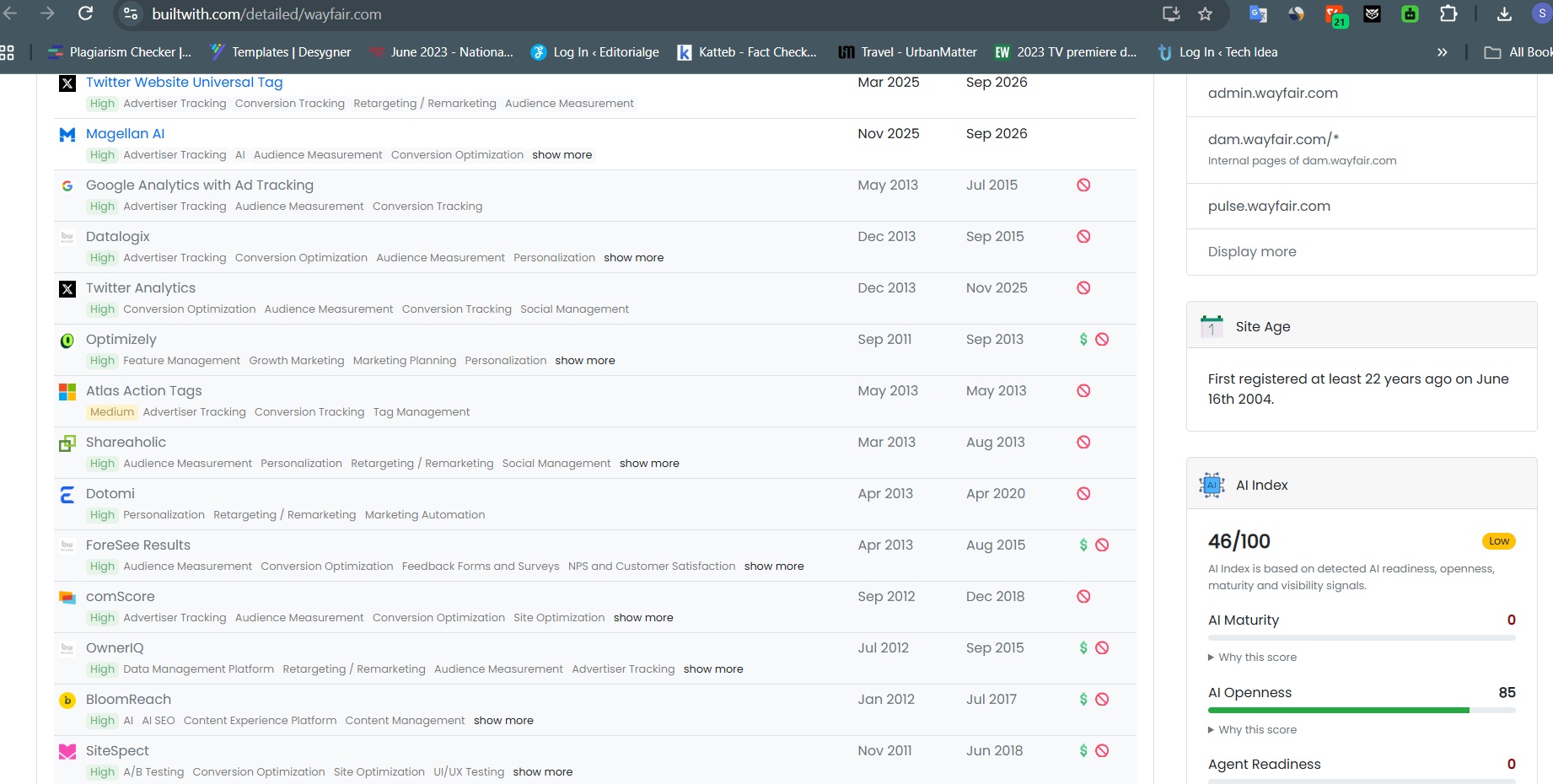
BuiltWith keeps a dated history, so you can see the exact month a competitor moved platforms or added a payment provider. The browser extension is free; the Basic API plan is $295 a month for 5,000 lookups. The free extension covers most one-off checks.
10. Wappalyzer: Fast SaaS Competitive Analysis in the Browser
Wappalyzer is the quick version. The extension fingerprints a page live in your browser with no account and no query limit, so I use it during any competitor walkthrough. Paid API plans start around $149 a month for 5,000 lookups, which I have never needed. Be careful with backend claims: neither tool truly sees the server language or database, so both are guessing from headers.
The Stack I Would Actually Buy
If I were starting over with a small budget for tools for SaaS competitive analysis, I would take Visualping, Ahrefs, SpyFu, and both free extensions. That covers changes, search, ad history, and stack for under $250 a month. Enterprise platforms only pay off when one person owns the program. Our list of free SaaS tools for founders and developers covers what else fills those gaps, and this guide on automating small business tasks with free SaaS tools explains how to route alerts without paying for a business plan.
FAQs About Tools for SaaS Competitive Analysis
1. What is the best free tool for SaaS competitive analysis?
Visualping’s free tier, paired with the Wappalyzer extension. One tells you when a competitor changes something; the other tells you what they built it with.
2. How many SaaS competitive analysis tools do you need?
Three or four, split by job. One suite for search, one monitor for changes, and one lookup for stack. Adding more creates dashboards nobody opens.
3. Are enterprise SaaS competitive analysis platforms worth it?
Only with a dedicated owner. Crayon and similar platforms need weeks of setup and several hours a week from an analyst, so without that person you are paying for alerts nobody reads.
Final Thoughts
The best tools for SaaS competitive analysis are the ones you check before a decision, not after. My stack stays small because I would rather read four signals weekly than ignore forty. Start with the free tier of one monitoring tool, add a search suite when your content program justifies it, and only consider an enterprise platform when someone owns the work.























