


If a retrospective ends with a crowded board but nothing changes afterward, the team has not gained much. Effective retrospectives make it easier for people to speak honestly, identify what matters, and agree on improvements they can realistically complete.
Team retrospective tools and formats solve different parts of that process. A tool provides the workspace, voting, anonymity, records, and action tracking. A format determines what the team discusses.
This list includes five tools and five formats. The tools were selected for participation, facilitation, action tracking, integrations, and value for different team sizes. The formats address distinct situations, from routine Sprint reflection to morale problems and delivery risks.
1. Parabol: Best Overall Retrospective Tool
Parabol guides a team through reflection, grouping, voting, discussion, and action planning. Participants can submit anonymous reflections, which helps prevent the first or most senior speaker from shaping everyone else’s answers.
The platform offers more than 90 meeting templates and integrations with tools such as Jira, GitHub, GitLab, Linear, Azure DevOps, Slack, Microsoft Teams, and Google Calendar.
Its free Starter plan allows unlimited users across two teams, with up to 10 meetings per month and 30 days of meeting history. That is enough for smaller teams, although limited history makes long-term pattern tracking difficult.
Parabol is the strongest all-round option for teams that want clear guidance without a complicated setup.
2. TeamRetro: Best for Multiple Teams
TeamRetro combines retrospectives, health checks, estimation, action tracking, and trend reporting. Team members can brainstorm independently, group related ideas, vote privately, and turn selected issues into actions or working agreements.
Participants do not need individual TeamRetro accounts to join a retrospective. This makes occasional participation less cumbersome.
Its health checks are the main differentiator. Coaches and managers can follow changes in workload, morale, communication, and other team dimensions instead of treating every meeting as an isolated event.
TeamRetro offers a 30-day trial rather than a permanent free plan. Its wider reporting capabilities make the most sense for organizations supporting several teams.
3. Neatro: Best Free Tool for Small Teams
Neatro has one of the more practical free plans in this category. It supports up to 10 team members, unlimited retrospectives and team radars, more than 70 templates, basic facilitation tools, and 30 days of data history.
Team radars help a group assess areas such as collaboration, trust, workload, and focus. Neatro also provides action tracking, allowing improvements to remain visible after the meeting ends.
Participants can join as guests without creating accounts. The platform is available in English and French.
Neatro is a sensible starting point for a small team that wants more structure than a basic whiteboard without taking on another subscription immediately.
4. Miro: Best for Visual and Customized Retrospectives
Miro is a broad visual collaboration platform, not a dedicated retrospective application. That distinction is also its advantage.
Teams can combine sticky notes, process maps, diagrams, timelines, images, and retrospective templates on an open canvas. It works particularly well when a discussion involves dependencies, customer journeys, or a complex delivery process that is easier to see than describe.
The free plan provides three editable boards and unlimited team members. However, free-plan boards are accessible to workspace members by default, while private boards, visitor editing, voting, and timers require a paid plan.
Miro suits experienced facilitators who value flexibility. Teams wanting a step-by-step retrospective workflow may find it too open-ended.
5. Retrium: Best for Guided Facilitation
Retrium leads teams through a defined sequence of brainstorming, grouping, voting, discussion, and action planning. This keeps the meeting moving and helps less-experienced facilitators avoid jumping straight from complaints to rushed solutions.
Its Team Room stores retrospective history and action items in one place. Plans include unlimited retrospectives, unlimited users, access to all retrospective activities, and Jira Cloud integration.
Retrium provides a 30-day trial and then charges by Team Room. It is a good fit for teams that want the platform to shape the meeting, but it may feel restrictive to facilitators who prefer designing every activity themselves.
6. Start, Stop, Continue: Best for Regular Retrospectives
This straightforward format asks three questions:
- What should the team start doing?
- What should it stop doing?
- What is working and should continue?
Give people quiet writing time before opening the discussion. Then group similar answers, vote, and select one or two changes for the next work cycle.
Start, Stop, Continue is ideal for new teams because it requires little explanation and balances problems with successful practices. Rotate it occasionally, however. Repetition can lead to predictable answers.
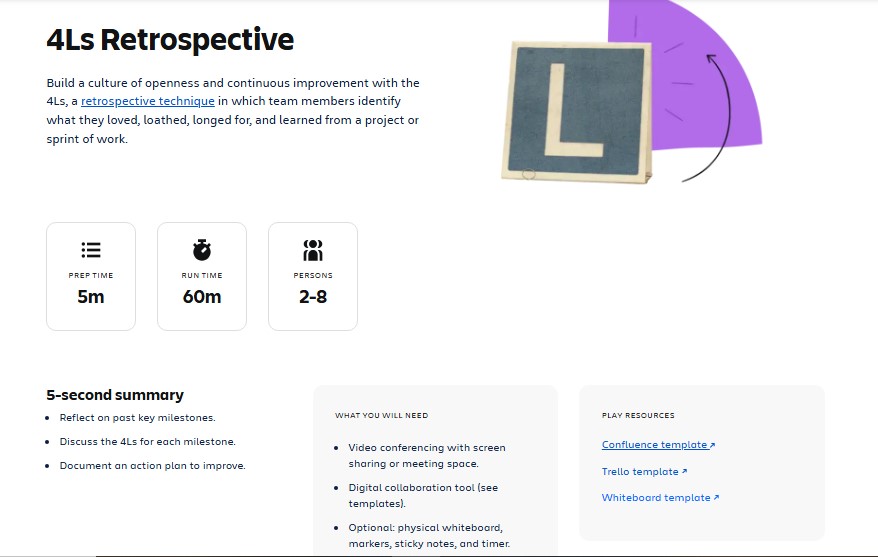
7. 4Ls: Best for Project and Release Reviews
The 4Ls examine four perspectives:
- Liked
- Learned
- Lacked
- Longed For
“Learned” captures insights that simpler positive-and-negative formats often miss. “Lacked” reveals missing resources or support, while “Longed For” opens a useful conversation about what would have improved the experience.
This format works well after a product launch, campaign, project phase, or demanding Sprint. Some versions use terms such as “Loved” and “Loathed,” so define the chosen categories before starting.
8. Mad, Sad, Glad: Best for Team Morale
Mad, Sad, Glad explores how recent work affected people emotionally. “Mad” surfaces frustration, “Sad” identifies disappointment, and “Glad” highlights positive experiences.
It can be especially useful after a stressful release, missed deadline, restructuring, or period of conflict. Anonymous input may help people raise sensitive issues, but the facilitator must keep the conversation blameless.
Do not ask anyone to justify an emotion. Explore the working conditions behind it, then agree on an action the team can control.
9. Sailboat: Best for Blockers and Risks
The Sailboat format uses four simple elements:
- The island represents the goal.
- The wind represents what moves the team forward.
- The anchors represent current obstacles.
- The rocks represent risks ahead.
Unlike formats focused only on past performance, Sailboat connects current problems with future delivery. It works well when a project has unclear blockers, external dependencies, or growing risks.
Keep the visual simple. The metaphor should support the discussion, not turn the meeting into a drawing exercise.
10. Lean Coffee: Best for a Team-Led Agenda
Lean Coffee is agenda-free but carefully structured. Participants propose topics, briefly explain them, and vote on the order of discussion. The team discusses the highest-ranked topic within a timebox and then decides whether to continue or move on.
This format is useful when several concerns are competing for attention or when the facilitator cannot predict the most important issue.
Reserve the final part of the session for decisions and action items. Otherwise, Lean Coffee can produce an engaging conversation without a useful outcome.
Make the Next Retrospective Matter
A good retrospective does not need an elaborate board or dozens of comments. It needs honest participation, a focused conversation, and visible follow-through.
Choose the tool that removes friction and the format that fits the moment. When people see that their feedback leads to change, they stop treating the retrospective as another meeting and start treating it as useful work.
Frequently Asked Questions on Team Retrospective Tools and Formats
1.What is the best free retrospective tool?
Neatro is a strong free choice for teams of up to 10 members because it includes unlimited retrospectives and team radars. Parabol is also useful if its meeting and history limits suit the team.
2. Which retrospective format is best for beginners?
Start, Stop, Continue is the easiest starting point. Its questions are clear, preparation is minimal, and the discussion naturally moves toward practical changes.
3. How long should a retrospective last?
Many small teams can run a focused session in 45 to 60 minutes. In Scrum, the maximum timebox is three hours for a one-month Sprint, with shorter Sprints usually requiring less time.
4. How often should teams run retrospectives?
Scrum teams hold one at the end of every Sprint. Other teams can schedule them after a project, release, campaign, incident, or meaningful work cycle. Consistency matters more than waiting for a problem.
5. Should retrospective feedback be anonymous?
Anonymous input can help when hierarchy, conflict, or low trust makes honest feedback difficult. It should create a safer starting point, not replace the longer work of building psychological safety.























