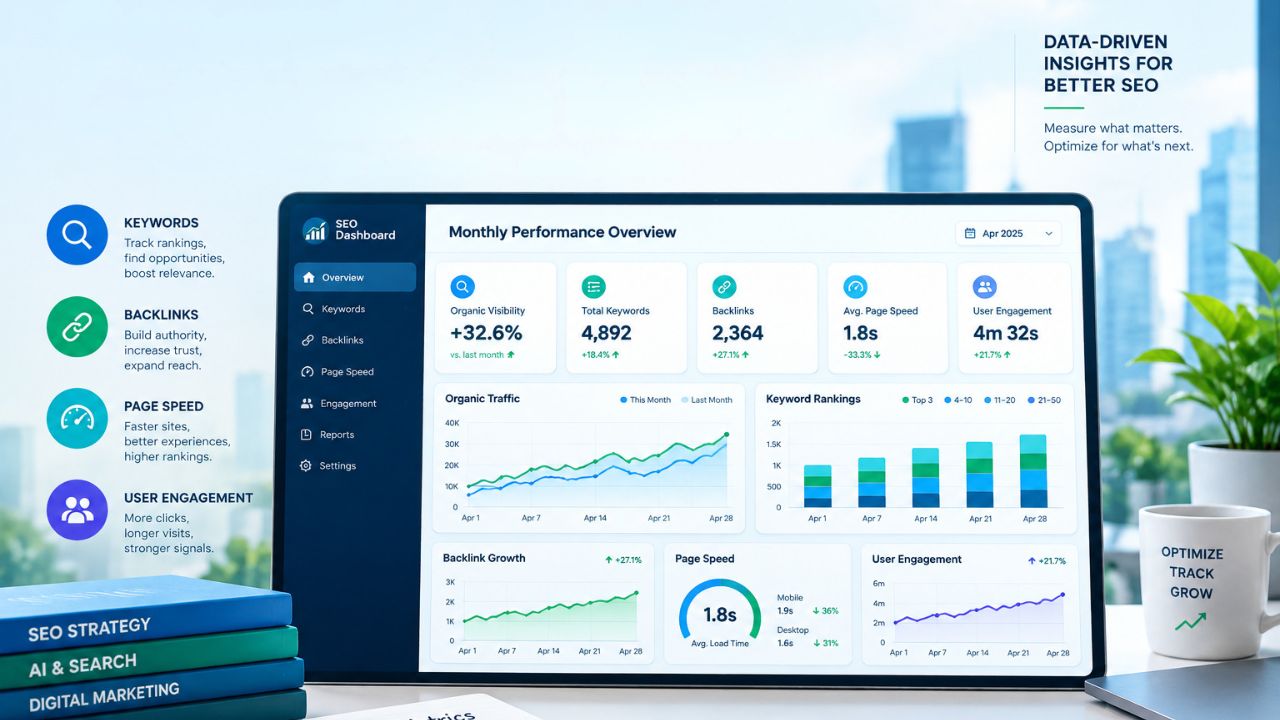
Workload trouble often begins when a planning screen says someone is available while their calendar, support queue, and unfinished revisions say otherwise. The best tools for tracking team workloads help managers find that mismatch before assigning more work.
That requires more than counting tasks. A useful system needs dates, effort estimates, personal schedules, time off, and some view of future demand. This review of the best tools for tracking team workloads compares dedicated resource planners with broader project-management platforms. The order reflects planning depth, plan restrictions, setup demands, and how clearly each tool helps a manager decide what to move, delay, or reassign.
Best Tools for Tracking Team Workloads: Quick Comparison
| Tool | Good Fit For | Main Caution |
|---|---|---|
| Float | Dedicated resource planning | Lighter task collaboration |
| Asana | Cross-functional projects | Advanced planning costs more |
| Teamwork.com | Agencies and client work | Several useful features sit on upper plans |
| Runn | Forecasting future demand | Not a complete task workspace |
| monday.com | Custom operations | Requires consistent board structures |
| Resource Guru | Straightforward scheduling | Entry plan excludes reporting |
| ClickUp | Flexible work management | Easy to overconfigure |
| Wrike | Structured operations | Workload charts start on Business |
| Smartsheet | Portfolio planning | Advanced features require an upgrade |
What to Check First
A workload chart is only as reliable as the information behind it. Before comparing platforms, decide whether the team will consistently maintain:
- Task owners and working dates
- Estimated effort or hours
- Part-time schedules and holidays
- Meetings, support work, and recurring duties
- Tentative projects that have not started
Task count is usually the weakest measure. Six small approvals may require less time than one technical review. Hours, story points, or another weighted measure provide a better picture when assignments vary substantially.
Even the best tools for tracking team workloads will produce false confidence if employees update them only before status meetings. During a trial, create one overloaded week, add an employee absence, and move an urgent task between people. The system should make the conflict and its resolution easy to understand.
Ranking the Best Tools for Tracking Team Workloads
This ranking gives more weight to genuine capacity planning than to long feature lists. Current workload visibility matters, but so do future demand, time off, utilization, and the effort required to keep the information accurate. Plan availability was checked in September 2026, although software packaging can change.
1. Float: Strongest for Resource Planning
Float deals directly with the scheduling problem. Its Starter plan covers resource scheduling, capacity, time off, project scoping, and integrations. Pro adds time tracking, cost estimates, and deeper reporting.
Float also supports phases, milestones, and tasks, so calling it only a scheduling calendar would be unfair. Detailed task discussions, approvals, and document workflows remain secondary, however. That is why Float leads this ranking of the best tools for tracking team workloads while still being a tool many businesses will connect to an existing project platform.
2. Asana: Best for Existing Asana Teams
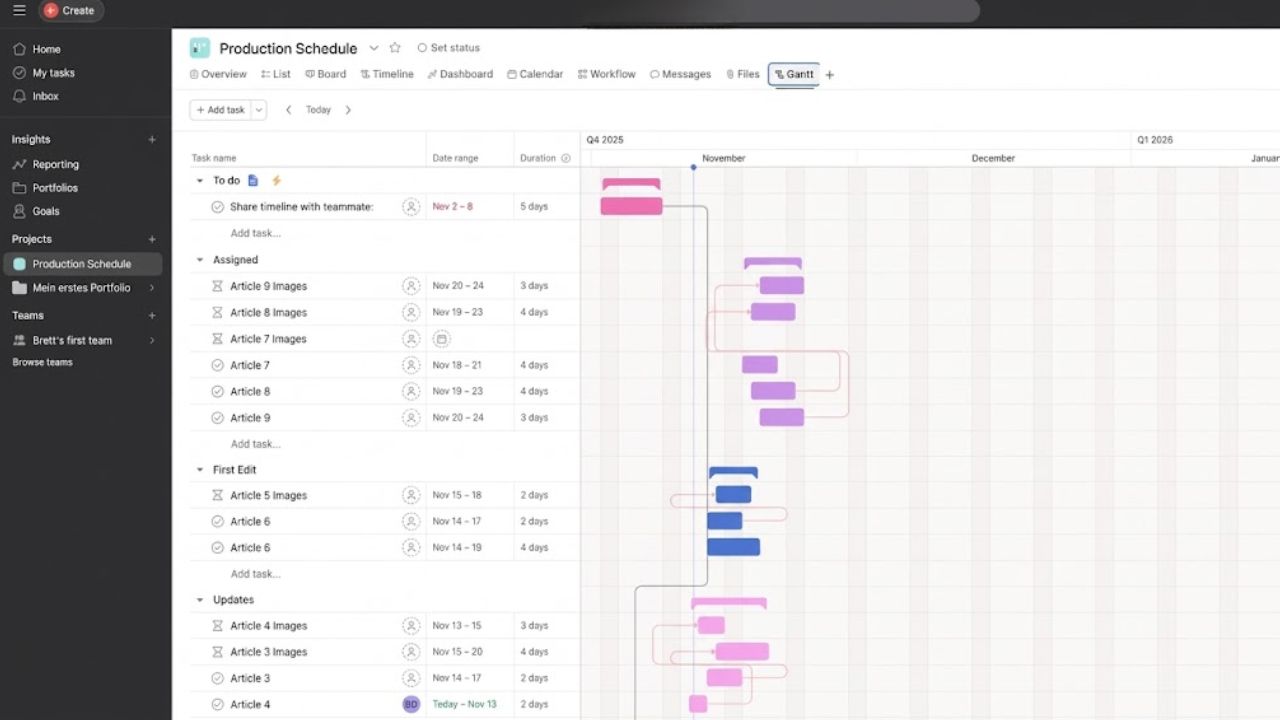
Asana remains one of the best tools for tracking team workloads when assignments already live there. Advanced includes portfolio-level resource management, allowing managers to see overloaded people and redistribute tasks.
The important limit is plan placement. Organization-wide workload visibility and capacity planning require Enterprise. A team considering Asana mainly for resource planning should compare that upgrade with a dedicated tool rather than assuming the lower plans include every workload feature shown in product demonstrations demonstrations.
3. Teamwork.com: Built Around Client Work
For agencies, Teamwork.com is one of the best tools for tracking team workloads because availability sits beside billable time, retainers, budgets, invoicing, and profitability.
Accelerate includes live capacity and workload planning. Optimize adds tentative projects, placeholders, role- and skill-based scheduling, utilization targets, and deeper financial controls. That combination helps an agency answer a more useful question than “Who is free?” It can also consider whether the person suits the project and whether the work remains commercially sensible.
An internal department with no client billing may find much of this unnecessary.
4. Runn: Strong for What-If Planning
Runn is designed for decisions that must be made before work is confirmed. Tentative projects, placeholders, saved scenarios, time off, public holidays, and utilization charts help managers test future demand without immediately changing the active schedule.
That makes Runn valuable for consultancies with an uncertain sales pipeline. It is less convincing as the place where employees manage detailed daily tasks, comments, and approvals.
5. monday.com: Flexible but Data-Dependent
monday.com’s Workload widget can measure task counts or effort drawn from time estimates, number fields, and formulas. A dashboard can also combine several boards.
The widget is limited to Pro and Enterprise. It needs consistent People, Date or Timeline, and effort columns to produce useful results. There is another detail worth checking: its monthly view can calculate capacity by multiplying a weekly value across four weeks. Managers planning around actual calendar months should inspect the numbers instead of accepting the graphic at face value.
6. Resource Guru: Simple Scheduling Done Well
Resource Guru is less sprawling than many platforms on this list. It schedules people, contractors, rooms, and equipment while accounting for working hours, time zones, leave, tentative bookings, and conflicts.
The entry-level Grasshopper plan excludes reports. Heatmaps, timesheets, project budgets, and customizable reporting begin on Blackbelt. Teams comparing prices should therefore use the reporting tier rather than the cheapest advertised plan if utilization analysis is essential.
7. ClickUp: Capable but Easy to Overbuild
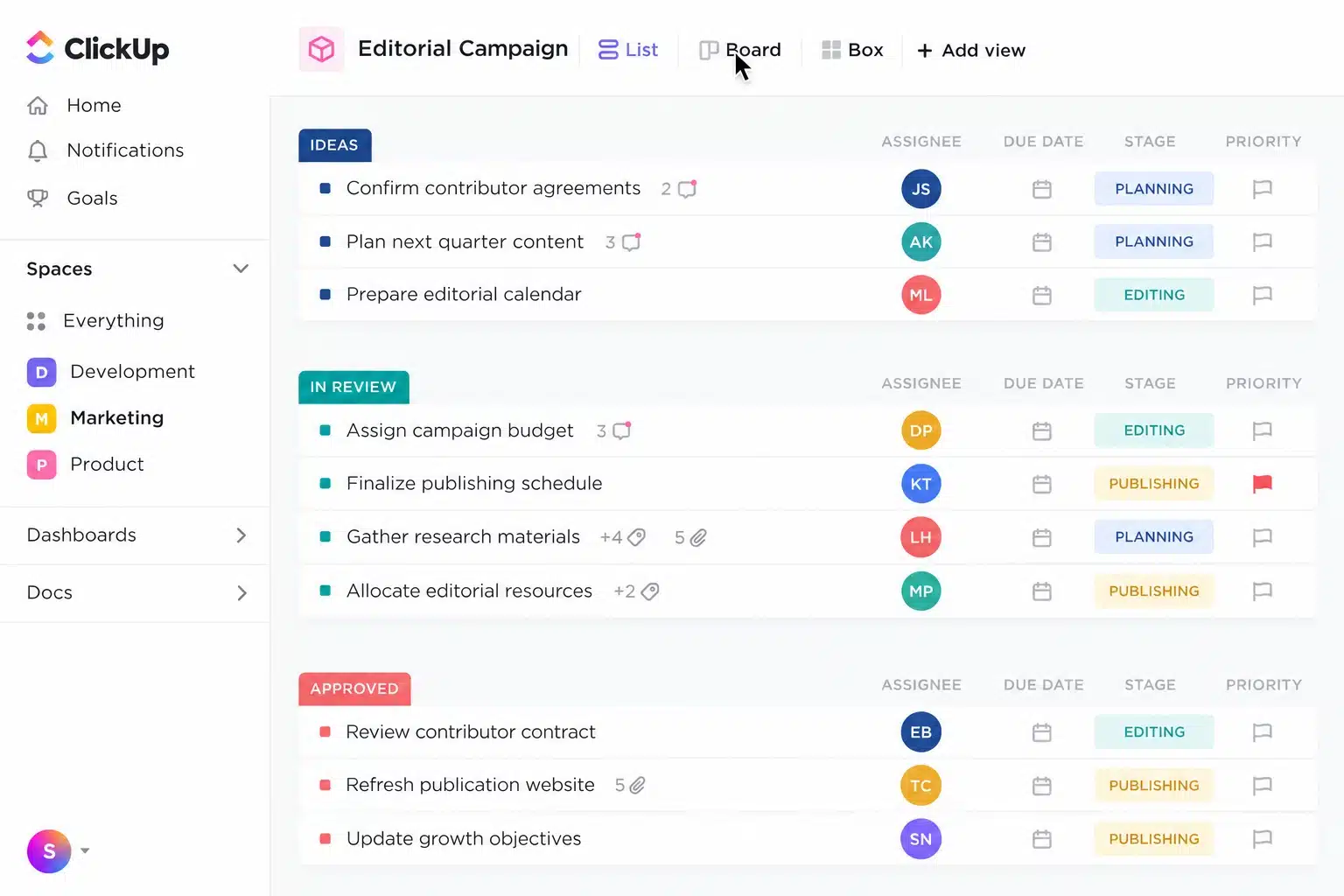
ClickUp is one of the best tools for tracking team workloads for teams that already use its tasks, documents, dashboards, sprints, and time estimates.
Unlimited includes general resource-management capabilities, while Business explicitly adds portfolio workload management. Enterprise provides further capacity and grouping controls. The weakness is not a lack of features. It is the temptation to build an elaborate workspace that different departments maintain differently. Inconsistent statuses, dates, and estimates can make a polished workload chart unreliable.
8. Wrike: Better for Formal Operations
Wrike’s workload charts display effort by person or project across daily, weekly, or monthly periods. Managers can create and move assignments inside the chart, while the Backlog Box holds unassigned work until capacity becomes available.
Workload charts require Business, Pinnacle, or Apex. Wrike makes more sense for an established department with formal planning processes than for a small team wanting a quick weekly schedule.
9. Smartsheet: A Specialist Upgrade
Smartsheet is most relevant when an organization already runs projects and portfolios in its ecosystem. Business and Enterprise include workload tracking. Resource Management by Smartsheet adds advanced capacity planning, skill-based assignments, time tracking, utilization reports, hiring forecasts, and scenario planning.
The advanced product requires separate pricing based on the organization and user count. That may be justified for a project office coordinating many teams, but it is excessive for a small business that only needs to see who has time next week.
Final Thoughts
The best tools for tracking team workloads should fit the system employees already maintain. Adding a second platform can create another incomplete source of data.
Start with two choices: the strongest native option in the current project platform and one dedicated planner such as Float or Runn. Recreate a difficult week in both, including leave, meetings, and tentative work. Choose the tool that exposes the conflict clearly and makes reassignment practical—not the one with the longest feature list.
Frequently Asked Questions (FAQs)
What is the difference between workload and capacity planning?
Workload tracking shows what has already been assigned. Capacity planning looks further ahead and compares future demand with the people, hours, roles, or skills expected to be available. Some project platforms handle the first well without offering much depth in the second.
Can workload software prevent burnout?
No. Software can identify repeated over-allocation, missed time off, and unrealistic schedules. It cannot measure concentration, stress, difficult client relationships, or the emotional weight of an assignment. Managers still need direct conversations with employees.
When is a spreadsheet enough?
A spreadsheet can serve a small, stable team with few overlapping projects. It becomes fragile when several managers assign work, schedules change frequently, or leave and tentative projects must update capacity automatically. That is usually the point when dedicated software earns its cost.