
An Obsidian vault can become harder to operate just when it becomes most valuable. Notes multiply, properties drift, tasks disappear, and capturing one idea requires several decisions. The best Obsidian plugins for power users fix those problems without making the vault harder to understand.
The ranking favors broad usefulness, control over local files, clear limitations, and benefits large enough to justify the setup. Popularity and feature count did not decide the order.
Choosing the Best Obsidian Plugins for Power Users
Every selection had to remain available through Obsidian’s Community plugins directory and solve a repeatable problem that core Obsidian does not fully address. Learning curve, mobile limits, security, and dependence on plugin-specific syntax also affected the order.
The first four choices suit many established vaults. Lower-ranked entries solve narrower problems and make sense only when those problems are present.
Check Obsidian’s Core Features First
Any list of the best Obsidian plugins for power users must account for what Obsidian already includes. Base builds editable table, list, card, and Kanban views from properties. Canvas handles spatial layouts, while Templates, Search, Properties, and Workspaces cover many everyday tasks.
Community plugins run code inside Obsidian. Several tools below can change files, execute scripts, connect to a remote repository, or open an authenticated vault interface. Keep a current backup and test file-changing automation on copied notes first.
1. Dataview
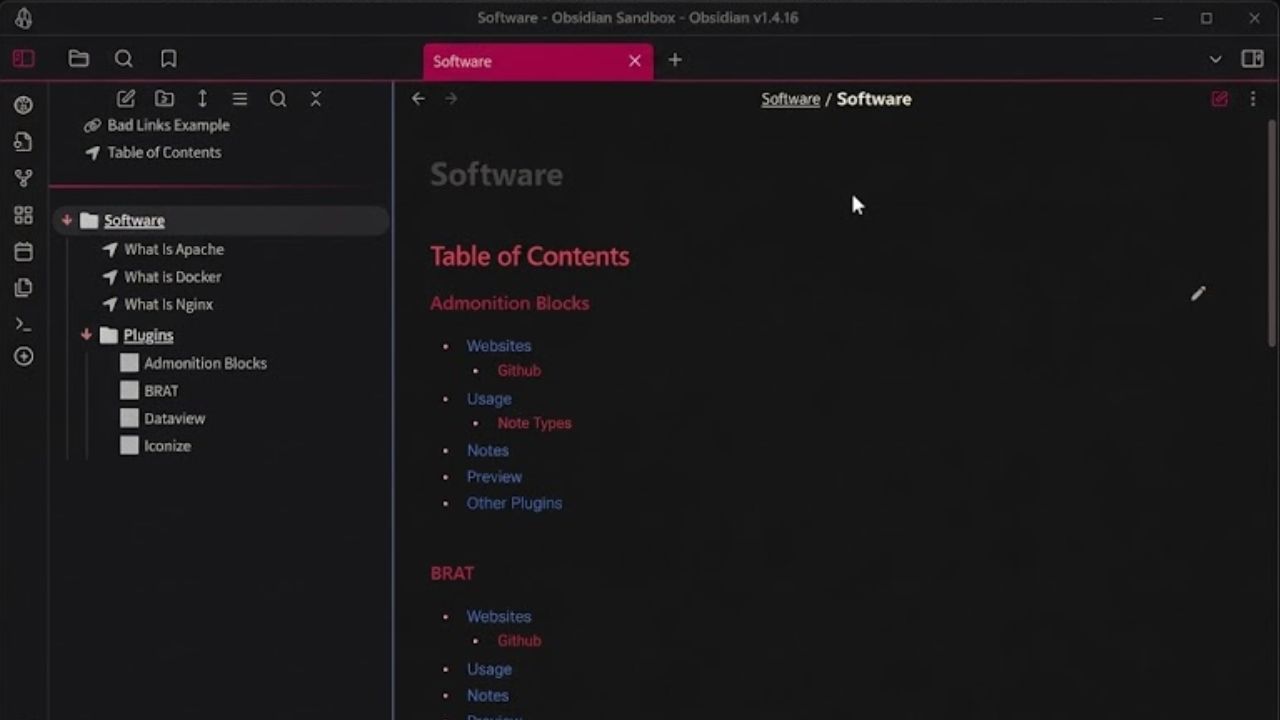
Dataview ranks first among the best Obsidian plugins for power users because it turns existing notes into useful views without a separate database. It indexes frontmatter, inline fields, file details, links, and tasks, then returns tables, lists, or task views.
A writer can surface articles marked with status: drafting; a researcher can group sources by author or reading status. Dataview Query Language handles many dashboards, while DataviewJS allows custom logic.
Standard Dataview queries are read-only, while JavaScript has plugin-level access and may change files or make network requests. Never paste in a script without understanding it. For an editable table of properties, try Bases first.
2. Templater
Obsidian’s core Templates plugin inserts reusable text. Templater adds variables, prompts, date calculations, functions, JavaScript, and file-creation actions. It is useful when a template must make decisions instead of reproducing a fixed layout.
Good uses include meeting notes with calculated dates, project files that request metadata, and recurring notes linked to an earlier period. Folder templates can apply a structure based on file location.
Templater can execute arbitrary JavaScript and system commands. Start with variables and prompts rather than someone else’s long script. Add code only when the simpler version falls short.
3. QuickAdd
QuickAdd earns a high position among the best Obsidian plugins for power users because it improves capture, where many elaborate systems become annoying. Its four choice types are templates, captures, macros, and multi-choice menus.
One command could request a book title, create a reading note, apply a template, and append an inbox link. The distinction from Templater is useful:
- Templater controls the dynamic content inside a note.
- QuickAdd controls how information is captured, routed, and connected.
The two work well together. Build macros one action at a time because long chains are difficult to troubleshoot.
4. Tasks
For people who keep action items beside their notes, Tasks is one of the best Obsidian plugins for power users. It gathers checkboxes from across the vault and supports due dates, scheduled dates, recurrence, completion dates, filtering, and query blocks. Completing an item from a query updates the task in its original note.
This suits meeting notes and project records that contain their own action items. Configure a global filter or task tag, or ordinary checklists may crowd the dashboard.
Tasks is not a convincing replacement for team project-management software. Shared assignments, notifications, and approval flows are better handled elsewhere.
5. Omnisearch
Omnisearch is for the point when knowing that a note exists is no longer enough to find it. It uses BM25 relevance scoring, tolerates some typing mistakes, recognizes quoted phrases and exclusions, and supports keyboard-first navigation.
Searching inside supported PDFs, office documents, and images requires the separate Text Extractor plugin. That extra index suits an attachment-heavy research archive. For a small Markdown vault, core Search or Quick Switcher may already be enough.
6. Linter
Linter is less exciting than a dashboard and often more useful. It can normalize YAML properties, tags, headings, lists, spacing, footnotes, code fences, and other Markdown details.
Consistency matters when Dataview or Bases relies on exact property values. One misspelled status can remove a note from a view. Enable a few rules first and inspect a disposable note; some rules can interact and produce unwanted changes.
7. Excalidraw
Excalidraw stores editable drawings in the vault and lets users embed them in notes or link them with notes and other drawings. It can support system diagrams, lesson plans, concept maps, annotated sketches, and visual research.
It is also overrecommended. Canvas is usually enough for arranging notes, files, and media. Excalidraw earns its installation when the drawing itself carries meaning through shapes, connectors, labels, or handwriting. Learn it around a real diagram instead of configuring everything in advance.
8. Obsidian Git

Obsidian Git remains one of the best Obsidian plugins for power users who already understand repositories. It can commit, pull, and push on a schedule, while its source-control, history, and diff views make changes easier to inspect.
This convenience brings familiar Git problems: authentication failures, merge conflicts, poor ignore rules, and private notes reaching the wrong remote. The project’s current documentation calls mobile use highly unstable, making this mainly a desktop recommendation. Confirm that the remote is private before automating it, and maintain a separate backup.
9. Meta Bind
Meta Bind places interactive controls inside notes. Input fields, toggles, selectors, displayed values, and buttons can be connected to frontmatter, allowing someone to update structured data without editing YAML directly.
A project note might expose a status selector and completion toggle near the top. That helps when notes behave like lightweight records. Custom controls everywhere create dependence on plugin syntax that is harder to reuse outside Obsidian.
10. Local REST API with MCP
Local REST API with MCP is the specialist choice. Authorized scripts, browser extensions, and compatible automation or AI clients can search the vault, read or modify files, target specific sections, and execute Obsidian commands.
The server supports HTTPS and API-key authentication, but the key grants substantial access. Do not share it. Avoid binding the service beyond localhost or enabling plain HTTP unless the network is understood and trusted. This is capable developer infrastructure, not a routine note-taking upgrade.
Final Thoughts
The best Obsidian plugins for power users should make the next ordinary action easier: capturing a source, finding an old note, updating a task, or recovering an earlier version. Begin with the recurring problem that wastes the most time, then install one plugin and build one small workflow around it.
Keep it only if the benefit survives daily use. A modest vault that remains understandable is more useful than an impressive system whose owner is afraid to change it.
Frequently Asked Questions (FAQs)
Are the best Obsidian plugins for power users free?
The ten plugins listed here are available through the Community plugins directory without a required plugin purchase. Their developers may accept donations, and related services such as remote Git hosting can have separate plans or limits.
Do Dataview and Bases do the same job?
They overlap. Bases is built into Obsidian and provides editable views based on properties. Dataview adds its own query language, inline fields, task queries, and JavaScript API. Start with Bases when it can produce the view you need; add Dataview when its broader query options solve a specific gap.
Will every plugin work equally well on mobile?
No. Screen space, operating-system restrictions, external commands, and plugin design can change the mobile experience. Obsidian Git explicitly warns that its mobile implementation is highly unstable, so check current documentation before making any plugin essential to a phone-based workflow.