

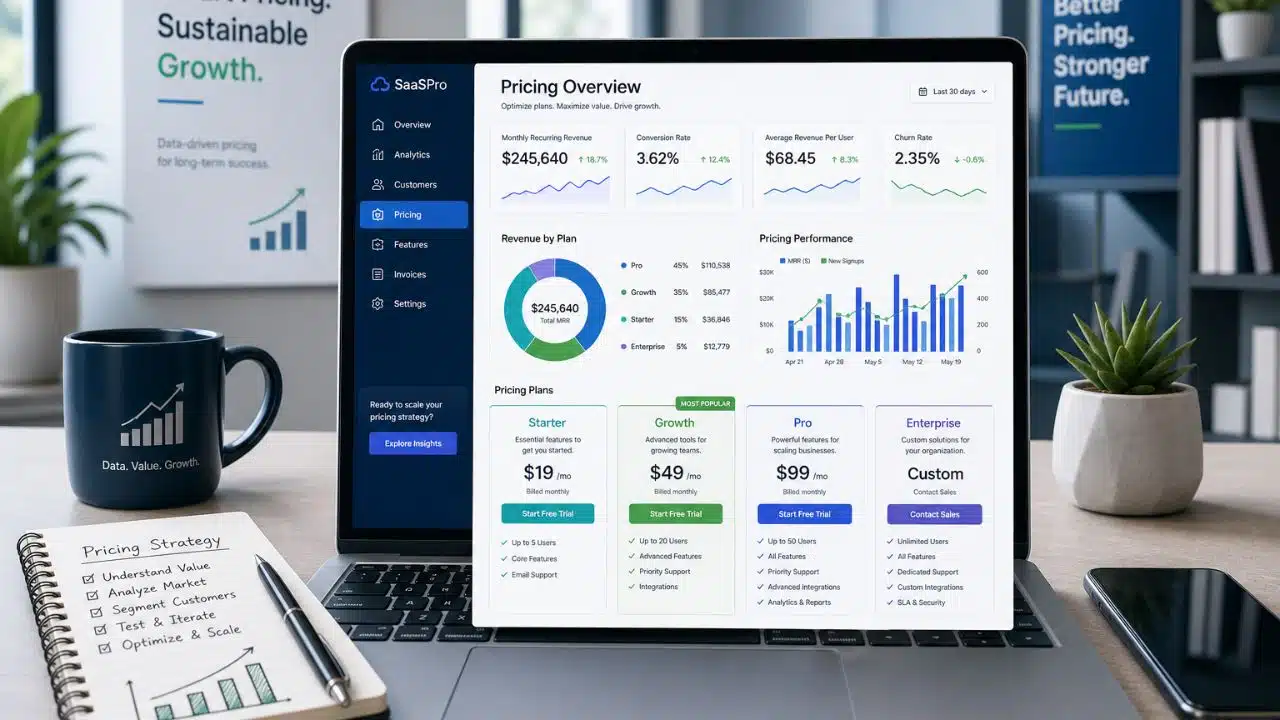
Most founders think they have a pricing problem. What they usually have is a unit problem. They have already decided the number should land somewhere near $19 or $49, they have three competitor screenshots open, and the argument in the room is about which figure sounds more serious. Nobody can answer the smaller question underneath it: what is the single thing a customer buys, and what does that single thing cost to deliver?
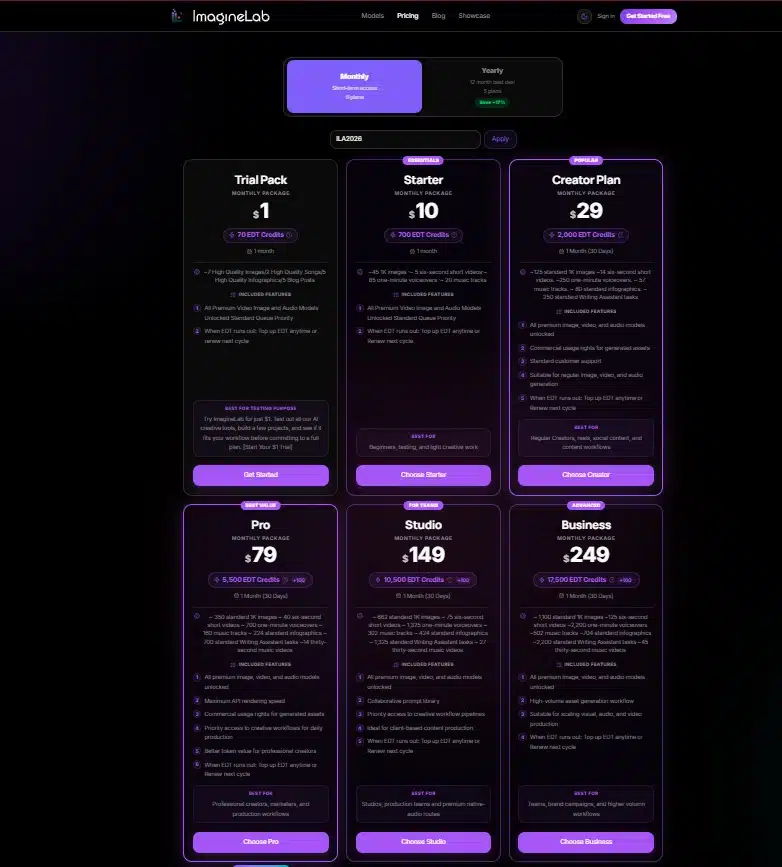
I work as Chief Technical Advisor at ImagineLab Art, a multi-model AI creative platform where the underlying cost of a single customer action can swing from a fraction of a cent to several dollars depending on which model they pick. That swing forced us to answer the unit question properly before we could publish anything. Learning how to price a SaaS product in that environment taught me more than any pricing playbook did, mostly because we could not hide behind a flat monthly fee.
Start With the Unit and Pick the Model
A pricing model is just a rule for converting value into a billable event. Before you can pick the rule, you need to know what the event is.
For a project management tool, the unit is usually a person. For a payments product, it is a transaction. For us, no single unit worked across the platform. A short writing task in our Writing Assistant Lab lands in the range of a few credits. A long video generation in our Video Lab can run into the hundreds. Charging both as “one generation” would have meant either overcharging writers or subsidising video users out of business.
So we made the unit abstract. EDT, short for Editorialge Digital Token, is the credit that gets deducted whenever a paid action runs. Every lab converts its own cost basis into that one number: Image Lab prices on model, mode, size and quality; Voice Lab prices on character count; Music Lab uses a flat rate for some models and duration for others; Video Lab prices per second, which is why some newer models sit around 24 to 31 credits per second of finished footage.
That abstraction bought us something valuable. When a provider changes their rate, we adjust one conversion instead of republishing a price list.
The Five Models Worth Considering
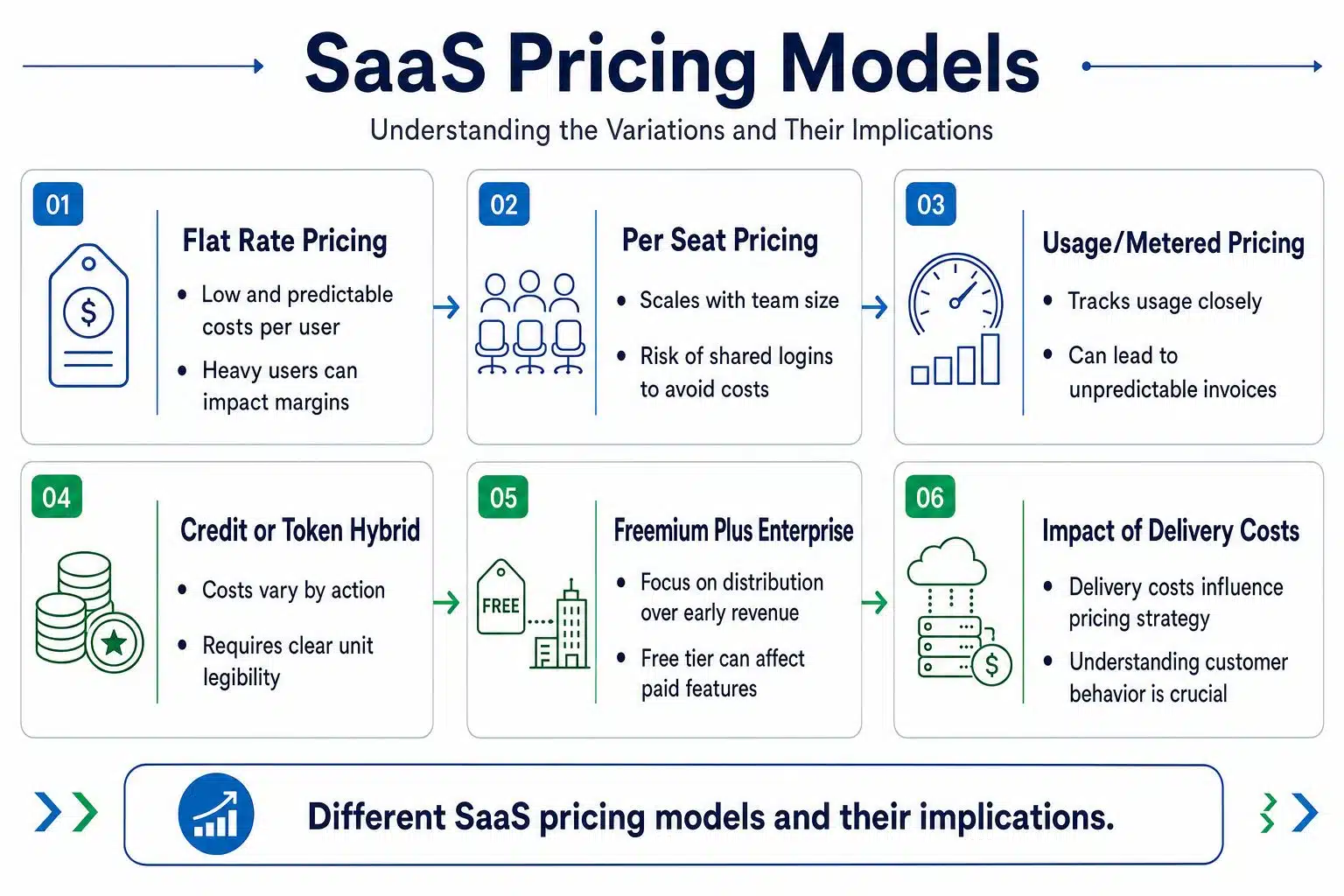
Almost every SaaS pricing page is a variation on one of these.
| Model | Fits when | Where it hurts |
|---|---|---|
| Flat rate | Cost per user is low and predictable. | Heavy users destroy your margin quietly. |
| Per seat | Value scales with team size. | Customers share logins to avoid the cost. |
| Usage/metered | Cost tracks usage closely | Buyers fear an unpredictable invoice. |
| Credit or token hybrid | Costs vary wildly by action. | Requires real work to make the unit legible |
| Freemium plus enterprise | Distribution matters more than early revenue. | The free tier can eat the expensive feature. |
The table is a starting filter, not an answer. Two products in the same category can land on different rows depending on gross margin. If your delivery cost is close to zero, per seat is easy money, and you should probably take it. If your delivery cost moves with every request, per seat is a slow leak.
We landed on the credit hybrid because the third row scared us and the second row did not describe our customers. An agency in Dhaka running one login and generating four hundred images a month is worth more to us than a fifteen-person company that logs in twice. Seats would have priced those two backwards.
What the Credit Model Actually Cost Us in Complexity
Credits are not free to run. They move the difficulty from your billing page to your product interface, and if you handle that badly, people stop generating because they are not sure what anything costs.
Three things made ours workable.
The first is a published conversion rate. For planning purposes we treat one credit as roughly $0.0143, and our top-up quick-picks start at 500 credits for $7. A buyer who wants to know what an image costs can do the arithmetic in their head instead of trusting us.
The second is showing the price before the action, not after. The credit amount displayed inside the app before you confirm is treated as the final charge. Our own documentation says plainly that if the PDF guide and the app disagree, trust the app. That line exists because we would rather look inconsistent than look like we surprise people.
The third is spending analytics that break down by lab and date range, so a customer can see that Image Lab took 49% of their month and Infographic Lab took 39%. Usage-based pricing without a usage report is just an unexplained bill.
Pricing Psychology Minus the Folklore
Most pricing psychology writing stops at charm pricing and decoy tiers. The effects that changed behavior for us were duller than that.
- Anchoring works through the default set, not the headline: Our top-up quick-picks run 500, 1k, 2k and 5k. The middle options get chosen far more than a blank amount field ever did, because a blank field asks the buyer to commit to a judgement they do not feel qualified to make.
- An approximate money reference reduces hesitation: The wallet shows a USD estimate next to the credit balance. It is not exact, and we say so. At one point a balance of 9,244 credits was displayed as about $129.42, while the planning rate gave $132.19, and we documented the gap rather than quietly reconciling it. A rounded number people can sanity-check beats a precise number they have to take on faith.
- Separating a small charge makes it feel optional, which cuts both ways: Prompt enhancement is billed separately from the generation itself, usually 2 to 4 credits. Being explicit about that kept trust intact. It also means some users skip a feature that would have improved their output, which is a real cost of the transparency.
- Rounding to zero makes things feel free: In our spending breakdown, any lab under one percent of the period rounds to 0%. Users read 0% as “this is not costing me anything” and generate more there. That is a harmless accident in our case. If it had happened in an expensive lab, it would have been a support problem.
Handling Costs You Do Not Control
If your product resells someone else’s compute, your margin is a rented thing. Three habits keep it from collapsing.
Reserve the charge when the job is created, not when it succeeds. Our API returns a credit cost on the generation record at creation, while the job is still pending. That closes the gap where a customer queues fifty expensive jobs against a balance that only covers three.
Fail loudly and cheaply. A request with an empty wallet returns with a clear message. It is a better outcome than a half-processed job and a support ticket.
Gate the expensive surface behind the tiers that can carry it. Programmatic API access sits on our Ultimate Visionary Studio and Titan Studio plans, with a scoped key issued per integration on request. Not because the endpoints are precious, but because API traffic has a different cost shape than a person clicking a button, and the plan needs to reflect that.
Mistakes I Would Argue
Cost-plus alone is the common one. If you mark up your delivery cost by a fixed percentage and stop there, you have priced your infrastructure bill, not your product. The judgement, the interface, the model selection and the support are the parts customers cannot rebuild themselves.
Charging one price across features with wildly different costs is the expensive one. It looks generous on the pricing page and it quietly funds your heaviest users with your lightest ones.
Hiding the meter is the one that kills retention. Usage-based products lose people to anxiety more often than to price. If a customer cannot see what they spent and where, they will ration their own usage down to nothing and then churn without complaining.
A free tier built around your most expensive action is a slower version of the same problem. Free should showcase the product, not run the costliest lab in it.
And the mistake nobody writes about: forgetting that price and payability are different things. We accept bKash and UPI alongside Stripe, PayPal and Mercury. A $20 plan that a studio in Dhaka or Kolkata cannot actually pay for is not a $20 plan. It is a closed door with a number on it.
Before You Publish Your First Price
Work out your delivery cost for your three most common customer actions, not your average. Decide what one billable unit means and write the sentence a customer would use to explain it back to you. Check that your interface shows the cost before the commitment.
Confirm your payment methods match where your customers actually live. Then version your pricing documentation so that when the numbers change, you can point to what changed and when.
Final Thoughts
There is no clean formula for how to price a SaaS product, and anyone selling you one is charging for confidence rather than analysis. What you can do is get the unit right, pick the model that matches your cost shape, and make spending legible enough that customers stop worrying about the meter.
We rebuilt our thinking around a single credit unit because our costs refused to sit still, and the parts that worked were the boring ones: a published rate, the price shown before the click, and a spending report anyone could read.
Start with your three most common actions and their real cost. The pricing page gets much easier to write after that.






















