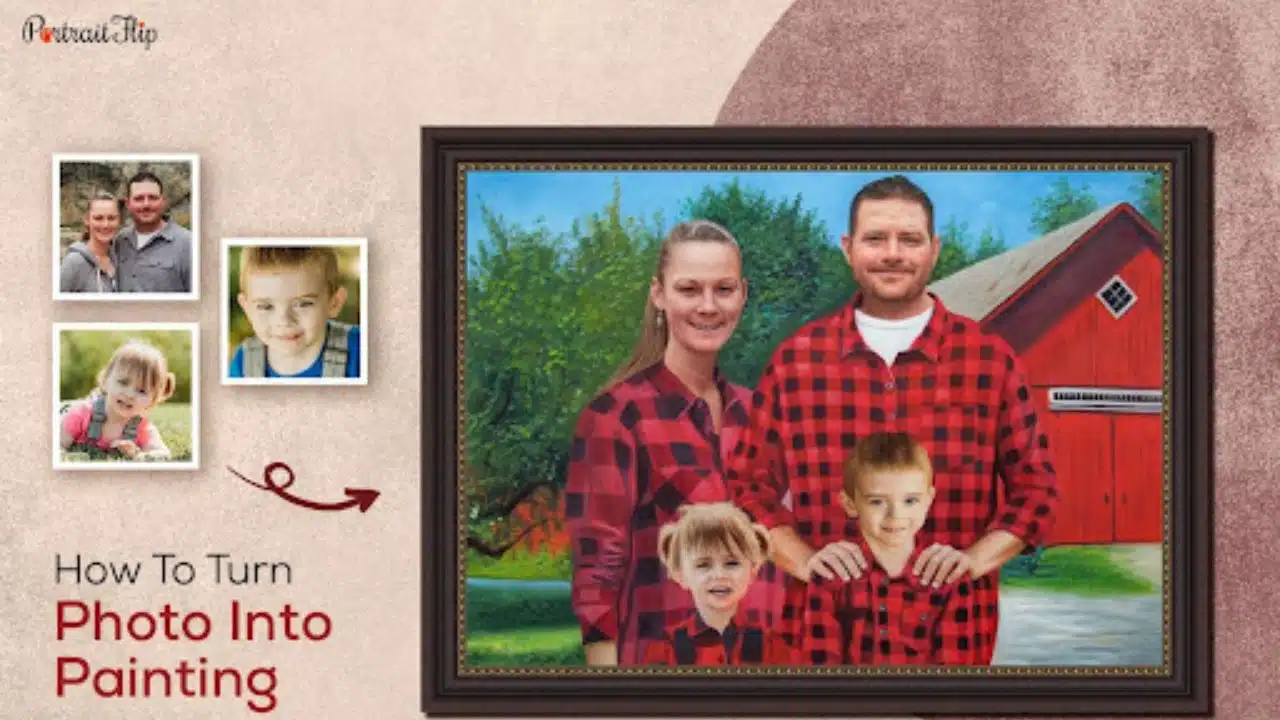
Painting portrait has gained a lot of attention recently. People have started understanding the significance of hanging or gifting a painting to loved ones.
It is one of those gifts that will never fade with time. It remains with our loved ones and always makes them smile.
Have you ever wanted to turn your photos into paintings?
Thankfully, it is 2023, and there are plenty of options for you to choose from, but the confusion always remains: whom to trust?
If you are ready to transform your photos into paintings, I am here to help you with a 5-steps guide for getting a painting.
The best part, I will be revealing the process of the best photo to painting service. There are hundreds of AI and tools available in the market that will do it for you, but the brand I am talking about creates 100% handmade paintings.
Introducing PortraitFlip
PortraitFlip has been converting photos into handmade paintings since 2018 and has served more than 15,000 customers in the process.
They started with the thought of uplifting artists who hardly get paid for their talent, and 5 years down the line, it has created a community of brilliant artists and a fan base of thousands.
But it is not me who suggests PortraitFlip as the best photo to painting service; it is America’s most trusted platform, TrustPilot.
TrustPilot rates PortraitFlip 1 out of 8 companies in the artist category and gives them 4.8 stars out of 5.
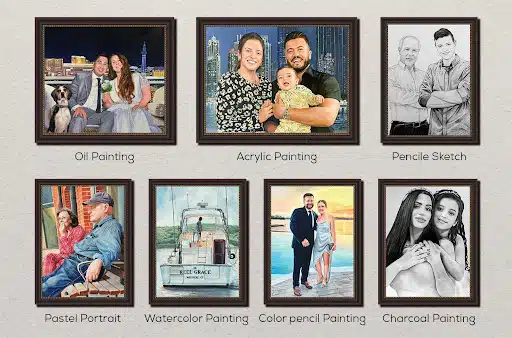
They have more than 100+ themes to choose from and 7 main mediums – Oil Painting, Watercolor, Acrylic Painting, Pastel, Charcoal, Pencil and Colored Pencil.
Unlike other tools and platforms that deal in controversial usage of filters to create a painting-like texture, PortraitFlip works with real artists who hand-paint the portrait.
So now, if this makes sense, let me show you the 5 easy steps to get a painting from PortraitFlip.
How to Get A Painting from PortraitFlip?
The Internet can be a daunting place, and it often makes you want just to give up. With the level of complication increasing, it has also become difficult to place even a simple order.
But with PortraitFlip, it is super easy!
Step 1
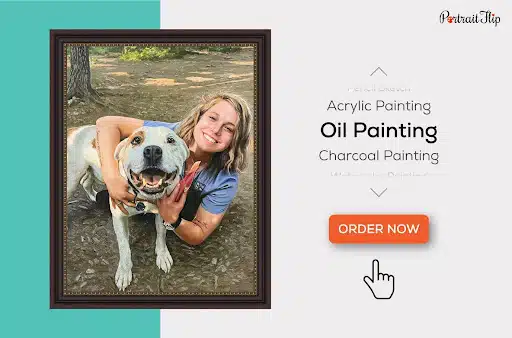
Go to their website and click on Order now. Once done, select your category, medium and, finally, the specifics of your painting.
With specifics, I mean the size, number of characters and the photo you want to paint.
But here’s a catch!
You don’t necessarily have to have all your loved ones in one photo to get a painting. PortraitFlip allows you to send different photos of the subjects.
The brand further combines them together as one complete painting, and they do not charge anything for this customization.
Now, ain’t that cool?
Step 2
Once you have placed the order by paying a 30% deposit only, you have to wait for the team to get in touch with you.
PortraitFlip has a dedicated support manager for each customer, and they help you throughout the process.
At this point, you will receive a photoshop design that gives an idea of the placement and appearance of characters in the final painting.
You can either approve it for painting or suggest changes.
Since they provide unlimited free revisions, you can get the changes done as long as you are not satisfied.
As soon as you approve, the design goes for the painting process.
Step 3
It will take the team 10-15 days to turn your photos into painting. Were you expecting a same-day delivery for something so beautiful? The wait is totally worth it.
Once the painting is complete, you will receive a painting preview again for your approval.
Throughout the process, you are covered by their 100% satisfaction guarantee. This means that if you do not like the painting, you can still request edits, and they will do it for you without any charges.
Step 4
Once everything this done and you are satisfied with the painting – that’s it. Give them the approval, pay the remaining 70% of the payment and wait for the painting to reach you.
The painting will reach you in the next 5-10 days, depending on your choice of shipping.
It is absolutely easy. the only thing you have to do is keep an eye on your inbox and check to approve the designs.
…did I forget something?
Well yes,
Step 5
This is the final and optional step of the entire process.
In this step, you receive the painting and wrap it to gift it to your loved ones.
But very few people know that you can earn a little more after you are done with the process.
How?
Take a high-quality video of your loved one unboxing the painting. The expression on their face is what PortraitFlip works so hard for.
Just send them the video and earn up to $200 credit on their store.
You can use it to make your next purchase.
Why Choose PortraitFlip?
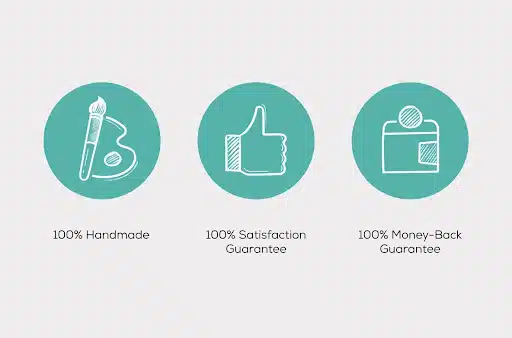
I will give you only three reasons to end this blog right here.
- 100% Handmade because that’s how paintings are supposed to be.
- 100% Satisfaction Guarantee because the customer is God.
- 100% Money-Back Guarantee because customers should be secure.
It is not easy to run a successful small business, but PortraitFlip has done it with its quality and service.