
Personal knowledge management tools can bring order to that material, provided each app has a clear job. A notebook holds your thinking; a reading or reference tool keeps the supporting material accessible.
These nine options are arranged by role, starting with main workspaces and moving to specialist tools. The order reflects workflow rather than a quality ranking. Most readers should choose one notebook before adding anything else.
What a Personal Knowledge System Should Help You Do
A workable system needs to support four activities:
- Capture: Save an idea or source without interrupting your work.
- Explain: Record what matters in your own words.
- Connect: Relate the information to a topic, question, or project.
- Retrieve: Find it when you need to write, study, decide, or build something.
Consider a writer researching remote work. Saving twenty articles creates a reading collection. Adding notes about conflicting findings, useful examples, and unanswered questions creates material the writer can develop into an article.
Organization can stay simple. Begin with an inbox, current projects, reference material, and an archive. Add more structure when searching becomes difficult.
The personal knowledge management tools below support different parts of that process. Their limitations matter as much as their feature lists.
9 Personal Knowledge Management Tools Worth Considering
Personal Knowledge Management Tools help you organize notes, connect ideas, and find useful information when you need it. These nine options serve different purposes, from everyday capture to research management, so choose according to your workflow, devices, and storage preferences.
1. Obsidian: Connected Notes
Obsidian stores notes locally as plain-text Markdown files that many other editors can open. Its core app is free, with an optional paid Sync service.
That portability deserves attention when choosing personal knowledge management tools for a writing library you expect to keep for years.
Links connect ideas across projects. An audience-research note could lead to interview questions, reader feedback, and an unfinished outline. Give each note enough context to stand alone.
Start without an elaborate plugin setup. Add features when you encounter a specific limitation, and keep separate backups. Having the files on your computer gives you control over them, along with responsibility for protecting them.
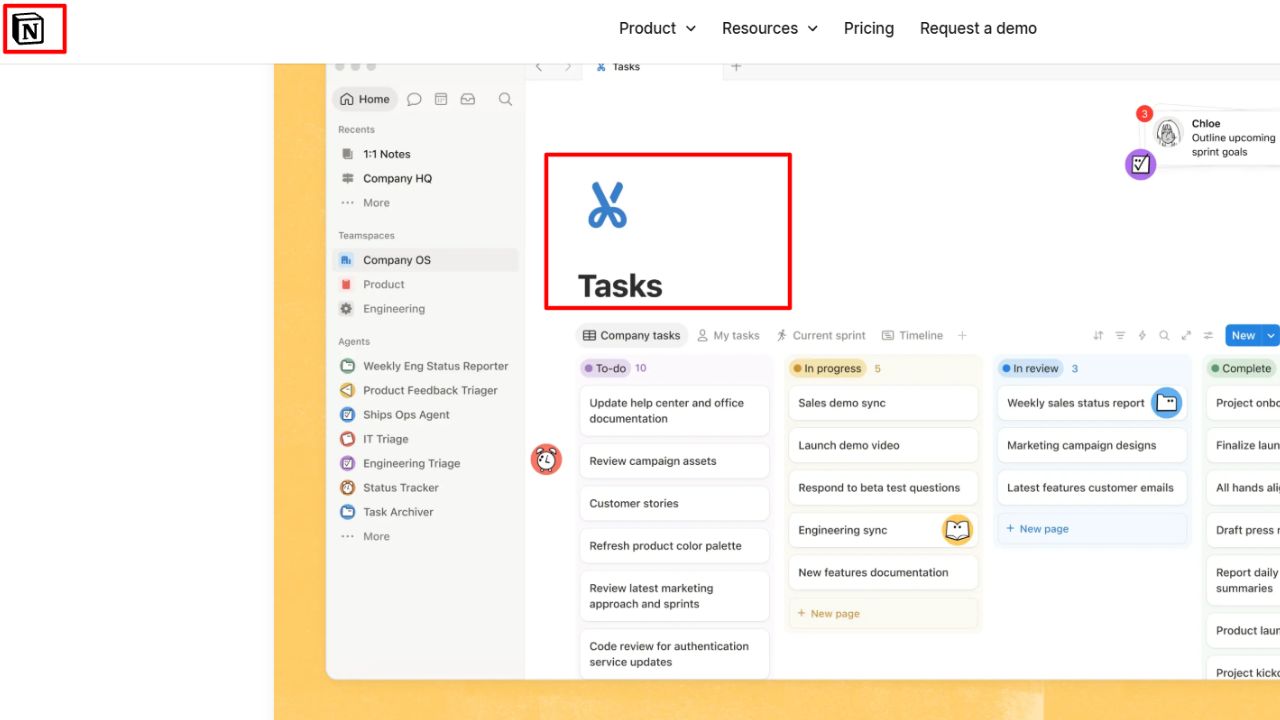
2. Notion: Notes and Projects
Notion is useful when research needs to move toward a deadline. Its databases contain pages, allowing a source record to hold properties and detailed notes together.
A content creator could track topic, publication date, and intended article. Requiring ten fields for every passing thought, however, makes capture needlessly slow.
Offline behavior separates personal knowledge management tools more than attractive templates do. Notion supports downloaded pages in desktop and mobile apps, but not offline browser use. Important subpages require separate downloads.
Exports support HTML, Markdown, and CSV. Reuploading those files does not instantly recreate the original workspace, so check your exported material before relying on it for recovery.
3. Microsoft OneNote: Flexible Pages
For lecture notes or visual explanations, OneNote’s flexible pages can be more comfortable than a rigid document. Arrange text, draw diagrams, and organize the material through notebooks, sections, and pages.
Give sprawling pages a title and summary. Otherwise, the layout that made sense during a session may be difficult to interpret later.
Students and employees should also check account access. Microsoft’s documented web notebook export supports personal OneDrive accounts, but excludes work or school OneDrive accounts and SharePoint. Establish how to retain permitted material before graduation or a job change.
4. Apple Notes: Everyday Capture
Before installing more personal knowledge management tools, Apple users should consider how far Notes already meets their needs.
It supports scanning, attachments, checklists, and links between notes. Smart Folders gather material using filters such as tags and dates. A project overview linked to reading notes and scanned documents may provide enough structure.
The limitation is your device mix. Many features require iCloud Notes or notes stored on the device; other email accounts offer fewer capabilities. iCloud.com provides browser access, but anyone regularly switching between Apple, Windows, and Android should assess that workflow before committing.
5. Joplin: Offline Notebooks
Joplin suits people who want offline notebooks and a choice of sync services. The free, open-source app runs on Windows, macOS, Linux, Android, and iOS, with synchronization options including Joplin Cloud, Dropbox, OneDrive, and Nextcloud.
Expect some configuration. End-to-end encryption for synchronization must be enabled using the documented device sequence.
JEX exports preserve notes and metadata for reimporting into Joplin. Evernote users can import ENEX files, although complex formatting and internal links may need checking. Choose it when those controls justify the setup.
6. Evernote: An Existing Library
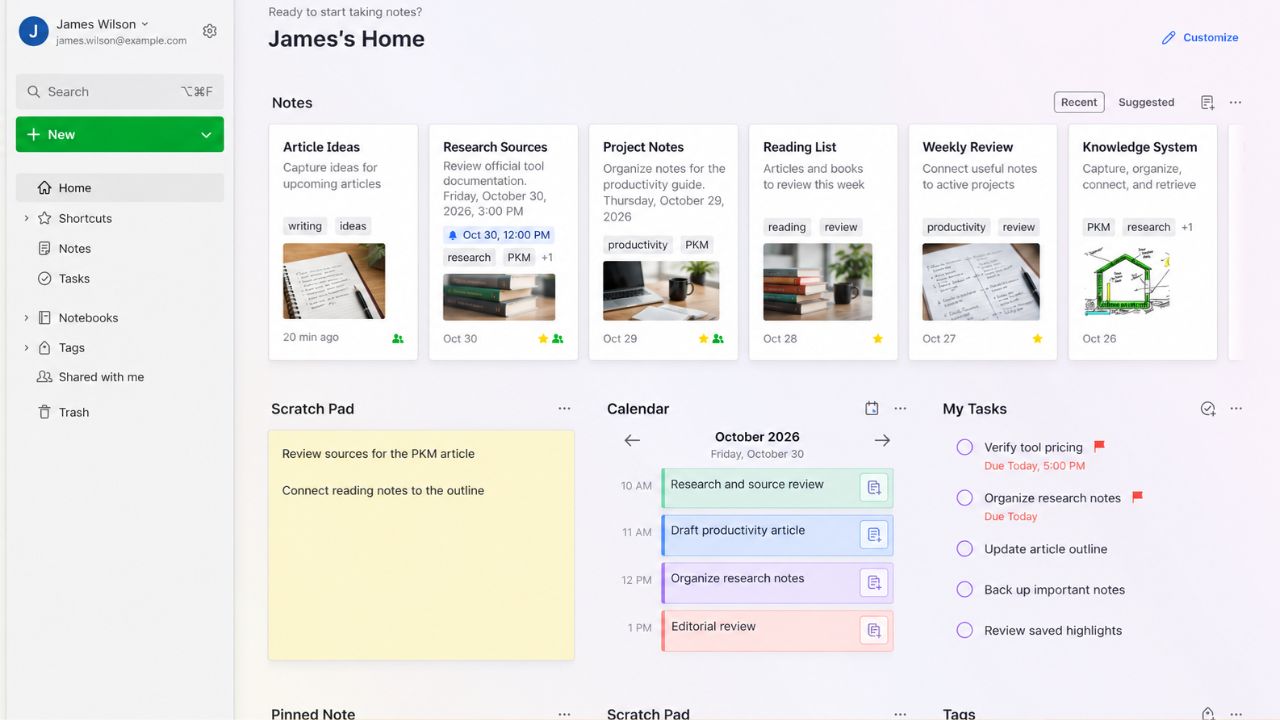
Already have years of research in Evernote? Improving titles and notebooks may be more worthwhile than migrating everything. Its Web Clipper remains useful for saving articles, selected text, and other web material.
For newcomers, the free tier is restrictive. As of October 30, 2026, it allows 50 notes, one notebook, and one connected device. Evernote Web counts toward that device limit.
Treat a growing, multi-device library as a subscription decision. If leaving, Mac and Windows desktop apps support ENEX and HTML exports, including for free users. Inspect attachments, tags, and links before migrating in bulk.
7. Readwise Reader: Reading and Highlights
Reader gathers articles, newsletters, PDFs, and EPUBs for reading and annotation. It can complement personal knowledge management tools that primarily hold your own writing.
Check the plan carefully:
- Reader-only: US$7.99 per month, billed annually.
- Full Readwise: US$9.99 per month, billed annually, including Reader and Highlights.
Highlights includes export connections to apps such as Obsidian and Notion. The cheaper plan should not be assumed to include that complete workflow.
Automatic export needs restraint, too. Sending every highlighted sentence into a notebook creates more material to search. Add a brief explanation of why the passage matters.
8. Zotero: Research and References
Zotero is particularly useful when you need to trace an argument back to its evidence. It keeps source records alongside notes and files, while its browser Connector captures reference information.
PDF annotations added to notes include links to the relevant page and citations for supported word processors.
Its free attachment-sync allowance is 300 MB, which does not cap files stored locally. Review captured author names, dates, and titles for errors.
9. Raindrop.io: Organized Bookmarks
If saved web resources are the problem, Raindrop.io may be sufficient. Its free plan includes unlimited bookmarks, collections, devices, and import/export. Pro adds full-text search, web archiving, and duplicate or broken-link tools.
Bookmarking and preservation are different. Saving a URL cannot guarantee the original page will remain available.
Use recognizable collection names such as “Portfolio examples.” Transfer material to your notebook when you have an explanation or conclusion to develop.
Compare the Tools by the Job You Need Done
Several of these personal knowledge management tools overlap. Choose by the part of your workflow that currently causes trouble.
| Tool | Main Role | Check First |
| Obsidian | Linked writing library | Backups and sync |
| Notion | Research and projects | Offline preparation |
| OneNote | Flexible visual notes | Account access |
| Apple Notes | Everyday capture | Device mix |
| Joplin | Offline notebooks | Sync configuration |
| Evernote | Existing capture library | Plan restrictions |
| Readwise Reader | Reading and annotation | Subscription inclusions |
| Zotero | Traceable research | Attachment-sync storage |
| Raindrop.io | Saved web resources | Archiving requirements |
A writer might choose Obsidian and Zotero. A student could start with OneNote alone. Someone organizing personal reading may find Apple Notes and a bookmark manager sufficient.
When Your System Becomes Another Inbox
Even good personal knowledge management tools can accumulate material you never process. Review recent captures weekly. Keep useful ideas, explain their relevance, and remove outdated material. Preserve sources beside factual notes and distinguish quotations from your own interpretation.
Try finding something saved last week. If retrieval fails, improve titles and context before rebuilding the entire system.
Final Thoughts
Choose one project and one notebook. Give personal knowledge management tools a practical test: can you retrieve a source, explain its relevance, and use it in finished work?
After two weeks, identify a specific gap before adding another app. Let that problem guide the next purchase or migration.
Frequently Asked Questions (FAQs) About Personal Knowledge Management Tools
Do You Need a Formal Note-Taking Method?
No. Start with clear titles, sources, and project connections. Adopt a method when it addresses a difficulty you can identify.
Should You Move All Your Old Notes?
Begin with active projects. Bring older material across when needed. Reorganizing the entire archive can wait.
Can AI Summaries Become Research Notes?
Treat them as drafts. Check names, numbers, and conclusions against the original source. Keep its link beside the summary so later verification remains possible.