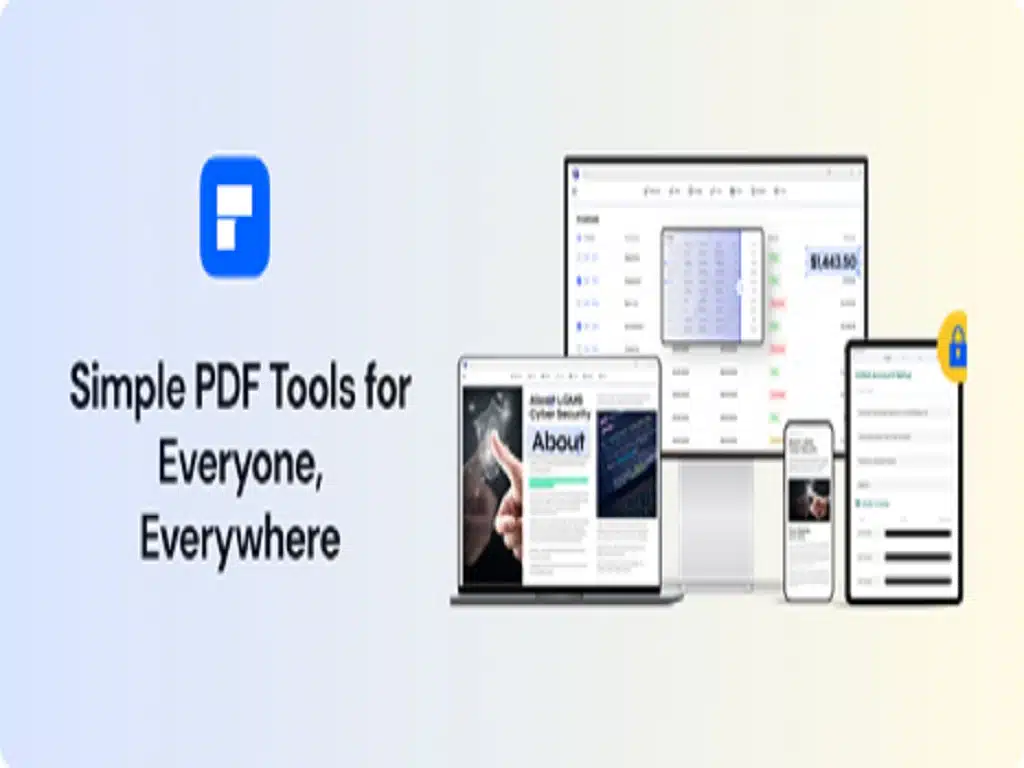
Wondershare PDFelement works on Windows, Mac, iOS, Android, and even the cloud. Support PDF functions like editing, converting, annotating, signing, sharing, and more.
The best tool for making, editing, and managing pdf files just got a big update that added a ton of cool new features. pdf element 9 makes it much easier to work with pdf files, which are usually hard to use. If you do any kind of work, it’s likely that you’ve dealt with PDF files before. This makes it hard for us to open, change, combine, or sign PDF documents. Thanks to Wondershare pdf element 9, you’ll never have to fight with these kinds of files again. The pdf element tries to be the best software for your pdf files that you can get from Wondershare.
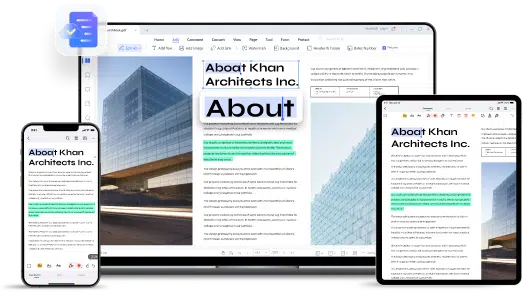
The all-new version PDFelement 9 has the following new improvements:
1. Bottom layer update – faster (up 10%)
Rendering speed has been sped up. PDFelement is known for its fast and effective PDF editing system. This fast system has been upgraded to a new level, where users can enjoy a 10% faster-rendering speed. In the free PDF editor, you can now cover processes and functions more quickly.
2. The multi-terminal flow of documents
After the tool was updated to PDFelement 9, it became easier to use in new ways. Since it works with more than one terminal, it can now be used to move documents between more than one terminal. Since it works for both desktop and mobile users, it connects them through the Document Cloud. This gives them a way to share and swap documents across the Document Cloud.
3. New advanced features
Users of Wondershare PDFelement 9 can now find a number of advanced features all over the program’s interface. These include:
- Translation of Documents: If you have a problem with the language of a certain document, you can now use PDFelement to translate the PDF’s words into one of the many supported languages. It fixes simple language problems and makes things easier for users.
- Form Recognition Feature: This feature is great for forms or tables that contain specific information or need specific information to be added across them. The user can now use a single button to find all form fields in a PDF document that can be changed with the free PDF editor.
- Generating Annotation Notes: Any comments or notes added to a PDF file can now be exported separately. PDFelement smartly makes annotation notes in the form of a document that users can use to summarize important information from the PDF.
- Reading Mode: The latest Reading Mode updates for PDFelement let users enjoy an immersive reading experience across all platforms. The mode gives them the chance to see the PDF document in the right way.
- More Batch Management: The PDF editor lets you do different kinds of batch processing. PDFelement now has more batch management features that help them process documents in batches and save time. These features were added to previous versions of PDFelement, which already had a lot of features.
- More view support: Wondershare PDFelement users can now use a better way to look at PDFs. It lets them separate the cover from a PDF file and look at the document in different ways. Change the page backgrounds and rotate the view to get a better look at PDF documents as a whole.
4. Upgrade In User Interface
Better options have been added to the PDF editor’s interface to improve the user’s experience. Even though these options are shorter, they give users more room to read and make it easier to move from one feature to another. This tool is simple and easy to use for anyone who has never used a PDF editor before. The interface is clear, which makes reading more enjoyable and gives more people in the digital ecosystem a better chance.
1. Read And Annotate
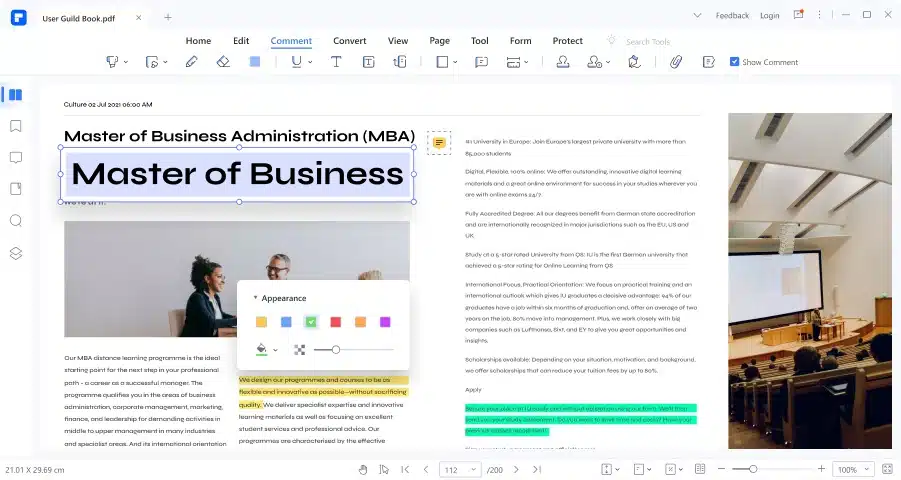
The PDF editor has gotten better in many ways when it comes to reading and making notes. The following will help you understand the important changes that directly improve the user experience:
With Wondershare PDFelement 9, you can translate documents to the best of your ability. With support for more than 80 languages, this feature can automatically figure out the language and give you the option to highlight the translation of a PDF document. It even lets them save all of their translations in the form of comments that they can look back on later.
2. Cloud
Wondershare PDFelement 9 is linked to its online, cloud-based version, Document Cloud, which works on all platforms. Users can access their files in the cloud directly from their computer or smartphone, thanks to Document Cloud’s ability to connect all platforms. Every device can open, save, or share any file that is being edited in the cloud.
With the help of the cloud platform, users can move files from one device to another. This makes it easier for people who use PDF files all the time in their jobs to connect to the cloud.
3. Editing PDFs
Editing PDFs is one of the most important and oldest features of PDFelement. When it comes to editing PDF files, the tool has been adding a lot of new features. Wondershare PDFelement 9 makes it easy to use these tools, like editing text, images, and links all over a PDF. It does this by having expressive functionality.
PDFelement now lets you edit different types of objects separately, so you don’t have to worry about them getting tangled up when you edit a PDF file. Users can choose any type of object to edit across the whole PDF document without affecting other parts that aren’t necessary.
4. Edit Form
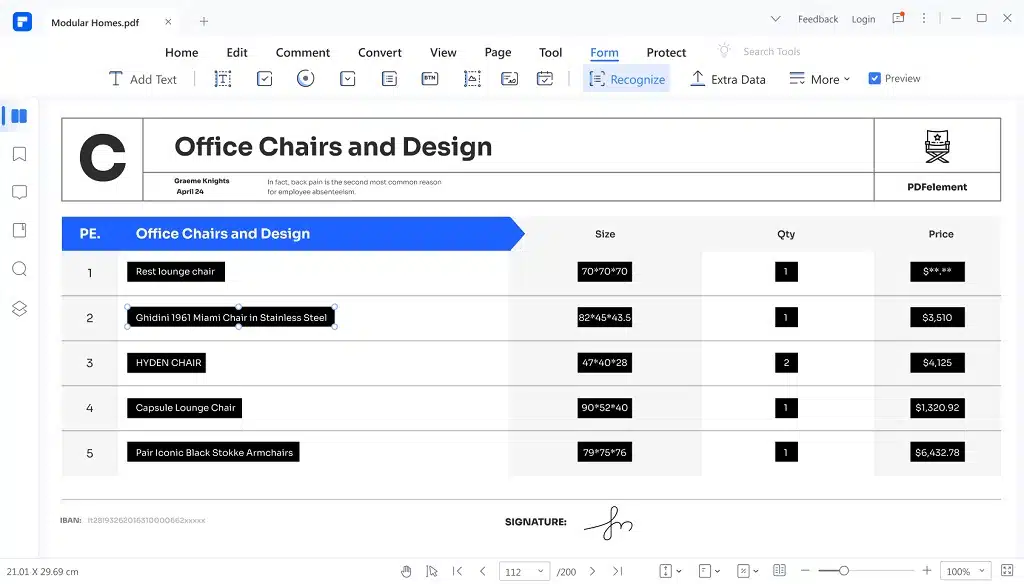
PDFelement is known for having an interface that makes it easy to manage forms. In the latest version of Wondershare PDFelement, users can edit PDF to fillable forms and make new ones from scratch. They can also use a single button to find all of the editable fields in a PDF document. Users can find tables in a PDF document and copy the table’s content to use however they want.
Along with making changes to a form, you can also add fields, fill out PDFs, or make fillable tables with up-to-date information in the right format.
In the most recent update to PDFelement, there is now a separate way to manage headers and footers across all PDF documents at once. You can easily add files from your computer or files that have already been opened on the platform when you use this feature in the Batch section of PDFelement. The style for these documents makes it easy to change the header and footer.
Using PDFelement’s batch feature, you can also change the background of your PDF files. The most recent version of this free PDF editor lets them add any files they want and change the background in the easiest way possible.
6. OCR
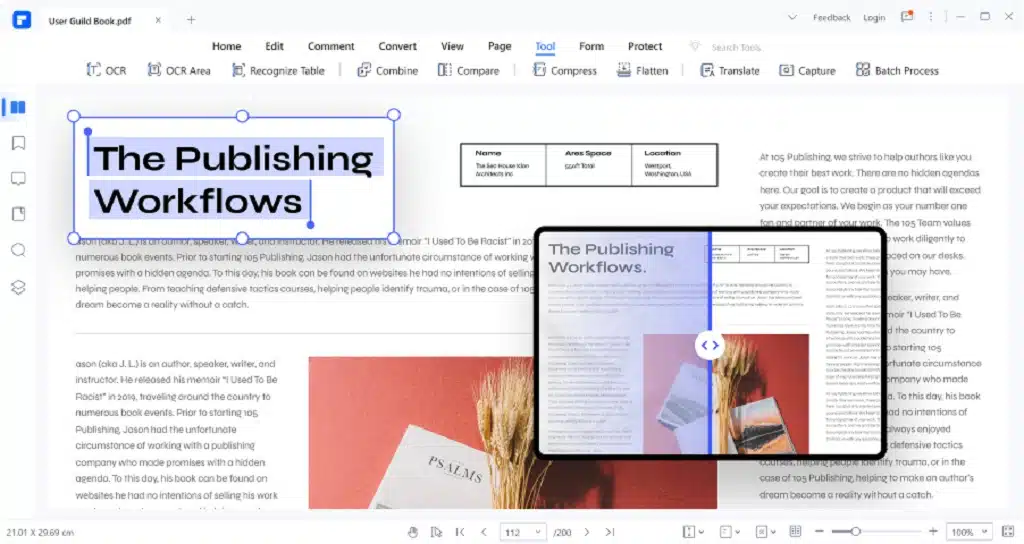
PDFelement 9 helps you convert, edit, and sign PDF files. It also has strong features like OCR (Optical Character Recognition) and PDF utilities for organizing PDF files at a reasonable price. Here’s what they are, Even if a PDF was scanned as an image file, it can find the text and turn it into text that can be searched and changed.
The Pros and Cons of PDFelement with other PDF Editors
Pros
- You can easily turn HTML pages, Word documents, and Epub books into PDF files.
- A PDF form that can be changed is easy to fill out and change.
- Combine and create web pages, text files, photos, and other types of files to turn them into PDFs.
- OCR makes it possible to search for and change the text in PDF files that are made up of images.
- You can divide and join PDF files.
- User interface that is simple and easy to use
- Features of modern business
- Platform-to-platform compatibility
- Get data out of it and change it into different formats.
- Changes pdf files into other formats, such as Word, images, and ppt.
Cons
- It could give you different ways to turn an image into a PDF file.
- Even though the user interface is great, some options, like designing a sign, can be hard to find.
- The free version has a watermark, but the paid version is the only way to get OCR.
Conclusion
The features of the program are made to meet the needs of people in the education field, and the fact that it can be used both online and offline makes it even more useful. PDFelement makes it easy to send and receive files, compress files, convert files to other formats, and sign documents. This program is a must-have for anyone who works in the education field. With Wondershare PDFelement’s precise text recognition technology, which reads what’s being written, it’s easy to fill out applications for college or any other document. It is also possible to find signatures on a document so that people who want to sign up for college or other educational apps or programs can do so.
Just take a picture of your essay or form with your phone’s camera and upload it to the Wondershare pdf element. Before you sign it with an apple pencil, make sure your name is in the right place. After you sign them, the signed document is added to the pdf file right away, so you can send them right away.