


There are many techniques and tools in landscape photography that help convey the beauty of nature. One of these tools is ND filters, and you can learn how to use them at https://retouchme.com/blog/how-to-use-nd-filters-for-landscape-photos, which help capture the movement of water and clouds in the frame, creating soft and smooth effects. In this article, we will take a closer look at how ND filters affect the final result, and why they are indispensable for photographers who want to convey the dynamics and atmosphere of the surrounding world.
What are ND filters?
ND filters, or neutral gray filters, are designed to reduce the amount of light entering the camera sensor. Their main purpose is to allow the use of longer shutter speeds even in bright lighting conditions. With these filters, you can achieve the effect of blurring moving objects, such as water or clouds. It is worth noting that the use of ND filters opens up new horizons for creative expression for the photographer, allowing you to experiment with various techniques.
One of the most popular scenarios for using ND filters is shooting waterfalls, rivers and seas. These filters give the water in the photo a soft, silky look that is impossible to achieve with regular photography. This technique is often used in landscape photography to emphasize the dynamics and movement of water, creating the effect of a fabulous, even mystical landscape. nd-filters-for-landscape is a must-have tool for those who want to convey the atmosphere of a place through photos, creating truly mesmerizing shots.
The Impact of ND Filters on Water Photography
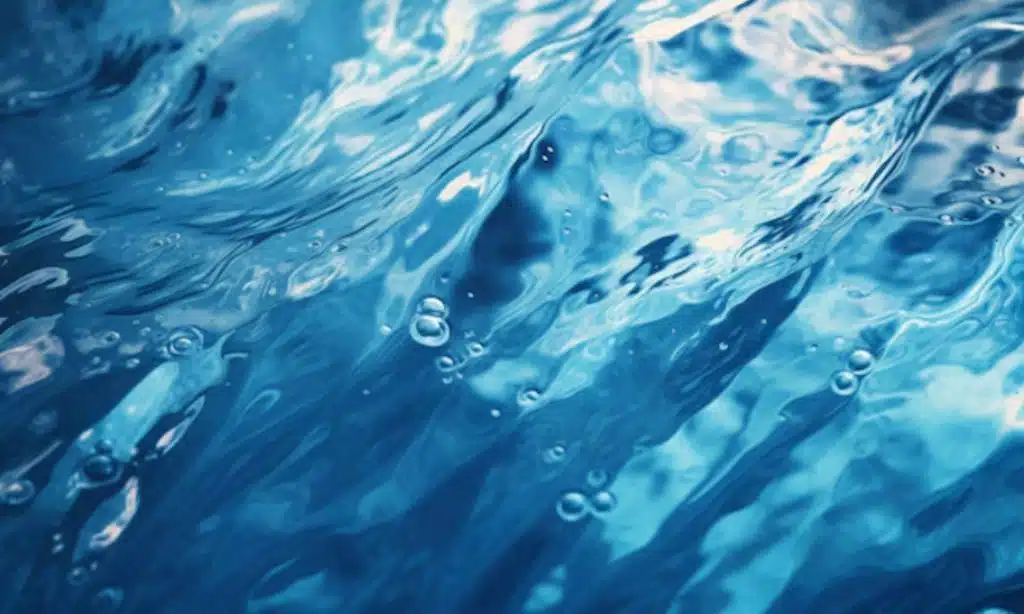
Water is one of the most difficult and at the same time exciting objects to photograph. It is constantly moving, reflecting light, changing its shape and texture. ND filters allow you to capture this movement, creating the illusion of the passage of time in the photo. When using a long shutter speed, the water flow becomes smooth and calm, which gives the frame a unique aesthetic.
The use of ND filters in water photography has its own characteristics and requires some experience. It is important to choose the right degree of filter darkening, which is measured in exposure steps (stops). For example:
- ND8 (3 stops) — slightly darkens the image, suitable for shooting in low light conditions.
- ND64 (6 stops) — used in bright daylight to significantly blur the water.
- ND1000 (10 stops) — allows you to completely “smooth out” the surface of the water, creating the effect of fog or mist.
The choice of filter depends on the lighting conditions and the desired result. Experimenting with different degrees of darkening, you can achieve both a soft blur and almost complete smoothness of the water.
Practical tips for using ND filters
Using ND filters requires some preparation and understanding of shooting technique. It is important not only to choose the right filter, but also to consider other factors such as camera settings, lighting conditions and the type of subject.
- Choosing the time of day: For photographing water and clouds with ND filters, the best time is sunrise or sunset, when the light is less intense and the colors are more saturated. At this time, you can use filters of lower density and achieve a more natural effect.
- Correct exposure: When using ND filters, it is important to set the exposure correctly so as not to lose detail in the light and dark areas of the frame. Exposure is selected through experimentation, and an experienced photographer will quickly learn to find the perfect balance.
- Using a tripod: Since ND filters require the use of a slow shutter speed, a tripod becomes a must-have tool to prevent blurring of the entire frame. A stable camera position allows you to maintain sharpness where it is needed and achieve the desired blurring effect of moving objects.
- Focusing before attaching a filter: Since ND filters darken the image, you need to focus on the subject before attaching the filter. This avoids problems with autofocus and ensures that the main subject of the photo is sharp.
But remember that even with good equipment, including high-quality ND filters, you can’t always achieve the desired result right away. To achieve mastery, you need practice, patience and, of course, a passion for photography. The Retouchme app can be a great assistant at the post-processing stage, helping to correct minor flaws and bring the photos to perfection.
























