

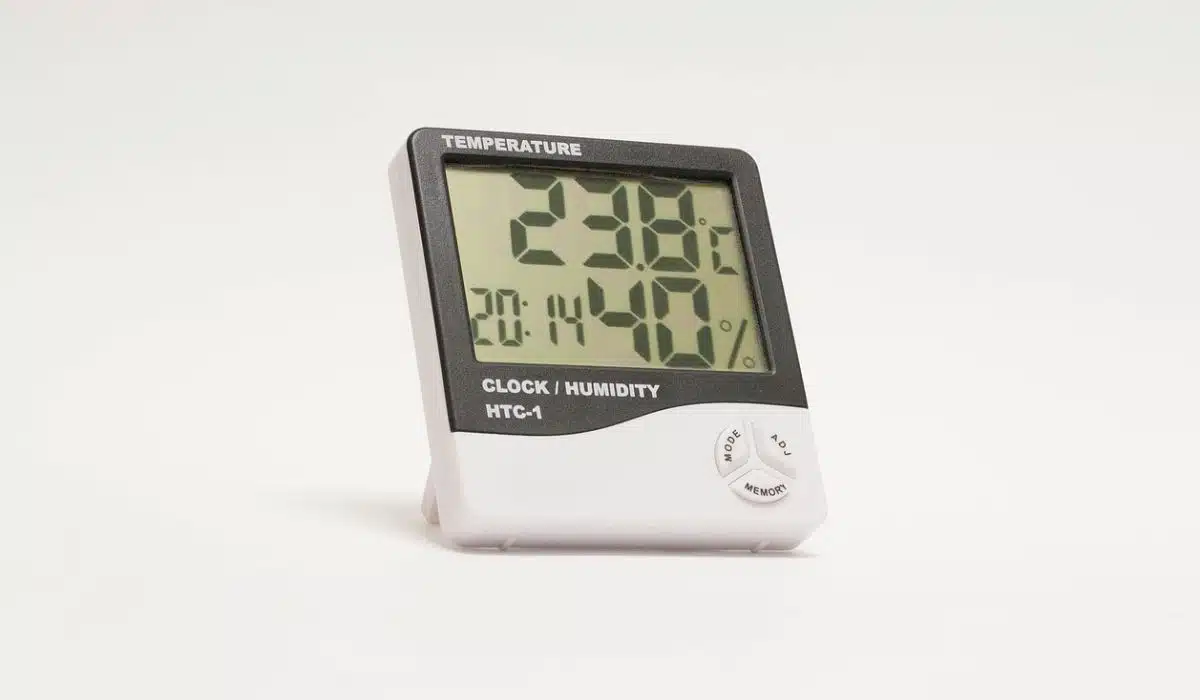
Thermostats have come a long way from the simple dial on the wall. Smart thermostats are one of the most popular smart home devices, allowing homeowners advanced control of their home’s temperature. A smart thermostat connects to the internet and can be controlled remotely via smartphone. Key benefits include energy savings from optimized heating and cooling, convenience from anywhere access, and integrations with other smart devices. Smart thermostats learn your schedule and adjust temperatures when you are home or away to maximize comfort and efficiency. In this blog post, I will provide tips to help you get the most out of your smart thermostat. Properly setting up, programming, and using all the advanced features of your thermostat will ensure greater energy savings and convenience. With the right utilization, a smart thermostat can be one of the most worthwhile smart home investments.
Choosing the Right Smart Thermostat
When selecting a smart thermostat, you’ll want to consider major brands, connectivity, home size, zones, and compatibility. Leading brands like Braeburn, Danfoss, and Siemens each offer unique features. Braeburn thermostats boast sleek touchscreen displays and integration with Amazon Alexa. Danfoss offers smart learning algorithms to optimize your heating and cooling schedule. Siemens has a focus on premium design and technology like room sensors and humidity control. For connectivity, WiFi-enabled models allow control away from home through smartphone apps. Zigbee thermostats connect to a hub and have the advantage of creating a mesh network of smart home devices. Consider the size of your living space and if you need to control temperatures in multiple zones. Larger homes may benefit from thermostats capable of controlling multi-zone systems. You’ll also want to check compatibility with any existing smart home platforms and voice assistants you use. Thermostats under $100 like the Braeburn Elegance are great for smaller spaces on a budget. Expect to invest $200-$400 for advanced features and expansive home control for thermostats from Danfoss, Siemens, and other premium brands. With the right selection based on your smart home needs and heating/cooling system, a smart thermostat can optimize comfort and savings.
Installing Your Smart Thermostat
Installing a smart thermostat will involve a few key steps. First, turn off the power to your HVAC system at the breaker box to avoid electrical hazards. Next, remove your old thermostat, being careful to label each wire connection for easy reinstallation. Mount the new thermostat’s baseplate and connect the wires according to the manufacturer’s instructions. Ensure connections are secure, then snap on the thermostat unit itself. Turn the power back on and connect to WiFi following the prompts in the thermostat app. Carefully following installation directions is crucial, as incorrect wiring can damage the thermostat or HVAC system. If you are uncomfortable dealing with electrical wiring, I recommend hiring a professional electrician for installation. While most smart thermostats are designed for simple DIY setups, having an expert handle the electrical work ensures everything is wired correctly from the start.
Optimizing Schedules and Settings
One of the best ways to maximize energy savings with your smart thermostat is to optimize your heating and cooling schedules. Most models allow you to set different temperature schedules for when you are home or away. Program your thermostat with a schedule that matches your typical routine. Many thermostats also learn patterns and suggest schedule adjustments to prioritize comfort when you are home. Enable features that allow your thermostat to automatically change temperatures based on room occupancy or local weather changes. Geofencing that detects when your phone leaves or arrives at home is an excellent way to automatically shift to home and away temperatures. Built-in motion sensors in some thermostats also detect occupancy and make intelligent temperature adjustments.
When setting scheduled temperatures, aim for energy-efficient settings like 60-63°F for heating when away and 68-70°F when home and awake. At night, a slightly cooler 62-65°F helps save energy as you sleep. On the cooling side, 78-80°F when occupied and higher, like 82-84°F when away provide energy savings without sacrificing comfort. Optimized scheduling and smart auto-temperature features ensure you maximize savings while staying comfortable whether you are home or away.
Integrations and Advanced Features
Smart thermostats like Siemens thermostats and Danfoss thermostats offer integrations and advanced capabilities that take your temperature control to the next level. Many models work with voice assistants like Amazon Alexa for hands-free voice commands. Automation apps like IFTTT allow customizing rules like adjusting the temperature when you arrive home. For whole-home comfort, smart thermostats can integrate with smart vents to target heating/cooling in specific rooms. Added sensors provide enhanced precision – humidity sensors help maintain ideal indoor air quality and proximity sensors trigger temperature changes when you are nearby. Multi-zone systems enable custom control across different areas of your home. Remote temperature sensors placed in occupied rooms provide accurate readings for tailored comfort right where you need it. With the right integrations and advanced features, your smart thermostat can deliver convenience, energy efficiency, and custom comfort.
Conclusion
Smart thermostats offer greater home comfort, efficiency, and cost savings when optimized properly. By setting schedules aligned to your routine, enabling smart features, and integrating with other devices, you can maximize energy savings. A smart thermostat combined with eco-friendly settings tailored to your home leads to a cozier, more cost-effective living space.


























